Dola
Productivity
2026-09-22
354.52MB
15.1.0
Android
389
Screenshots
Introduction
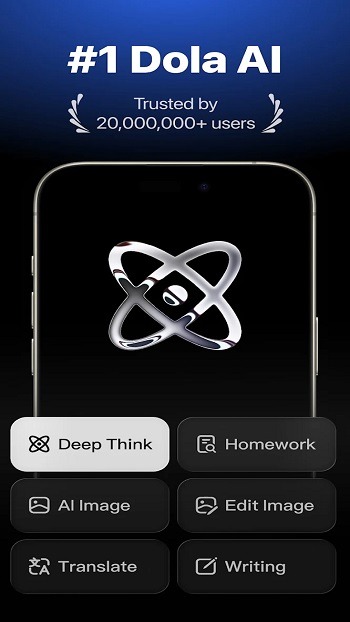
Dola is a powerful AI tool designed to assist users with a wide range of daily tasks, including writing, learning, and image generation. The app supports both text and voice input; users can type questions into the chat interface or communicate directly with the AI via voice, making the experience highly convenient. It also aids in the writing process—users simply need to state their requirements, and the app can handle the editing. Alternatively, users can submit a draft for the program to refine or revise. With this app, daily life becomes much more convenient.
Features:
Chat by voice or text
You can type a question or speak naturally to Dola when your hands are busy. The app supports follow-up questions, which lets you add details or ask for a different explanation within the same chat. This can be useful when you are working through an idea and need to clarify it one part at a time.
Write and revise content
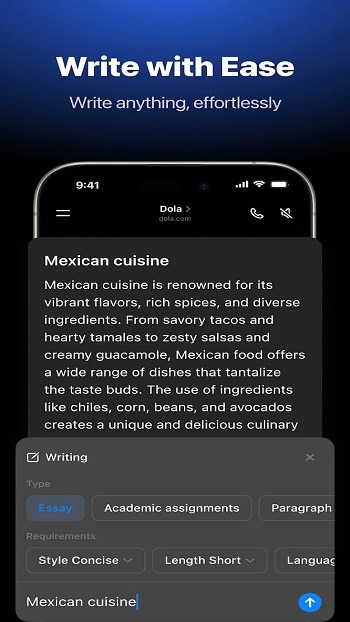
Dola can help you prepare emails, reports, resumes, essays, notes, and social posts. You can provide a rough draft and ask for clearer wording, a shorter version, a different tone, or a better structure. As an AI writing assistant, it is intended to support drafting and editing, so review the final text before using it for school or work.
Summarize and study
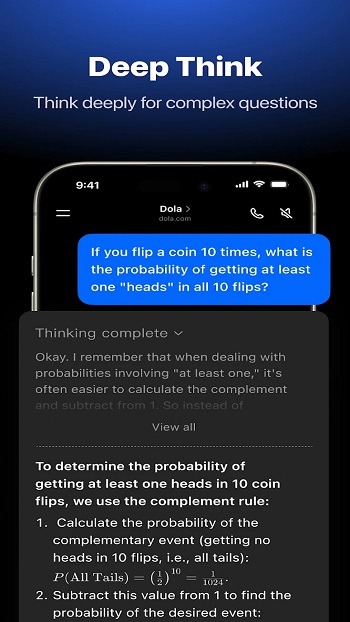
You can share text, links, files, and webpages with Dola to request a summary. Then, you can ask for key points, a shorter result, bullet points, or an explanation in simpler language. Dola also supports questions about difficult topics and can show math explanations step by step, which may help when reviewing class material or meeting notes.
Plan daily tasks
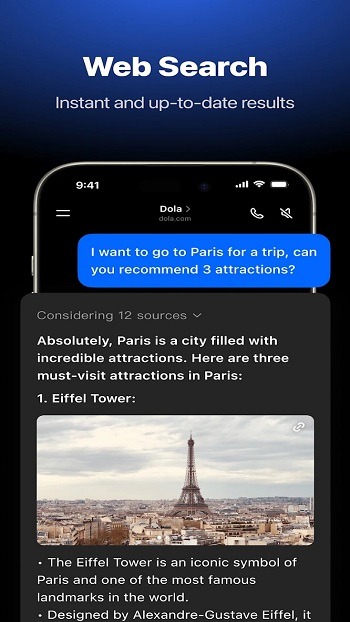
You can use Dola to organize tasks and turn a general idea into a practical outline. For example, you may ask for meal plans, recipes, a schedule, or a trip plan, then adjust the result as your needs change. This keeps planning questions and later revisions together in one chat flow.
Create images from prompts
Dola lets you describe an image in text and request generated artwork. You can also restyle photos with options such as anime or cyberpunk looks. The AI image generator can be used when you need a visual concept for a social post or a personal creative project and do not want to start with design tools.
Highlights:
Effortless Content Creation
Drafting compelling content often presents a significant hurdle, but this powerful AI assistant simplifies the process dramatically. It provides intelligent support for crafting emails, engaging social media posts, academic essays, and even professional resumes with remarkable speed and clarity. Users can overcome writer’s block by simply providing a prompt, allowing the AI to generate well-structured and contextually relevant text.
Visuals and Creative Ideas
Dola extends its capabilities beyond text, venturing into the realm of visual creation and strategic planning. The tool can generate stunning visuals based on user descriptions, transforming abstract ideas into concrete images that enhance presentations, social media, or personal projects. This feature democratizes visual design, making it accessible even to those without specialized graphic design skills.
Seamless Daily Assistance
The utility of this AI solution spans across a broad spectrum of daily requirements, offering more than just writing and creative support. It acts as a reliable personal assistant, ready to engage in friendly chats, answer questions, or provide information on demand. This conversational aspect ensures that help is always at hand, making it a convenient resource for quick queries or general knowledge retrieval.
Intuitive User Experience
Designed with the user in mind, the interface of Dola is remarkably straightforward and easy to navigate. Its clean layout and logical organization ensure that users can quickly find the features they need without unnecessary complexity. This focus on user-friendliness minimizes the learning curve, allowing individuals to harness its powerful AI capabilities almost immediately.
Pros and Cons:
Pros
Combines writing, summaries, planning, and image creation
Accepts both text and voice requests
Supports follow-up edits for text and images
Useful for article, webpage, and file summaries
Cons
Calendar functions require external permissions
Advanced image features may have regional or usage limits
Important AI-generated details require manual checking
FAQs:
What is Dola?
Dola is an AI app for Android that helps you write, summarize, learn, and generate images—all from a single platform.
What can the Dola APK be used for?
The app is used for writing text, organizing ideas, summarizing files, answering questions, and creating AI-generated visuals.
Is Dola suitable for students?
Yes, Dola helps with understanding material, summarizing readings, and completing assignments more quickly.
Can Dola be used without an internet connection?
Most features require an internet connection for the AI to function optimally.
Are Dola's outputs always accurate?
The results are quite helpful for general use, but it is still advisable to double-check them for important or technical information.
Conclusion:
Dola offers an exceptional experience for anyone looking to increase their productivity and creativity. By combining text generation, file summarization, and AI art creation, it covers all your daily needs. Furthermore, the simple interface ensures that anyone can use the features without confusion. You will enjoy a seamless workflow once you integrate Dola into your routine.
-
Latest Updates
-
Featured Apps