MiXplorer Silver File Manager
Productivity
2026-09-15
19.95MB
6.71.13-Silver
Android
149
Screenshots
Introduction
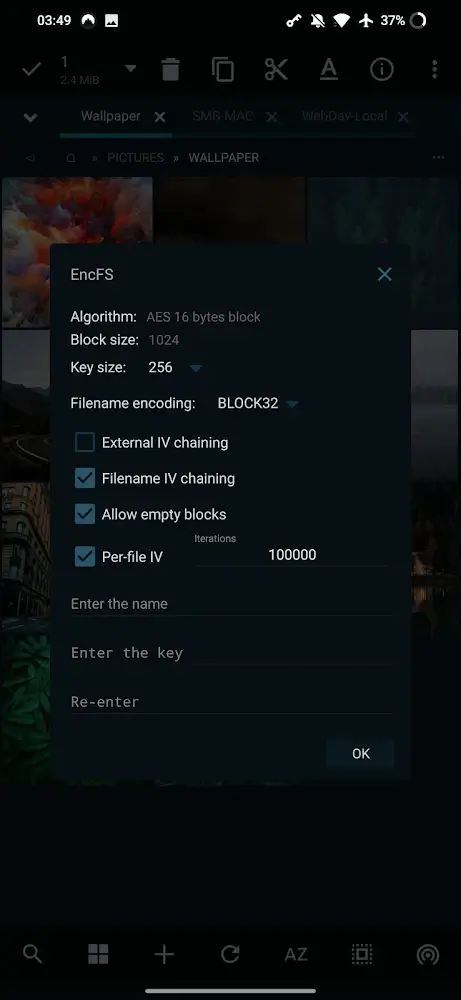
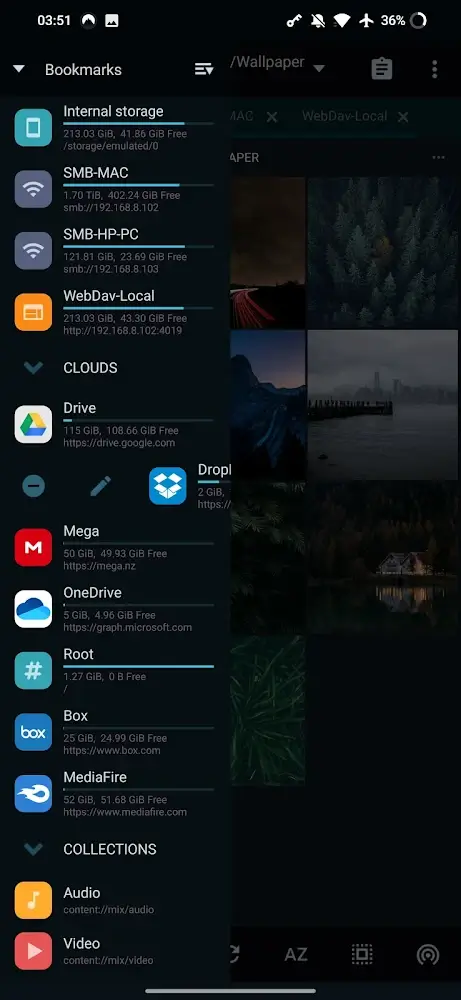
MiXplorer Silver File Manager is a powerful file management application. It integrates a wide range of features, allowing users to easily handle various tasks within a single app. Built-in tools—such as an image viewer, music player, and text editor—enable users to conveniently edit and work with their files. The app supports multi-view windows, making it easy to manage multiple files simultaneously. It also offers file encryption and decryption capabilities to help ensure data security. Additionally, the app includes numerous customization options, allowing users to create a personalized interface tailored to their preferences.
Features:
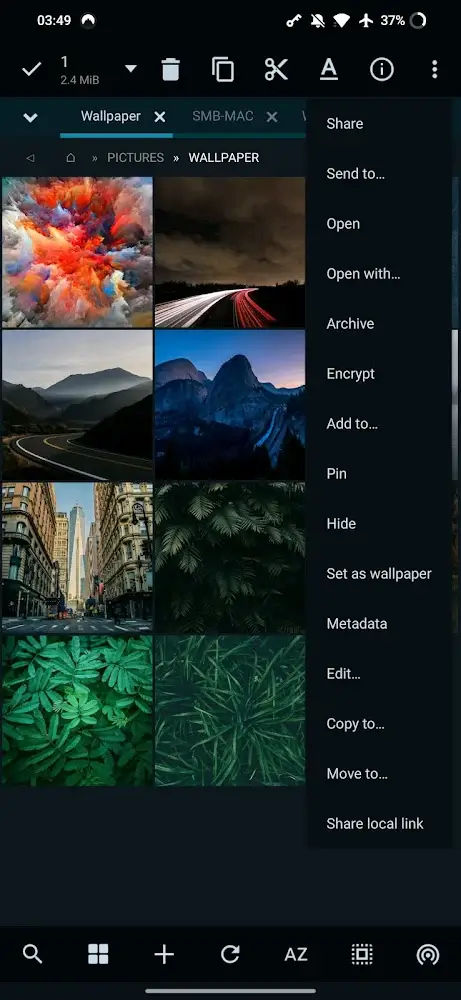
Tabbed Browsing: Open Multiple Windows in Tab View and Do Multiple tasks easily.
Advanced Search:Search Whatever you want, and very advanced filter while searching.
Built-in Features: This File Manager have build-in Image Viewer, Music Player, Media Player, Text Editor, HTML Viewer, FTP/SFTP Connector, Mp3 tag Editor, File Extractor (Rar, Zip, 7Z) etc.
Supports OTG Storage reading functionality.
Easily do tasks like Copy/Paste/Move.
Encrypt/Decrypt Files.
Edit System Files like Build Prop etc (Requires root access).
Ebook Reader: Open all Type of files like PDF, XPS, CBZ etc and much more.
Highlights:
Changing the appearance is simple: Just change the colors and themes, and your viewing will be convenient and beautiful.
Customizable menus: You can filter out items within the list with corresponding buttons.
Mark important things: By giving an app a priority, accessing it becomes much simpler.
Operation in landscape mode: You can drag or drop from one tab to another easily and expand to panels.
The way of viewing can be changed: If you find it difficult to observe, try the modes that the application recommends.
Fast search: With powerful control features, your desired results will be responded to immediately.
Accurate file information: The characteristics of something will go through detailed analysis steps, especially with HTML and fonts.
Useful for multi-tasking: With just one application, you can do many things from basic to advanced like copy, move, etc.
Friendly, easy-to-use interface: With a simple interface, it becomes simpler for you to manage different files.
Available sorting features: Management is often done through sorting criteria by type and group organization.
Pros and Cons:
Pros
Unlimited tabs and a dual-panel landscape layout
Extensive archive creation and extraction support
Cloud, SMB, FTP, SFTP, and WebDAV access in one app
Useful bundled viewers, editors, and security tools
Deep control over menus, colors, skins, and file associations
Cons
The sheer number of controls can overwhelm casual users
Some users report disappearing tabs and file deletion failures
Recent support responsiveness has been questioned
Usage:
Open MiXplorer Silver File Manager and check the main storage list, then choose internal storage, SD card, or another available location.
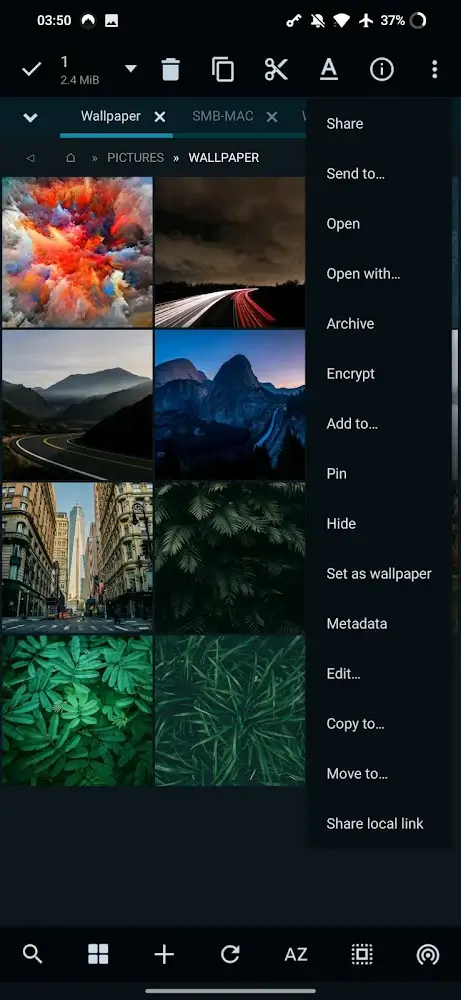
Browse to the folder you need, then use the file actions menu to copy, move, rename, delete, or create folders as needed.
Open another tab when you need to work between two folders, then switch between tabs or use the dual panel layout in landscape mode.
Add cloud, FTP, SFTP, SMB, or WebDAV access if you need remote files, then sign in or enter the required server details.
Use the archive, document, media, encryption, or editor tools only when the file type or task requires them.
Conclusion:
This can be considered an application containing all the outstanding features that hardly any other application of the same genre can do. MiXplorer Silver is guaranteed to be an extremely reputable and quality place for you to trust to leave all the files on your device for it to handle.
-
Latest Updates
-
Featured Apps