Countdown Widget
Tools
2026-10-09
22.97MB
3.2.0
Android
220
Screenshots
Introduction
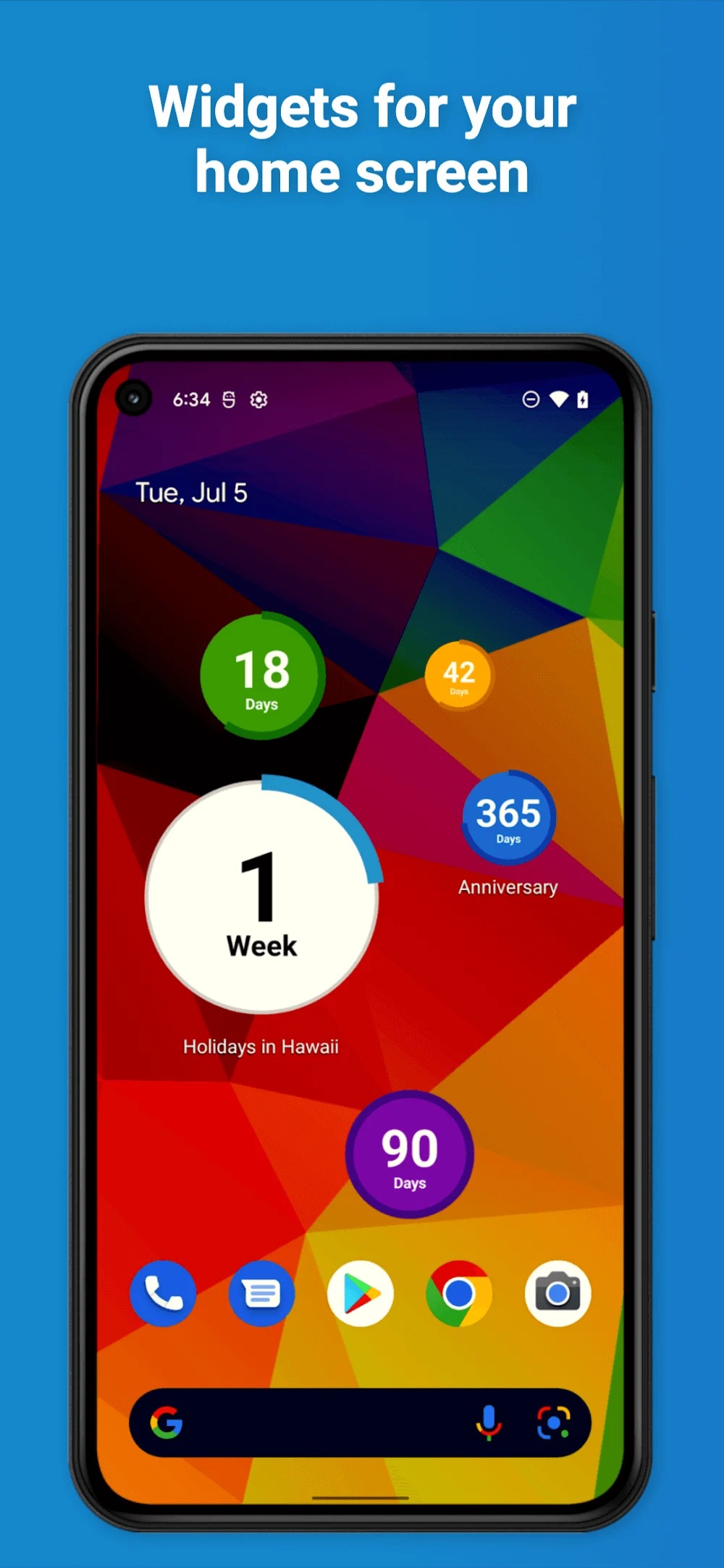
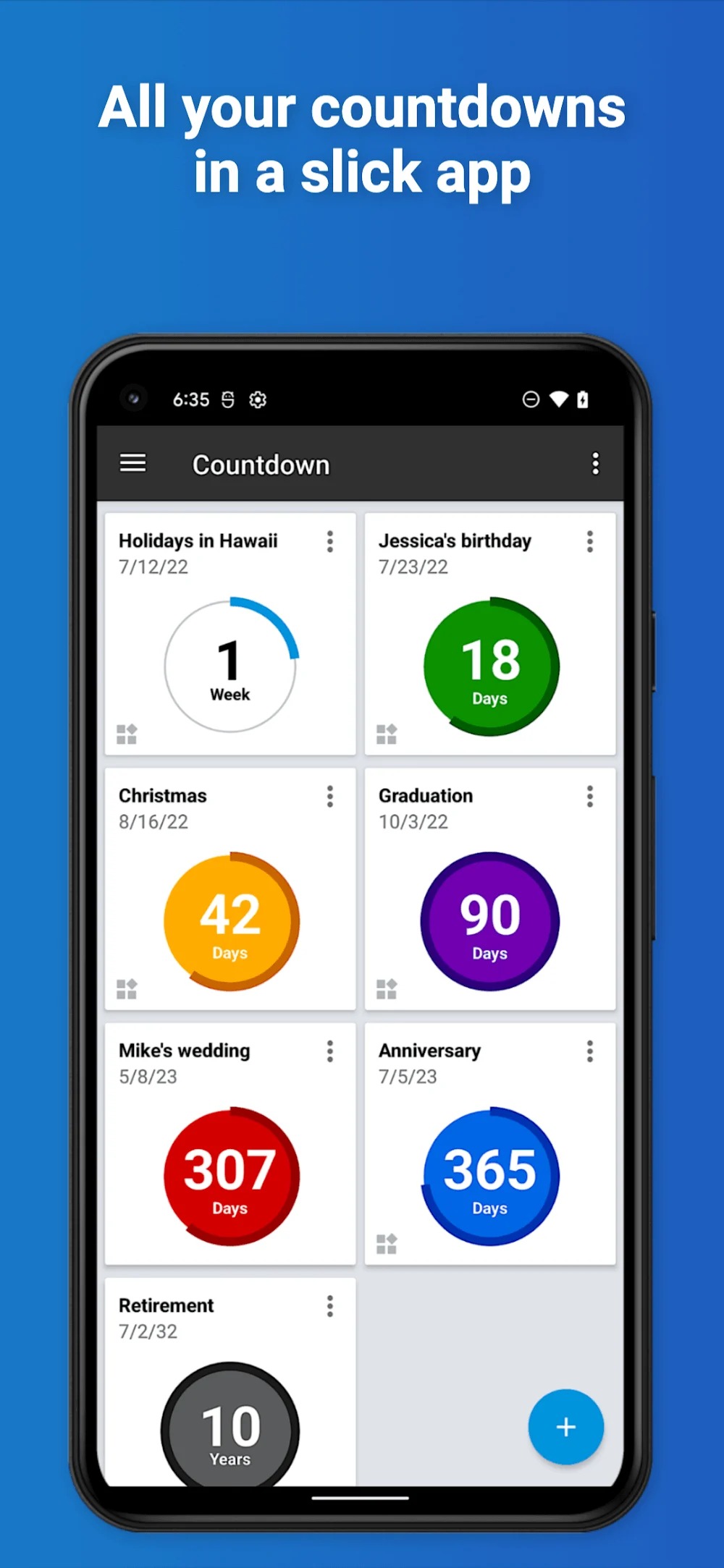
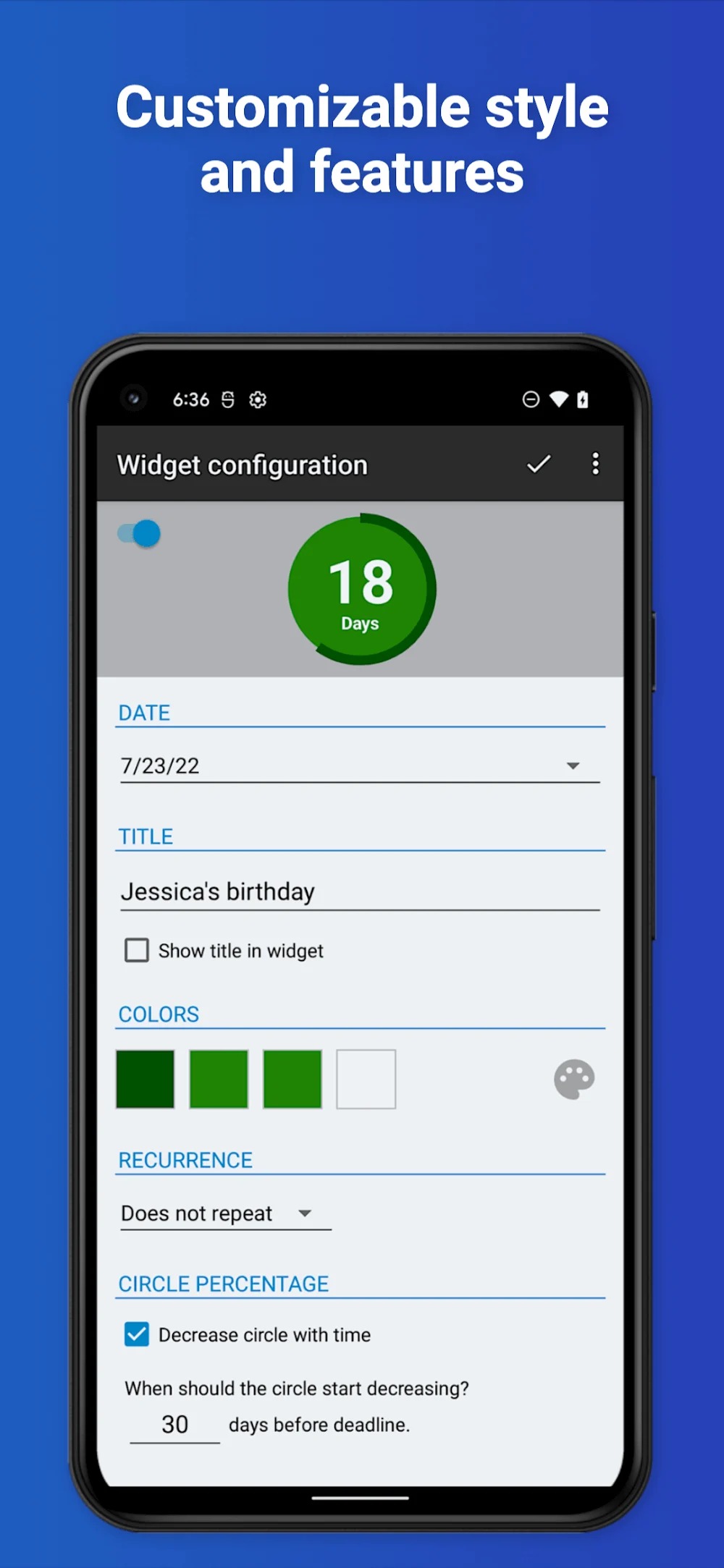
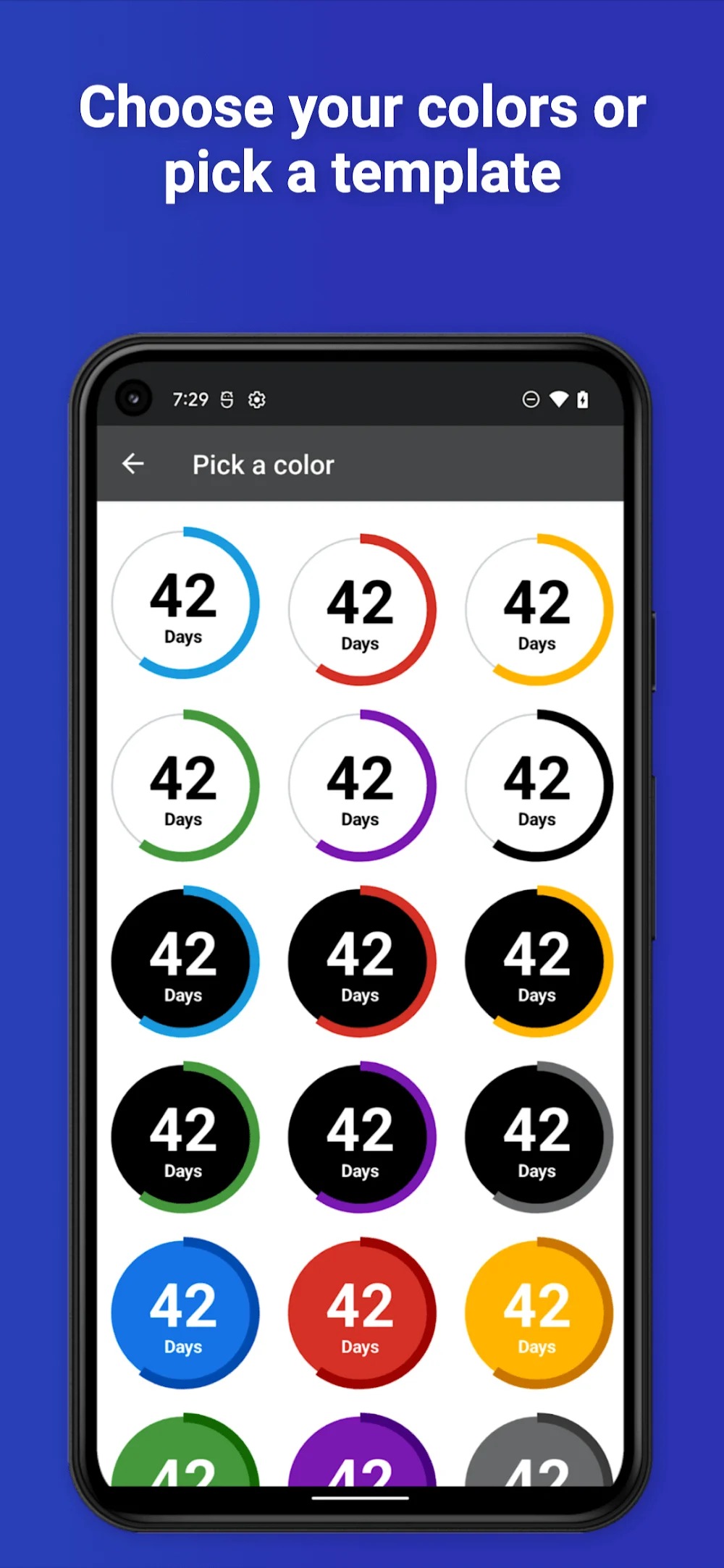
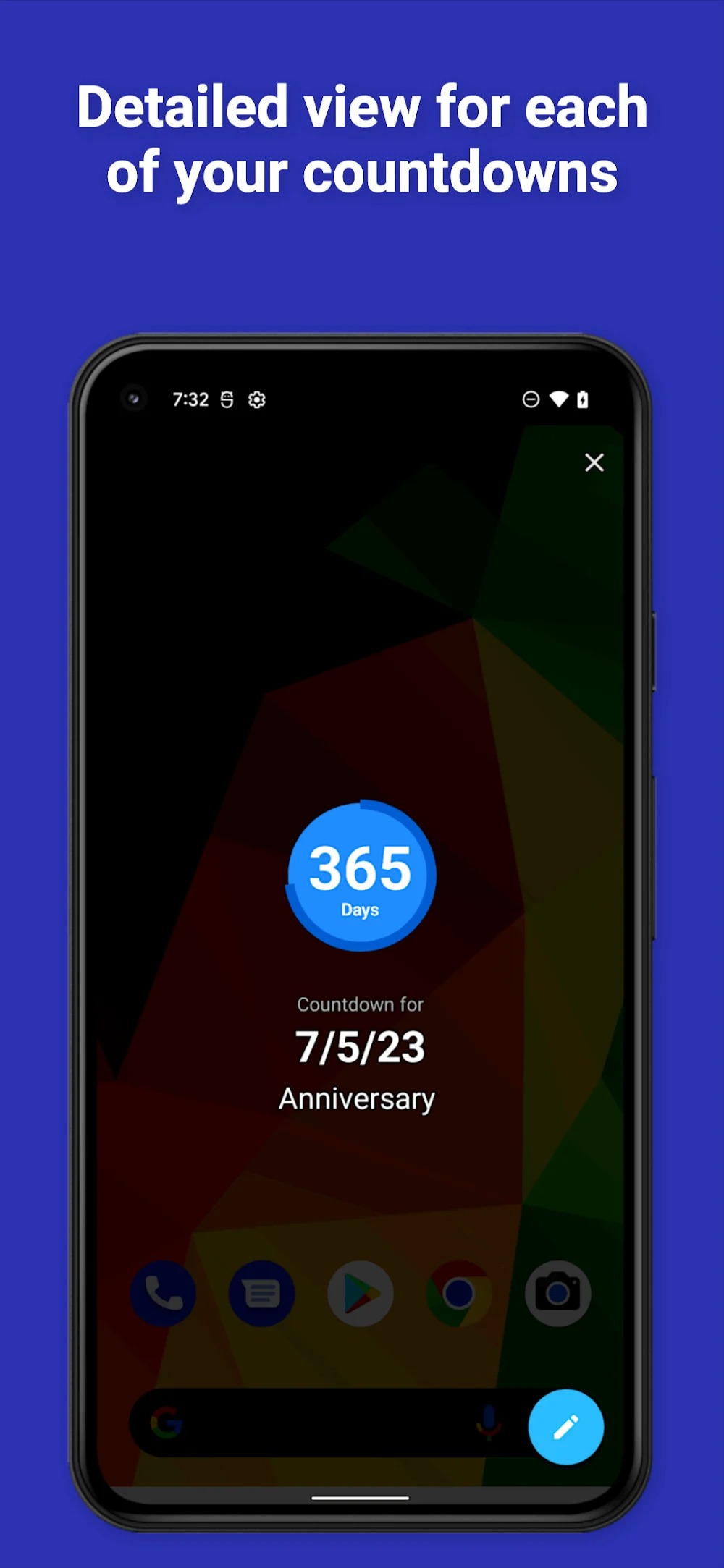
Countdown Widget is a highly practical Android tool that allows users to create countdown widgets anytime, anywhere, without any limits on the number of widgets. Users can set up countdowns for multiple events simultaneously. The app includes a notification feature to alert users when an event arrives. It also offers extensive customization options, enabling users to choose whether to display the remaining time in days or down to the specific time. Additionally, users can personalize the widget's appearance—such as color and size—to make it not only functional but also visually appealing.
Features:
Create as many countdown widgets as you want
Configurable widgets to count for days or time left for an event
Notifications to remind you of your upcoming events
Customisable Home Screen Widgets
Effortless Creation: Set up countdowns in seconds, pick dates, times and customize.
Highlights:
This countdown widget app counts the days until your next special event. And the countdown app has so many fantastic minimalistic designs: a beautiful home screen widget and a reminder with many notifications for upcoming dates. Users can track the days left for all their events using this countdown app. For example, you have a chance to create the birthday countdown, vacation countdowns, and also count days until the retirement date and the wedding ceremony and also baby’s due date, or any other event in your life.
The fantastic feature of this game is that you can create as many countdowns as you want and a configurable timer to count for days also left for years, months, and weeks. In this game, Recurring events, notifications to remind you of an upcoming event, and customized colors and fonts for each countdown. Theme gallery and decide which days to count for like, working days or only Sundays. And also, there are so many important events from your calendar app and share important dates with your friends. In this, there is ad removal and visual customization, and also remote backups.
Pros and Cons:
Pros
Resizable bubbles create a clear visual priority for events
Imports dates from the calendar
Supports recurring events and multiple countdown units
Colors, fonts, and themes can be set per countdown
Cons
Reported video ads may play sound unexpectedly when a widget is tapped
FAQs:
Q: How do I add a new countdown widget to my home screen?
A: To add a new countdown widget, long-press on your device's home screen, select the "Widgets" option, and then select App. From there, you can customize the widget's appearance and choose the event you want to countdown.
Q: Can I customize the appearance of my countdown widget?
A: Yes, it allows you to customize the appearance of your countdown widget, including its size, color, and font.
Q: Can I create multiple countdown widgets for different events?
A: You can create multiple countdown widgets for different events with it.
Q: Does the app send notification alerts when my countdown reaches zero?
A: It can send you notification alerts when your countdown reaches zero.
Conclusion:
It is a fantastic app for creating stylish and customizable countdown widgets on your device's home screen. With its intuitive interface, multiple customization options, and notification alerts, it's the perfect tool for keeping track of your upcoming events. Whether counting down to a birthday, holiday, vacation, or important deadline, this app has everything you need to stay organized and never miss an important date.