CapCut
Tools
2026-10-24
307.48MB
19.9.0
Android 5.0+
235
Related Apps


Screenshots
Introduction
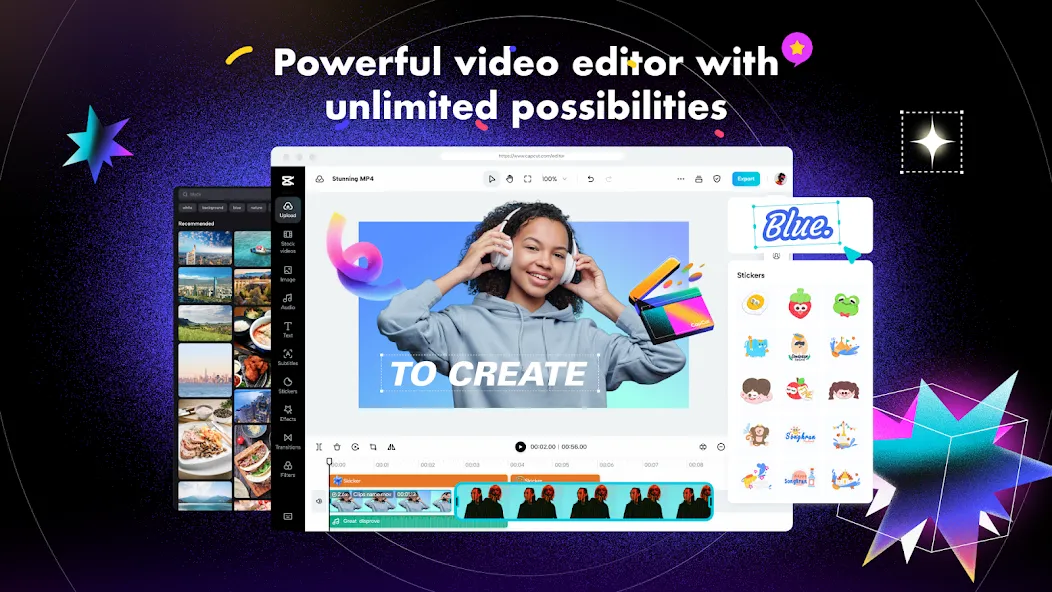
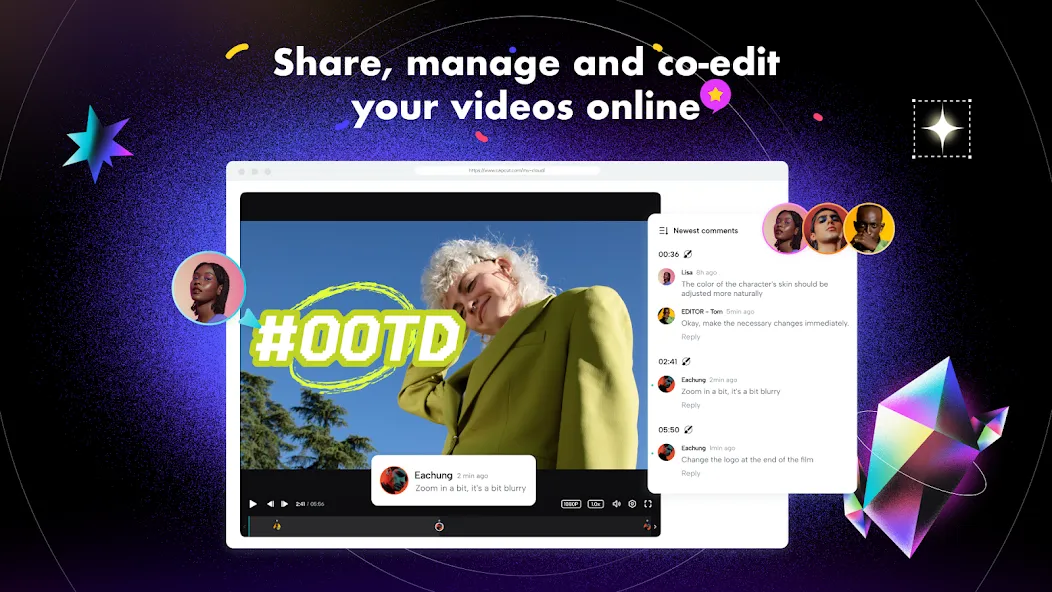
CapCut is a video editing tool designed for Android devices. It features a timeline-based editor that allows you to trim, split, merge, and reorder project content. You can use keyframes to create dynamic effects and track motion paths. The tool also handles subtitles and backgrounds, with the ability to automatically generate subtitles from spoken audio. You can freely add subtitles and stickers, and take advantage of multi-track editing. With its simple interface and intuitive features, users can get up and running with the app quickly.
Features
Timeline editing
CapCut lets you arrange clips, photos, text, audio, and visual elements on a multi track timeline. You can trim, split, merge, reorder, and preview parts of a project as you edit. This setup helps when a video needs several scenes, captions, background music, or layered elements.
Motion and clip controls
You can adjust movement with keyframes and follow a subject with motion tracking. CapCut also includes freeze frames, speed curves, slow motion using optical flow, chroma key, and video stabilization. These controls are useful when you need to change the pace of a clip or place an element over another video.
Captions and background tools
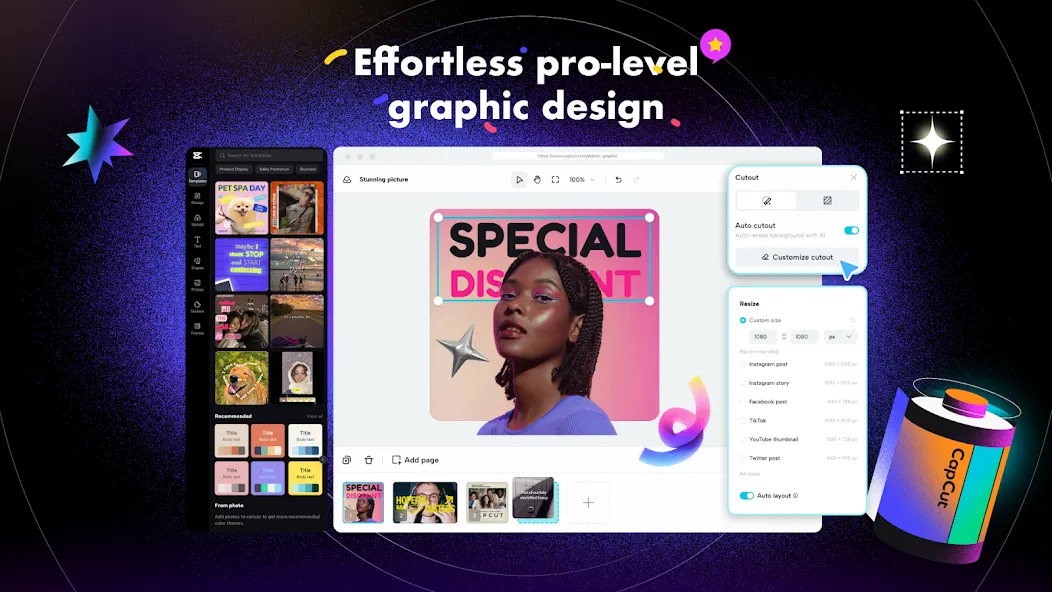
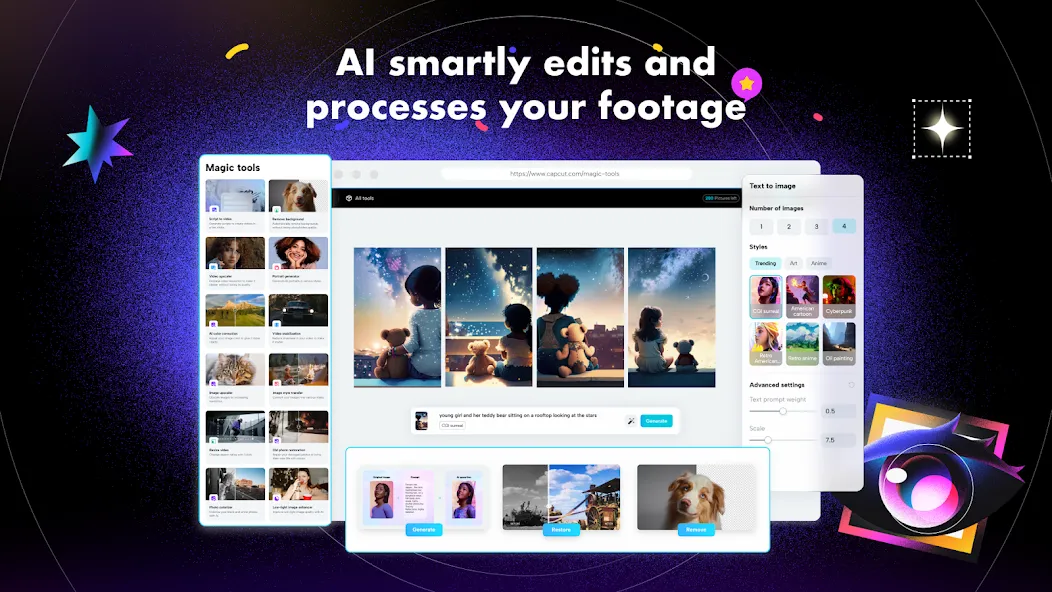
CapCut can create automatic captions from spoken audio, which you can edit before exporting. It can also turn text into voiceovers and remove backgrounds from images or videos with AI assisted tools. Therefore, you can prepare spoken and text based content without recording every line yourself.
Text, effects, and templates
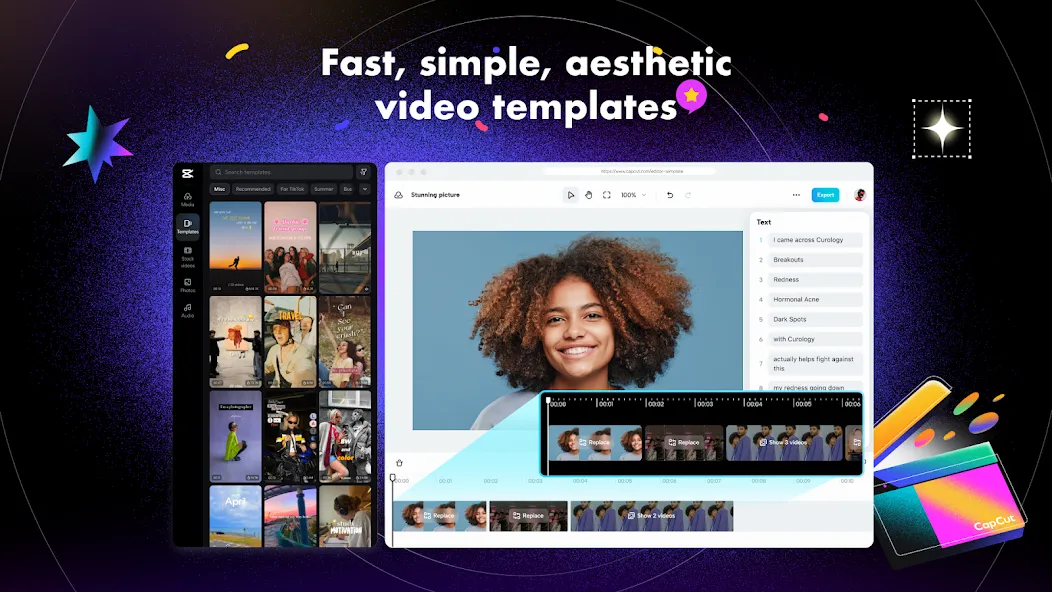
You can add subtitles, stickers, imported fonts, text templates, transitions, filters, and effects such as Glitch, Blur, and 3D. CapCut templates can provide a starting layout for short videos, while editable text lets you change the wording for your own post. Some effects, templates, and AI tools may be marked as CapCut content in the app.
Audio and export settings
CapCut includes music and sound effects, and you can extract audio from a video or record a voiceover. You can also reduce background noise and improve voice clarity before reviewing the result. When the project is ready, select export formats and resolution, with up to 4K at 60 fps and Smart HDR available on supported devices.
Advantages and disadvantages
Pros
Multi-track editing with keyframes, chroma key, and stabilization
Useful automatic captions, text-to-speech, and background removal
Community templates and concise in-app tutorials
Export support up to 4K at 60 fps
Cons
More useful tools and effects now require a paid plan
Reports of intrusive ads and inconsistent text formatting
FAQS
What is a Capcut?
Capcut APK is a popular and free editing app which is developed by capcut.com that provides you with different features and allows users to edit their videos with different effects and filters.
Is Capcut APK free to use?
Yes, capcut is free and always available on Android devices, iOS and other devices. It offers you with many free editing tools. It has advanced features which enhance the beauty of your video.
Is Capcut harmful?
No, a capcut is not harmful, and you can use it without any complication. It protects your privacy settings and updates you with every new feature.
FAQS
I love CapCut; it’s a fantastic app that lets you do so many things. If you’re not sure how to get started, you can use templates created by other users. It’s a shame that some features are locked behind a paywall (requiring a subscription), but otherwise, it’s a great app—I highly recommend it.
The AI-powered video creation is mind-blowing. It encourages you to experiment with various templates that enhance your original photos. It provides plenty of inspiration through numerous examples and offers highly realistic, high-performance tools. You can do almost everything using the free version. You get trial credits that are replenished whenever you share a video, and there are other ways to earn more credits by completing specific tasks within the app. It’s constantly being updated with new features—there’s no end to what you can do.
This app is truly excellent for video editing and more; you can even find pre-made templates. You can also easily touch up individual photos. The only downside is that many options are paid—it would be great to see more special offers or trial opportunities. That said, I recommend it 100%.
Summarize
CapCut is a powerful video-editing tool that manages to do what few other apps of its kind can— combine a wide range of features with incredible ease of use. The result is an app that you can use to create all sorts of high-quality short videos in a matter of seconds and then share them on TikTok, Instagram, and other social media platforms.
-
Latest Updates
-
Featured Apps