
CapCut
Entertainment
2026-08-31
242.41MB
11.1.0
Android
122
Related Apps

Screenshots
Introduction
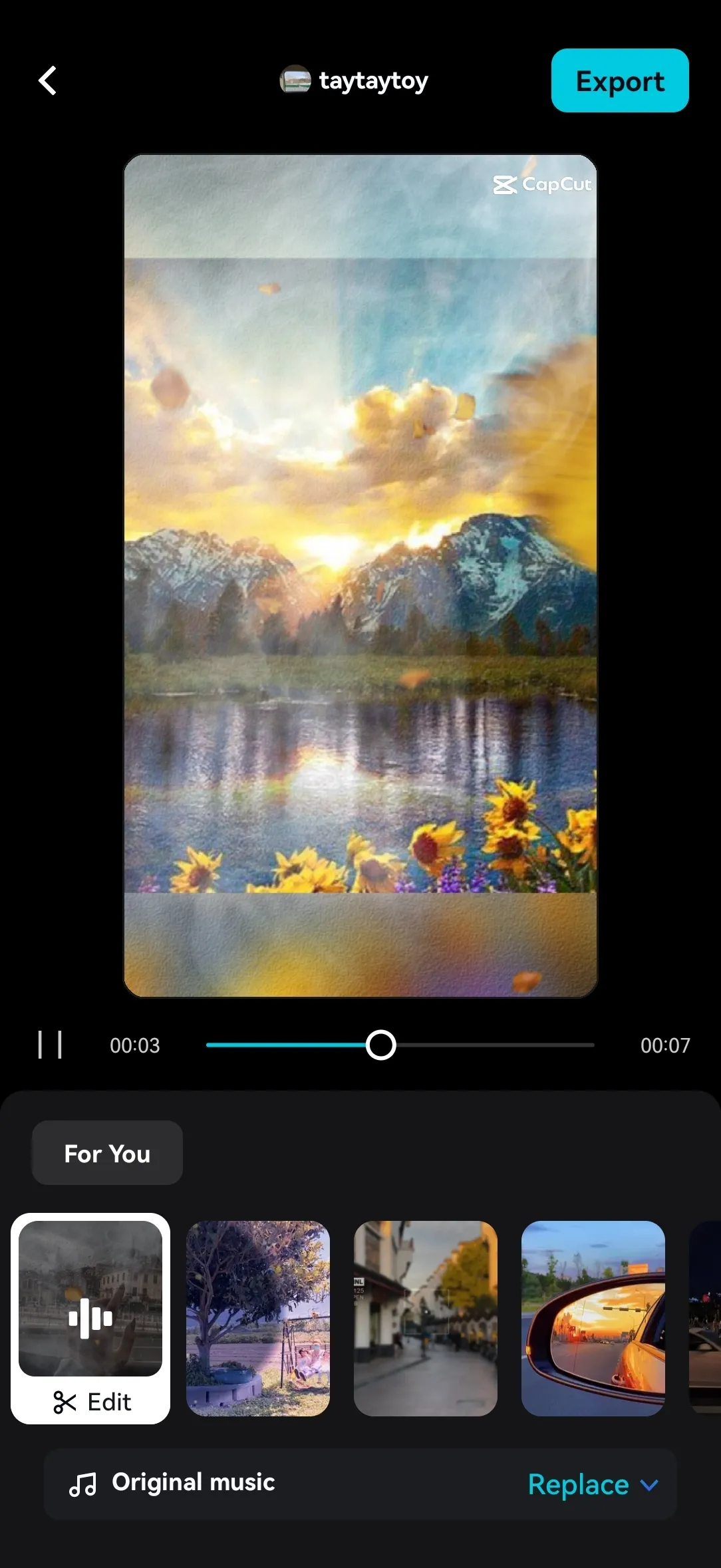
CapCut is a powerful video editing software that allows users to easily edit videos on their mobile phones and create perfect videos. This application provides users with numerous video editing functions and various video effects. Users can also add subtitles to videos, and the application will automatically recognize the language in the video. This application supports offline mode, allowing users to edit videos without an internet connection. When connected to the internet, users can also use online editing functions, allowing multiple users to collaborate on the same project.
Features:
Trim and tighten clips and split or merge videos
Adjust video speed from 0.1x to 100x, and apply speed curves to clips
Animate video clips with incredible zoom-in/out effects
Make exciting video clips for social media with the reverse/rewind function
Highlight the best moments for clips and vlogs with the freeze feature
Explore transition options with excellent effects on cut points between clips
Auto captions: Automate speech recognition and subtitles in videos
Background removal: automatically removes people from videos free of charge
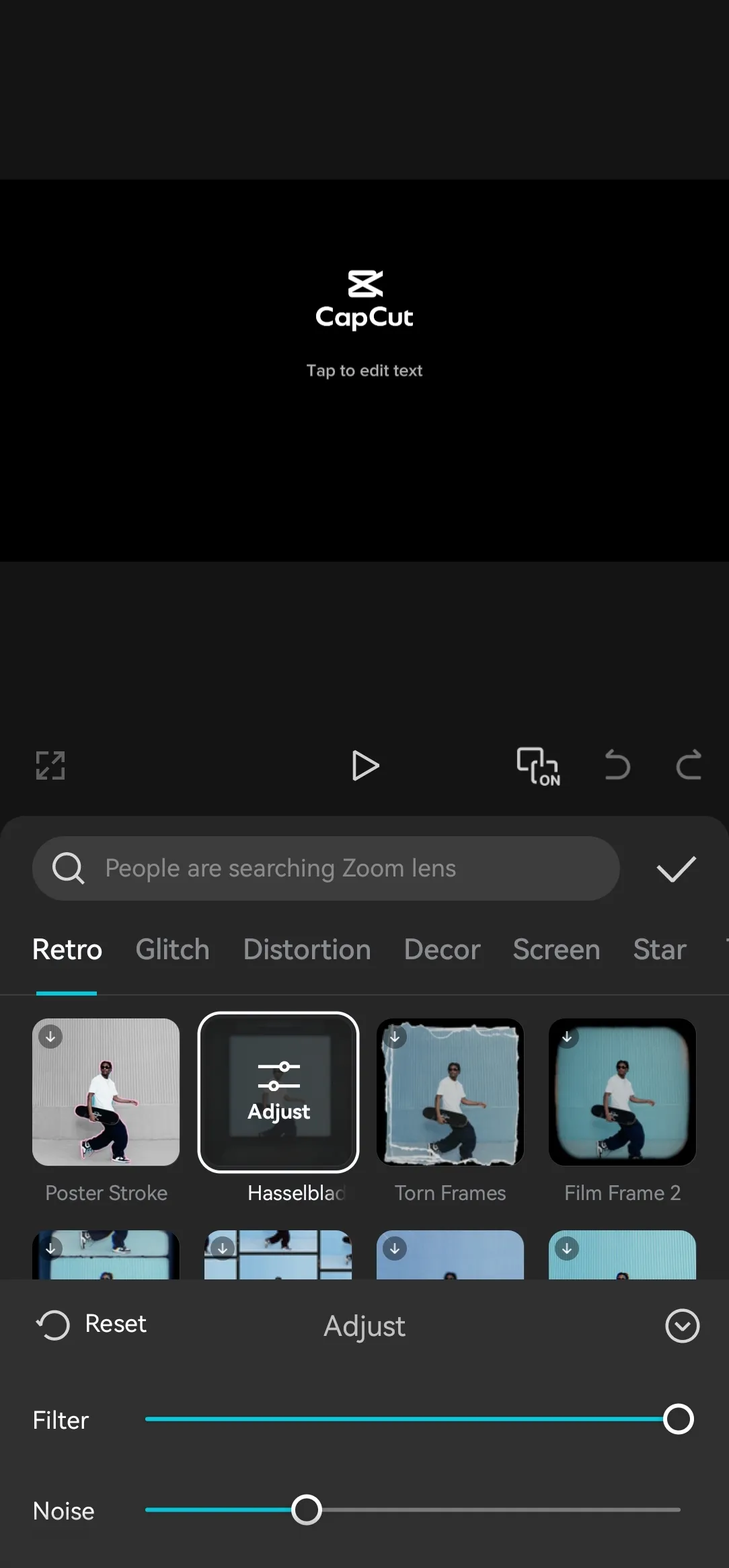
Trending styles: Enjoy creative and constantly updated options like 3D zoom, auto velocity, and more
Usage:
Open CapCut and create a new project, then select the videos or photos you want to use from your device.
Arrange the selected clips on the timeline, then trim unwanted parts and split scenes where the pacing needs to change.
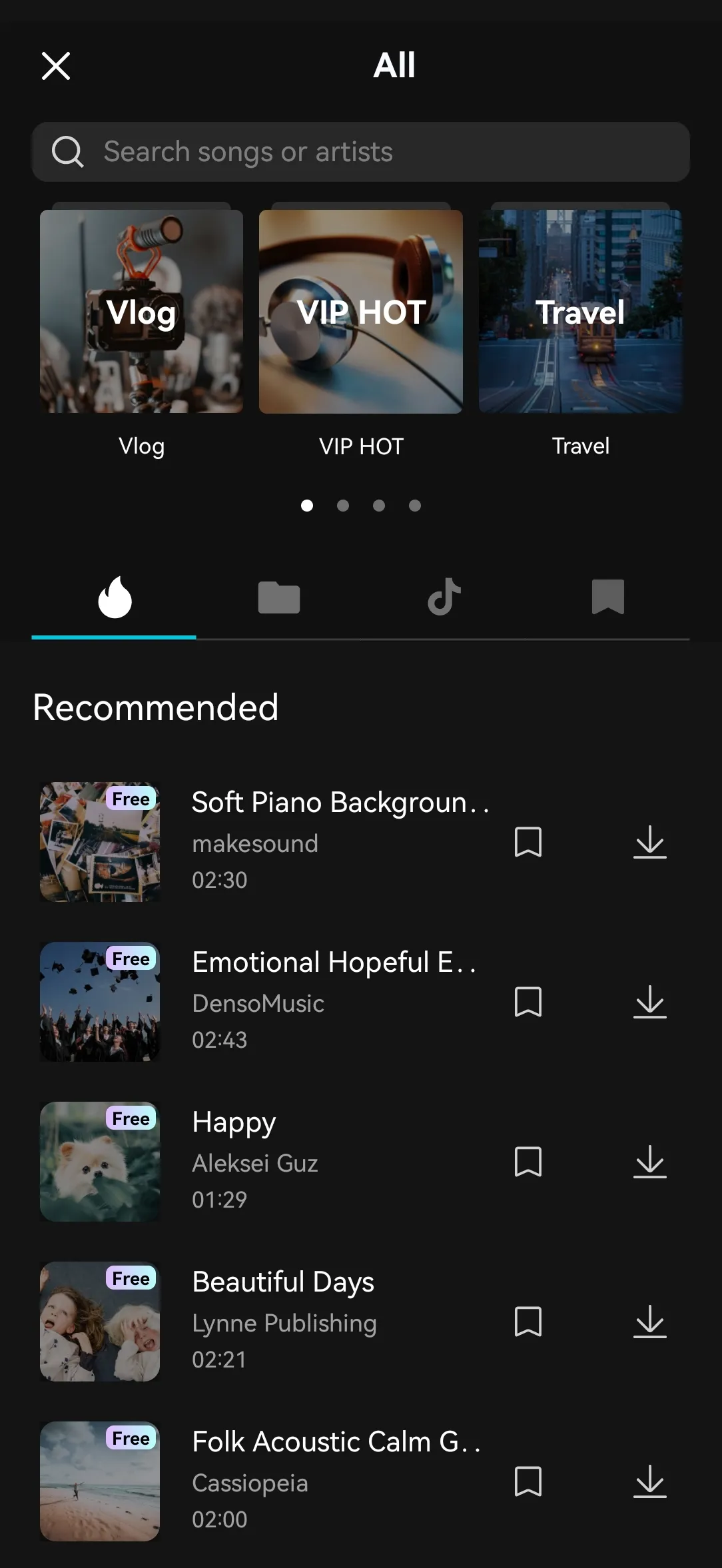
Add text, captions, music, recorded audio, transitions, or effects as needed, keeping each element aligned with the relevant clip.
Preview the full video and adjust volume, clip length, speed, or subtitle text before finalizing the project.
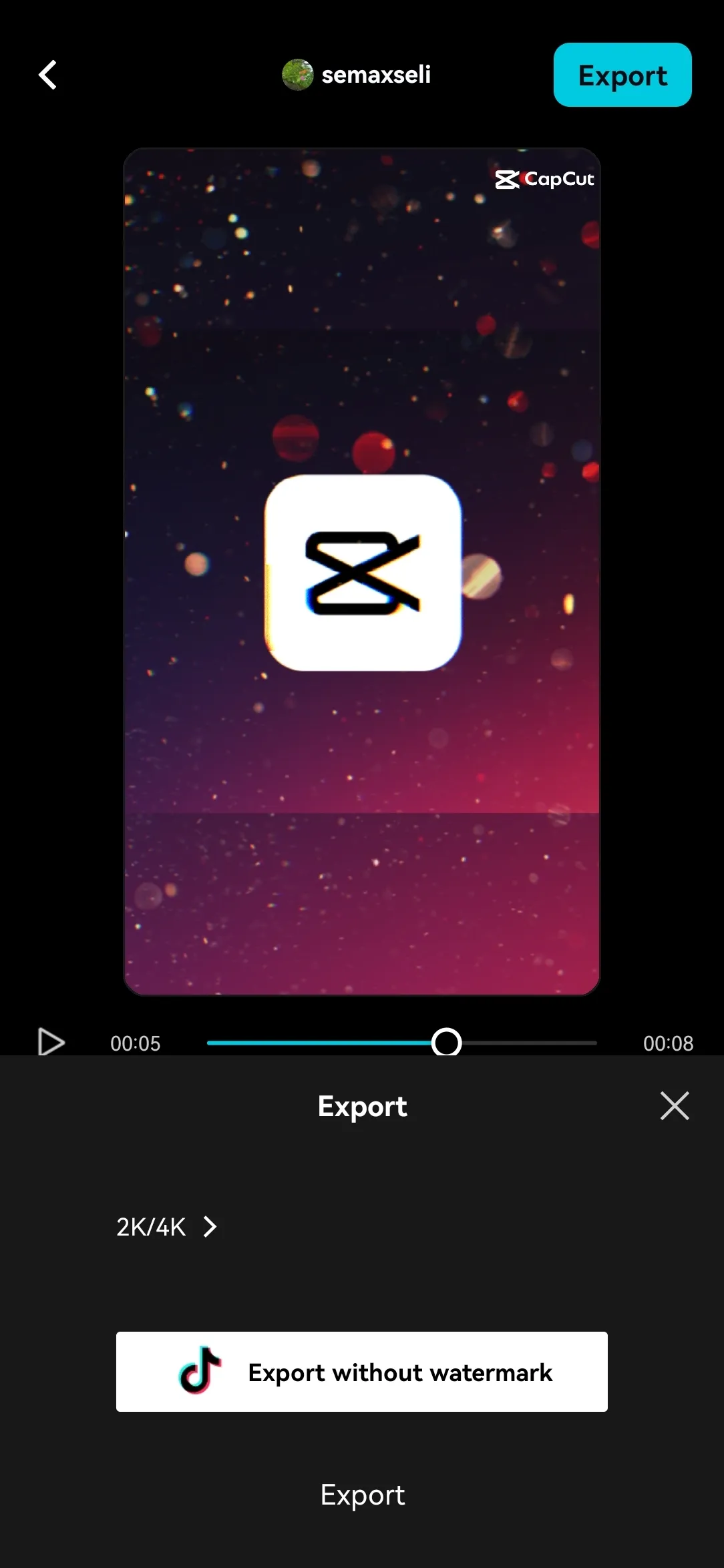
Choose the resolution and other export options, save the video, and then share it through the social service you use.
Pros and Cons:
Pros
Free and easy-to-use with extensive editing tools
AI powered tools that automate tedious tasks
Secure and encrypted data
Cons
15-minute cap on edited videos
1 GB upload limit for free users
FAQs:
Is CapCut completely free?
Yes, CapCut is free to use, though some advanced features may require a premium subscription.
Can I edit videos offline?
Yes, you can edit videos without an internet connection, but features like cloud storage and online templates require internet access.
Does CapCut support team collaboration?
Yes, CapCut allows multiple users to edit the same project online, making it ideal for collaborative content creation.
What video quality options are available for export?
CapCut supports video exports up to 4K resolution, ensuring high-quality output.
Conclusion:
CapCut APK is a wonderful version that gives you advanc editing features. It provides you videos without watermark and clear videos with 4k quality. CapCut contains huge library of stickers, filters, effects, texts, fonts and emojis. You can also use your own voice for your video and it also provides you a perfect vocal effects that changes your voice and gives you a smooth voice.
-
Latest Updates
-
Featured Apps









