Aurora Store
Tools
2026-10-14
8.93MB
4.8.4-preload
Android 5.0 and up
456
Screenshots
Introduction
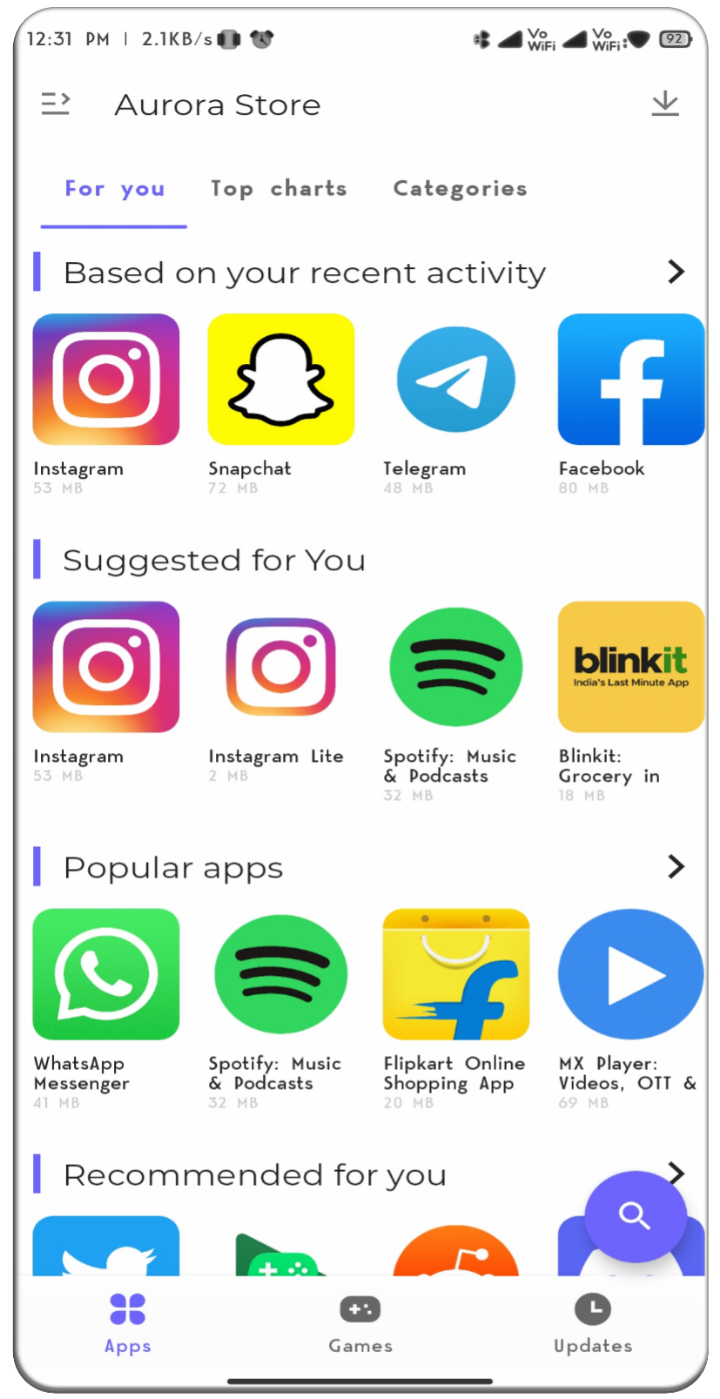
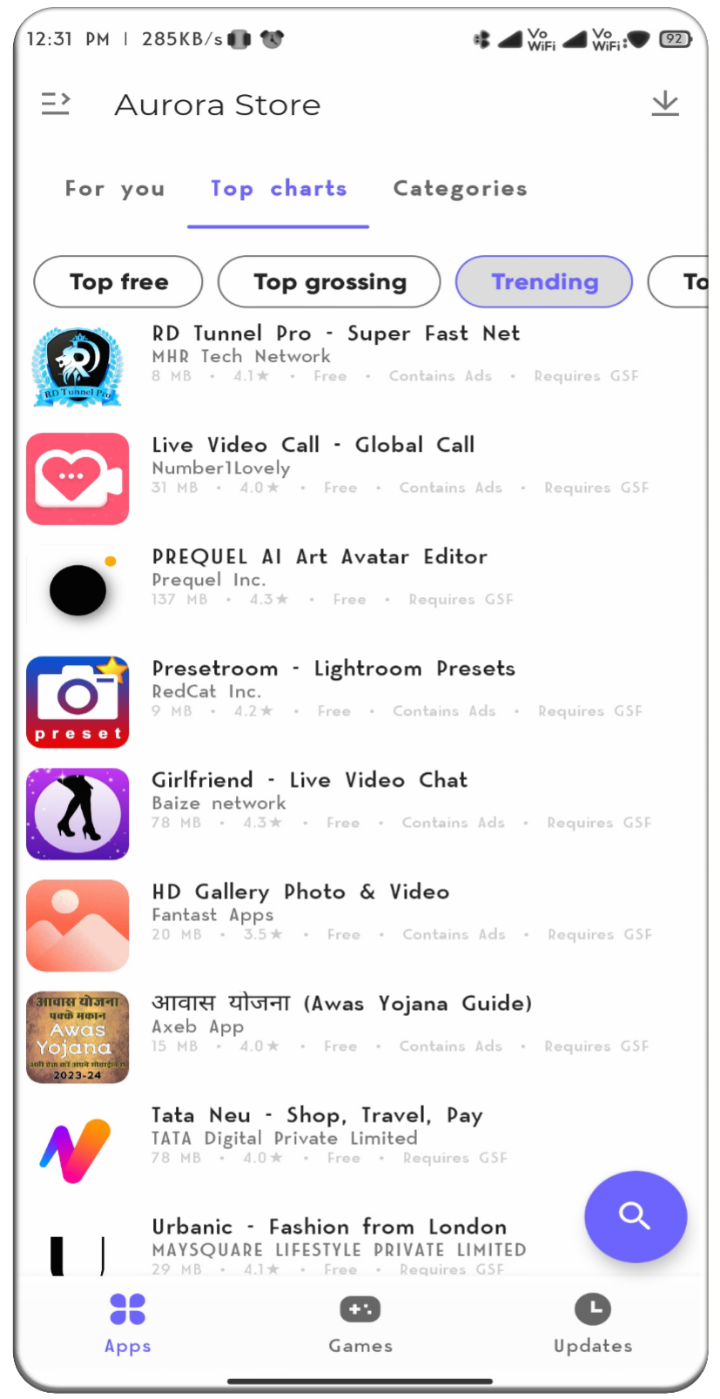
Aurora Store is an app store for Android devices. It enables private app downloads without accessing any of the user's account information and operates without requiring proprietary service frameworks. It is compatible with most smartphones, allows for the spoofing of device information and regional settings, and performs quality checks on every app. Each app undergoes a rigorous selection and verification process. The store also features filters to eliminate duplicate search results, supports the installation of various file formats, and offers a customizable user interface.
Features
Private and anonymous downloads
Aurora Store fetches authentic APKs and updates from official sources without asking you to sign in. You can download and install apps while keeping your account details out of the process. This approach suits users who prefer minimal data exposure.
Runs without proprietary services
Aurora Store works even if your device does not have Play Services installed. That means Huawei phones, custom ROM builds, and degoogled setups can still browse and update apps. If you use microG, Aurora Store provides helpful compatibility context as well.
Device and region spoofing for discovery
You can temporarily spoof device model and locale to view titles that are normally filtered by region or hardware. This helps testers and power users review availability and screenshots for research or quality checks. Switch back at any time when you finish comparing listings.
Privacy insights before you install
Aurora Store surfaces Exodus tracker reports so you can see known trackers linked to an app. It also shows Plexus information about microG compatibility. With these details, you can make informed choices without leaving the app.
Granular update management and app details
You can review pending updates in one place, ignore specific versions, and block unwanted updates for selected apps. After installation, Aurora Store can keep or auto delete the APK to match your storage habits. Detailed listings include descriptions, screenshots, change notes, reviews, and version info presented in a clean, ad free interface.
Function
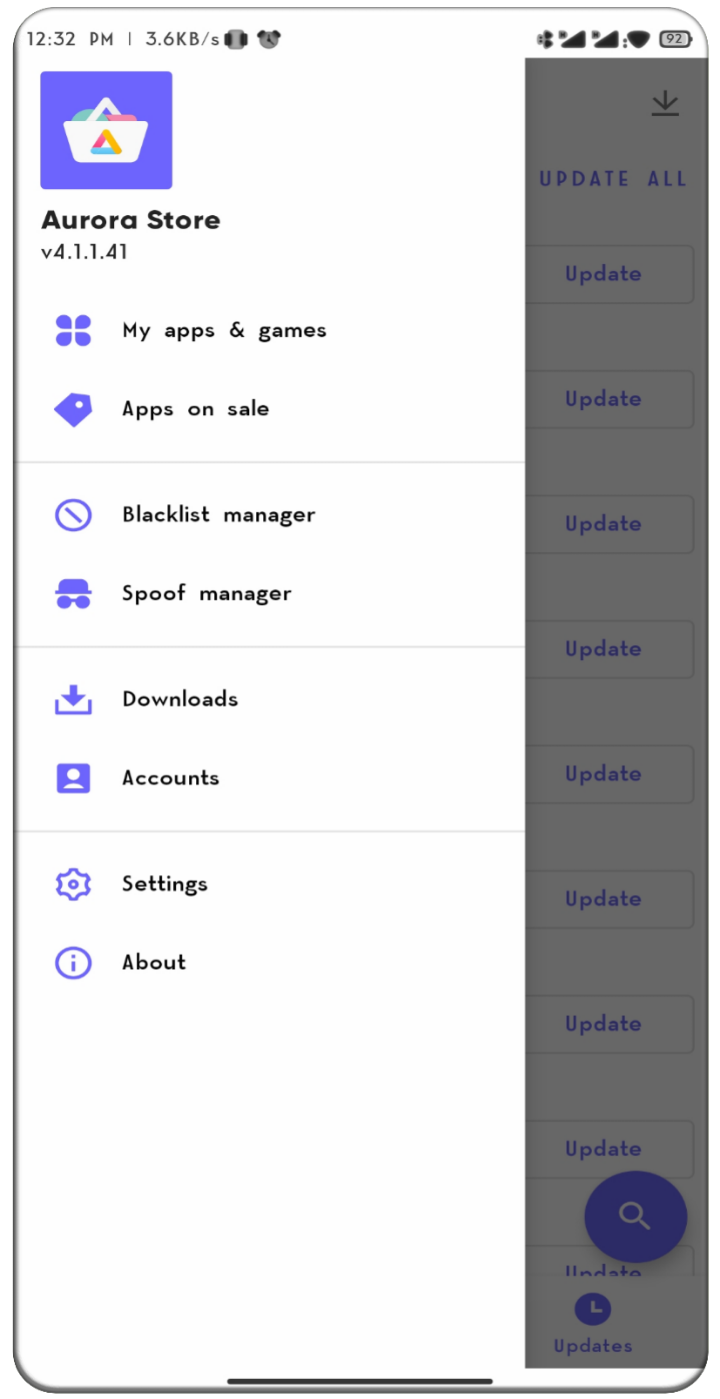
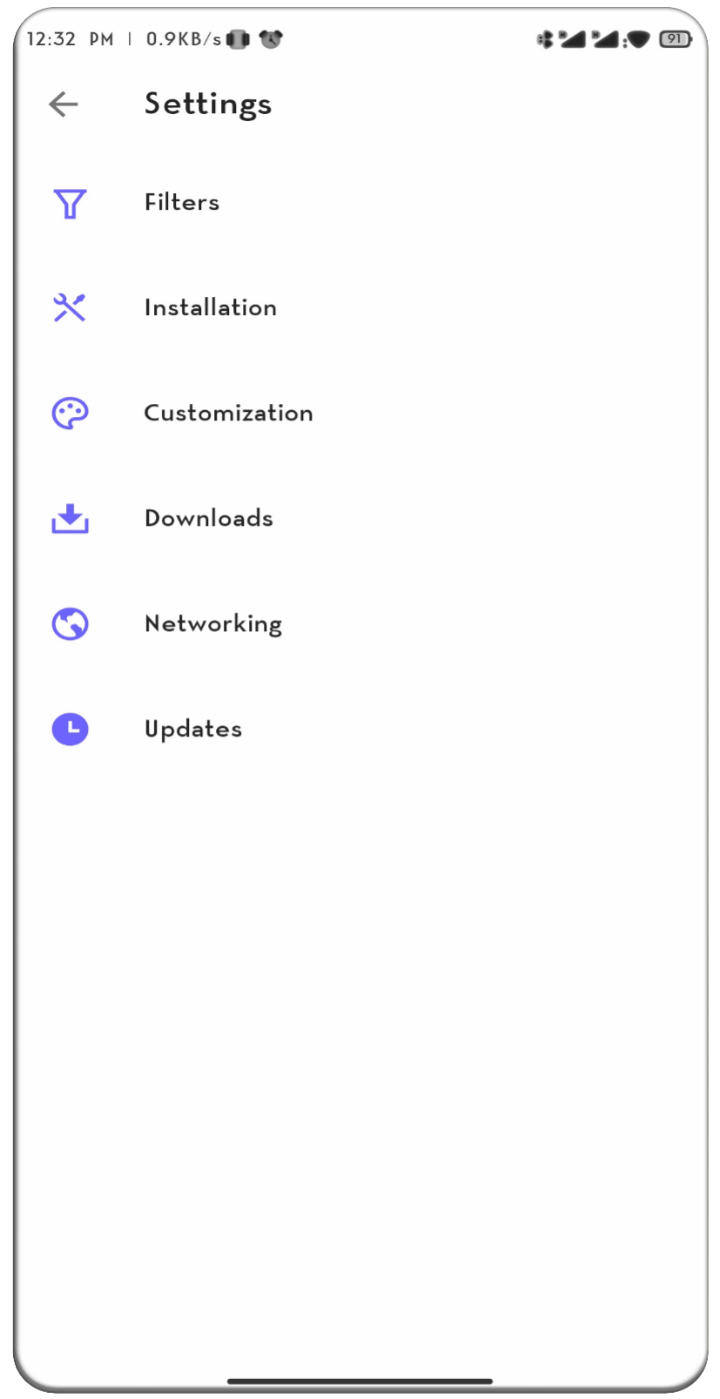
Filters: This option gives you the option to disable F-droid and Google apps. Apart from this, you can reset all search results from the Non-President option.
Installation: It allows you to adjust the installation process for apk files, with options such as session, native, AM, and root.
Customization: This section of Aurora Store lets you customize your app’s interface and theme. So you can make it exactly what you want.
Downloads: This section allows you to set the maximum number of active downloads along with the storage selection.
Update Log
Rebuilt the interface with modern Jetpack Compose
Support for multiple Google accounts
User reviews on the app details screen
Optional app lock via biometrics or device credentials
One-click install for favourites and a buy flow for paid apps
Reworked notifications with grouped summaries and settings
Revamped updates screen; self-updates now shown in the list
More reliable downloads/installs and microG installer support
Bug fixes and translation updates
Summarize
In short, Aurora Store is a excellent alternative to the Google Play Store, offering better security, privacy, and many other interesting features. Download it and see for yourself!
-
Latest Updates
-
Featured Apps