ApowerMirror
Tools
2026-09-23
47.19MB
1.8.34
Android
345
Screenshots
Introduction
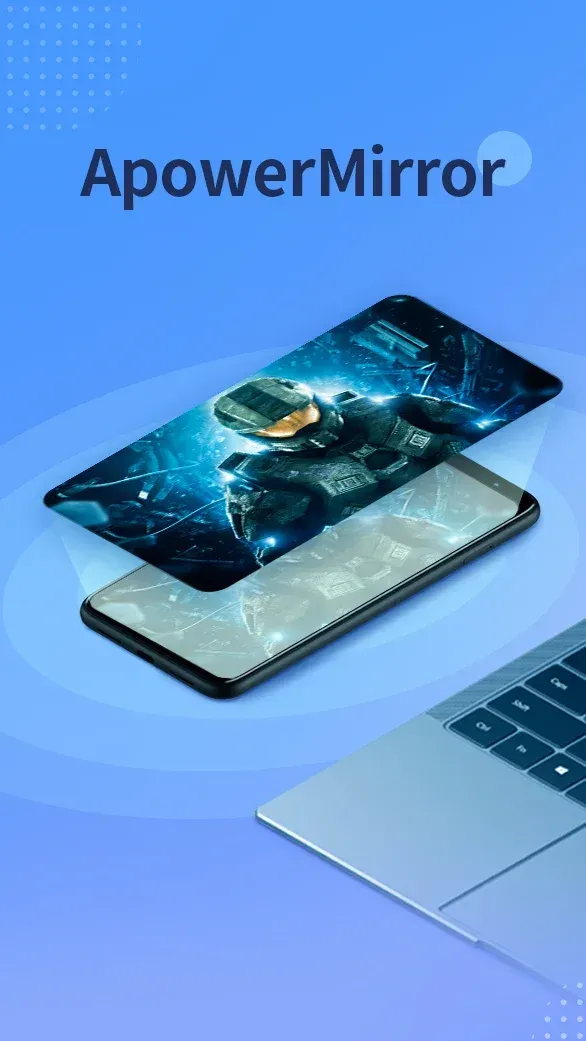
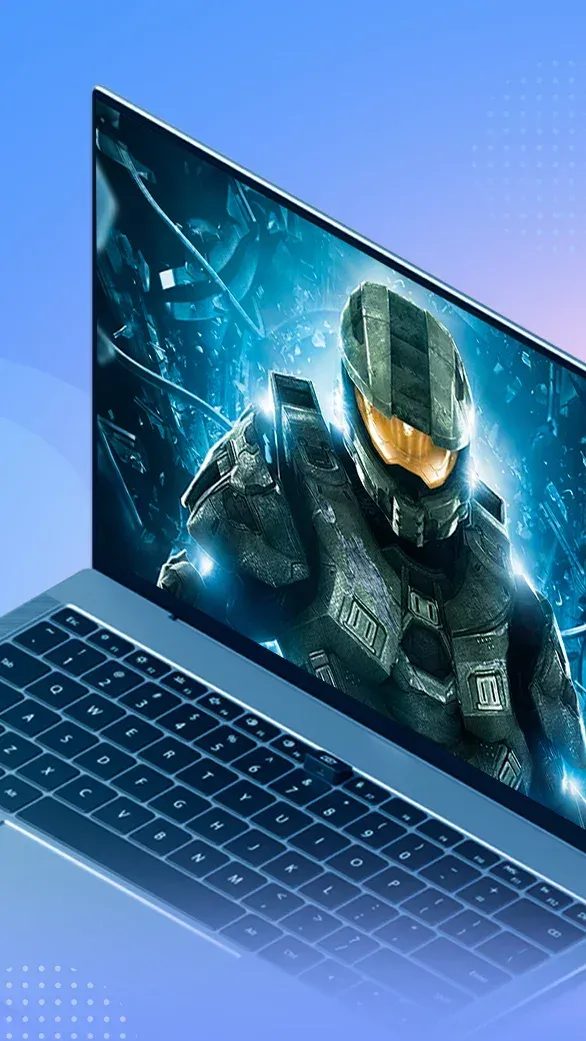
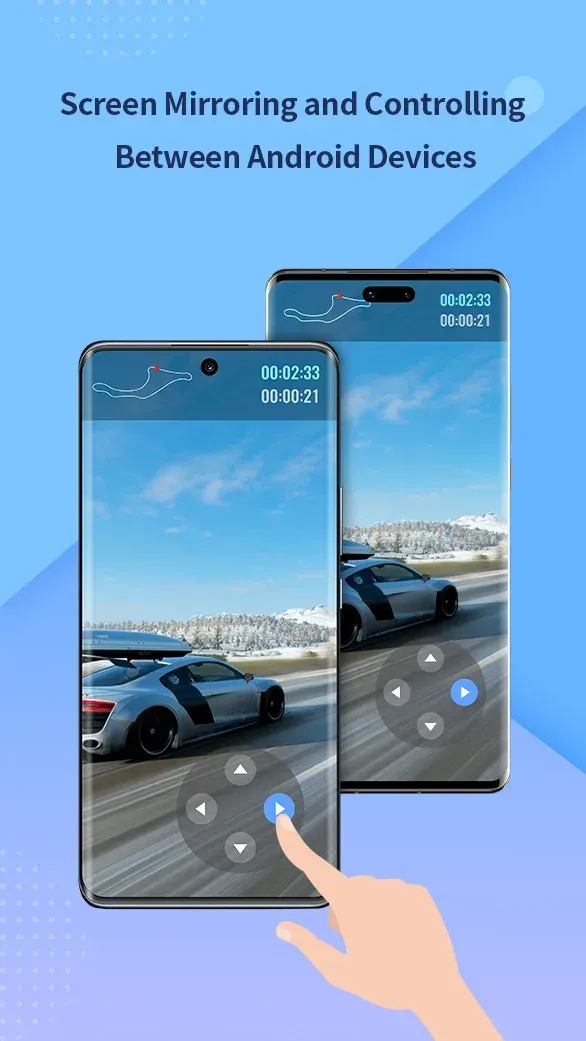
ApowerMirror is a screen mirroring application offering excellent compatibility and supporting features such as remote input and file transfer between mobile devices and TVs. It features a user-friendly interface that makes it easy to get started with mirroring one screen onto another. The software enables two-way mirroring and multi-device display, and allows for control via peripherals like a mouse and keyboard. It supports the simultaneous operation of up to four devices. Suitable for both professional and personal use—including at home—it boasts a comprehensive and powerful set of features. Users can enjoy big-screen entertainment, play mobile games on a PC, or even control their computer using their smartphone. Highly popular among users, the software offers convenience, saves time, and boosts efficiency.
Features:
High-quality mirrored audio
Audio output is supported. You can connect via Wi-Fi or use a USB cable for a more stable connection.
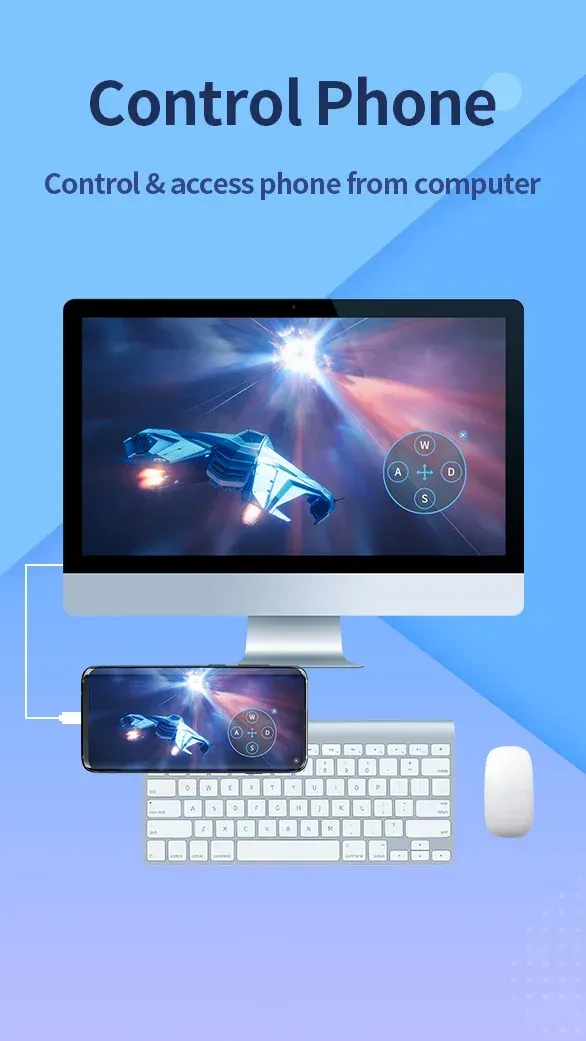
Control Android devices from your PC
Once paired, you can use your computer's keyboard and mouse to operate Android apps.
Cross-network sharing with AirCast
AirCast enables screen mirroring across different connections, even when devices are not on the same network.
Mirror up to four devices simultaneously
ApowerMirror allows you to display the screens of up to four phones or tablets on a single computer monitor at the same time.
Built-in tools and convenient streaming
The app includes features for taking screenshots, recording the screen on your PC, and a whiteboard function for simple annotations.
Highlights:
Seamless Screen Mirroring: The application also allows seamless audio mirroring between PC and Android, making the usage process more convenient.
Stream Videos and Apps: Apps suitable for streaming videos, holding strategic meetings, displaying applications, playing games or reporting,…
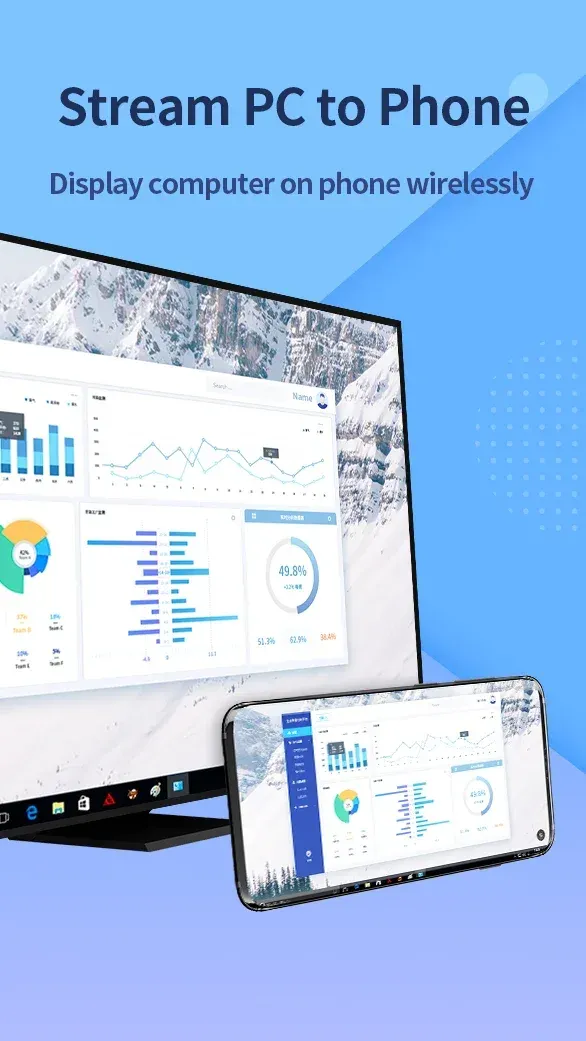
Control PC from Phone: The application also fully displays the PC screen on your Android phone and controls it for your convenience during use.
Full-Screen Control: Completely control the Android home screen with a mouse and keyboard, the purpose of which is to make the mirroring process to a PC convenient for users.
Big Screen Entertainment: Thanks to mobile mirroring support, users can share presentation preparations, watch movies on a larger screen, or play mobile games on a PC.
Debug and Demonstrate: The application removes related errors, increases productivity, and effectively supports presentations to achieve the highest efficiency.
Play Mobile Games on PC: The application helps users conquer games such as Mobile Legends, PUBG, and more on the computer.
FAQs:
Is this app free to use?
The app is free, but you can upgrade to the premium version to access more features.
Which devices is ApowerMirror compatible with?
It is compatible with Android and iOS devices, as well as Windows and Mac computers.
Can I use the app without an internet connection?
You can use the app without an internet connection if both devices are connected to the same Wi-Fi network.
Does the app support screen recording?
You can record the screen while mirroring, which is perfect for creating tutorials or gaming videos.
Advantages and disadvantages:
Pros
Controls Android from a PC or Mac with a mouse and keyboard
Handles files, backups, notifications, and screen recording
Casts to computers, mobile devices, and compatible TVs
Supports OBS Studio, Zoom, AirCast, and four simultaneous devices
Cons
Some users encounter unreliable Wi-Fi pairing
Conclusion:
All in all, ApowerMirror is an excellent application that offers a wealth of features and options, allowing users to easily share content from their phones or tablets with others in real time. With all these advantages, the ApowerMirror APK provides a powerful solution for effortlessly casting mobile screens onto larger displays!
-
Latest Updates
-
Featured Apps