AirVid
Photography
2026-10-20
300.07MB
2.2.1
Android 7.0 and up
131
Screenshots
Introduction
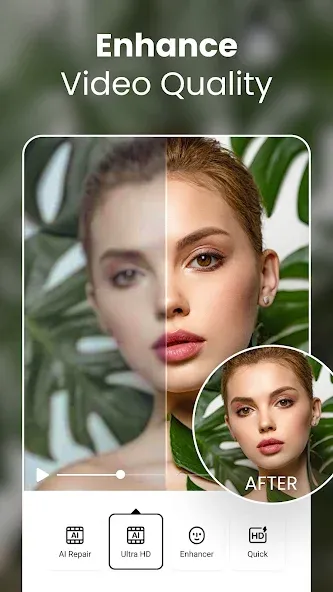
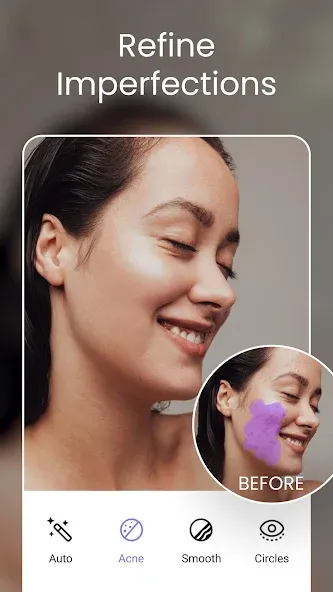
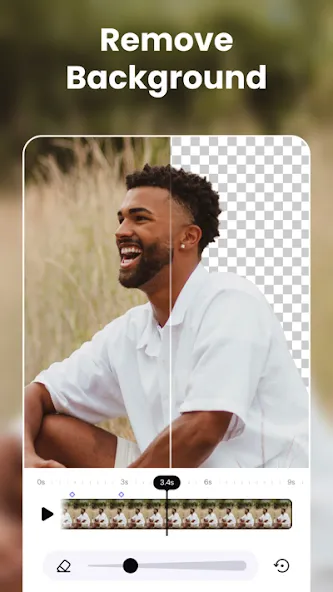
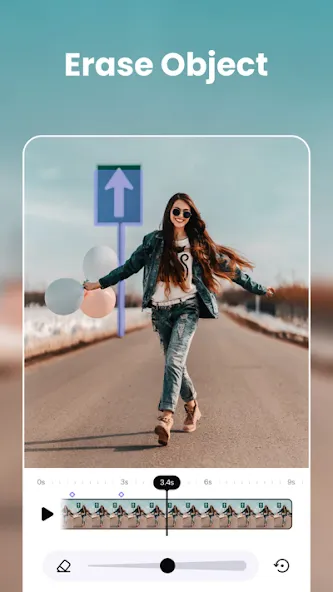
AirVid is a video editing tool designed for Android devices. It features built-in AI that analyzes every frame of your video to enhance image quality, effectively addressing issues like dullness or blurriness. The app allows for precise adjustments to the head, waist, and shoulders, ensuring natural and consistent body proportions. You can apply localized touch-ups and refinements without compromising the overall aesthetic of the footage. Additionally, AirVid offers beauty filters that help maintain a consistent appearance for subjects across various scenes. Users can also incorporate music, text, stickers, and more. Even those with no prior editing experience can quickly learn to use the software.
Features
AI video enhancement
AirVid analyzes each frame to boost resolution and reveal more detail. It adjusts color, contrast, and sharpness to correct flat or muddy footage. You can also brighten eyes and hair for subjects, which helps faces stand out while keeping the overall scene balanced.
Precision face and body retouch
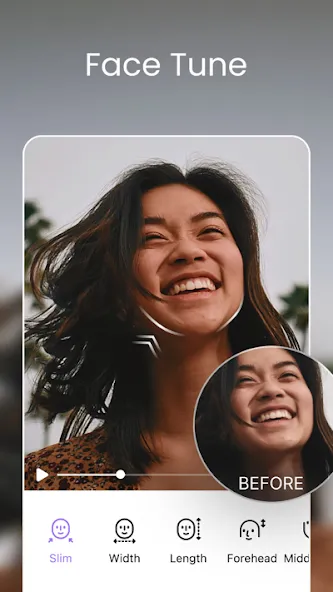
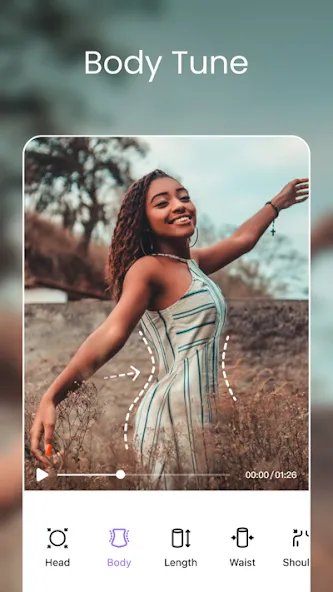
AirVid provides targeted controls for head, waist, and shoulders to refine proportions without harsh changes. You can nudge sizes subtly until the clip looks consistent from start to finish. The goal is natural results that match movement across frames.
Height and proportion control
AirVid lets you stretch or compress height to balance on-camera proportions. This is useful when a lens or angle distorts the subject. Adjust gradually, then review the preview to ensure the video remains realistic before finalizing the edit.
Area-specific edits
AirVid supports magnifying or reducing selected regions so small fixes do not affect the entire frame. Edits remain consistent as the subject moves, which helps correct distractions like a sleeve, a shoulder line, or uneven hair volume. These local changes can clean up a clip without re-shooting.
Makeup filters for video
AirVid includes video-tailored beauty filters to add polish quickly. You can apply soft makeup looks, then fine-tune intensity to suit different lighting and skin tones. This helps maintain a steady appearance across multiple scenes.
Tips
Don’t be scared to try various effects and filters. Who knows what cool looks you’ll find for your videos.
Utilize the AI tools to enhance your video quality easily.
Customize your creations by adding text, stickers, and music to make them unique.
Permanently save your finished product at the highest possible quality for the best viewing experience.
FAQS
What is AirVid?
AirVid is a mobile video editing app that lets users enhance visuals, apply beauty filters, reshape body features, and fine-tune clips with high precision.
Is AirVid good for professional video editors?
Yes, AirVid has advanced editing tools that appeal to both casual users and pros, offering features like frame-by-frame retouching and resolution upgrades.
Can I reshape body parts in my videos using AirVid?
Absolutely — AirVid lets you adjust shoulders, waist, height, and even facial structure with intuitive tools made for mobile video edits.
Does AirVid work on all phones?
AirVid is built for mobile use and works smoothly on most modern iOS and Android devices, but check your app store for the latest compatibility info.
What makes AirVid different from other video editing apps?
AirVid combines pro-level cosmetic editing, video clarity tools, and an easy interface, giving creators more control without overwhelming them.
User comments
unbelievable outstanding app if you are looking for that polish high quality video look it's amazing! I been looking for something like this for over a year. The Ai restore feature is just unbelievable. I am talking of extremely high quality. Honestly I cannot praise this app enough it is just Amazing!! thank you to the team that brought this to the market it's just Excellent!!
I'm Freefire Contain creator This app is great for quality, but the subscription is a bit expensive. For people who can’t afford the subscription, there should be an option to use it for free by watching 2–4 ads. If you do this, this app could become number one.
I don't usually rate apps,It's very good for enhancing quality without pro,what if I did pro it would be fantastic, really love this app as a content creator
Summarize
AirVid empowers you to take full control of your video edits, offering both detailed customization and intuitive enhancement options. Whether perfecting personal content or developing professional-quality projects, this app equips you with everything needed to turn simple footage into stunning masterpieces. Download the AirVid APK today and explore endless possibilities for your video creations.
-
Latest Updates
-
Featured Apps