Action Launcher
Personalization
2026-09-17
17.73MB
52.0
Android
195
Screenshots
Introduction
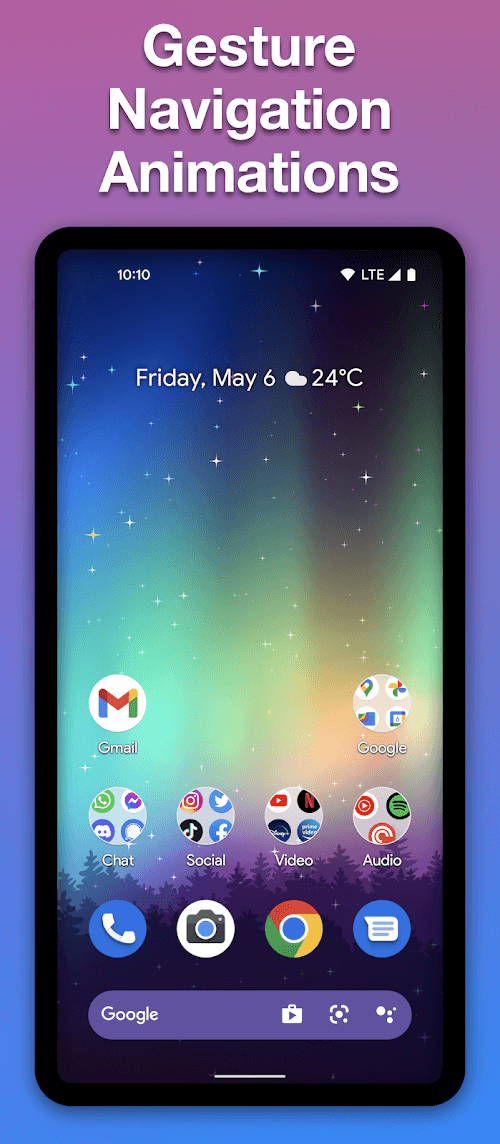
Action Launcher is a stylish tool for customizing your phone's appearance, allowing you to give your screen a fresh new look without needing to replace the device itself. The app offers a wide range of trendy, popular themes that can be applied instantly with just a tap. It also provides an extensive collection of icon packs, enabling you to customize the icons for individual apps. With its quick-customization features, you can easily swap out app icons, saving you time and effort. Additionally, the app allows you to configure gestures and widgets to streamline your mobile experience.
Features:
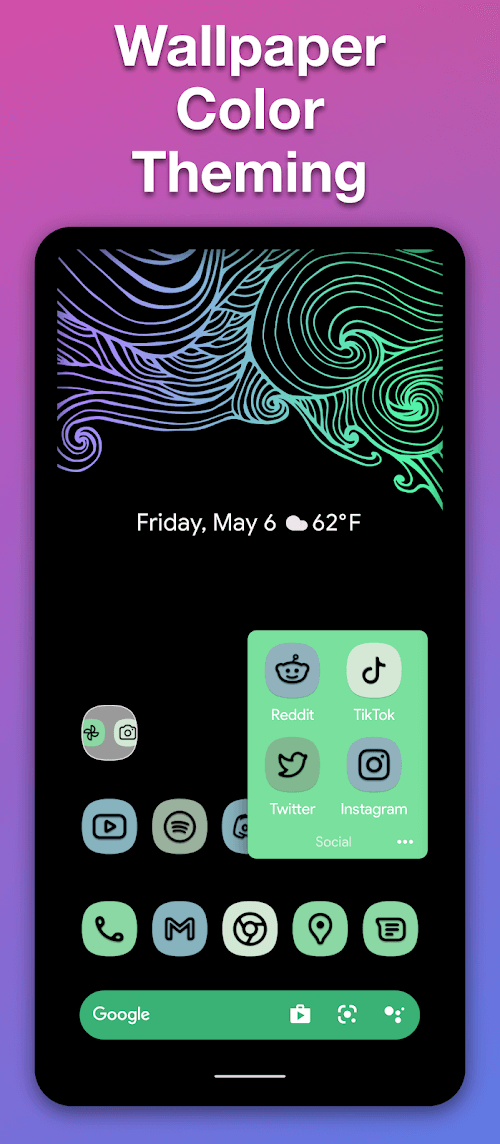
Quicktheme: Material You-style theming of your home screen to match your wallpaper, or pick the colors yourself!
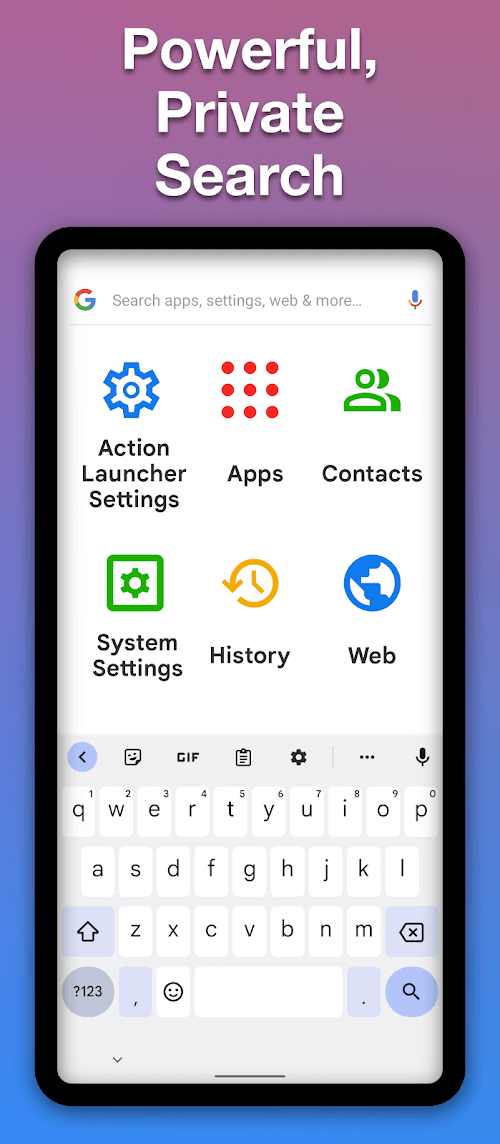
Fully customizable search box.
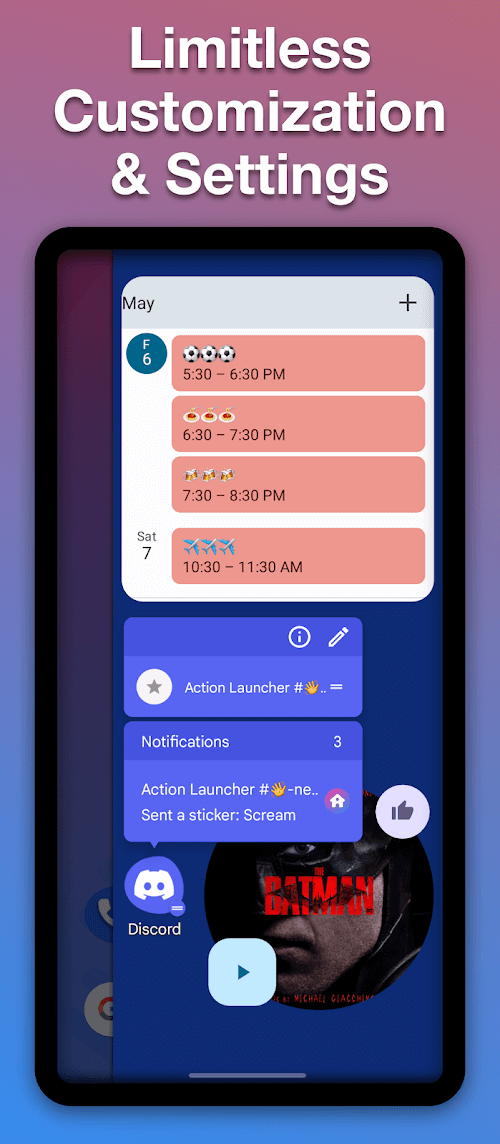
Widget Stacks: Swipe through multiple widgets, without clutter.
Action Search: Search the web and your device, directly from your home screen!
All Apps Folders.
Covers: Folders, reimagined! Tap to load an app, swipe to reveal the folder contents!
Shutters: Swipe to reveal a widget - preview your inbox or Facebook feed without opening the app!
Quickedit: Alternative icon suggestions instantly presented to you. No more digging through icon packs!
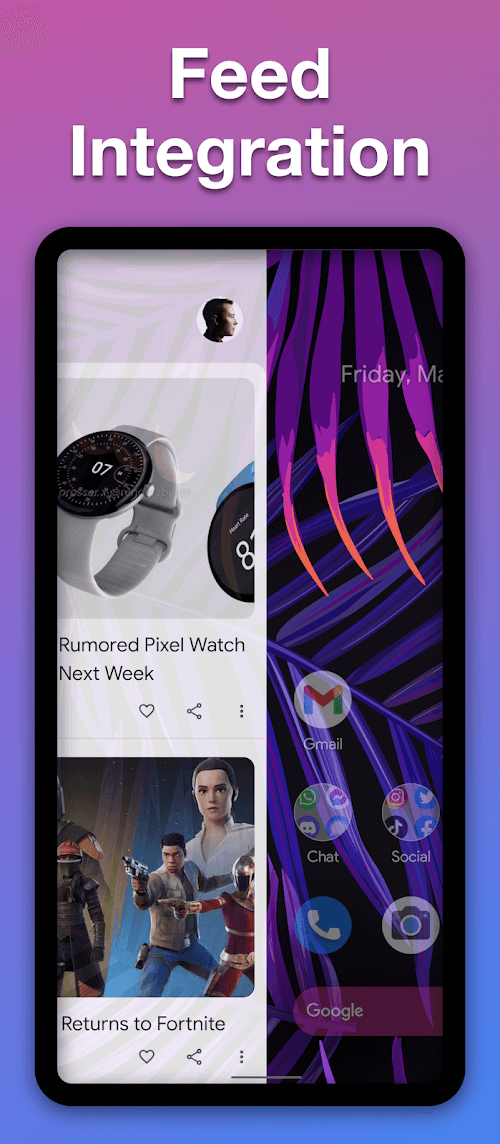
Google Discover integration!
Quickdrawer: An A to Z list of all your apps - designed for hyperfast scrolling!
Customizable Gestures.
Notification Dots & Unread Count.
Smartsize Icons: Icons are resized to match Material Design's recommended icon size.
At a Glance Widget: Quickly view the date and your next calendar appointment.
Use icon packs, adaptive icons, scale icons, hide and rename apps & much more.
Full phone, phablet and tablet support.
Highlights:
OUTSTANDING FEATURES
To evaluate the outstanding features of Action Launcher, it can be said that it is quick, convenient, and easy to use. Users will have the right to customize everything from the color to the search bar on the phone’s main interface. You can set it up to see more things at a glance, such as the weather, date, time, and even your calendar. Thanks to this application, your home screen will become faster and more functional. In addition, the Quickthem feature will allow you to customize the colors of the home screen to match the wallpaper better and unify other items to maintain harmony.
MANY ATTRACTIVE UTILITIES
Not only that, but the shortcuts on Action Launcher will help you quickly access applications faster than you usually do daily. You can even swipe a shortcut to immediately bring up the app widget without spending too much time opening the app. Besides, tapping the cover will download an app, and swiping the lid will open a folder you’ve customized to hide. In addition, the application also gives users unique and beautiful icon packs, the feature of hiding or renaming the application, and many other attractive utilities.
Pros and Cons:
Pros
Quick access to apps
Easy to change colours and themes
Cons
In-app upgrade required for some features
Upgrading can be rather difficult
Changelog:
New "Desktop shortcuts" system, which takes Android Pie's new-look desktop long press UI, adds color & allows you to customize its shortcuts.
Android P Preview style "Dock dash".
Use Android Pie's default icon size, font & number or rows/columns.
Drag All Apps folders to desktop.
Vastly improved experience when changing settings.
Performance improvements & bug fixes.
Conclusion:
People who easily become bored with the appearance of their Smartphone do not need to pay out for a new one as they can give it an instant makeover with this handy app. However, in order to use some of the most popular features of Action Launcher it is necessary to make in-app purchases and upgrades.





-
Latest Updates
-
Featured Apps