KWGT Kustom Widget Maker
Personalization
2026-08-25
82.02MB
3.82b621115
Android
146
Screenshots
Introduction
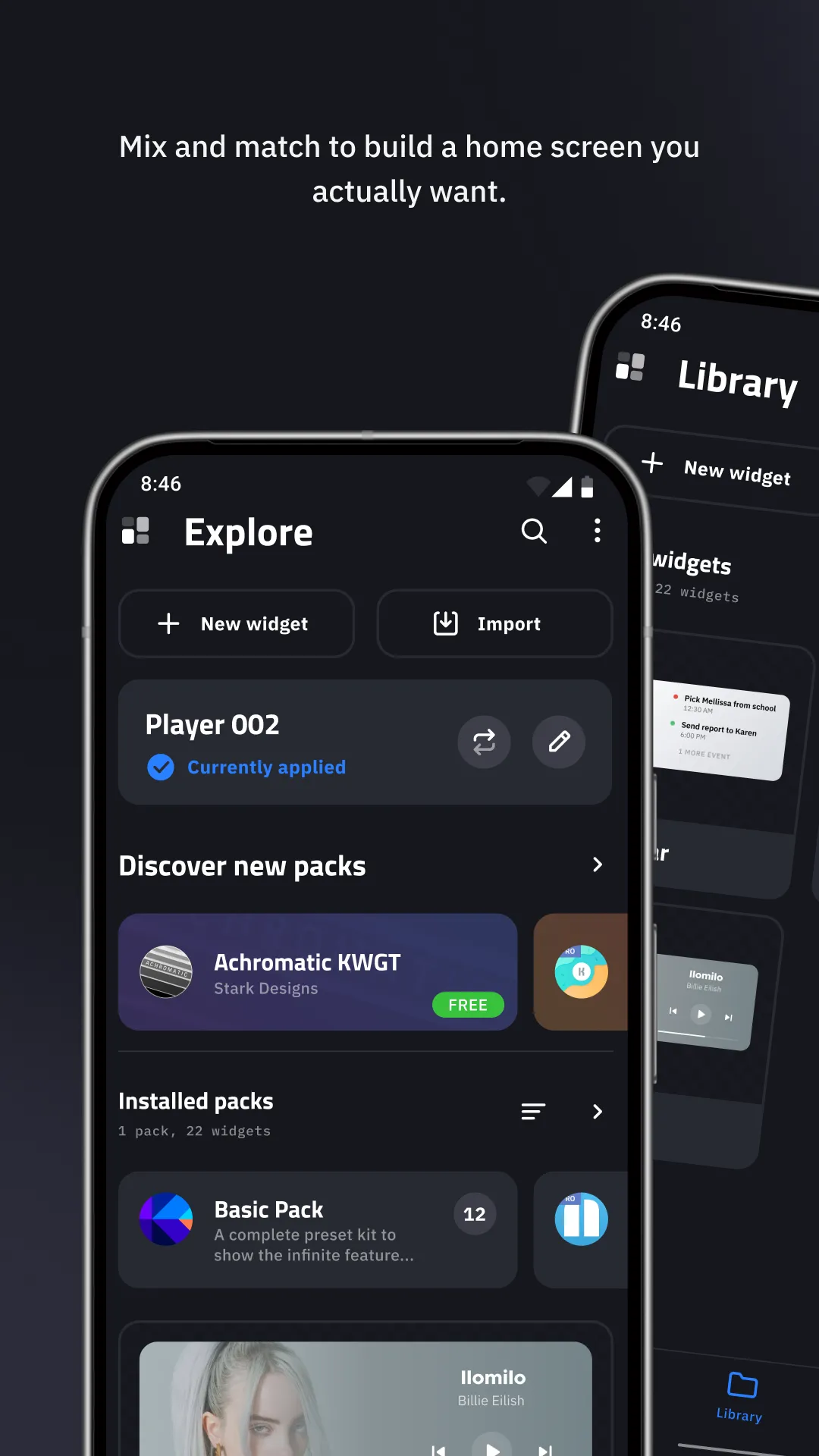
KWGT Kustom Widget Maker is a theme creation tool for Android devices. It allows users to create various practical widgets. The app provides many preset skins. After creating your widget, you can choose one to match your theme. This app lets users unleash their creativity, controlling everything from layout to style. Despite its numerous features, the app is extremely lightweight, ensuring smooth operation and minimal power consumption for extended use.
Features:
Precise visual editor
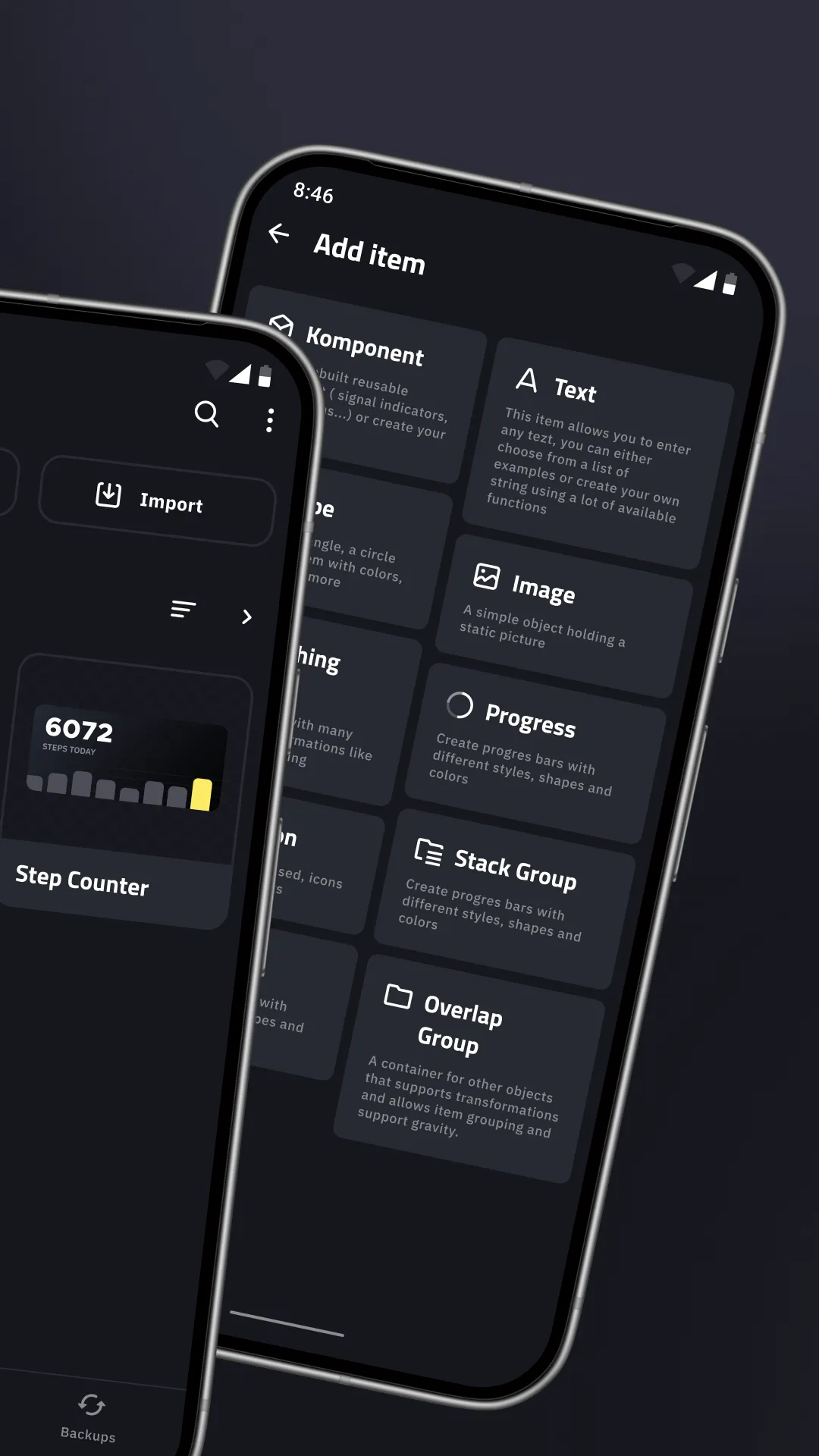
KWGT Kustom Widget Maker provides a WYSIWYG editor, so you see your widget as you build it. You control text with custom fonts, sizes, spacing, and effects like curved text, 3D appearance, and shadows. Position elements in layers and adjust alignment to match the grid on your home screen. As a result, you can fine tune details before saving.
Design assets and effects
You can add shapes, photos, and icons in common formats, including PNG, JPG, WEBP, and SVG. Gradients, color filters, blur, and saturation let you refine the style without leaving the editor. Layers stack cleanly, which helps when combining backgrounds, text, and art. This toolkit supports both simple minimal tiles and more detailed layouts.
Interactive touch hotspots
KWGT Kustom Widget Maker supports touch hotspots that perform actions when you tap an area of the widget. You can launch an app, jump to a setting, or open a specific screen based on the hotspot target. This reduces extra steps and connects your widget to daily tasks. You decide which regions are active and how they behave.
Dynamic data and logic
You can build widgets that react to time, location, or live data. Functions, conditionals, and globals help you switch styles or values based on context. The app can fetch information over HTTP and parse RSS or XML with XPATH or text filters for real time content. This makes live weather, battery status, or news panels update without manual refresh.
Widget types you can make
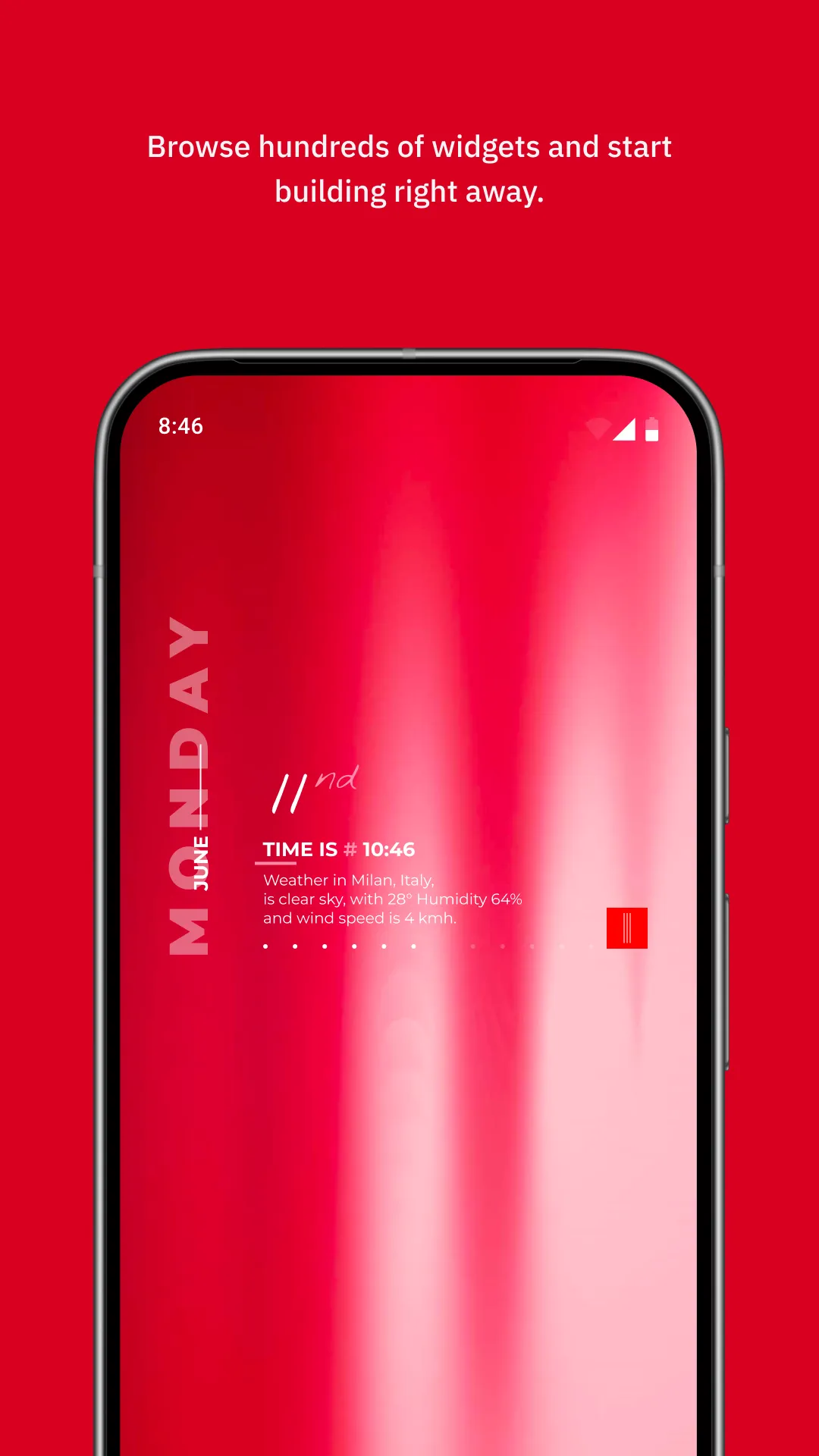
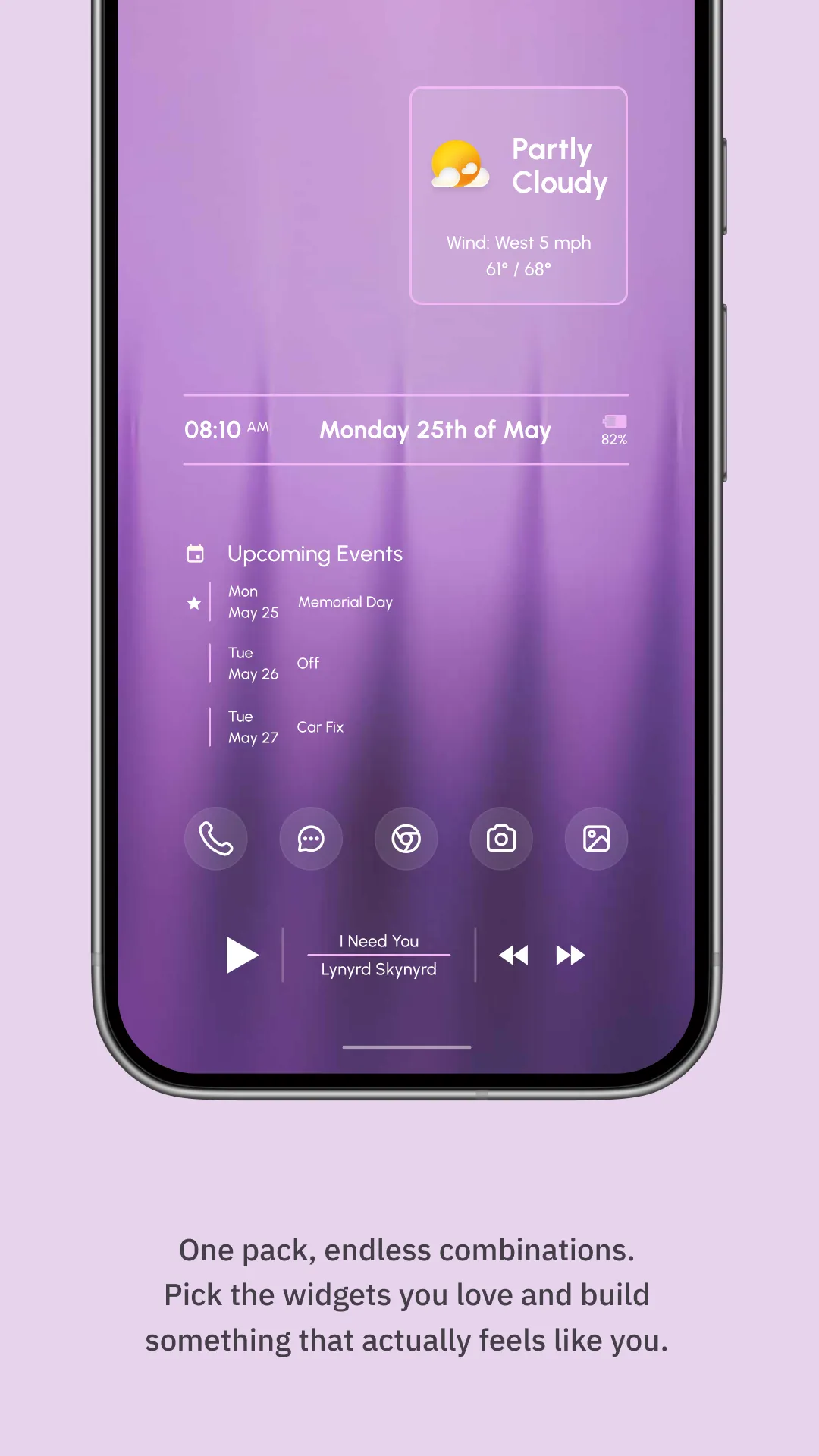
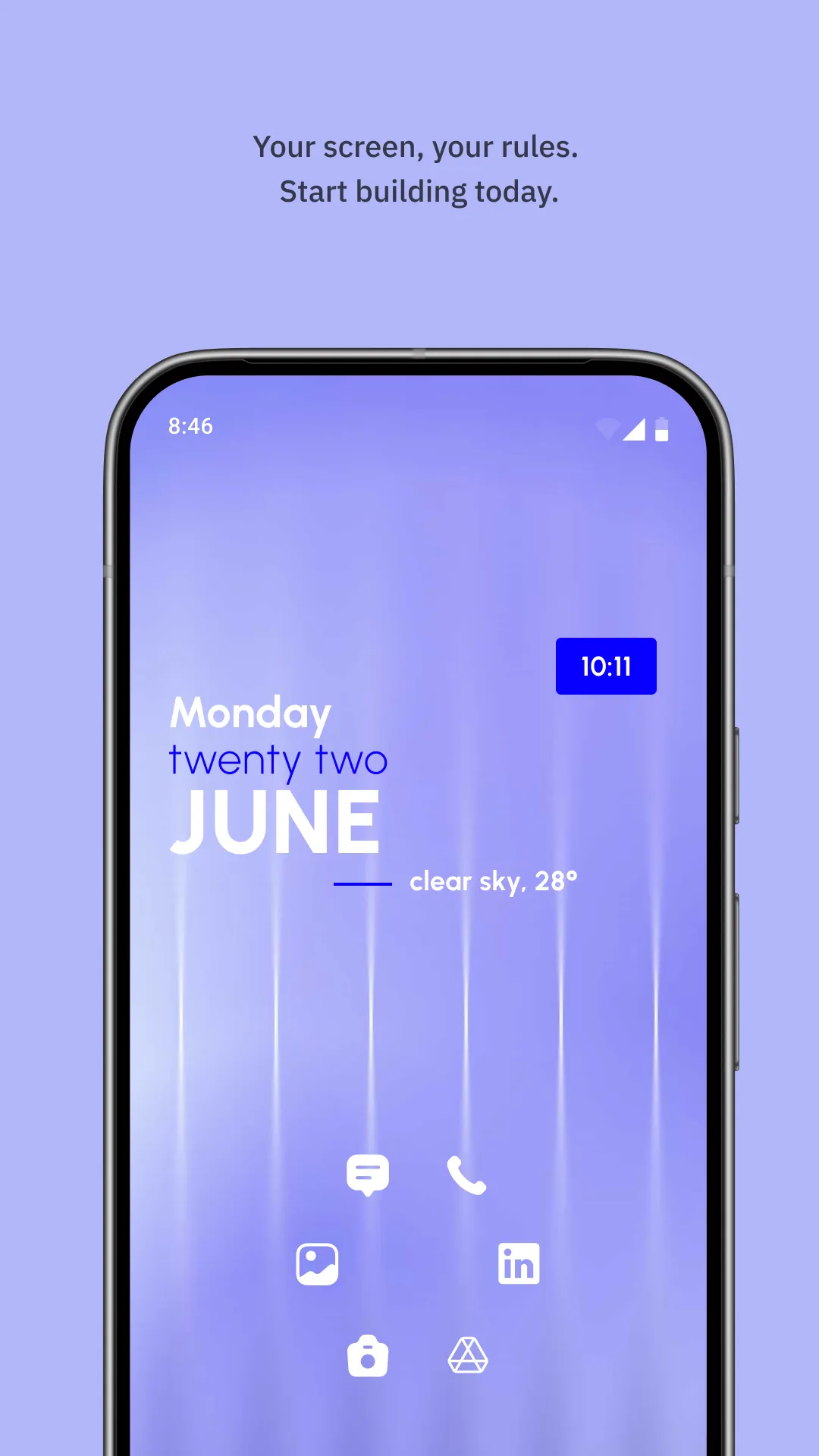
KWGT Kustom Widget Maker supports a wide range of layouts, from photo and aesthetic tiles to detailed weather dashboards with multiple providers. You can build custom clocks, battery and system monitors, and music controls that show track info and artwork. Activity and sleep tiles are possible through Health Connect integration. This flexibility lets you design one widget or a full set that shares a consistent style.
Integrations and Pro options
Tasker support lets your widgets react to automation events and trigger tasks from a tap. Health Connect integration enables activity and sleep dashboards when you grant access. The Pro upgrade removes ads and unlocks importing external presets and skins, which is useful if you collect third party packs. This ecosystem extends what you can build without starting from scratch each time.
Highlights:
Customizable Widgets: Create widgets tailored to your preferences, from layout to style.
Variety of Skins: Choose from a wide range of pre-designed skins to match your home screen theme.
Interactive Elements: Add interactive elements, such as clocks, weather updates, and app shortcuts.
Instant Updates: The app provides real-time updates and features, ensuring you always have access to the latest tools.
Advanced Configuration: For more experienced users, it allows detailed customizations of widget behavior and appearance.
Dynamic Themes: Create dynamic, responsive widgets that change based on various conditions, such as time, location, or weather.
Visual Enhancements: Use vibrant graphics and effects to enhance the visual appeal of your widgets.
Supports Multiple Devices: It is compatible with a wide range of Android devices, making it versatile and accessible.
User-Friendly Interface: The app is designed with ease of use in mind, enabling users to create and edit widgets quickly.
Lightweight: Despite its feature-rich capabilities, it is a lightweight app that won't slow down your device.
Pros and Cons:
Pros
Highly flexible WYSIWYG editor with rich text, shape, and image controls
Supports interactive widgets with touch actions and hotspots
Covers many widget types, including weather, clocks, system monitors, music, fitness, calendar, and photo widgets
Advanced scripting, HTTP data, and Tasker integration for dynamic, context-aware widgets
Access to extensive device and environmental data such as battery, Wi-Fi, traffic, alarms, and location
Cons
Steep learning curve, especially for positioning and layout concepts
Interface feels dated and can be overwhelming for new users
No in-app discover or gallery page for browsing shared widgets
FAQs:
Does KWGT Kustom Widget Maker require root access?
No, this tool works perfectly on standard Android devices without needing root permissions or system modifications. It operates as a standard widget provider while offering deep customization options that respect system security.
Can I export my designs to share with others?
Yes, users can export their creations as unique files to share with friends or even publish them as standalone packs on the store. This makes it easy to back up your hard work or contribute to the growing global community.
Is there a difference between the versions?
The Pro version of KWGT Kustom Widget Maker removes advertisements and enables the ability to import external presets from SD cards. While the free version is powerful, the Pro license is essential for those who want to use community-made themes.
Conclusion:
When it comes to tailoring up a widget for your android device, you might expect to be upheld with adaptable yet wonderful widget options, which can be appropriate for personalizing your device in the best way. On top of that, with KWGT Kustom Widget Maker allows you to utilize built-in examples in its samples collection and add up-to-date text or effects to the widgets. KWGT Kustom Widget Maker has been modified advantageously, letting everything integrated effectively, and more convenient for the users to make widgets.
-
Latest Updates
-
Featured Apps