YouCut
Entertainment
2026-09-08
58.61MB
1.524.2147.WDJ
Android
206
Screenshots

Introduction
YouCut is a video editor. This video editor boasts powerful editing and trimming features, enabling users to quickly create high-quality videos. Users can edit videos and add effects, filters, and more. By changing the background and adding music, different effects can be achieved. The software is very easy to use; even beginners can create professional-looking videos. The created videos can be compressed, and high resolution can be selected without compromising quality. Flipping is also possible. The created videos and images can be shared on other platforms or with friends. It's a very practical editing software.
Features:
Intuitive Interface for Effortless Editing
The platform boasts a clean and intuitive interface, making it accessible to both beginners and experienced video editors. The drag-and-drop functionality allows for easy arrangement of video clips, images, and audio tracks. This streamlined workflow ensures a smooth editing experience, even on mobile devices.
Powerful Features at Your Fingertips
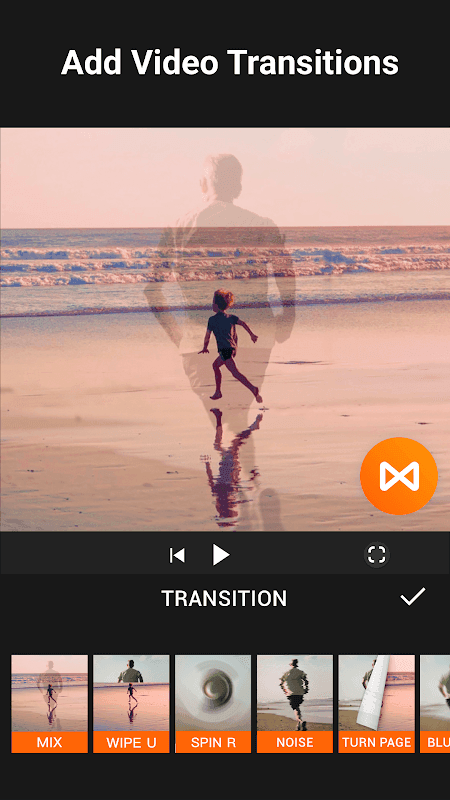
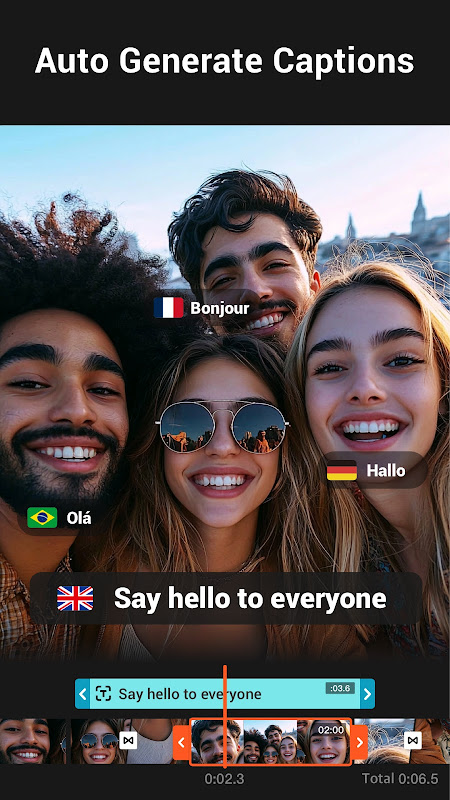
Beyond basic trimming and merging, this tool offers a range of advanced features. Users can add text overlays, apply filters and effects, adjust video speed, and even blur backgrounds for a more professional look. The inclusion of AI Video Boost and Auto Captions elevates the editing process further, catering to modern content creation needs.
Music Integration for Enhanced Storytelling
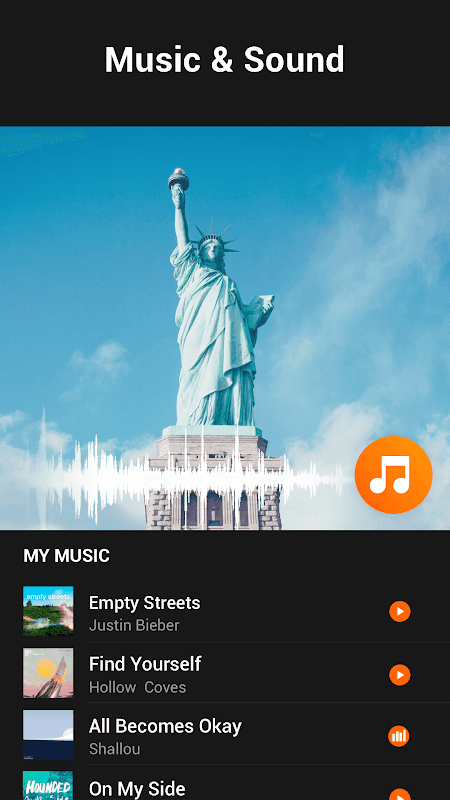
Adding music to videos can significantly enhance their emotional impact. The service provides a library of royalty-free music tracks that users can seamlessly integrate into their projects. This eliminates the hassle of searching for suitable music elsewhere and ensures that videos are ready for sharing on various platforms.
Seamless Sharing on Social Media
Once the editing process is complete, sharing videos on social media is incredibly straightforward. The solution offers optimized export settings for different platforms, ensuring that videos look their best on Instagram, TikTok, YouTube, and more. This seamless integration saves time and effort, allowing users to focus on creating compelling content.
AI-Powered Enhancements
Leveraging artificial intelligence, this tool offers features like AI Video Boost and Auto Captions. These intelligent functionalities automate complex tasks, such as improving video quality and generating accurate subtitles, saving users valuable time and effort.
Highlights:
Combine several videos in one thanks to its merge tool.
Crop video.
Export video in HD quality.
Speed control.
Possibility to add music to videos.
Color settings.
Video filters and special effects.
Several video aspect ratios.
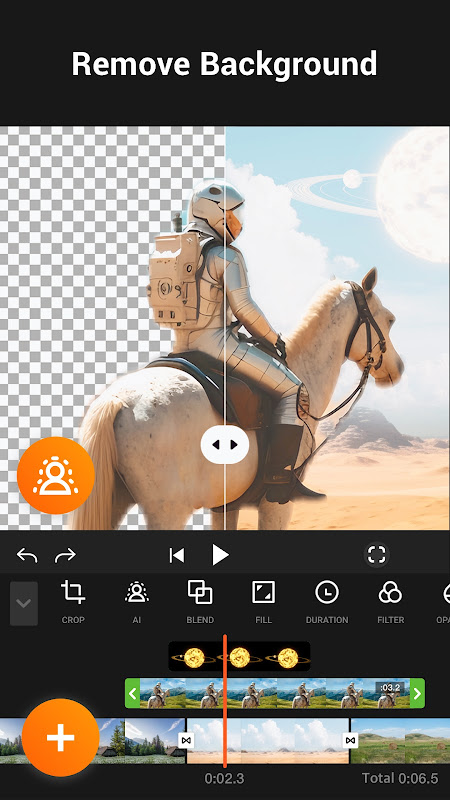
Change the video's background.
Video compressor and converter.
Function to rotate the video 90º.
FAQs:
What is the version of YouCut?
The YouCut video editor professional version has the same functions as the regular version.
What is the YouCut online editor?
This application allows you to complete all editing work online.
How to use YouCut's reverse video function?
Go to your project's timeline and click the "Reverse" button to start the reverse rendering process.
Advantages and disadvantages:
Pros
Super easy to use and simple to operate.
Built-in practical video editing tools.
Free to use.
Real-time recording.
Cons
Operations cannot be undone during editing.
Conclusion:
YouCut brings you the most professional video editing tools, allowing you to fully enjoy the editing experience. The editing process will automatically end according to your instructions, and the output video will always maintain the highest quality. Export speed is also very fast. In addition, there is a convenient sharing panel for instant sharing to numerous social networks—the choice is yours! Experience this excellent video editor, and don't forget to leave your review!





-
Latest Updates
-
Featured Apps