
X Launcher Pro
Tools
2026-08-13
4.45MB
3.4.4
Android
186
Screenshots
Introduction
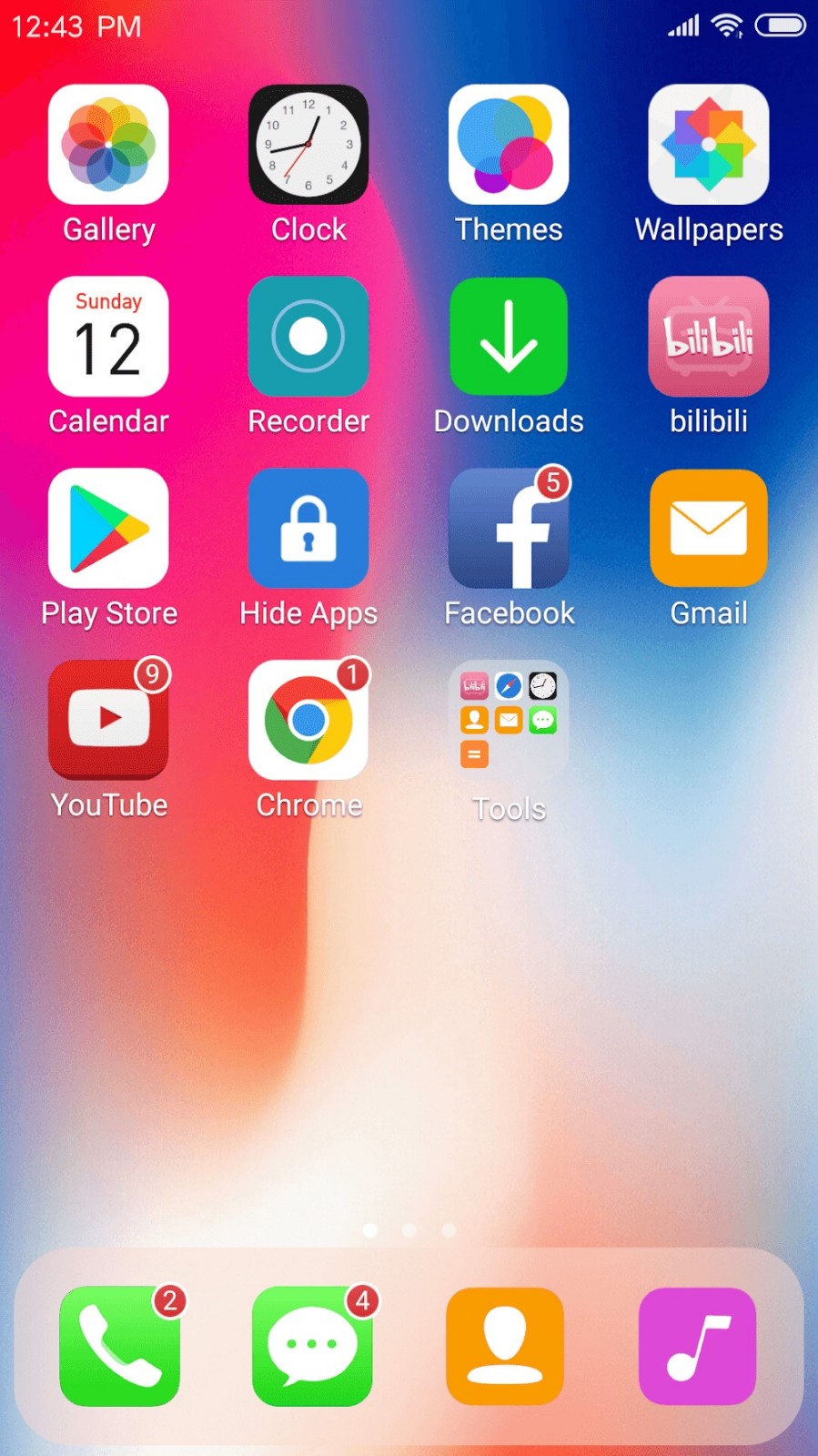
X Launcher Pro is a theme customization tool for Android devices. It allows users to enjoy iOS-style desktop themes on their Android devices. This application provides users with a variety of iOS themes, allowing them to freely choose their favorite. Each theme features cool 3D effects, providing a superior user experience. The application also offers various widgets that users can place on their home screen for convenient daily use.
Features:
No Ads
We've removed annoying ads in the Pro version, eliminating any unexpected interruptions and allowing you to focus on your game.
OS11-Style Control Center
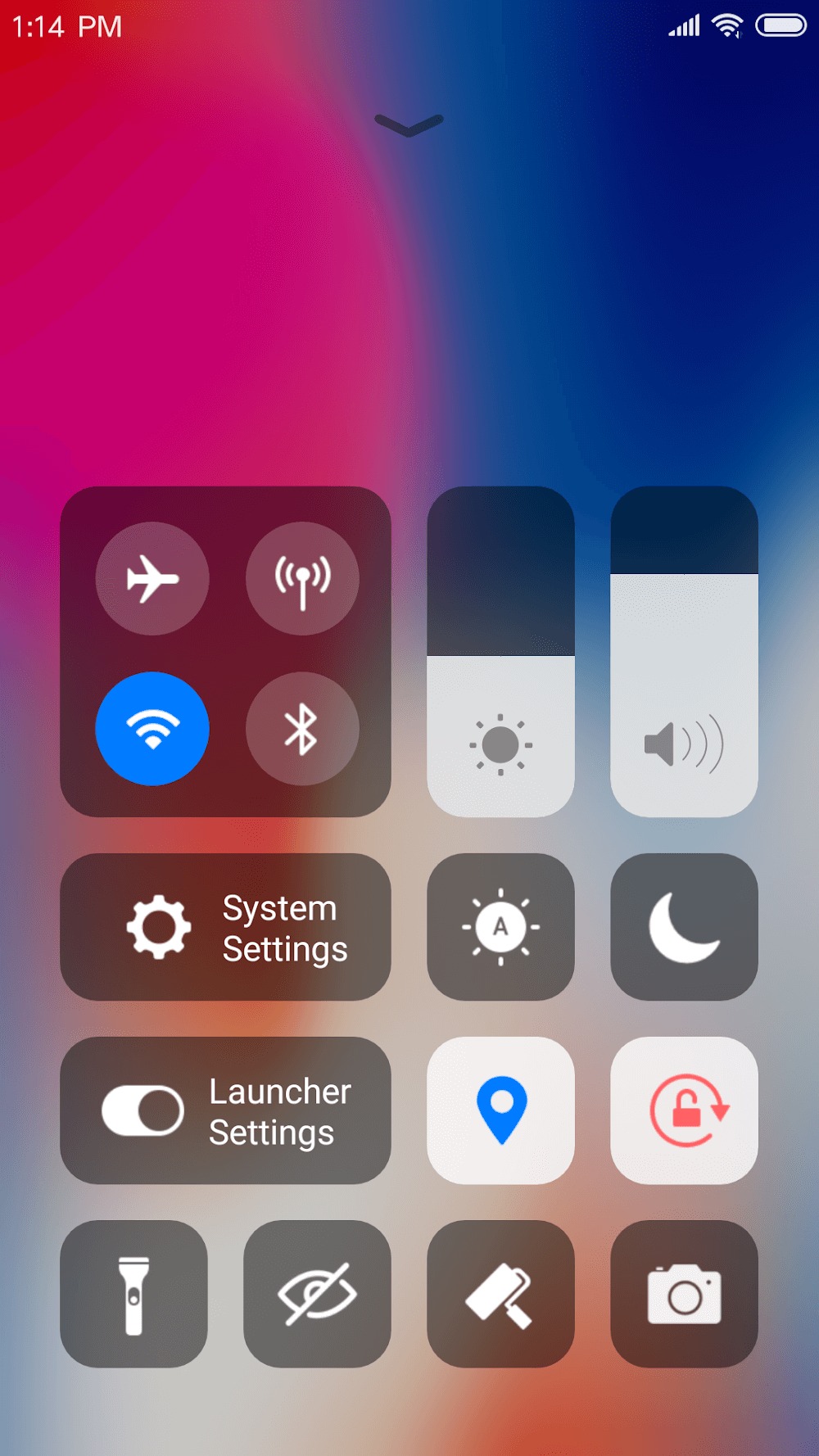
Swipe up to open the Control Center; quickly adjust Wi-Fi, network, brightness, volume, and camera settings.
Multiple Themes
We've designed a cool theme center offering a variety of themes that adapt to your chosen theme, providing a smooth, OS11-like interface experience.
Latest Wallpapers and Icon Sets
A rich library of iPhone X icons and the latest wallpapers provide a comprehensive experience.
We've also customized iOS-style icon packs for popular apps.
Powerful App Manager
Swipe down to open the App Manager; quickly find local apps and drag and drop them to the home screen.
Apple-Style Folders
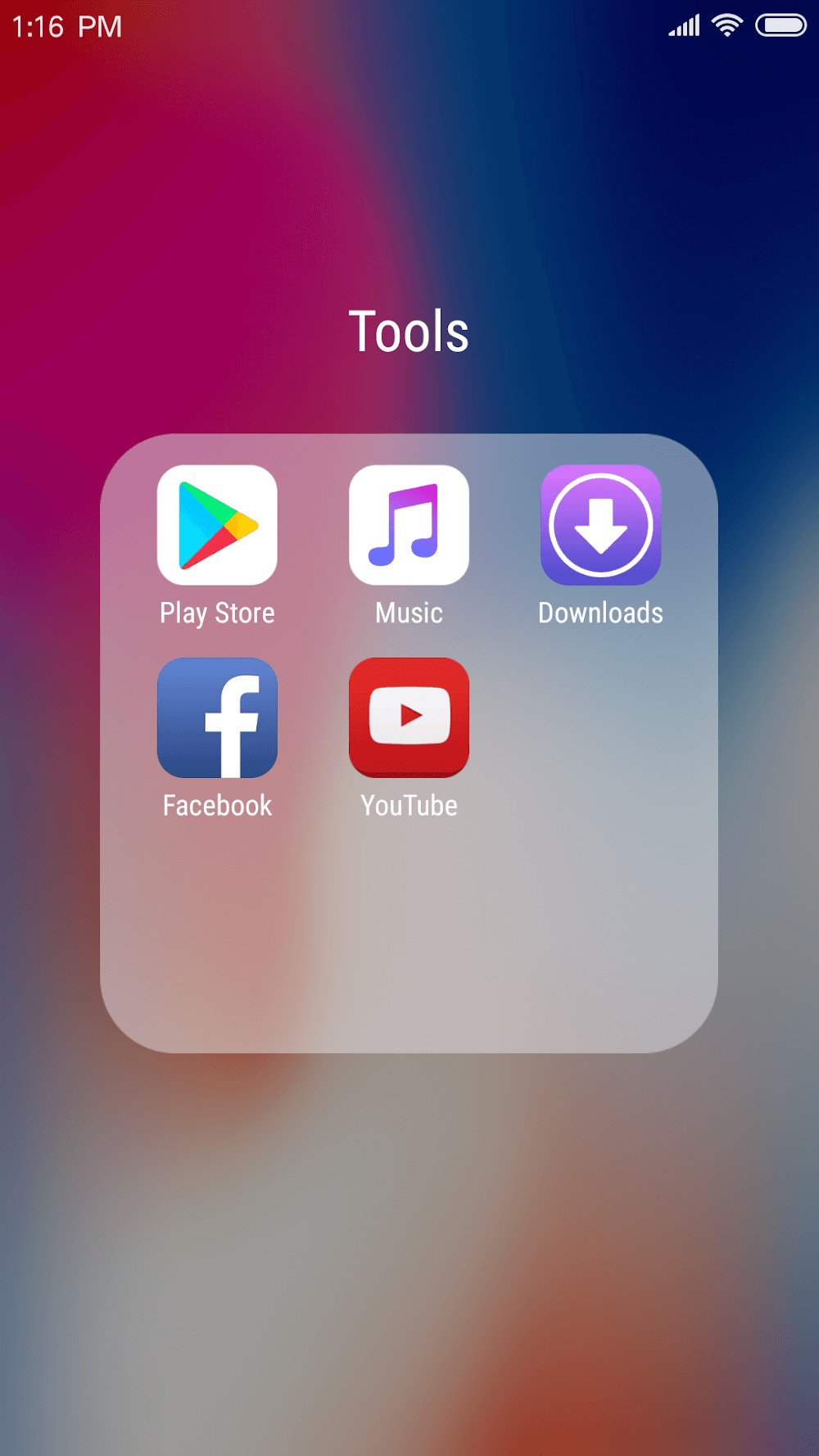
We've designed an iOS-style folder system where you can drag and drop apps onto each other to create folders.
Cool 3D Effects
We've designed 8 screen animation effects, such as breeze, tunnel, waves, cube, carousel, tuning, fan, and rotation.
Weather and Time Widgets
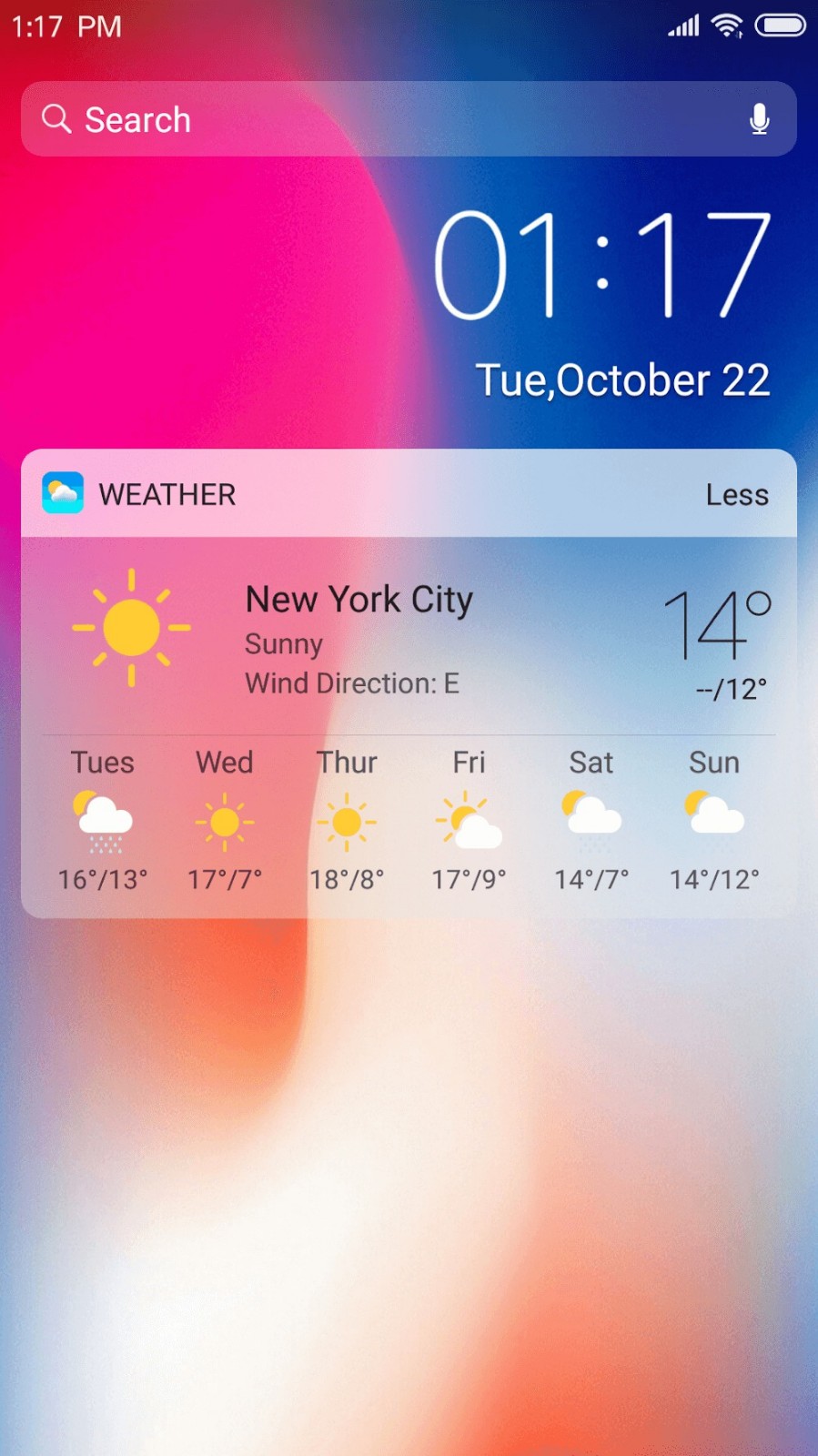
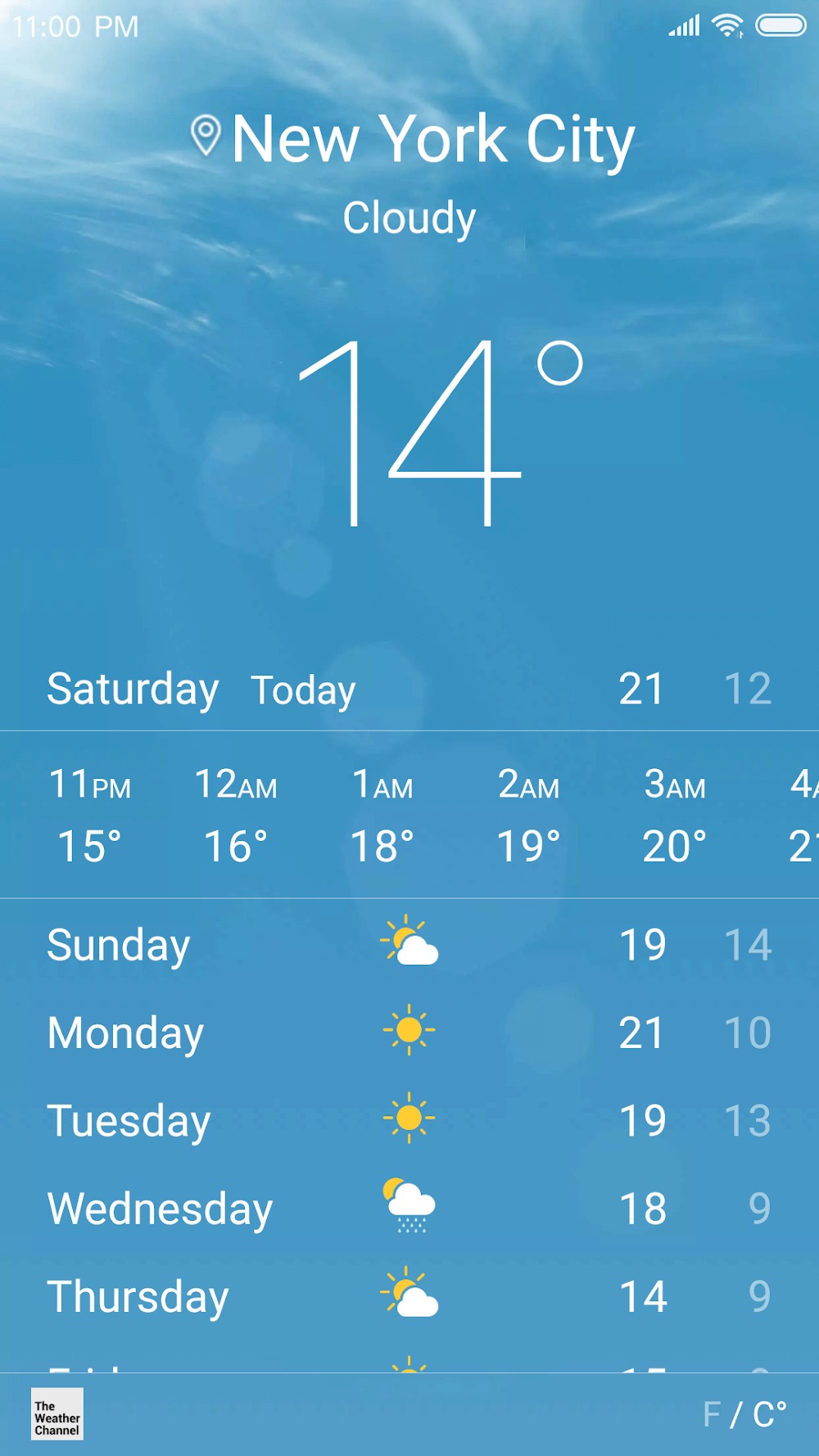
We provide a weather and time widget that you can long-press and drag onto the screen. You can get the weather forecast for the next few days.
Highlights:
One of the top intelligent features that the app can bring to you is optimizing bright swipes to be able to use a variety of features. Now you’ll be able to swipe down from the edge of your screen to open your phone’s control center and make various settings like wifi, Bluetooth, brightness, volume, and more Easily. Not only that, but the application will also provide its users with many different beautiful interface themes for them to choose and set up for their phones. You must consider and choose an interface theme you love inside the application’s collection. The system will be able to adapt and synchronize quickly to bring you a better experience and smooth experience.
Besides changing the operation of your phone to be extremely smart and convenient, the ability to customize the interface will also be made simple. With the app, users can change their look and feel to be an X phone by setting up exclusive wallpapers of the software update. At the same time, the application is very interested in allowing users to customize the name and image of the application icons in an extremely diverse way. This feature allows users to choose a local image, crop it to a certain size, and set it to represent their favorite applications. Suppose you are a person who loves to use the phone in a minimalist way. In that case, the application will provide icons for popular applications according to IOS Style.
Usage:
Open X Launcher Pro, then set it as the default home app when prompted. This ensures the iOS style layout appears every time you press Home.
Swipe down from the home screen to open the Control Center. Adjust brightness and volume, switch WiFi or data, and access the camera when needed.
Swipe up to open the App Manager. Drag any app to the desktop, then place it where you want for faster access.
Swipe to the left screen to view time and weather. Use the app search to find what you need without scrolling through pages.
Open the Theme Store to apply a theme. Then rename apps, change icons from local images, adjust rows and columns, create folders, and hide apps you prefer to keep out of sight.
Tips and Tricks:
Explore Customization Options: Take the time to explore the various customization tools and options available in X Launcher Pro to create a unique look for your phone.
Set Up Smart Control Center: Make use of the smart control center feature to easily access common functions and settings with a single swipe.
Try Different Wallpapers: Experiment with different wallpapers from X Launcher Pro's collection to find the perfect background that suits your style.
Conclusion:
X Launcher Pro always stores themes, downloaded wallpapers, and essential information. The application is more and more advanced and developed to meet customers’ requirements, giving them the best experience. The application also designed an excellent theme store to provide players with different themes, making it easier to choose from. With its improvements, the application gives you more and more smooth experiences like IOS13.









