WiFi Master
Tools
2026-10-17
74.28MB
5.6.3
Android 4.0.3 and up
393
Screenshots
Introduction
WiFi Master is a powerful Wi-Fi tool that helps users connect directly to nearby free Wi-Fi networks. The app is exceptionally convenient and fast to use; with just a single tap, it automatically connects to an available network—no credentials required. This saves users a significant amount of time, allowing them to get online quickly. Additionally, the app features a built-in, secure, and anonymous web browser, which enhances session privacy, protects network traffic, and reduces the risk of data leaks, ensuring a safer and more secure browsing experience.
Features:
Auto-connect and one-tap access
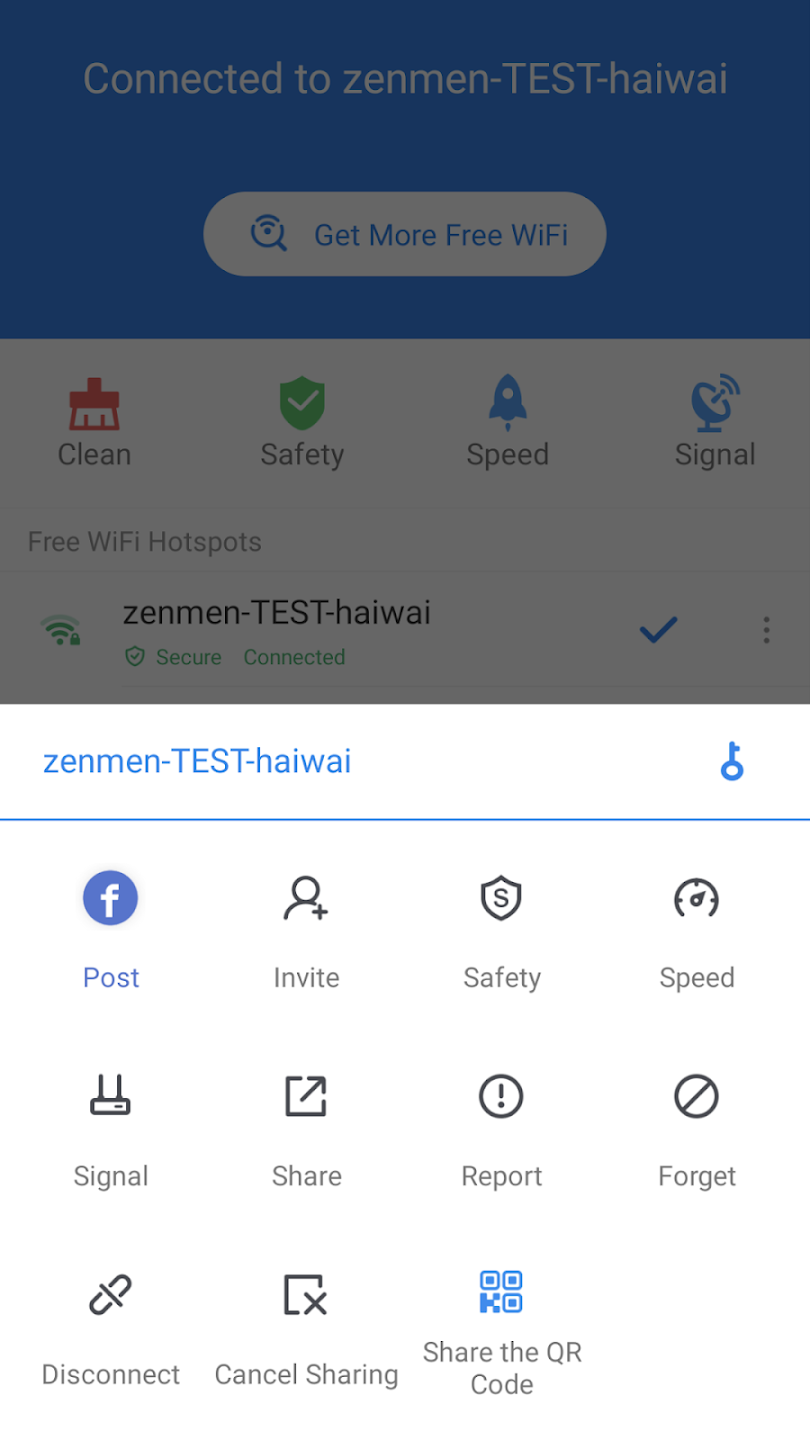
WiFi Master can auto-connect to open hotspots when available. You can tap once to join a nearby network without entering credentials. This reduces time spent searching and helps you get online quickly. When a known hotspot is detected, connection stays stable for typical browsing, messaging, and maps.
Community-shared network with encrypted credentials
The app taps into a global pool of user-shared WiFi hotspots. Any shared passwords are encrypted and never shown to you or stored in plain text. As a result, you can join shared networks without seeing or exposing sensitive data. This community approach expands access in many cities and public places.
Private browsing and data protection
WiFi Master includes a built-in anonymous browser for private sessions. Traffic is protected to reduce exposure on public networks. You can open sites and search without leaving local traces in the app’s browser. This setup is helpful when accessing WiFi in cafes, malls, or transit areas.
Network tools for signal and security checks
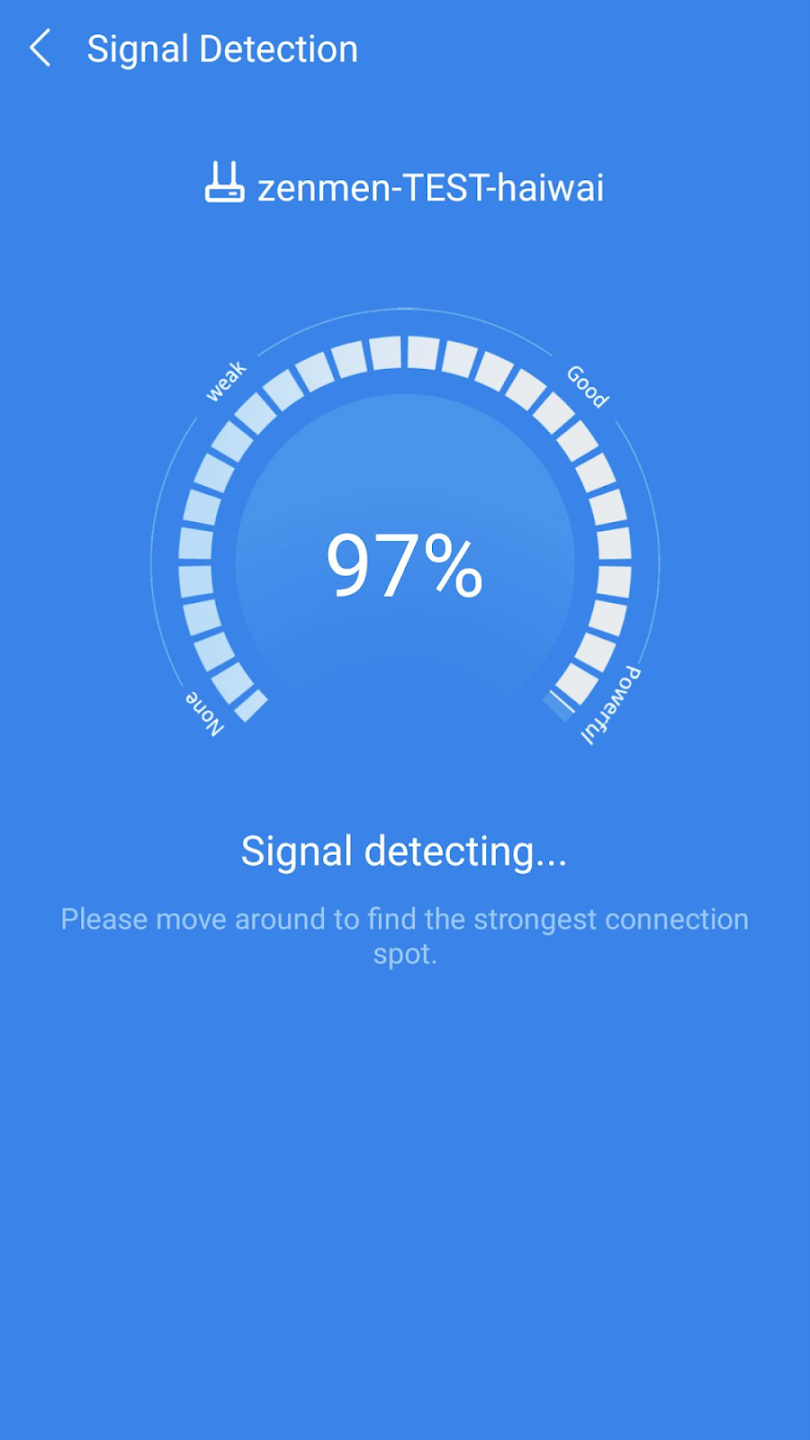
You get tools to examine WiFi signal strength and basic security risks. WiFi Master scans for anti-scraping threats and performs safety checks before connecting. This helps you decide whether a hotspot is suitable for regular use. Results appear clearly, so you can switch to a different hotspot when needed.
Clear usage boundaries
WiFi Master is not a hacking tool and does not unlock closed networks. It connects only to open or user-shared hotspots that are available through the community. Passwords are not revealed at any point. This keeps usage aligned with local rules and typical public WiFi etiquette.
Highlights:
Automatically detect and connect to accessible wifi hotspots in range.
Generate passwords for secure access to public networks.
Create a list of favourite connections that can be accessed quickly.
Ability to share the password with friends or family members who also need it.
Supports multiple languages, including English, Spanish, French and Chinese.
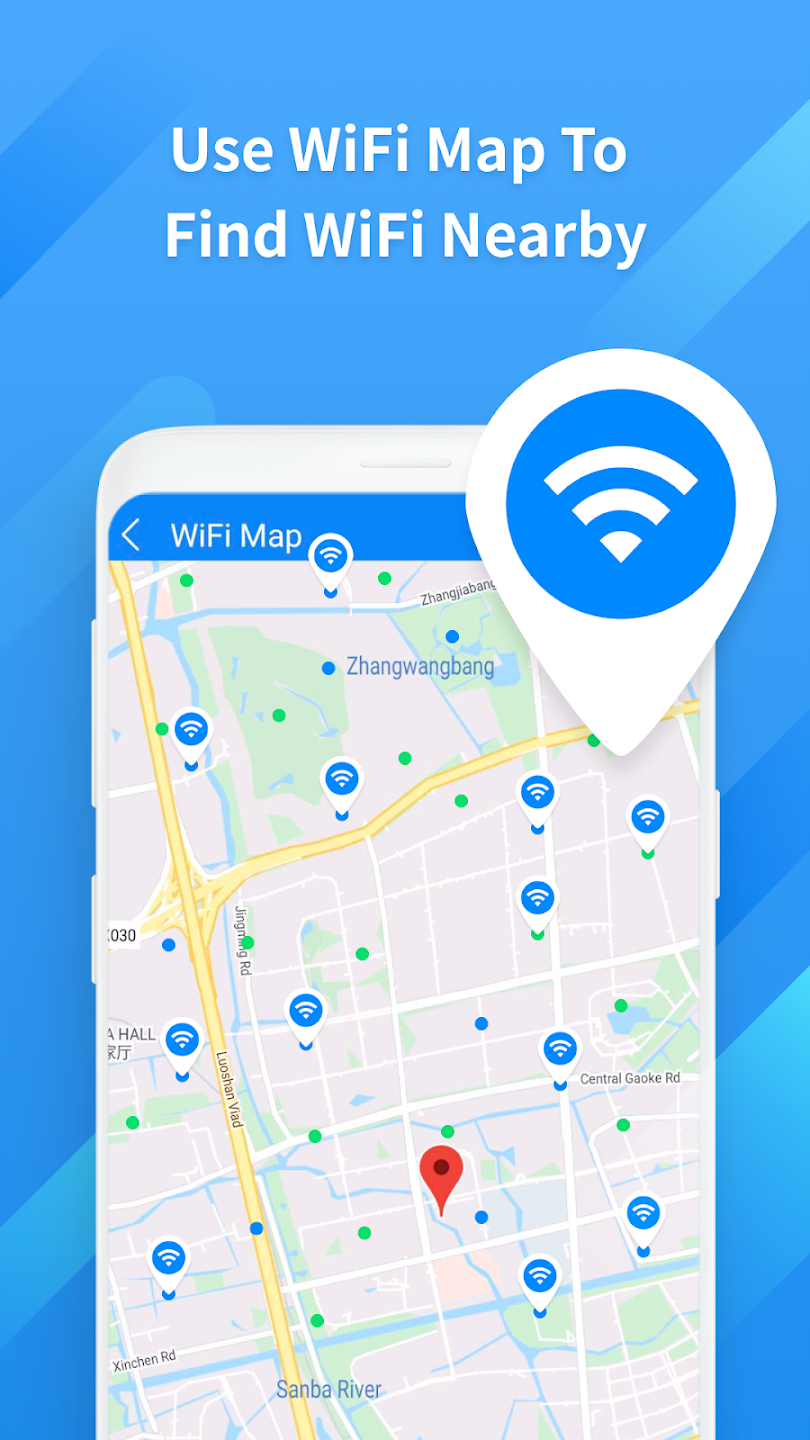
Search available Wifi spots near you using GPS technology on your device’s location services feature.
Receive notifications when new hot spots become available nearby, so users are always connected.
Access detailed information about each connection, such as signal strength and security protocols used by the network provider.
Pros and Cons:
Pros
Access to a global network of secure, open Wi-Fi
Shared passwords are fully encrypted for privacy
Includes a safe and anonymous built-in web browser
Useful suite of network diagnostic tools and security checks
Cons
Effectiveness depends on the density of the user base
FAQs:
Q: How does the app work?A: It connects users to free Wi-Fi hotspots nearby. The app uses a community-driven system where users share secure Wi-Fi networks with others.
Q: Is the app safe to use?A: Yes, it ensures that only secure, verified Wi-Fi hotspots are shared within the app, making it safe for users to connect.
Q: Do I need to sign up to use the app?A: No, the app does not require sign-up to find and connect to Wi-Fi networks, though creating an account can provide additional features.
Q: Can I use the app to find Wi-Fi anywhere worldwide?A: Thanks to the community-based Wi-Fi sharing system, the app allows you to find Wi-Fi networks worldwide.
Q: Does the app consume a lot of battery?A: It is designed to be lightweight, but as with any Wi-Fi app, it may consume some battery depending on usage.
Conclusion:
Overall, WiFi Master is a highly useful utility that excels in offering secure, convenient, and stable internet access through its community-driven hotspot network. The combination of encrypted shared data, a private browser, and network diagnostic tools makes it a valuable download. The security and auto-connect features alone make it a worthwhile addition to your mobile toolkit for data savings.
-
Latest Updates
-
Featured Apps