
Voice Search
Tools
2026-10-28
9.39MB
5.3.1
Android
282
Screenshots
Introduction
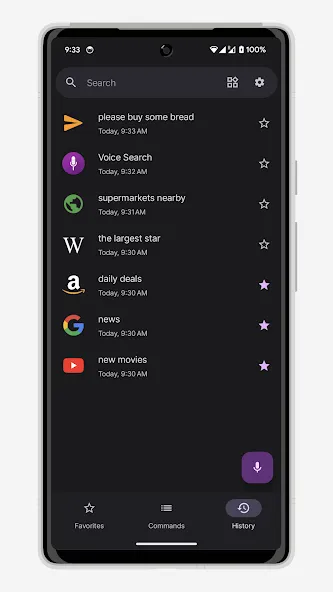
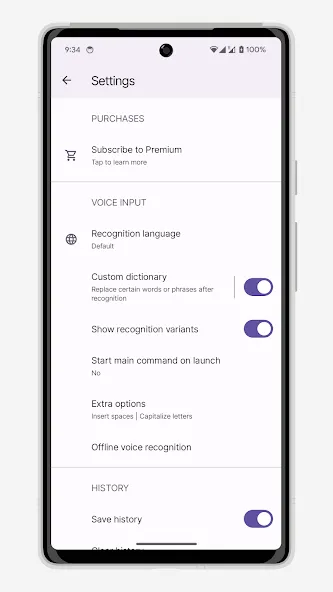
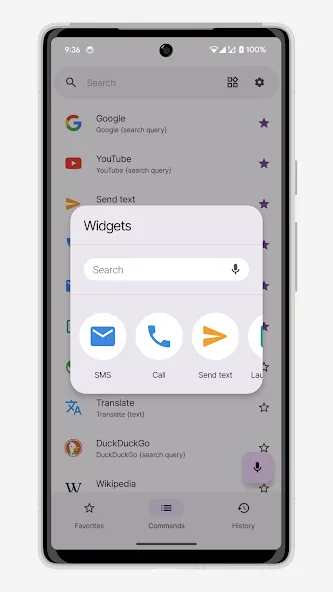
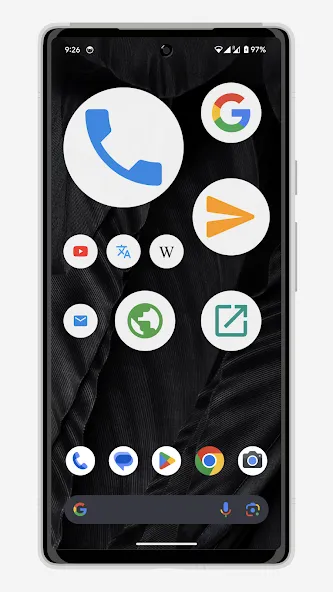
Voice Search is a voice assistant designed for Android devices. It enables quick voice input for tasks such as accessing websites, making phone calls, and sending text messages. The app supports converting speech into text for messaging and note-taking, and it accommodates a wide range of languages and regional dialects. It also includes built-in safe search and content filtering features. You can begin recording instantly by tapping the microphone icon; the interface is simple and intuitive, making it easy to get started.
Features
The ability to instantly search for information or navigate to sites across the web.
Voice command functionality to manage contacts, initiate calls, and send SMS.
Quick location searches within maps for efficient direction-finding.
Seamless integration allowing for voice-translated messages and note-taking.
Advantages and disadvantages
Pros
Combines spoken Google searches with direct phone commands
Supports numerous languages and regional English variants
Offers alternative interpretations for uncertain speech
Includes SafeSearch and an offensive-word filter
Cons
Some requests require a second attempt
Voice Actions only support US English
User comments
I used to simply touch the microphone, speak and a search result would come up. Now I have to touch the microphone icon, select microphone AGAIN, then select a variant to exactly what i voice requested, then hit the Google icon. One click is now 4 clicks. Your update seemed to turn a very friendly app into a nuisance. Can it simply work like it did before? Update 12/23/2020 I followed the suggestions from UXAPPS support and it works as it once did. Thanks for the quick response and the info. FIVE star support!
It really comes in handy when I need it. I don't know how to spell a lot of words, and it helped me tremendously with words I had forgotten how to spell. Thank you so much for it. I use it a lot.
this app is so much easier than typing and you can use it while you're driving just keep it next to you but not in your hand and talk to it love it
Summarize
Built around spoken requests rather than typed queries, Voice Search turns an Android phone into a direct line to Google results and a small set of device controls. Its distinctive feature is that pairing: spoken web search sits alongside Voice Actions for calls, texts, music, maps, and email. It is simpler than a full conversational assistant, but that narrow focus keeps its purpose clear.






