MiniMovie
Entertainment
2026-10-13
23.30MB
4.0.0.17_171129
Android 3.0 and up
599
Screenshots


Introduction
MiniMovie is a photo and video editing tool for Android devices that allows you to transform your photos into slideshows and cinematic video creations. It features a built-in music library for selecting background tracks and offers a variety of filters to enhance the visual appeal of your photos and videos. You can also add stickers and preview your projects using preset themes. The app boasts a clean, user-friendly interface that is easy to master, and it enables one-tap sharing of your creations to social media platforms.
Features
Photo to Video Maker – Create beautiful slideshows and music videos from your favorite photos.
Built-in Music Library – Choose background music from a variety of free music.
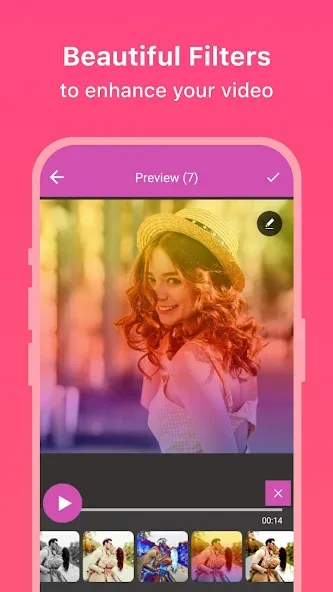
Filters – Apply stunning filters to enhance your photo or video.
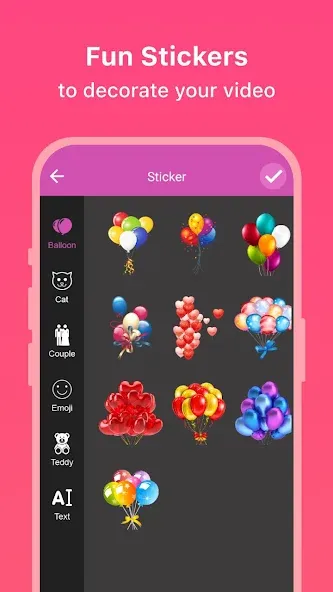
Stickers – Add fun and expressive stickers to personalize your video.
Beautiful Themes – Use pre-designed themes to instantly stylize your videos for any occasion.
Easy-to-Use Interface – Simple steps to create videos, perfect for beginners.
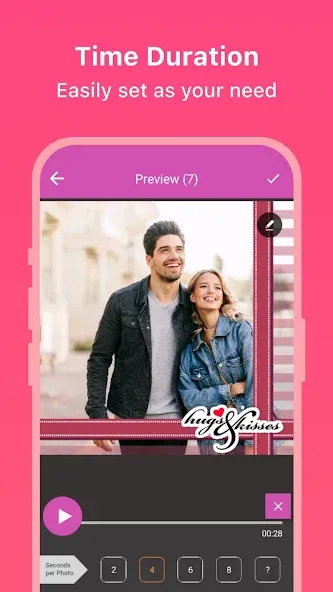
Preview & Save – Instantly preview your creation before saving the final video.
One-Tap Social Sharing – Share your videos directly to Instagram, WhatsApp, Facebook, and more.
Quick Video Creation – Make short videos within minutes, no complicated editing needed.
Video for any occasion – Ideal for birthdays, weddings, festivals, celebrations, and more.
Advantages and disadvantages
Pros
Free Android app to use
A very user-friendly interface
Uploads sent directly from the app
A lot of filters and effects
Cons
Light on overall features
No longer supported on ZenFones running Android 8.1 or above
Tips
Experiment with Keyframes: Don’t be afraid to play around with keyframes. They can add a dynamic touch to your videos by allowing you to animate different elements.
Use Multi-layer Editing: Layering is a powerful tool. Use it to add depth to your videos by combining different audio and video tracks.
Try Different Effects: Explore the various effects available in the app. They can transform an ordinary video into something extraordinary.
Save Your Work Regularly: Always save your progress to avoid losing any edits. The app allows you to save your projects, so you can come back to them later.
Summarize
MiniMovie is a free Android application designed for multimedia enthusiasts who wish to create and edit videos effortlessly. This app offers a user-friendly interface, allowing users to combine photos and videos, apply various special effects, and add music to enhance their projects. It caters to both casual users and those looking for more polished video outputs, making it suitable for personal and professional use alike. Users can also create stunning photo slideshows, showcasing their memories in a visually appealing way.