
Via Browser
Tools
2026-09-07
4.06MB
7.3.3
Android
112
Screenshots
Introduction
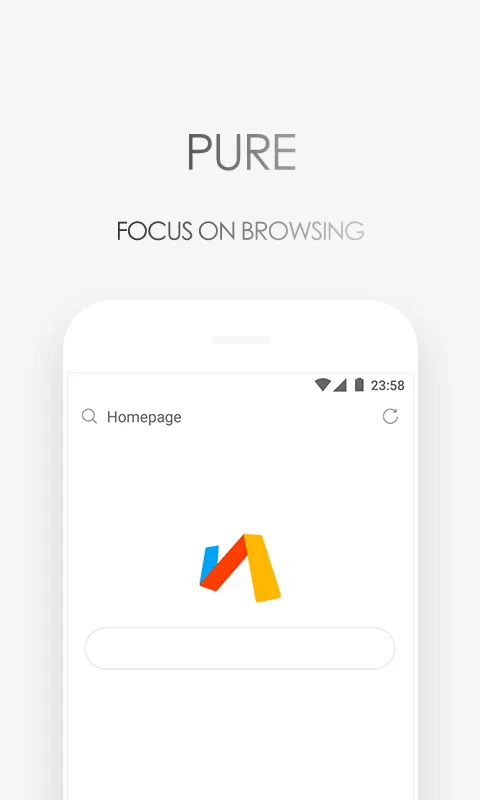
Via Browser is a powerful browser that delivers incredibly smooth webpage loading. With no unnecessary components, it ensures content displays promptly, allowing users more time for reading and searching. This browser also features a built-in ad blocker, effectively blocking ads on various websites and improving loading speed. Furthermore, it offers rich customization options, allowing users to personalize their homepage and search engine. Users can also install various plugins and scripts to enhance their user experience.
Features:
Fast loading and smooth scrolling
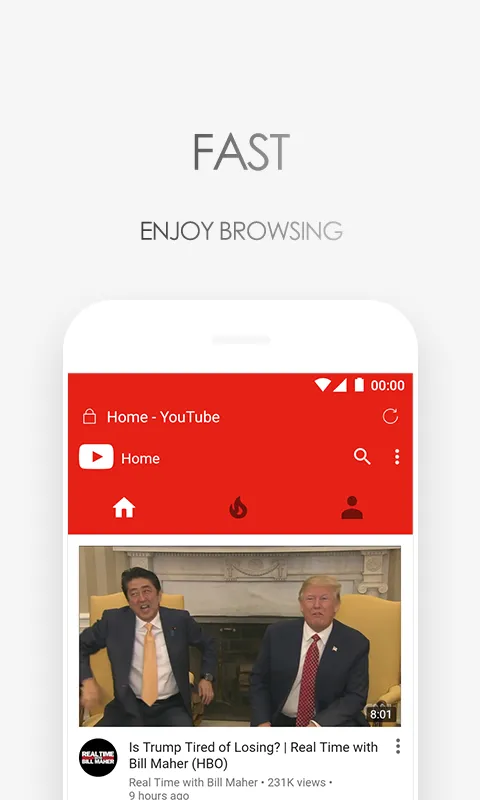
Via Browser focuses on speed so pages load quickly and scrolling feels steady. The browser avoids heavy extras, so content shows up without delay. Therefore you spend less time waiting and more time reading or searching.
Powerful ad block built in
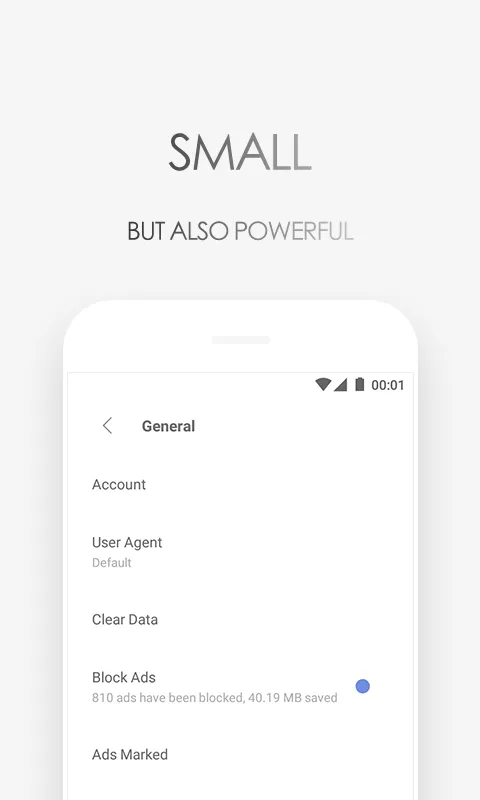
Via Browser blocks intrusive ads and trackers to cut clutter and reduce data use. Pages often feel lighter, and elements that slow you down are removed. Moreover, the built in blocker can help speed up your browsing on slow networks.
Flexible customization and scripts
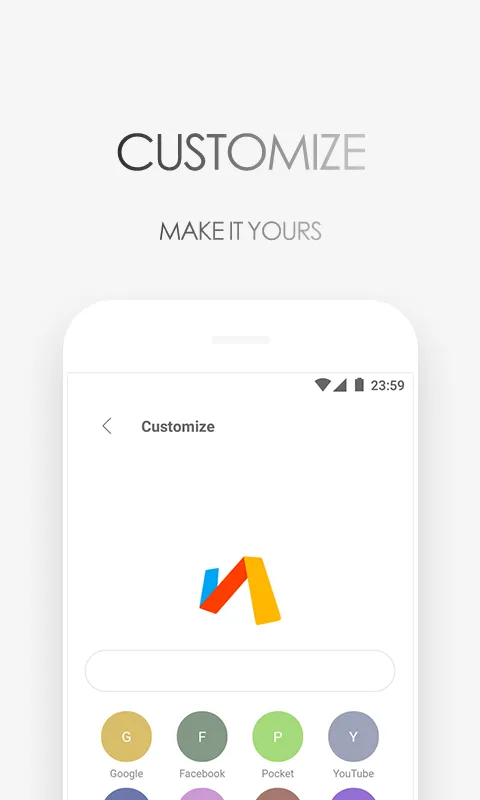
Via Browser lets you design your homepage, switch search engines, and install add ons. You can also load user scripts to tailor how sites behave. In addition, these tools make Via Browser work the way you prefer without adding bloat.
Privacy controls and data saving
Via Browser includes Privacy Protect, quick data saver toggles, and a night mode. You can control what is stored and clear it with a few taps. As a result, your daily browsing can stay private and lighter on data.
Practical tools for everyday browsing
Via Browser supports bookmarks, saving pages for offline reading, and desktop mode. It also includes translate and find in page so you can work inside one app. In addition, these tools stay easy to reach without crowding the screen.
Highlights:
Fast as lightning
This fast include the speed of open app and exit. Also include the fast speed of browse webs. Give your android phone fast-moving speed . Enjoy your fast web browse.
Light but more
All the design is light and lite. All the experiences are light. If you enjoy the light browser , you got to love this one . Enjoy your light web browse time.
Mini on android
The tiny apk. help save the memory of android device. Mini size also help android device smooth than ever. Enjoy your smooth web browse time.
Best for Geek
Efficient is especially important. And the lite interface give you a fresh feel all the time. Enjoy your fresh and efficient web browse time.
Pros and Cons:
Pros
Low memory use
Quick launch and page loading
Extensive home-page, search, font, and gesture customization
Built-in ad blocking, tracker prevention, and night mode
Cons
Some sites may crash or reject the browser
Google account connections can fail
Data collection practices have prompted concern
User Reviews:
This is an incredibly lightweight browser, boasting the fastest startup speed I've ever experienced, bar none.
Small size, clean interface! All the essential functions are there! No annoying homepage ads! You can freely switch search engines! Extremely satisfied!
No inserted ads, no pop-up ads, no ads on the page itself, and I can switch between several search engines. I've used it for two years and it's fantastic.
A simple yet customizable UI. Despite its small size, it offers just as many useful features as other browsers, and the page loading speed is noticeably faster. Highly recommended.
This is the best browser I've ever used. Beautiful icons, customizable, high degree of freedom, small footprint—simply perfect.
Conclusion:
Via Browser is fast and customizable, prioritizing efficiency and a clean interface. While it may encounter occasional website compatibility issues and some users have privacy concerns, its lightweight design, strong ad-blocking, and useful tools make it a solid choice. It's a great option for those seeking a quick, no-frills browsing companion.






