Vanced Tube
Entertainment
2026-11-02
18.86MB
5.6.81.108
Android
92
Other versions

Screenshots
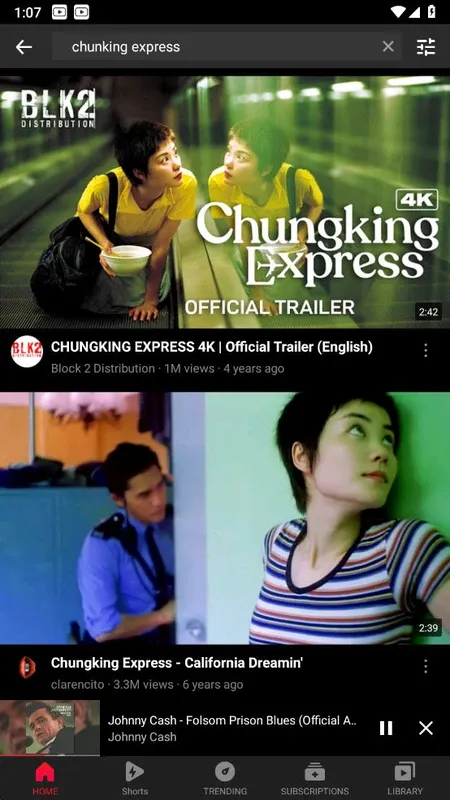
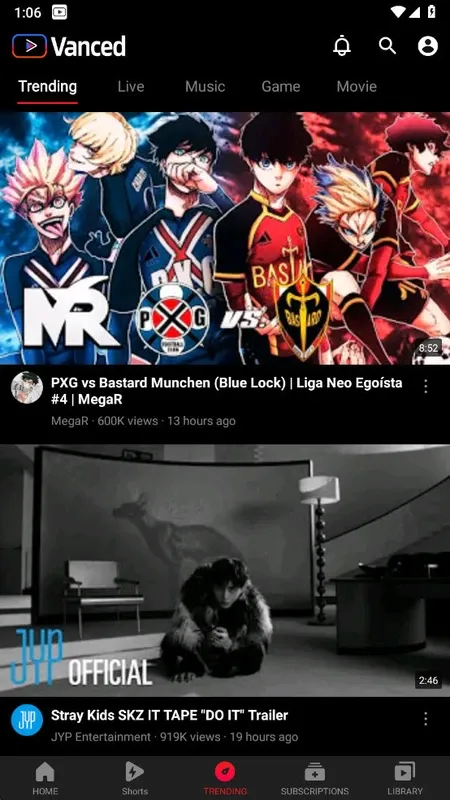
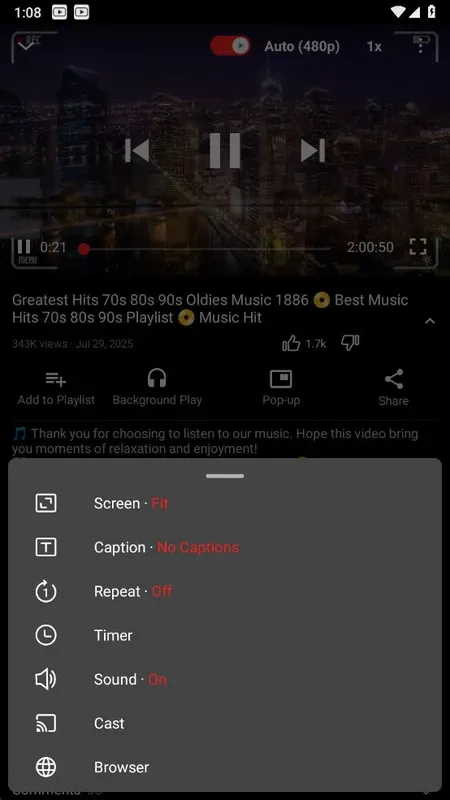

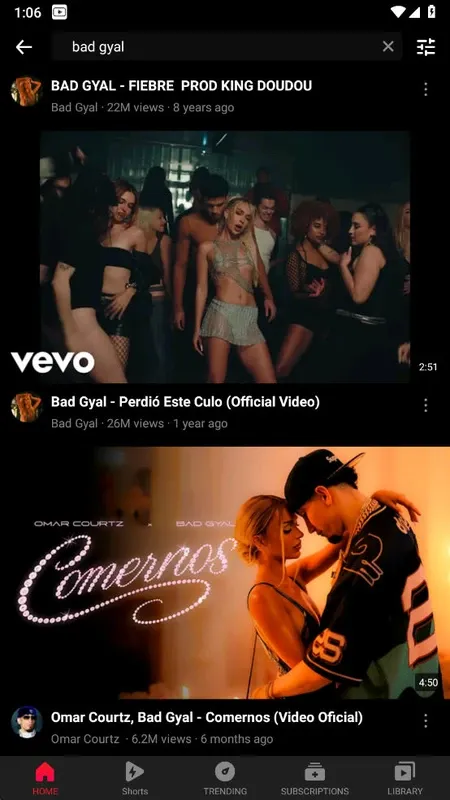
Introduction
Vanced Tube is a powerful media application that allows users to watch all YouTube videos completely ad-free, ensuring a smooth and uninterrupted viewing experience. It offers a wide range of customization options, enabling users to switch themes and adjust various interface elements to suit their personal preferences. Additionally, the app supports background playback, allowing users to listen to music or watch videos in the background while multitasking—delivering an even better user experience.
Features:
No Ads in the middle of the video
No need to install other plug-ins, such as microG, Vanced Manager
Maximum resolution of videos active by default.
Floating Popup Play Mode
Enjoy free music with Video Tube
Discover free music with tons of predefined genres: Popular Music, Hip Hop, Rock, Classical, R&B, Jazz, Disco, Country and more
Highlights:
Enhanced User Experience
Vanced Tube offers a much smoother experience compared to the standard YouTube app. Users can personalize the interface by switching between light and dark themes. The app also supports high-resolution playback up to 4K, ensuring crystal-clear video quality.
Background Playback – Listen Without Interruptions
One of the most loved features of Vanced Tube is its ability to play videos in the background. This is particularly useful for those who want to listen to music, podcasts, or educational content without keeping the app open. Users can continue browsing, texting, or using other apps while their video plays in the background.
Ad-Free Viewing – No More Disruptions
Ads can be one of the most frustrating aspects of using YouTube. With Vanced Tube, users can enjoy an uninterrupted viewing experience, as it blocks all ads before and during videos. This not only saves time but also makes content consumption more seamless.
Customizable Interface
Vanced Tube provides extensive customization options. Users can switch between light and dark themes based on their preference. Additionally, they can modify other interface elements to create a more personalized experience.
High-Resolution Video Playback
Unlike the standard YouTube app, Vanced Tube supports ultra-HD resolutions up to 4K. This feature ensures that users can enjoy the highest possible video quality, making it perfect for large screens or high-resolution devices.
Customization:
Theme Customization: Dark, Light, and AMOLED modes
Layout Tweaks: Hide shorts button, cast button, and more
Video Player Options: Default quality, speed, and captions
Ad Blocking Preferences: Choose which ads to block
Gesture Controls: Customize swipe actions and double-tap
Tips and Tricks:
Open Vanced Tube, then use search or your home feed to pick a video. Tap the thumbnail to start playing.
For background playback, start a video, then press Home or turn off the screen. Audio continues while you use other apps.
To open the pop up player, tap the picture in picture icon in the player controls. Drag the window to move it and resize it as needed.
Adjust volume or brightness with simple swipes on the player screen. Swiping up or down changes the selected setting instantly.
To change video quality, open the quality menu in the player and select your preferred resolution. The app starts with the highest available by default.
Conclusion:
Download the Vanced Tube APK and start enjoying the best audiovisual content on the Internet, free from ads and interruptions. Thanks to this app, you can watch your favorite channels comfortably. Many users also use the app as a music player, as you can create custom playlists and listen to them ad-free, even when your device screen is off.