
YouTube Music ReVanced
Entertainment
2026-08-24
67.52MB
8.40.54
Android
63
Screenshots
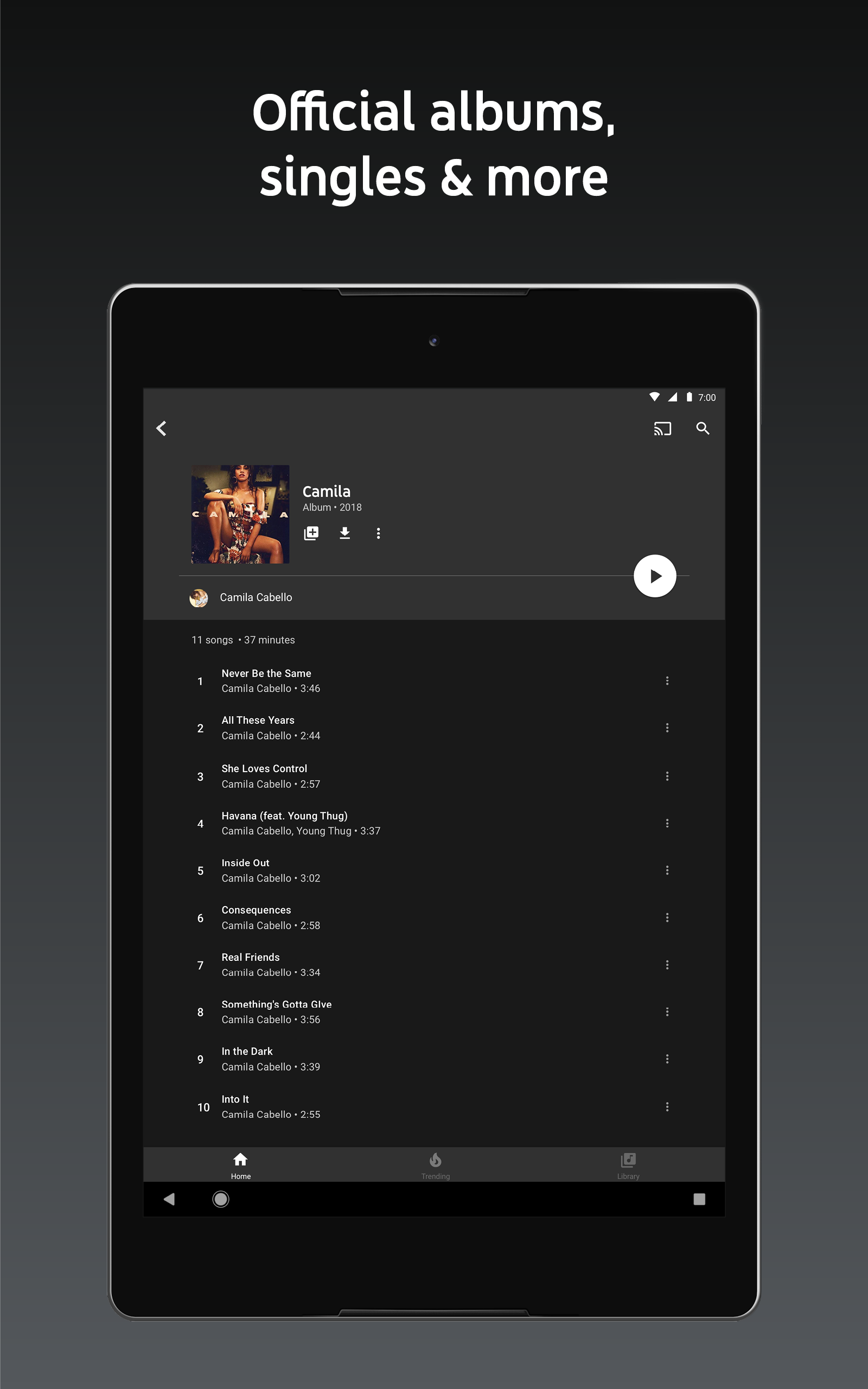
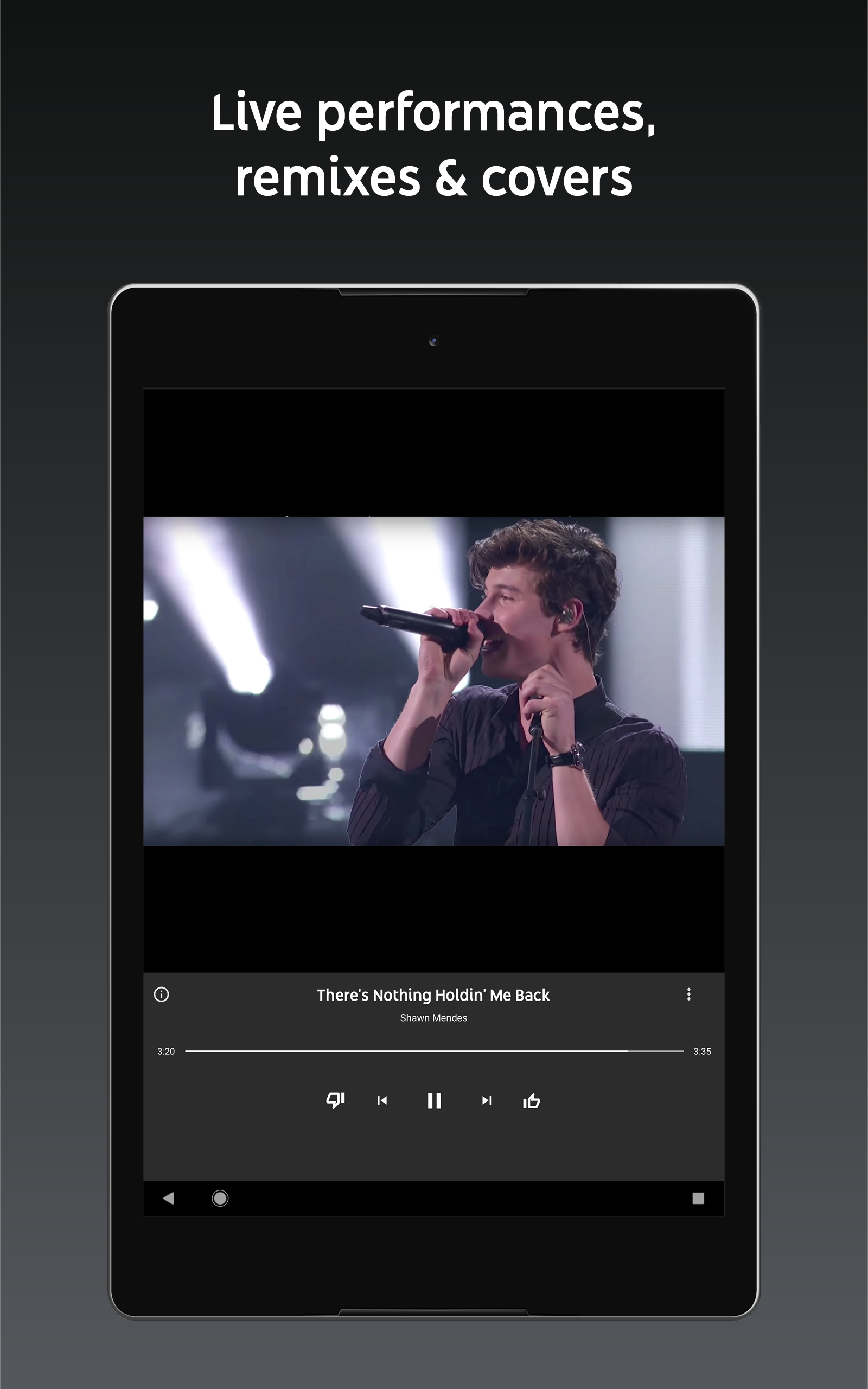
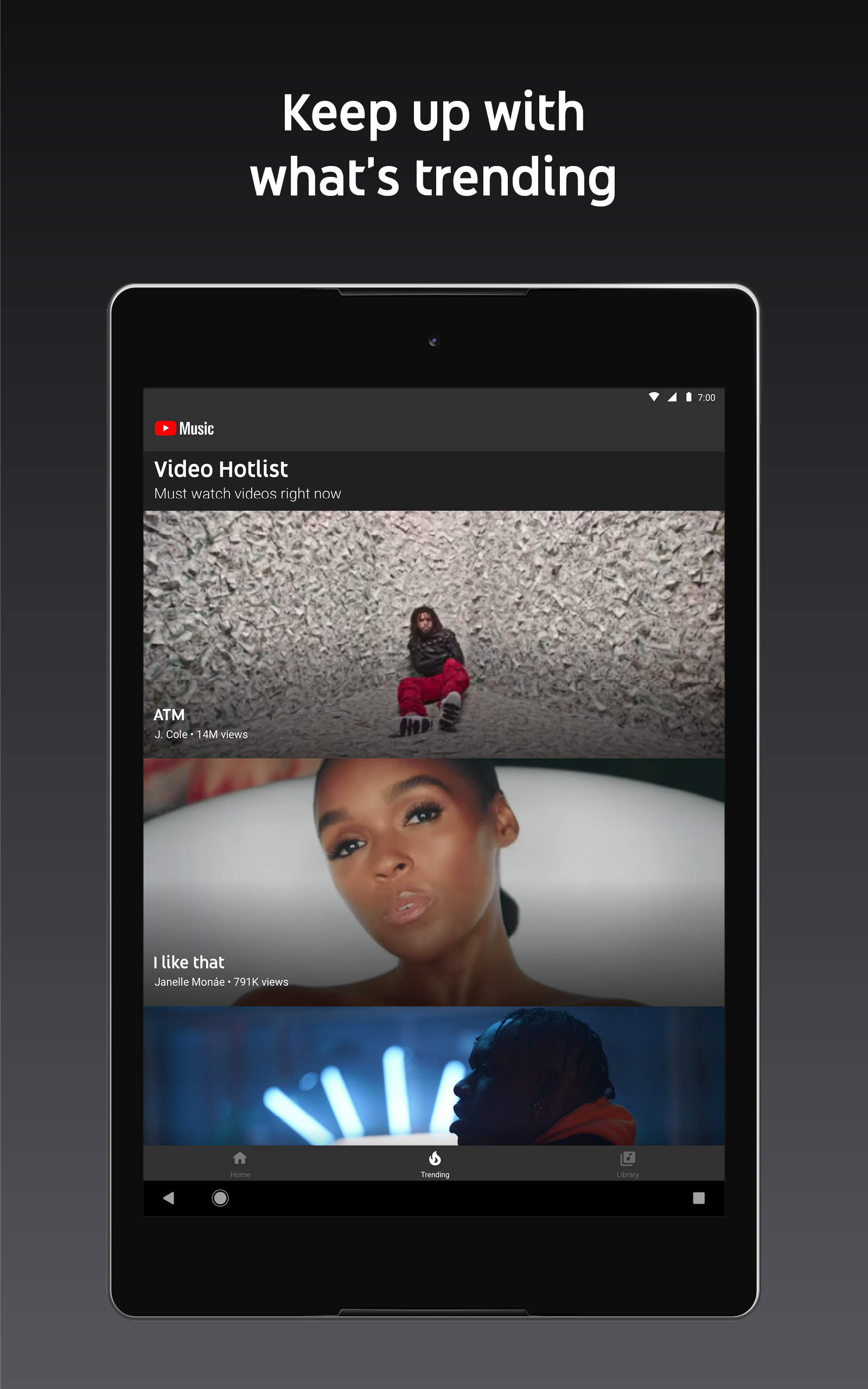
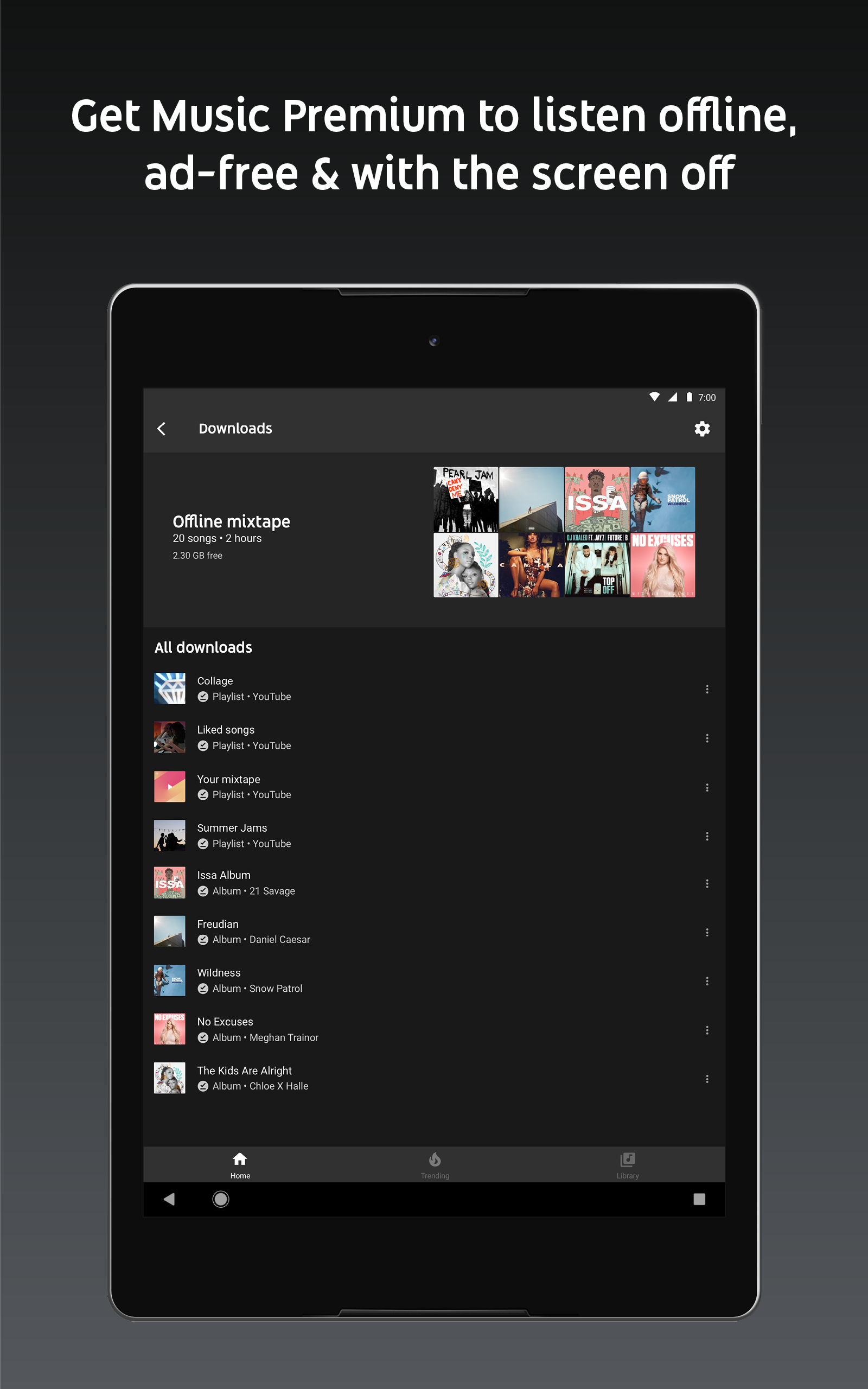
Introduction
YouTube Music ReVanced is a music streaming app for Android that offers an ad-free listening experience and supports background playback. It is convenient for drivers, thanks to its Android Auto compatibility. The app also supports an audio-only mode, which helps conserve mobile data and battery life, while users who prioritize audio quality can customize codec settings to enhance the listening experience.
Features
Background playback for continuous listening
Ad-free music streaming experience
Android Auto support for in-car use
Customizable audio codec options for better quality
Video-free playback to save data and battery
Removal of 'Get Premium' ads and upgrade tab
Minimized playback support for Kids music
Option to remove the music category bar from homepage
Rootless installation with package name change option
Regular updates to match official app versions
Installation Guide
Step 1. Download the MicroG APK file first.
Step 2. Now, Tap on the MicroG APK file and allow this source option.
Step 3. Tap on the Install and Done button.
Step 4. Download the ReVanced Music APK file from the above.
Step 5. Now, Tap on the APK file.
Step 6. Tap on the Install.
Step 7. Tap on the open.
Now, go to the account option and log in with Gmail to get your account on this client.
Pros and Cons
Pros
Background playback supports everyday multitasking.
Audio-only mode can save data and battery.
Optional patches reduce ads and promotion prompts.
Android Auto support suits compatible car listening.
Interface elements can be hidden for a cleaner view.
Cons
Setup requires patching through ReVanced Manager.
Playback stability depends on compatible app versions.
FAQs
Does patching YouTube also patch YouTube Music?
No. They are two separate Android packages, and ReVanced treats them as two separate patch targets. If you patched YouTube and then opened YouTube Music expecting ads to be gone, you will still see ads, because the Music app on your phone is untouched. Run the Manager a second time and select YouTube Music as the target.
Do I need GmsCore for the patched Music app?
Only if you are not rooted. GmsCore stands in for Google Play Services so the patched app can sign in and sync your library. Rooted installs mount the patched app over the original and use the real Play Services already on the device, so GmsCore is not part of that route. Installing GmsCore after the patched app is already running rarely fixes a broken login; uninstall, install GmsCore first, then reinstall.
Why does the patched Music app play ads again after a while?
Two causes account for most reports. The Google Play Store quietly updated YouTube Music underneath your patched build, replacing it with the stock app. Or YouTube changed how ads are delivered on the server side, and the patch that removed them no longer matches. The first is fixed by turning off auto-update for that app and re-patching; the second waits on a patch update.
Can I download songs for offline listening?
Offline downloads inside YouTube Music are tied to a Premium entitlement checked on Google's servers, so a local patch does not unlock them. Patches change the app on your device, not what your account is allowed to do. If offline libraries matter to you, a subscription is the route that actually provides them.
Is the supported Music version the same as the supported YouTube version?
Usually not. The two apps ship on different release schedules and their patches are written against different code, so ReVanced Manager often recommends a different base version for each. Check the version the Manager suggests for the Music target specifically instead of assuming the YouTube number carries over.
Will my playlists and listening history carry over?
Yes, provided you sign in with the same Google account. Playlists, uploads, likes, and history live on Google's servers rather than in the app, so a patched client sees the same library the stock app did.
Conclusion
In conclusion, YouTube ReVanced Extended Music is a must-have app for Android users passionate about music. Its unique features, including background playback, ad-free experience, and offline downloads, make it a top choice for those who want a seamless and enjoyable music listening experience. With a user-friendly interface and customization options, it caters to the individual preferences of its users.
-
Latest Updates
-
Featured Apps









