TuneMyMusic
Entertainment
2026-09-17
60.07MB
9.12.0
Android 5.0+
140
Screenshots
Introduction
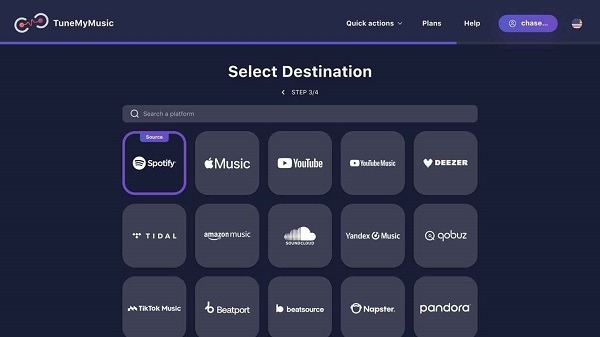
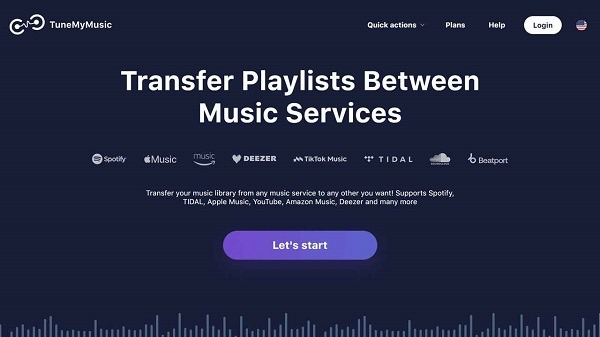
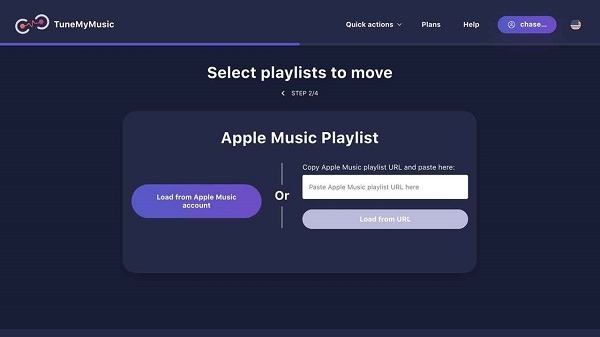
TuneMyMusic is a powerful music transfer tool that allows users to migrate their music playlists and listening history across various platforms. It boasts excellent compatibility, supporting over 20 services, including all major platforms. Operating as a web-based service, it can be used on any internet-connected device. The tool also prioritizes data security and does not store any user login credentials; additionally, users can save their playlist data locally in text format to ensure their information remains secure.
Features:
Transfer Spotify to Apple Music
Transfer Apple Music to Spotify
Transfer playlists from YouTube Music to TIDAL
Convert music libraries from Amazon Music to Spotify
Import playlists from SoundCloud to Apple Music
Move playlists from Spotify to YouTube Music, TIDAL, Amazon Music, and more
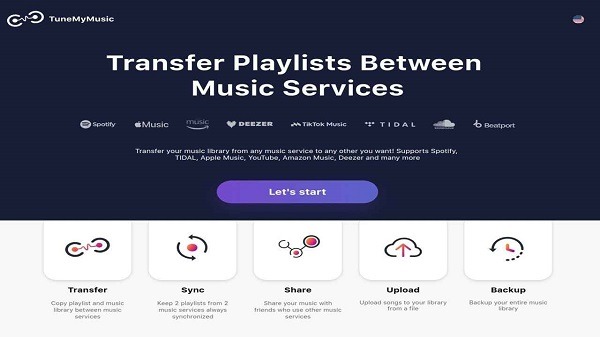
Sync playlists across multiple services
Export and back up your music library to keep it safe
Highlights:
Blazing fast and accurate music transfer
Convert playlists with one tap—no technical skills needed
Clean, minimalist interface focused on speed
Move entire music libraries in just a few clicks
Keep your personal music experience when switching services
Compatible with iOS, Android, macOS, and Windows
Changelog:
Fixed TIDAL transfers that stopped early or skipped songs
Better matching for YouTube Music and Apple Music transfers
Fixed music service login errors on iOS, Android and Windows
Performance improvements across all services
FAQs:
What is TuneMyMusic?
TuneMyMusic is a browser-based music transfer tool that lets users move and sync playlists, albums, and favorite tracks across multiple streaming platforms.
How many platforms does TuneMyMusic support?
It works with over 20 services, including Spotify, Apple Music, YouTube Music, Amazon Music, Deezer, TIDAL, SoundCloud, Napster, and more.
Can I use TuneMyMusic on my phone?
Yes! Since it runs on a web browser, you can use it from any device with internet access—smartphone, tablet, or desktop—without needing to download an app.
Is TuneMyMusic safe for my data?
Definitely. The service doesn’t store your credentials and even allows you to back up playlists locally in text or Excel format for extra peace of mind.
Does TuneMyMusic work for syncing playlists too?
Yes, it does. You can set up continuous syncing between platforms, which means any changes you make to a playlist on one app reflect on the others automatically.
Conclusion:
So, if your playlists are your personality (let’s be real, they are), this is one of the few tools that actually respects that. It doesn’t try to change your flow, it just makes sure your music follows you wherever you go. TuneMyMusic isn’t trying to be flashy. It’s just giving you your time and playlists back, and that’s enough.





-
Latest Updates
-
Featured Apps