
Touch Macro Pro
Tools
2026-08-14
21.44MB
3.8.4
Android
339
Screenshots
Introduction
Touch Macro Pro is a key tool for Android devices. It allows users to write macros to automate various complex operations, freeing up their hands and saving time. This application offers multiple functions. Quick clicks allow users to set up automatic click macros to quickly click specific elements on the screen. This application utilizes advanced technology, enabling users to improve automation and efficiency through image recognition. The application offers great flexibility, allowing users to customize automation processes to their liking, making their daily lives more convenient.
Features:
Automate Complex Tasks: Program complex macros that perform multiple actions in sequence, saving you hours of manual labor.
Rapid Clicking: Set up auto-clicking macros to execute rapid taps on specific screen elements.
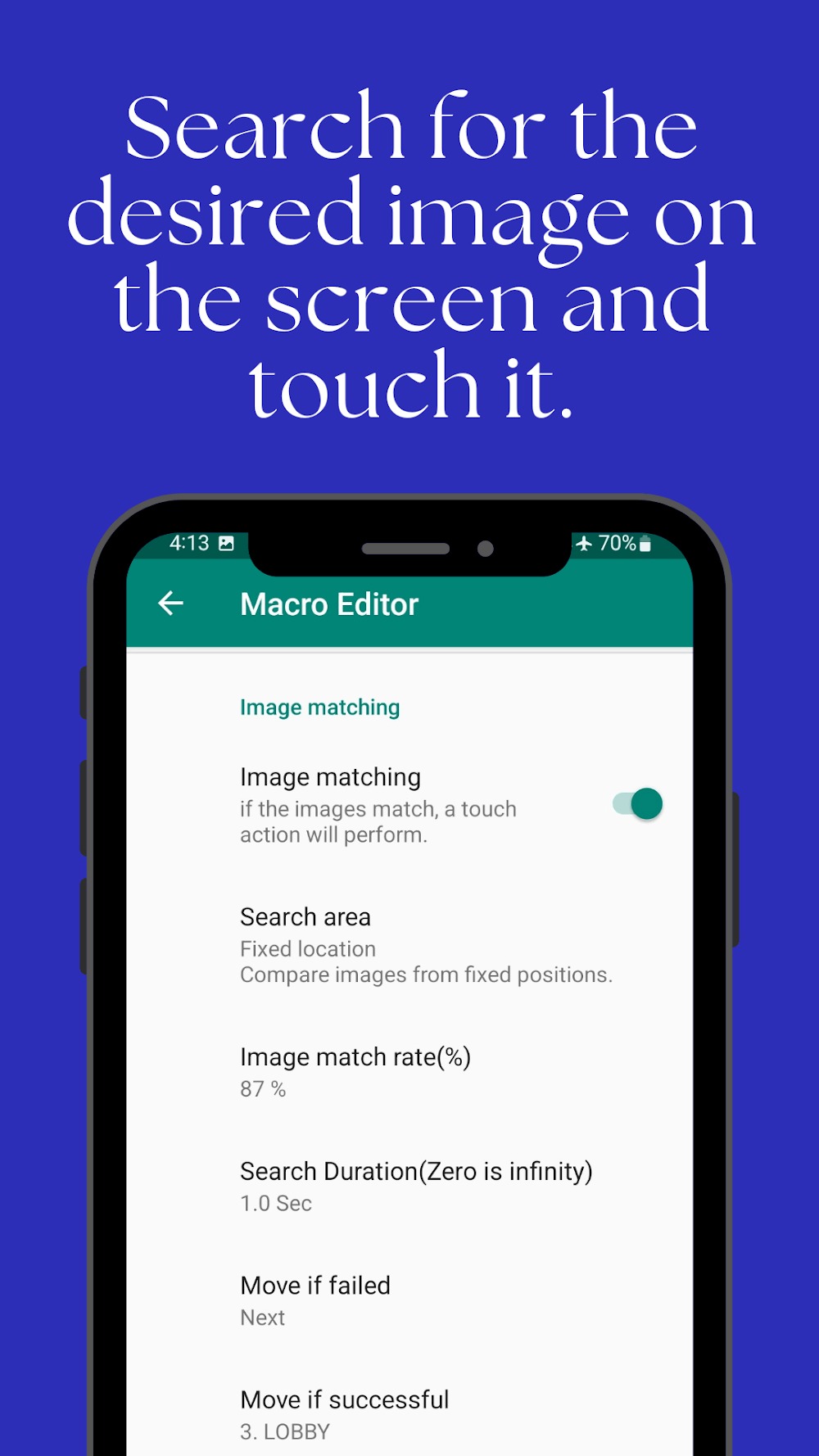
Image Recognition: Use image recognition technology to locate and interact with specific images on your screen, enhancing automation and efficiency in various tasks.
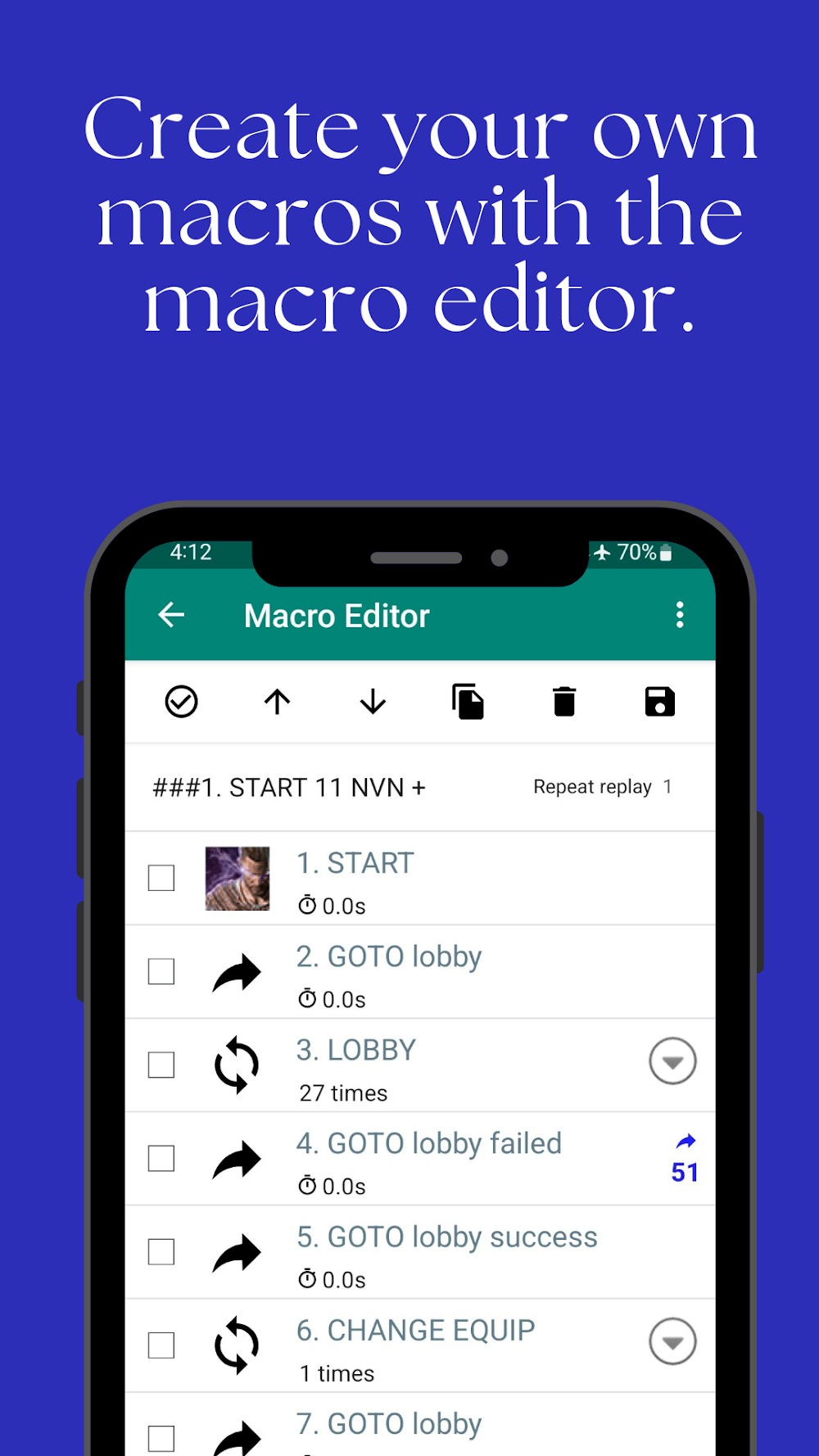
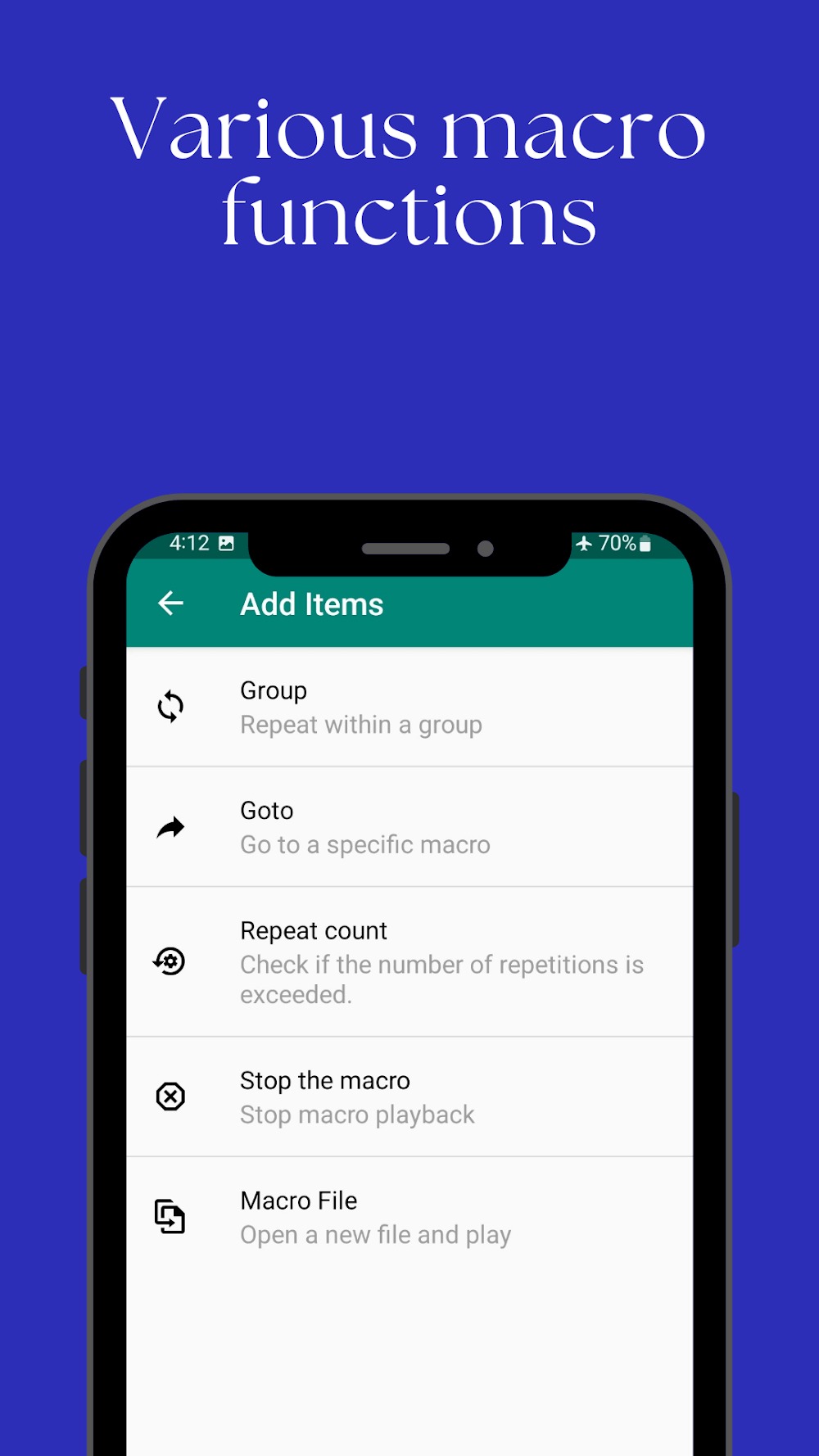
Group Repetition: Create macros that loop through a series of actions multiple times, streamlining repetitive tasks.
Text Recognition: Create macros that can automatically perform tasks based on the content of text that has been recognized.
Highlights:
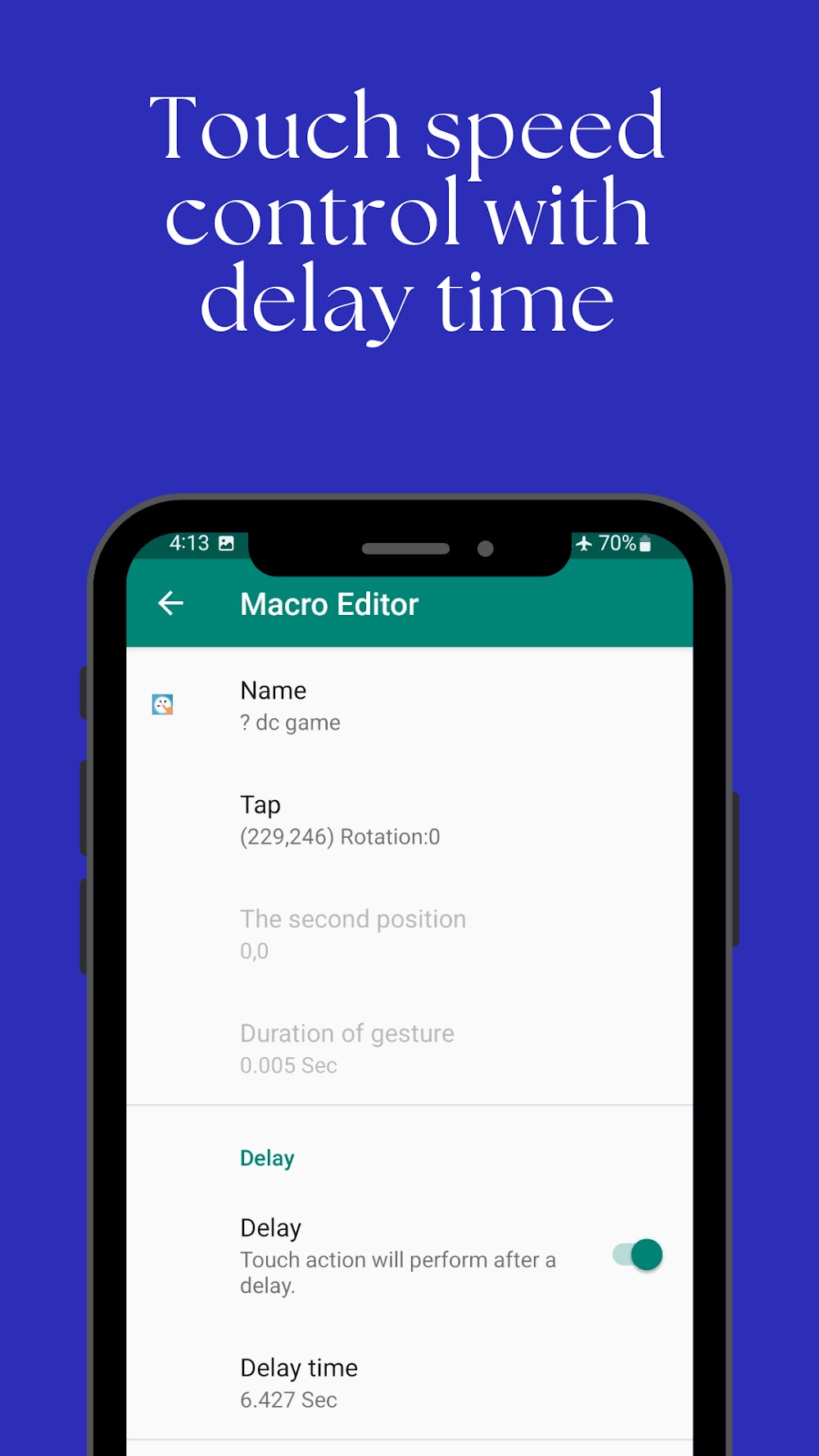
The application can not only give its users the ability to automate but also allow them to customize the operations to their liking. Each user will have a different need for touch operations on the screen with different operations to perform. Therefore, the application manufacturers have stepped up to allow users to customize from basic to advanced to perform their automation operations. Users will ultimately be able to set up special touch points or areas on the display screen through the setting feature carefully to achieve the highest level of accuracy. And you’ll also be able to set actions to take place consecutively at certain intervals when setting their operation time.
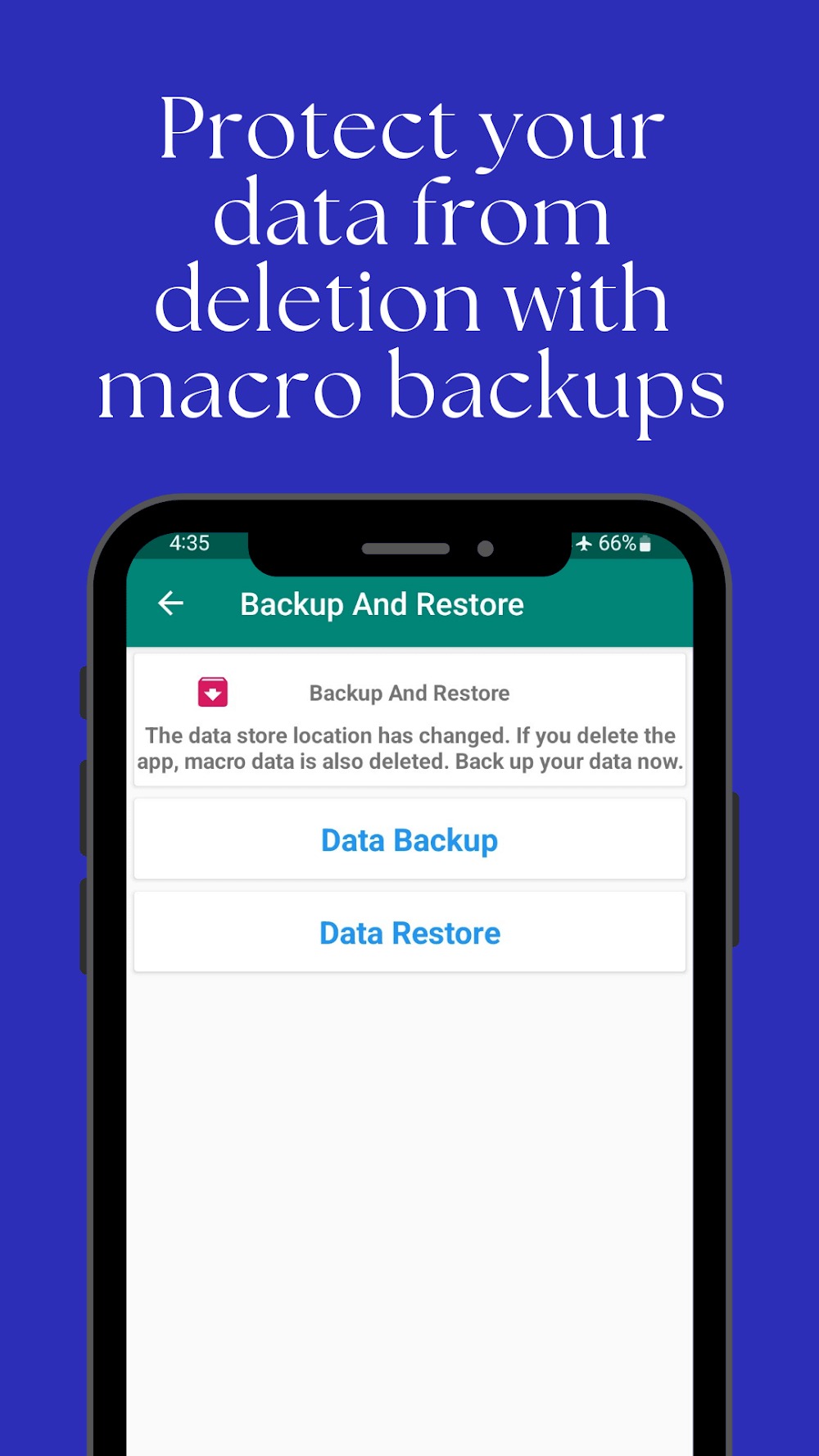
In addition, the application is also designed to be able to protect the safety of information and important data for its users first. With unique data installed or set up inside, the application will be protected against unexpected loss by backing up with different backups. The application will also help its users participate in more complex operations and allow the repetition of operations rapidly. You will only need to enable the application to access the device’s accessibility customizations so that the system can automatically set your actions within the features section. Editing and letting your phone become smart has become extremely simple with the powerful support of Touch Macro Pro.
Tips and Tricks:
Makes a touch action as a macro and plays it repeatedly
Can compare images and touch faster than hands
You can enable the Android Developer option
Macro editor makes the process of altering macros
Burn-in may occur if the smartphone is turned on for a long time
To prevent burn-in, enable the "Hide pop-up window while replaying" option
Changelog:
Enhanced Notification System: In addition to sound and vibration, a new 'Dialog (On-screen Popup)' feature has been added.
You can now track your macro progress more intuitively and clearly via on-screen alerts.
Conclusion:
One of the key features of Touch Macro Pro is its ability to create macros for specific images and buttons, providing flexibility in automation. Users can customize the number of repetitions and set delay times for each action, tailoring the automation process to their preferences. Additionally, the app supports GOTO actions, making it a versatile tool for users looking to optimize their device's performance.









