Foxit PDF Editor
Productivity
2026-09-29
162.13MB
2026.5.0.0828.10
Android
538
Related Apps
Screenshots
Introduction
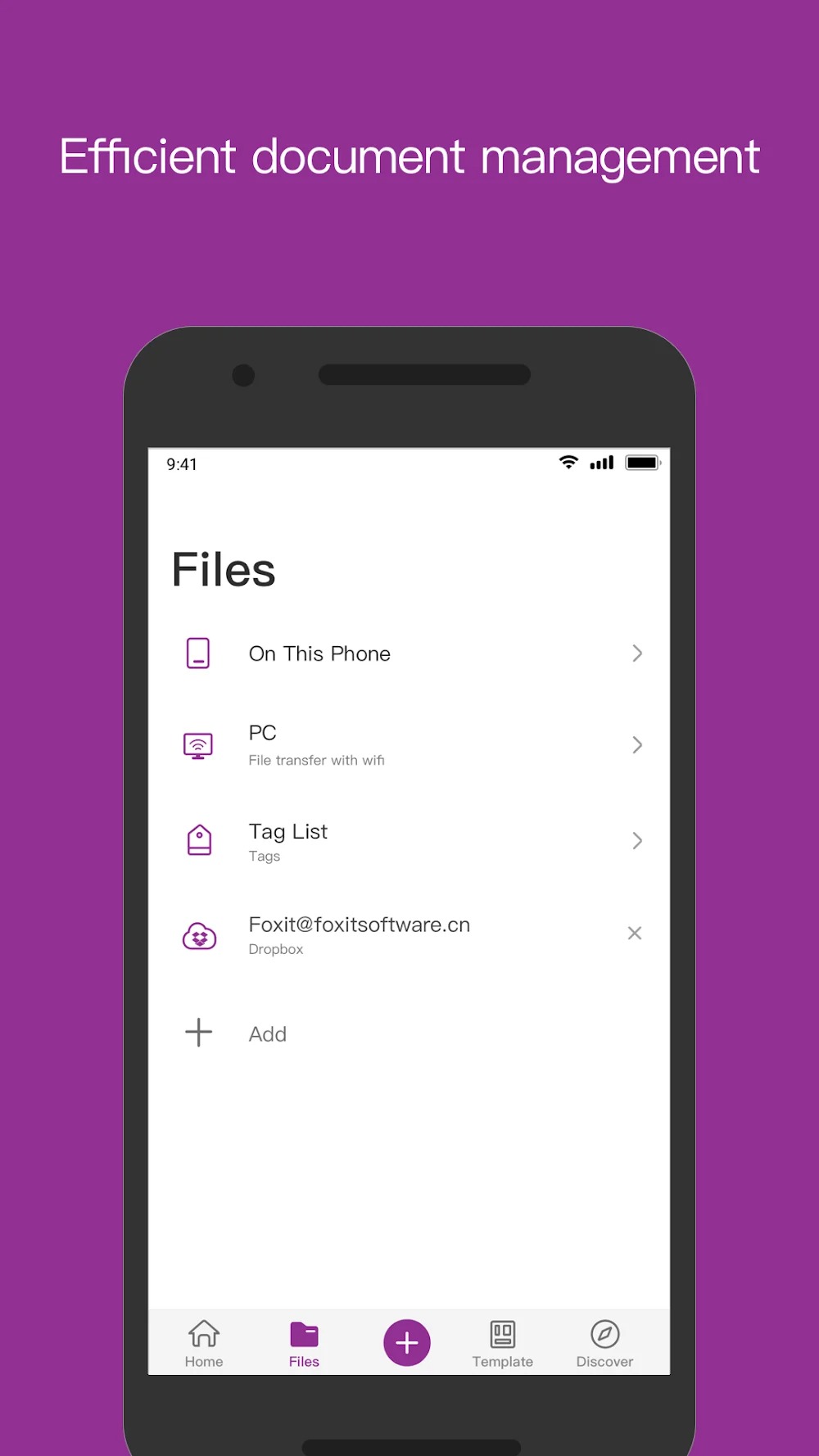
Foxit PDF Editor is a PDF application designed specifically for Android devices, enabling users to both read and edit a wide range of documents. Featuring a user-friendly interface, the app allows users to get up and running quickly without requiring prior experience. It offers excellent compatibility, ensuring that PDF documents display perfectly across a multitude of Android devices, while also supporting features such as file storage and format conversion. The app provides a rich set of editing options, allowing users to select specific functions and customize elements like font, color, and size to meet their needs. By boosting productivity and saving time, Foxit PDF Editor serves as a highly practical tool for document management.
Features:
Accuracy in content: Users can translate documents into another language while still remaining correct in vocabulary and grammar.
Simple voice command: By using sound, requests can be conveyed and processed to get a final product.
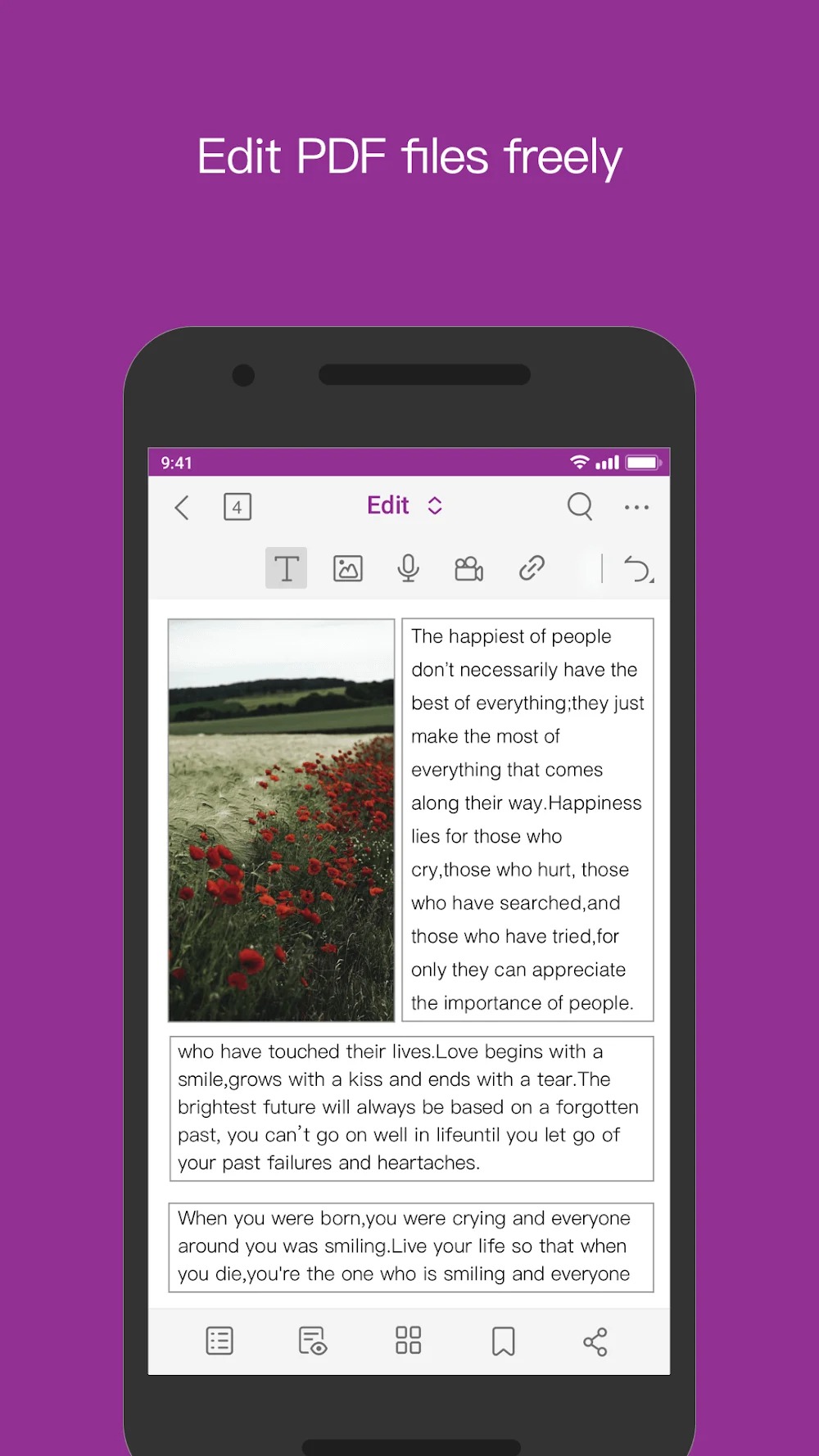
Freely add new information: Media elements or hyperlinks can be inserted quickly and easily.
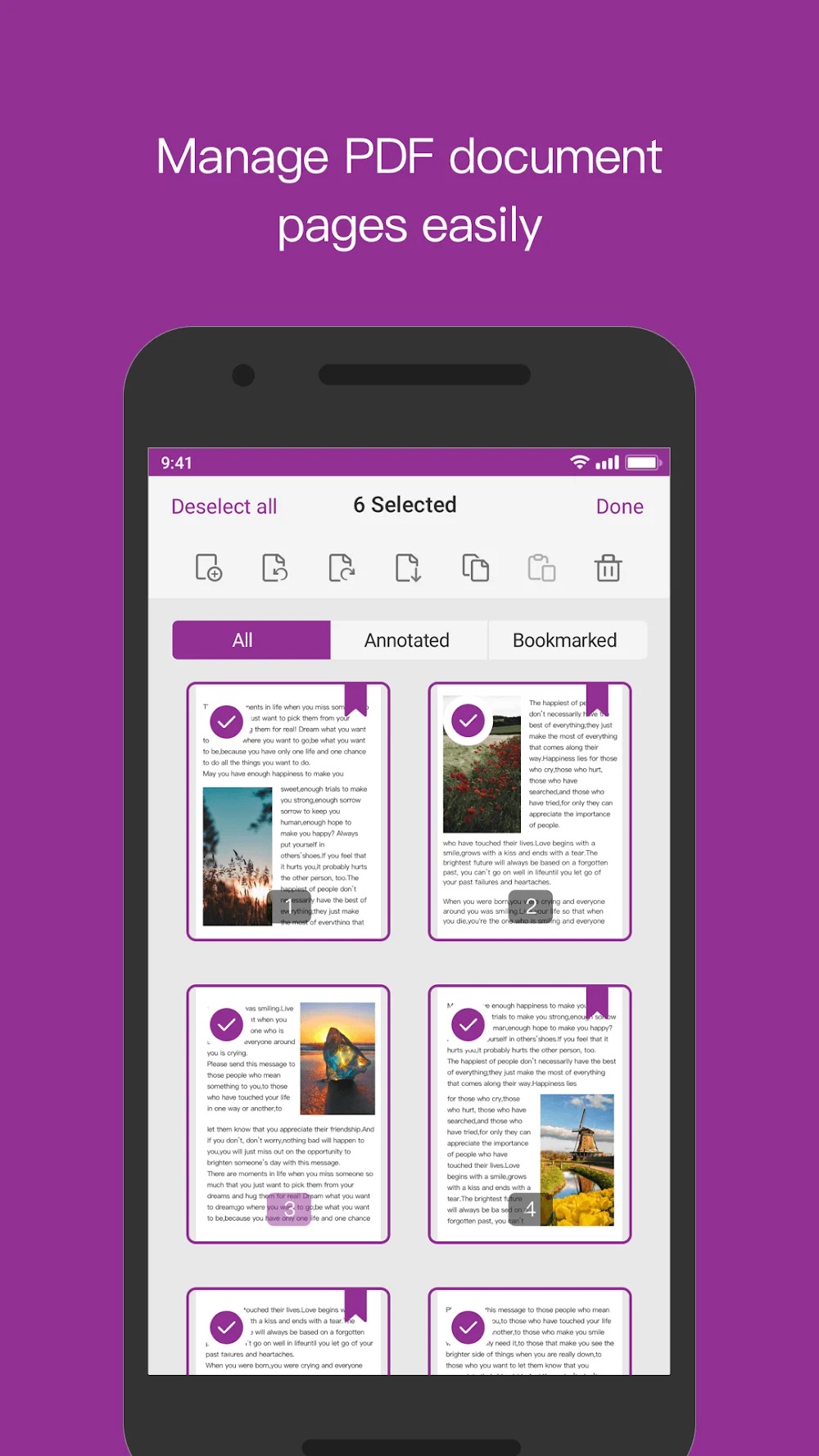
Rearrange textures: For unnecessary or incorrect things, you can rotate, delete, or extract.
Create PDF files from many sources: Office files, text, and even HTML are perfect objects.
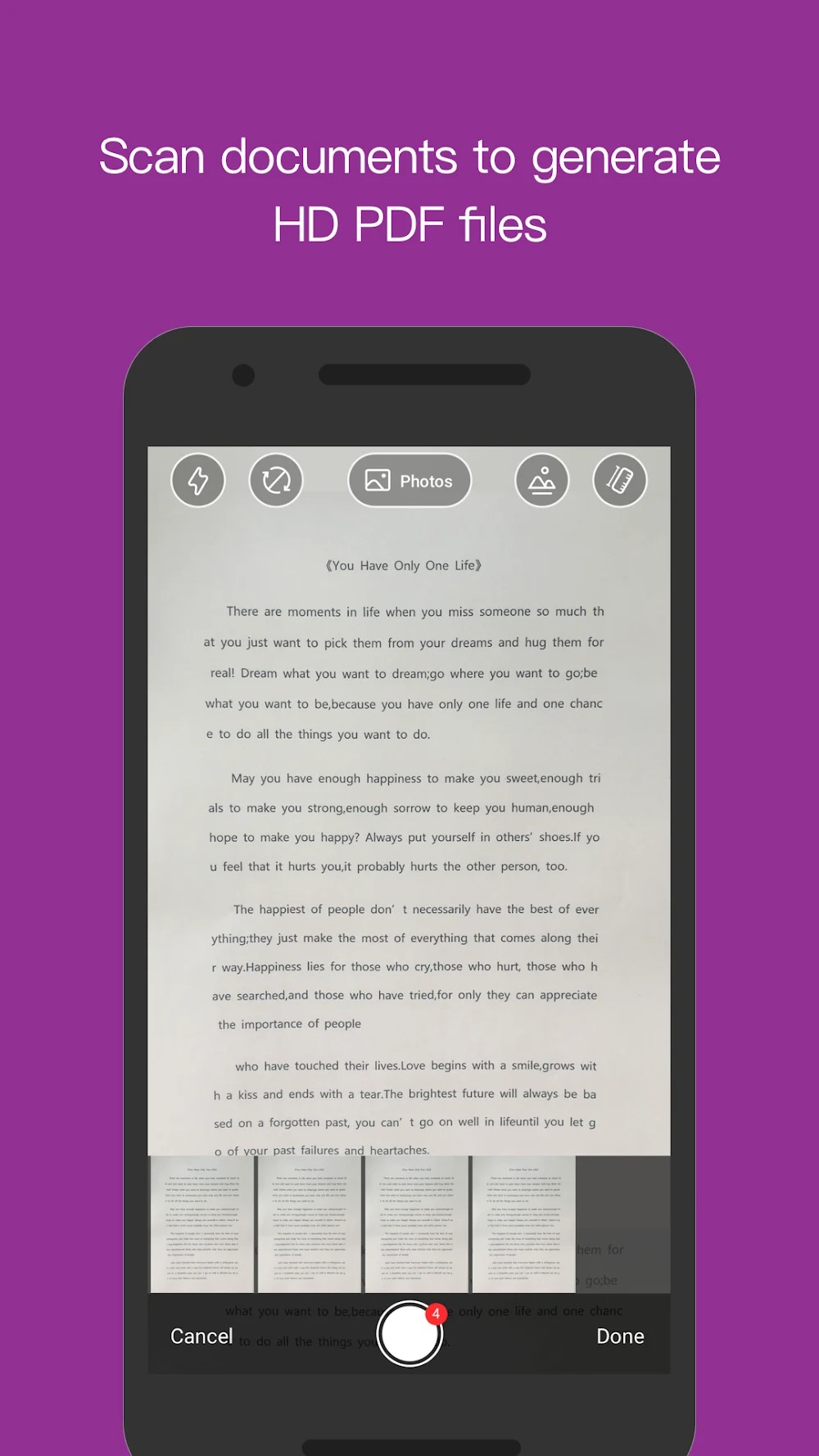
Scanning takes seconds: Going from a piece of paper to something that can be stored is not that difficult to do.
Two-way conversion: Besides creating PDF files, you can do the opposite for work convenience.
Highlights:
The application provides two popular ways to create a PDF file: create a blank file or convert it from commonly used media types.
Users can easily edit some elements related to the content, adding the necessary facilities in their PDF files.
A fully efficient search and markup manager and add notes feature keeps you on top of your previous document reading.
The application supports more than 12 languages, making it easier to access its features and many ways to share PDF files.
You can use many ways to secure information in files, such as setting up an exclusive signature or adding a password to send it to someone you trust.
Advantages and disadvantages:
Pros
Supports multiple formats
Supports multiple languages
Lightweight
Cons
Does not support Apple iOS
Conclusion:
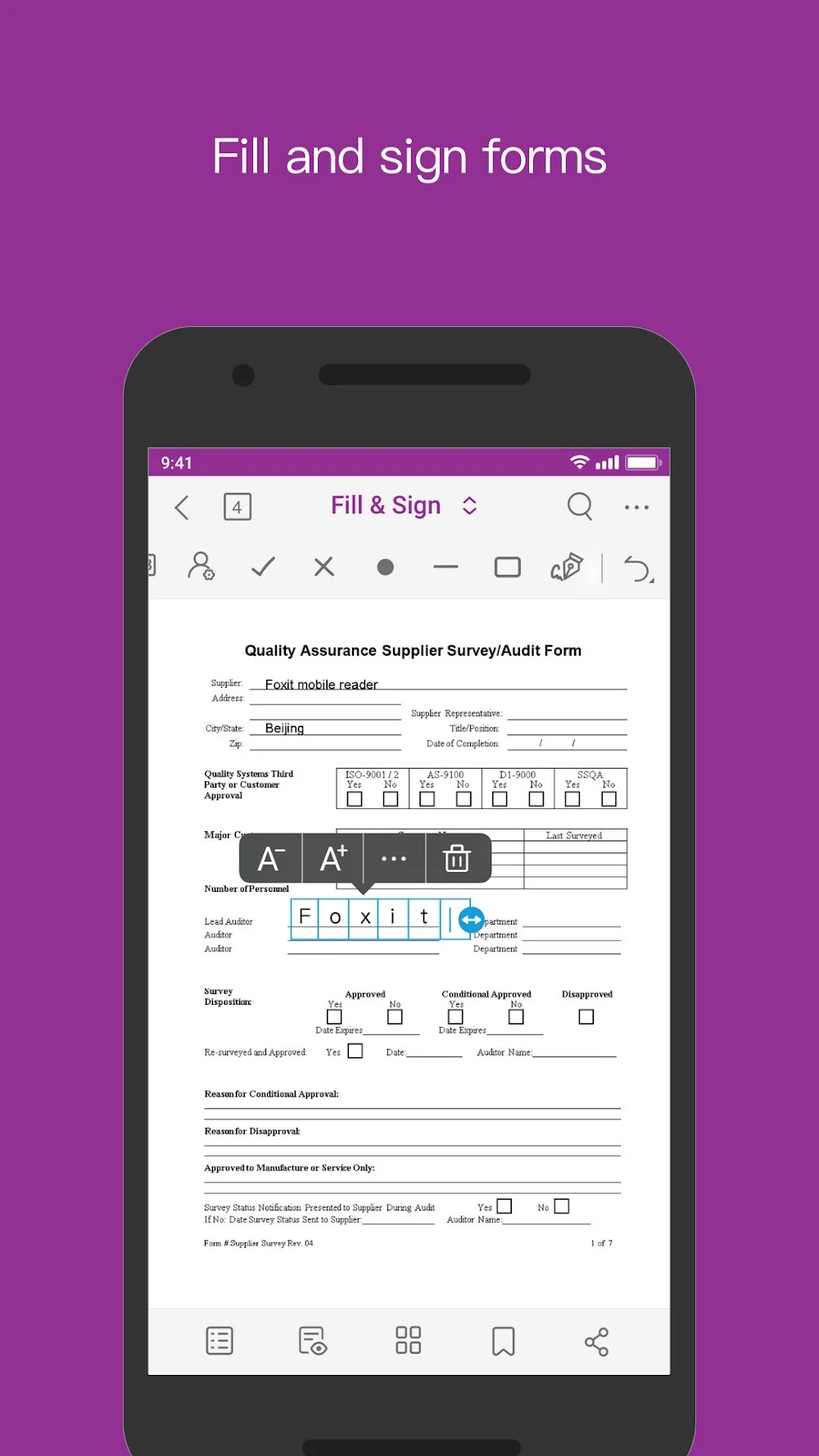
If you are looking for excellent, free software to view, annotate, and fill out PDFs, Foxit PDF Editor stands out thanks to its advanced editing and security features, intuitive interface, and cloud integration. Its built-in tools allow users to highlight, underline, or strikethrough text, as well as add sticky notes—features that are particularly useful for researchers and students marking key sections in academic papers. Download it today and give it a try.
-
Latest Updates
-
Featured Apps