Notein:Handwriting Notes & PDF
Productivity
2026-10-08
307.86MB
v1.3.208.0
Android
78
Screenshots
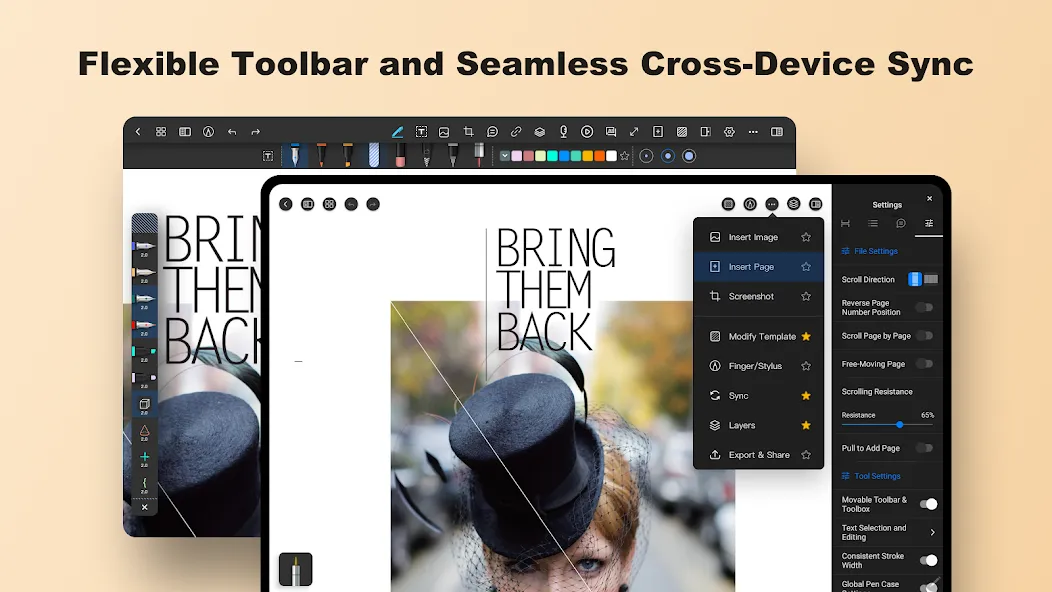
Introduction
Notein: Handwriting Notes & PDF is a handwriting tool designed with the user in mind. It features a user-friendly, clean, and uncluttered interface that allows users to get started quickly. The app offers powerful canvas customization options, enabling users to select the paper type that best suits their needs and unleash their creativity while writing. Users can also import documents and images, and sync or save their notes to the cloud, making it fast and convenient to capture information. Additionally, the app allows for the creation of digital journals with scheduled reminders. No registration or login is required—users can start using it immediately. It also provides comprehensive text editing capabilities that support various formats and languages.
Features:
Create Custom Notebooks with Hyperlinks
Efficient Organization: Create custom planners and notebooks featuring clickable hyperlinks for seamless navigation and organization.
Bi-directional Linking
Integrated Knowledge Management: Connect your notes and documents via bi-directional links to create a web-like structure, enhancing your learning and reference processes.
Layering Capabilities
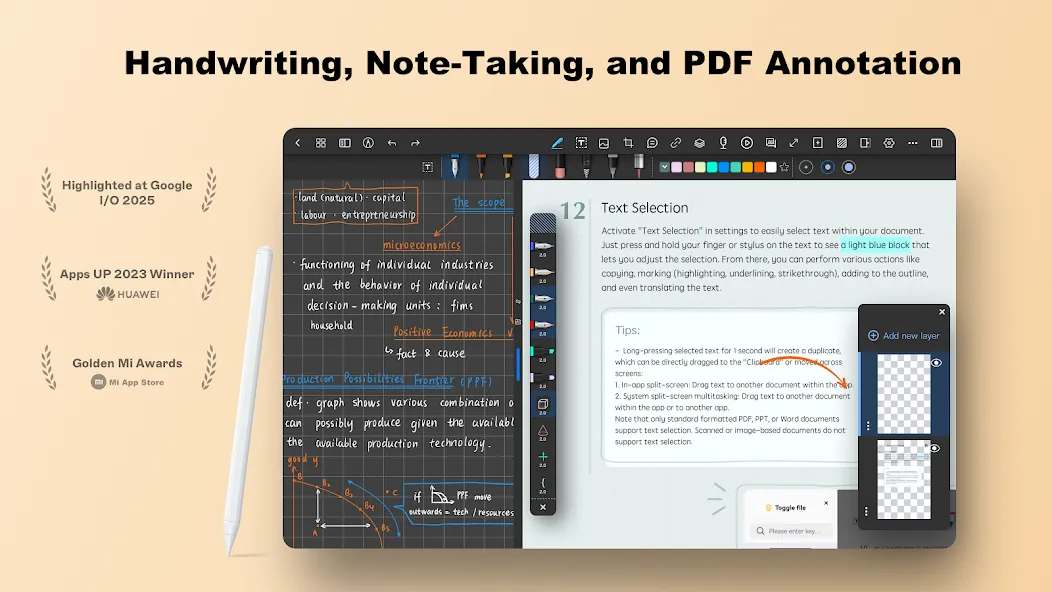
Advanced Editing: Manage different elements on separate layers, making modifications and illustrations simpler and more efficient.
AI Assistant
Document Outlining: Easily organize your documents using automatically generated, structured outlines.
Fully Customizable
Personalize Your Workspace: Import fonts, templates, colors, grids, and stickers to make your note-taking environment truly your own.
Professional Graphics
Create Stunning Visuals: Use professional-grade drawing tools and automatic guides to create 2D or 3D shapes with precision.
Cross-Device Cloud Sync
Stay in Sync: Ensure your notes are accessible and up-to-date across all your devices.
Highlights:
Rich Writing Tools: It offers low latency and exquisite brush effects, allowing users to create calligraphic masterpieces and detailed artwork.
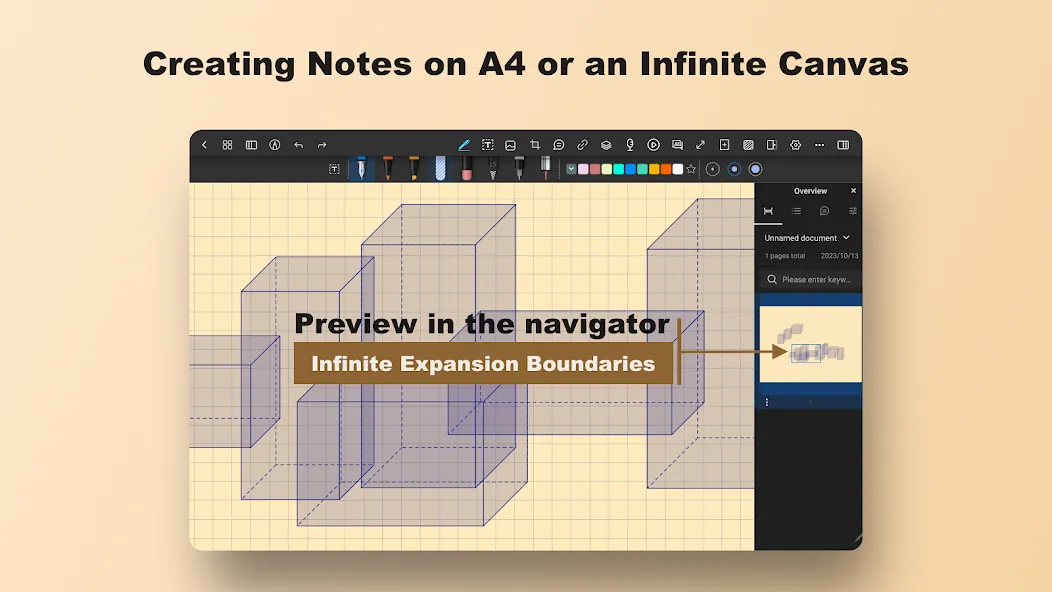
Standard Paper or Infinite Canvas: Users can choose between traditional paper sizes or unlimited space for sketches and notes, providing them with the flexibility to jot down ideas in their preferred format.
Support for Various File Formats: It allows users to import PDFs, PPTs, Docs, and images directly into the app, making it easy to organize study materials and reference documents.
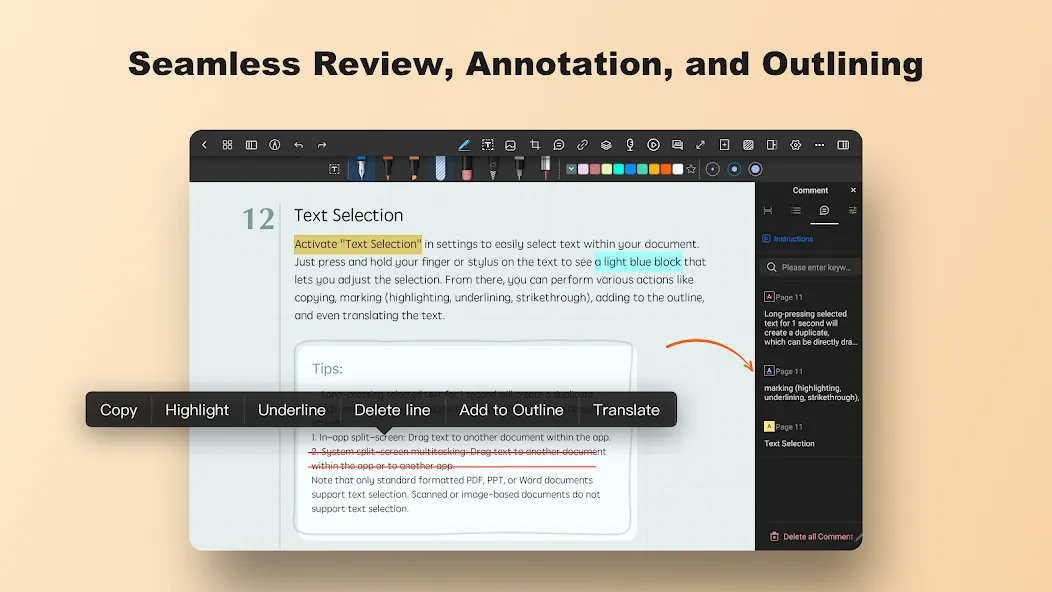
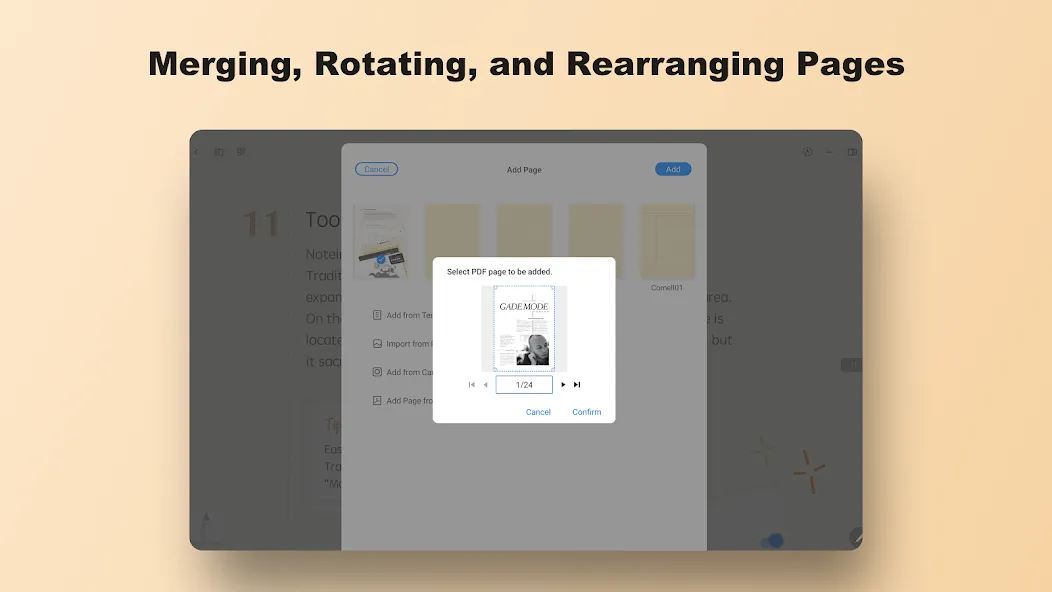
PDF Editing and Annotation: With Notein, users can easily edit PDF outlines, highlight important information, annotate, translate words, and search within PDFs. Users can also split or merge multiple PDFs with ease.
Create Hyperlinked Custom Notebooks: It enables users to craft planner notebooks with clickable hyperlinks, making organization and navigation effortless.
Bidirectional Links: Seamlessly interconnect documents with bidirectional links in Notein, creating a web-like knowledge management system that allows easy access to related information.
FAQs:
What is Notein: Handwriting Notes & PDF?
It is a digital handwriting app focused on delivering a high-quality writing engine.
Can I download Notein: Handwriting Notes & PDF for free?
Yes, you can download this app for free.
Is it safe to download Notein: Handwriting Notes & PDF?
Yes; downloading from a trusted source like this website ensures safety and reliability.
Advantages and disadvantages:
Pros
Customizable
Cloud synchronization
Clean interface
Cons
Advanced features require payment
Conclusion:
If you are looking for a powerful Android app for note-taking and list-making, download Notein: Handwriting Notes & PDF! This app turns your device into a convenient notebook you can use anytime, anywhere. With its reminder and widget features, you’ll never forget a thing!
-
Latest Updates
-
Featured Apps