
Thunder VPN
Tools
2026-08-18
5.69MB
5.4.1
Android
451
Screenshots


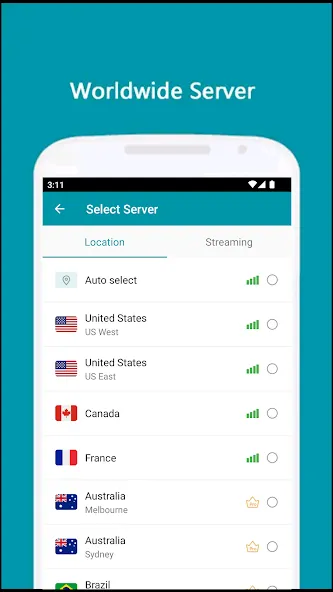
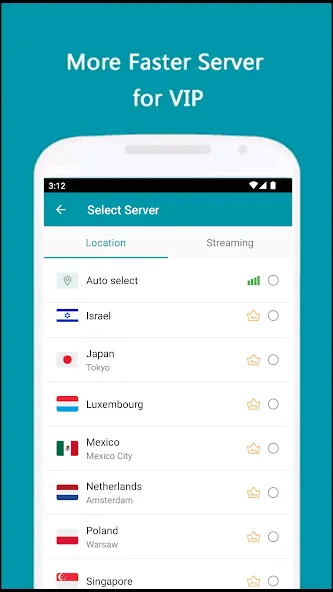
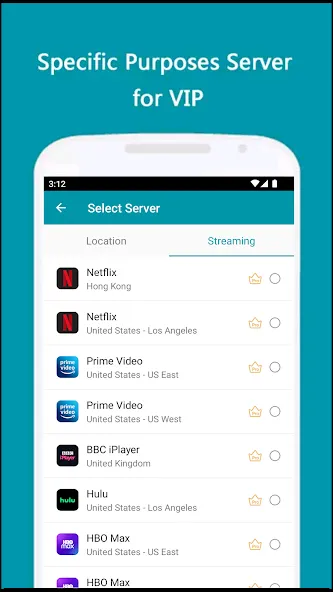
Introduction
Function:
Update the best servers: Connection speed is always optimized to reduce lag when in use.
Automatic algorithm change: Based on current data, the application will ensure a stable connection and unlimited bandwidth.
Do not receive personal information: Because you do not have to register an account, related indicators will not be saved.
Absolute anonymity: When users go to a certain location, they will definitely feel secure.
Unlimited data: No matter what activity you do, the server operates without any problems.
Optimize connection: Based on the service provided, you can maximize the connection index and enjoy every enjoyable experience.
Highlights:
Large number of servers, high-speed bandwidth
Strict no-logging policy
Smart choose server
Well-designed UI, a few ADs
No usage and time limit
No registration or configuration required
No additional permissions required
Tiny size with high performance
FAQS:
How is the interface of Thunder VPN?
This app offers a simple interface with a quick connect and disconnect button to simplify the VPN connection process. Even a rookie can use the tool without having a great deal of technical knowledge.
How to connect securely using this VPN on Android?
To start the connection process, the only thing you have to do is click on the start button located on the lower part of the screen. Open the main screen and click the “Start” button located on the downside of the main window.
Can we use it just for anonymous browsing?
Yes, If you want to just browse without the need to secure your complete device. Or if you are using a phone with limited resources or low storage then try using the Opera Browser that comes with a built-in VPN, also perfect for browsing.
What is the main benefit of the Thunder VPN?
It is a great option to browse without any type of censorship or limitation. You get to browse at a great speed and without even being aware that you’re connected to a VPN proxy.
Advantages and disadvantages:
Pros
Free with unlimited bandwidth
Simple one-tap connection
No registration required
Unblocks geo-restricted content
Cons
Inconsistent speeds and occasional drops
Lacks transparency on encryption protocols
Conclusion:
Whether you want to watch a movie that is only available in India, or want to access a website that is blocked in your country, Thunder VPN will help you do it easily. You will no longer be constrained by geographical borders or laws, freely explore the online world without any worries.









