Tempo
Entertainment
2026-07-29
175.95MB
4.29.0
Android
318
Screenshots
Introduction
Tempo is an editing app that allows users to easily add music and photos to create fun videos. It boasts powerful editing features, allowing users to experiment with glitch effects to bring their photos to life. A vast library of music is available, allowing users to freely choose background music to match their video's theme, making the video more engaging and entertaining. After completing your video, you can easily and quickly share it to various social media platforms.
Features:
Share Video
Easily and instantly share your work with your friends on any social media such as Facebook, YouTube Shorts, Instagram to gain more likes and get new followers.
Music Video Maker and Effects
Tempo offers basic editing tools for you to create video easily, or make video with video themes.
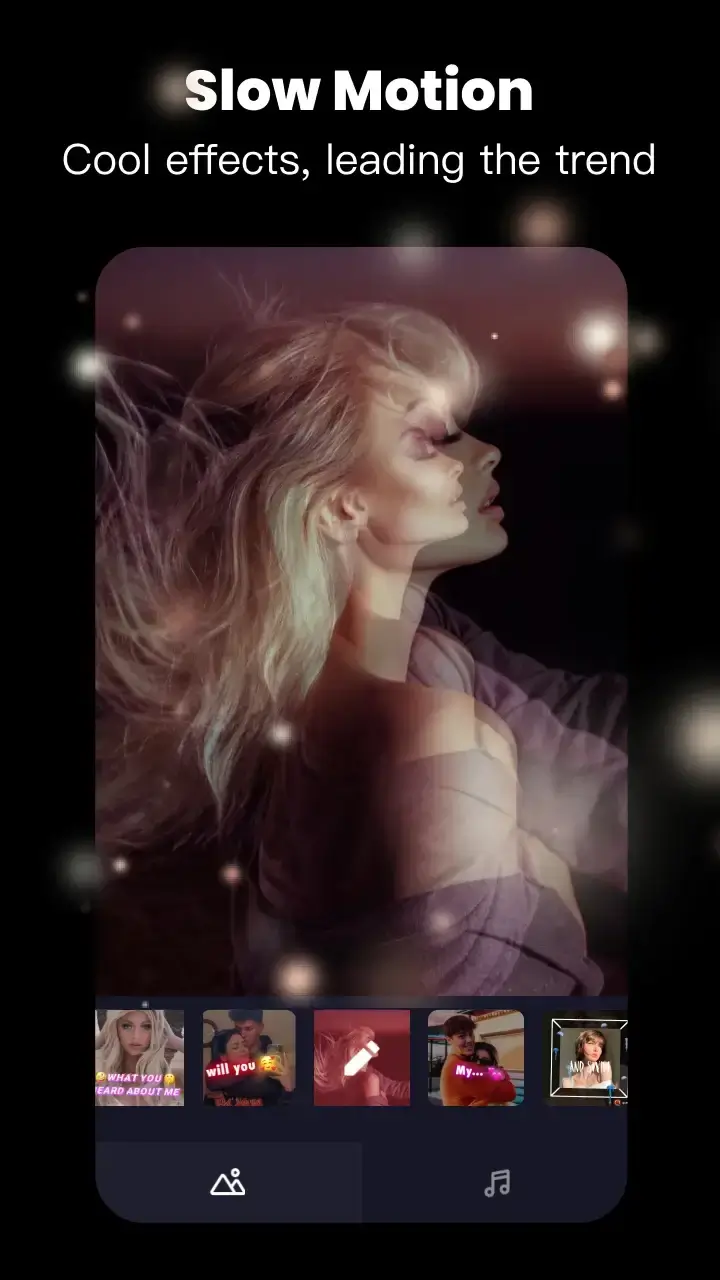
You can try glitch effects which will make your photos come alive. Tempo's video effects are designed to be a perfect match for editing short videos.
Tempo offers lots of music to make your video fun and popular.Cool music video editor with effects: edit video with music & pic for Instagram!
Free Video Editing App
Tempo offers short video editing tools to satisfy your extra needs, you can import your videos & clips, so the video can perfectly match with the background music. And there're variety of text styles and fonts for you to choose in this free video editing app. Trendy music video editor with fantastic effects and transitions.
Add Music to Video
Tempo is also a photo video maker with varieties of background music, so you can always find the one that fits your need when making a photo video. You can also choose your favorite video themes, upload your photo and videos and easily create video with music. You can create entertaining short video clips with the most recent popular music.
Save Video
Tempo provides 720P/1080P HD export with no quality loss. This easy-to-use clip maker helps you make video from pics and song with video templates, turn your photos & video clips into cool video with music and transitions! Save or export video to your phone at any time.
Highlights:
Free Templates
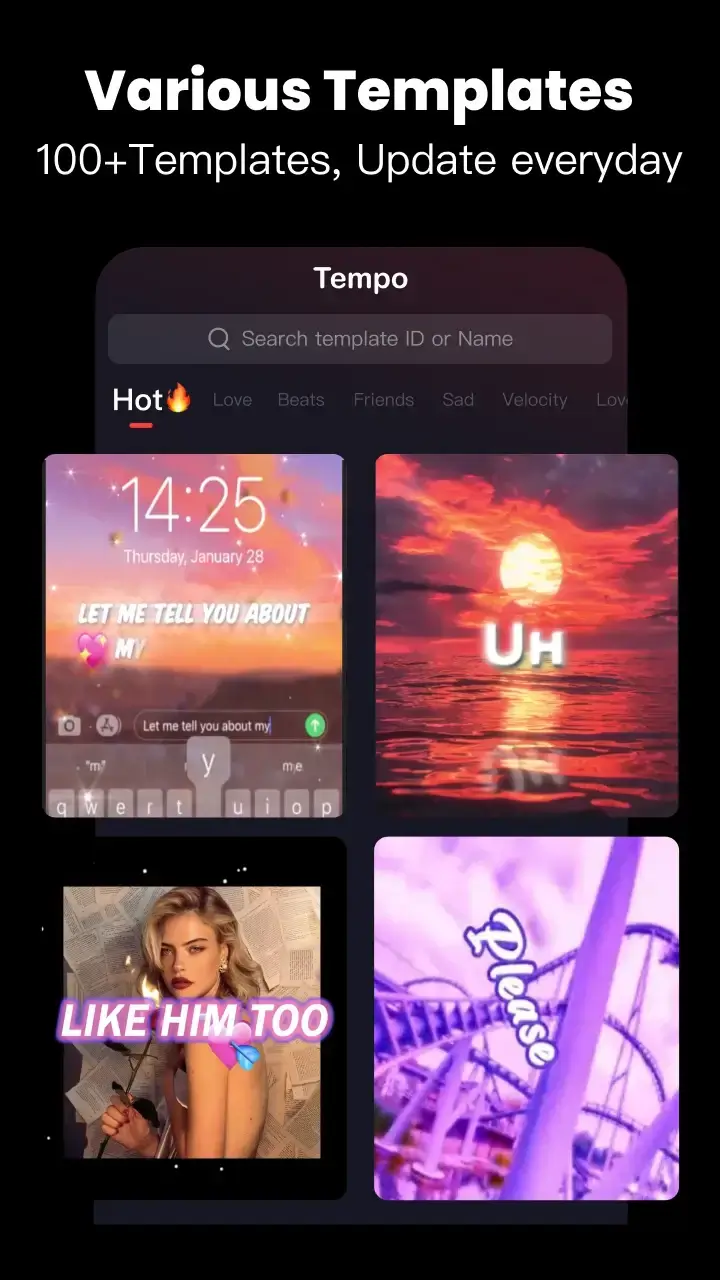
It has over 100+ free templates that you can use to edit your videos quickly within seconds.
Easy Options
The editing options are easy to understand, and you can find all the significant operations while editing the videos.
Transition Effects
You can use transitions effects to combine multiple clips in a single project. There are various transition effects available in the store to unlock.
Quick Share
Share your videos directly to your social profiles through WhatsApp, Facebook, and Instagram with one click.
Multiple Layers
You can add multiple layers in the same video and add a music background, another trimmed video, and stickers.
Pros and Cons:
Pros
Feature-rich music video editor with lots of themes and templates
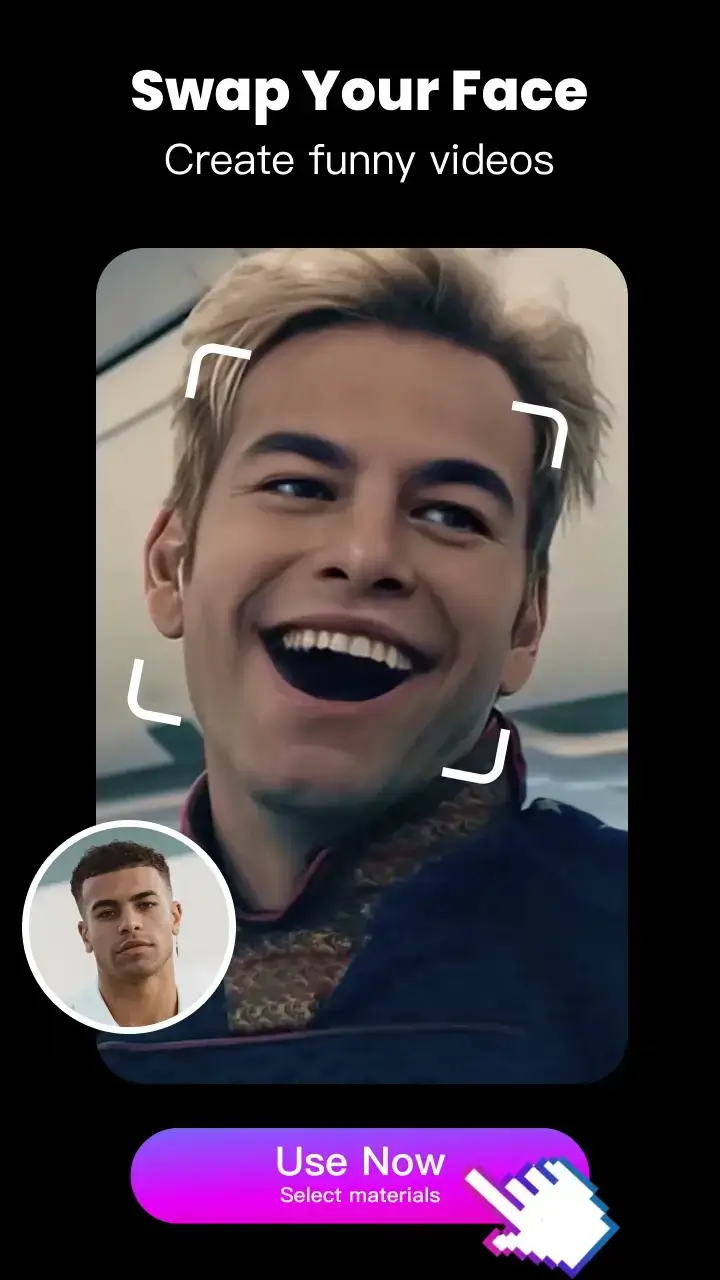
Fun face swap and face-changing tools with filters and face stickers
Beginner-friendly interface and largely self-explanatory workflow
Good support for lyric-style videos with special subtitles and text options
Exports in 720P and 1080P HD without sacrificing quality
Cons
Many sounds and items locked behind in-app purchases
Trial price described as very high for what it offers
Some English text, edits, and lyrics are awkward or contain errors
Conclusion:
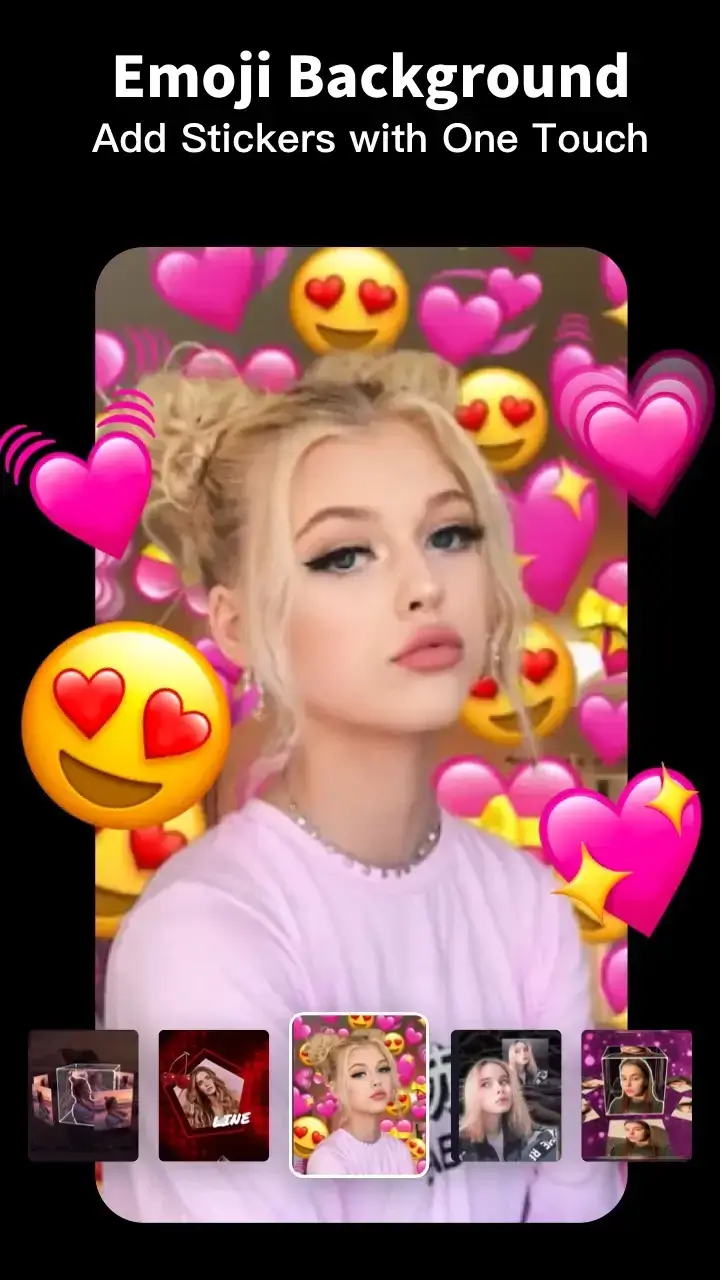
Tempo is an editing application with a variety of popular themes and unique captions. Users can easily add music, create videos from photos, and produce lyric videos with cool effects. The app offers numerous themes including love, lyrics, emojis, and cartoons, providing diverse options for video editing enthusiasts.