
System information
Tools
2026-08-12
48.18MB
2.9.1
Android
583
Screenshots
Introduction
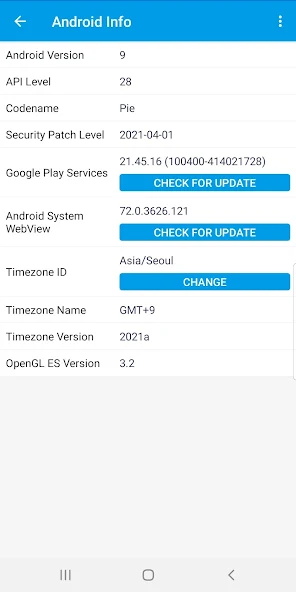
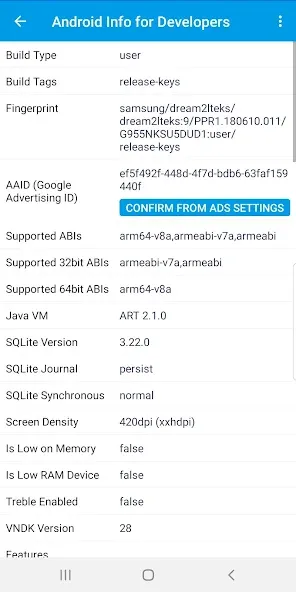
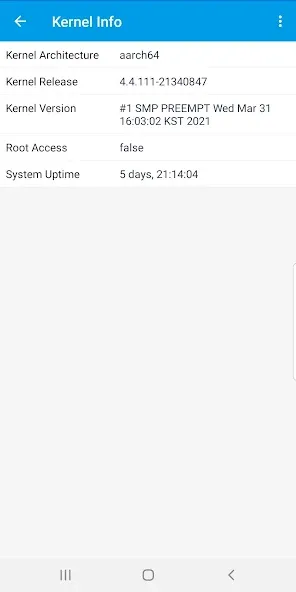
System Information is an information software that allows users to access detailed information about their mobile phones or applications, covering a wide range of topics. This highly practical software helps users gain a deeper understanding of their devices, fully explore their functions, and improve their utilization. It includes professional knowledge about the CPU, LCD, GPU, and other components within the system. The content is detailed and clearly categorized. If you are a professional, System Information can help you easily obtain relevant knowledge and improve work efficiency. It's also convenient for users who want to know and understand. Try it now!
Highlights:
? Real-time monitoring of RAM, Storage, Battery, CPU, Sensors, Apps, and more.
? Completely ad-free.
?️ Minimum permissions (no special permissions on Android 6.0+).
?...and there's always room for more.
FAQS:
How can I change the theme of Device Info?
You just need to open the settings by touching the three-dot menu. Then you can find the dark theme and also the accent colors to choose from.
How to copy specific information?
Open the app and then, touch and hold the required information. Then it will be copied to the clipboard. Now you can paste it anywhere.
Why there are so many permissions?
Most of the permissions are needed for the tests to work. We can guarantee that Device Info cannot access any personal information.
Why the cameras show incorrect megapixels?
Because of the restrictions of the Android OS, sometimes the megapixels which the device Info shows can be incorrect. But the features are 100% accurate.
Is there a widget?
Yes. Device info has a customizable widget which looks professional and it updates automatically within some intervals
How can I export data?
Go to the 3 dot menu and open Export data. Now you can customize your report and finally export it as a PDF or Text file.
Function:
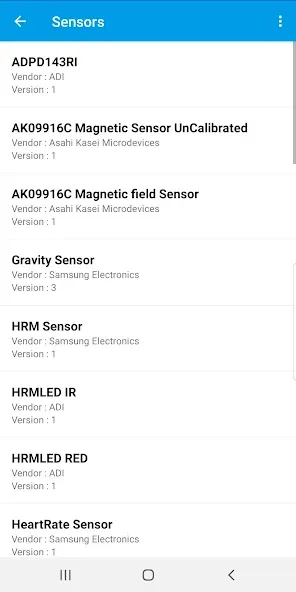
Sensors: availability of basic sensors and tests for them
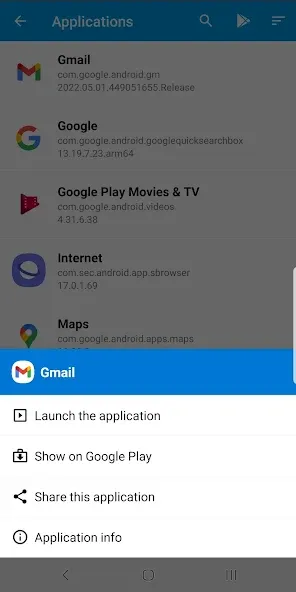
Applications: you can quickly find apps and see info about it, also provided system apps
Drivers: you can find other chips used in your device.
Partitions: list of partition and their sizes.
PMIC: list of power regulator voltages which applied to the components.
Wi-Fi: info about connection
Bluetooth: supported features
Input devices: list of input devices.
Codecs: decoders and encoders, drm info
USB: connected devices by otg
Advantages and disadvantages:
Pros
Covers CPU/SoC, RAM, GPU, storage, screen, and sensors in one app
Includes network status and system property insights for quick diagnostics
Free to use with no upfront cost
Provides hardware-focused insights with clear, structured data
Cons
Last 30 days downloads (168) indicate modest growth relative to the total base, suggesting a niche audience
Primarily focused on hardware/system information; may lack some advanced OS telemetry offered by broader utilities
User-facing features rely on permissions that should be reviewed by privacy-conscious users
Conclusion:
All in all, Device Info: System & CPU Info is a handy tool that lets you know more about your device and the specific hardware and OS that runs it all. It looks nice and clean, and it offers extensive information for pretty much anything you want to check about your phone or tablet. Check it out and see for yourself.









