
Spatial Touch
Tools
2026-08-18
98.67MB
1.2.11
Android
110
Screenshots
Introduction
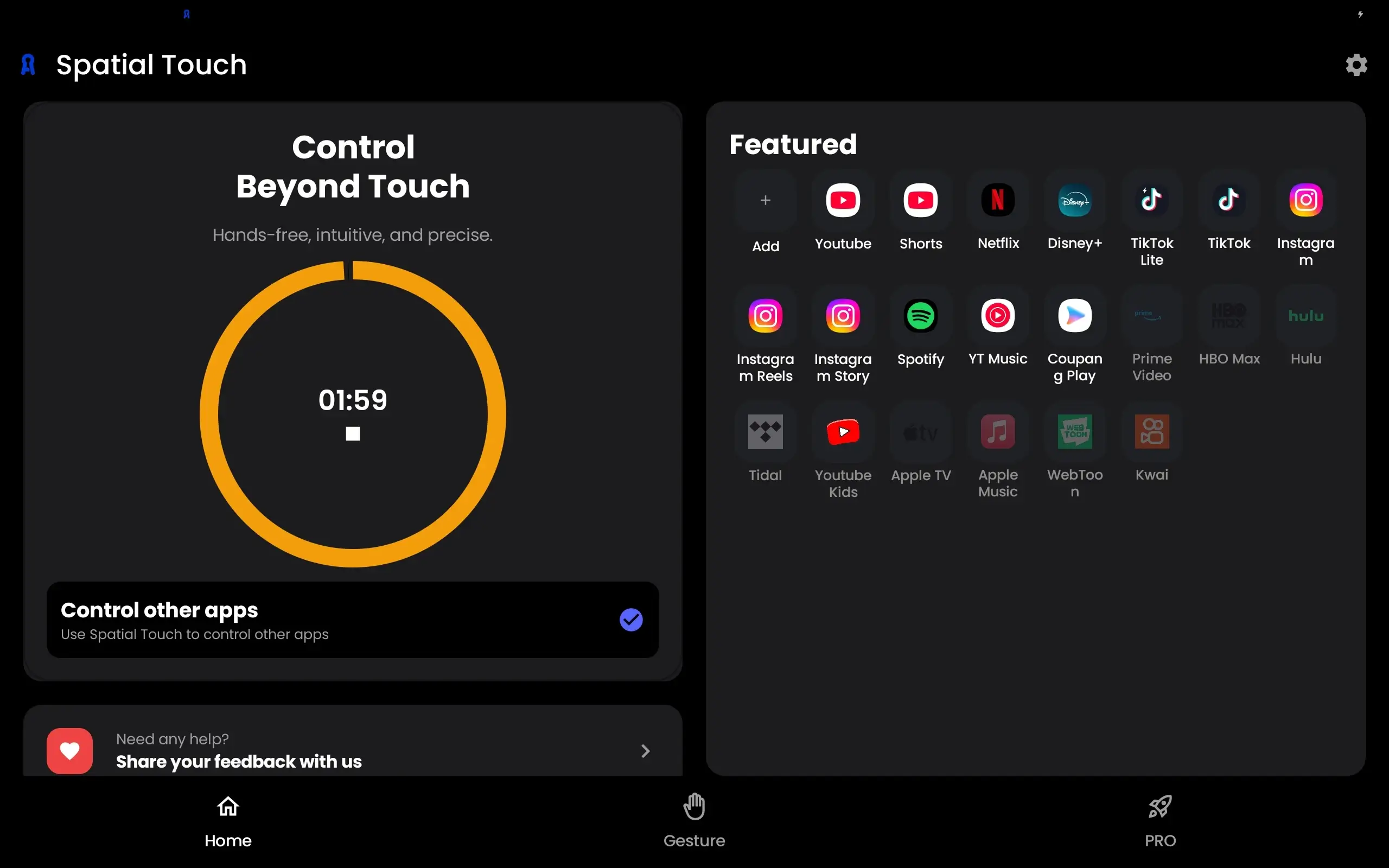
Spatial Touch is an interactive software that revolutionizes user experience. This game-like application boasts powerful recognition capabilities, able to identify user input methods and habits. Users can easily pause and play music without touching the screen. Sensitivity and volume can be customized. The software offers high security, effectively protecting user privacy and safety. It features camera tracking technology but transmits no data to the outside world. Furthermore, it's ad-free and completely free. Powerful AI-driven technology ensures smooth, touchless interaction.
Highlights:
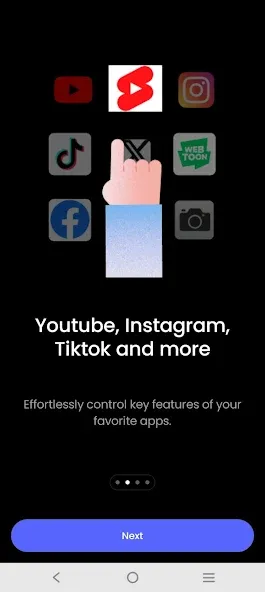
Air Gestures: Control media playback, pause, volume adjustment, navigation, scrolling, and more using air gestures without touching the screen.
Remote Control: You can control your device from a distance of up to 2 meters, and it works perfectly in various environments and postures.
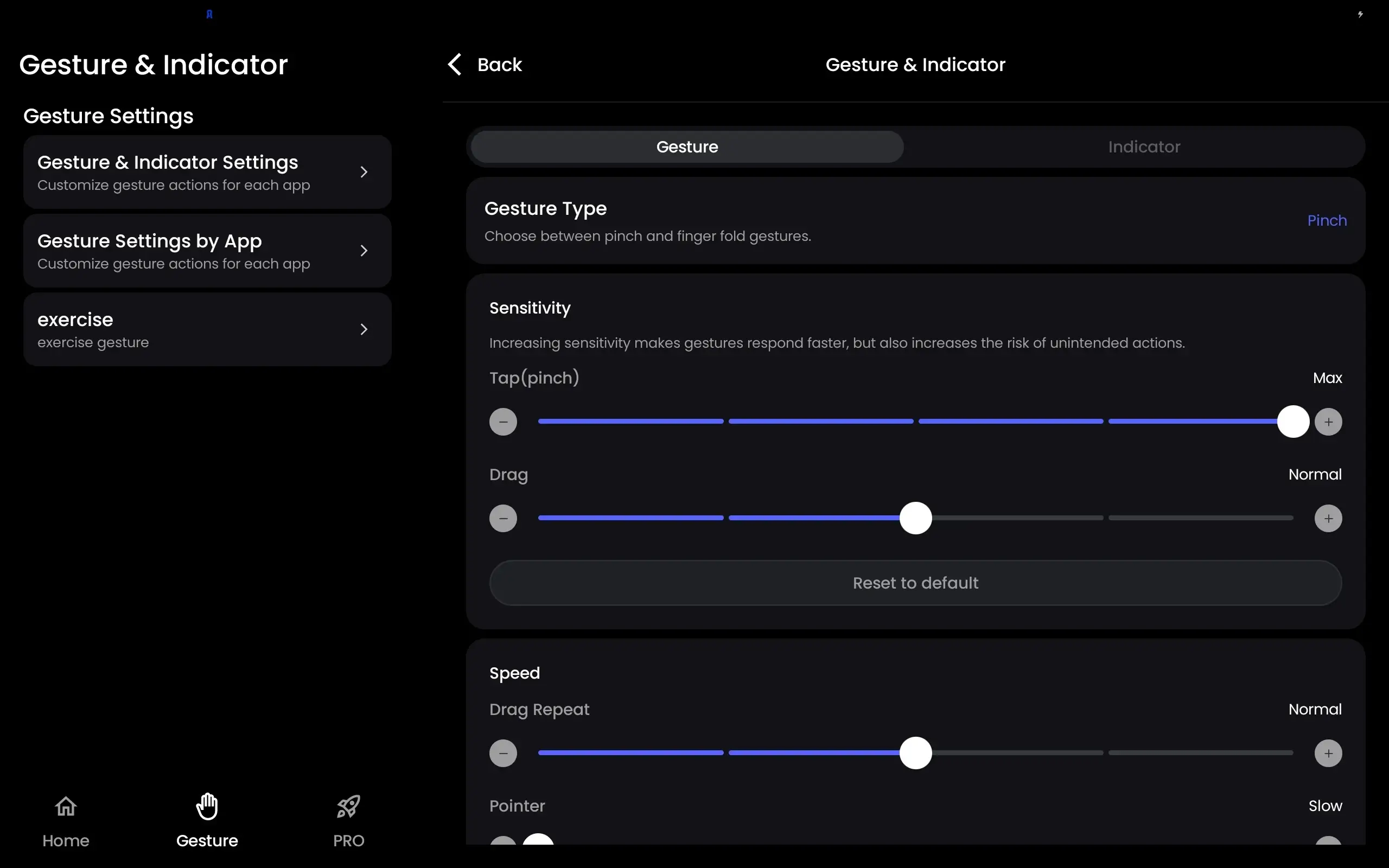
State of the art gesture recognition: Minimized false gesture detections with a variety of hand filters. You can lower the filter for easier use or set a stronger filter for more stable performance.
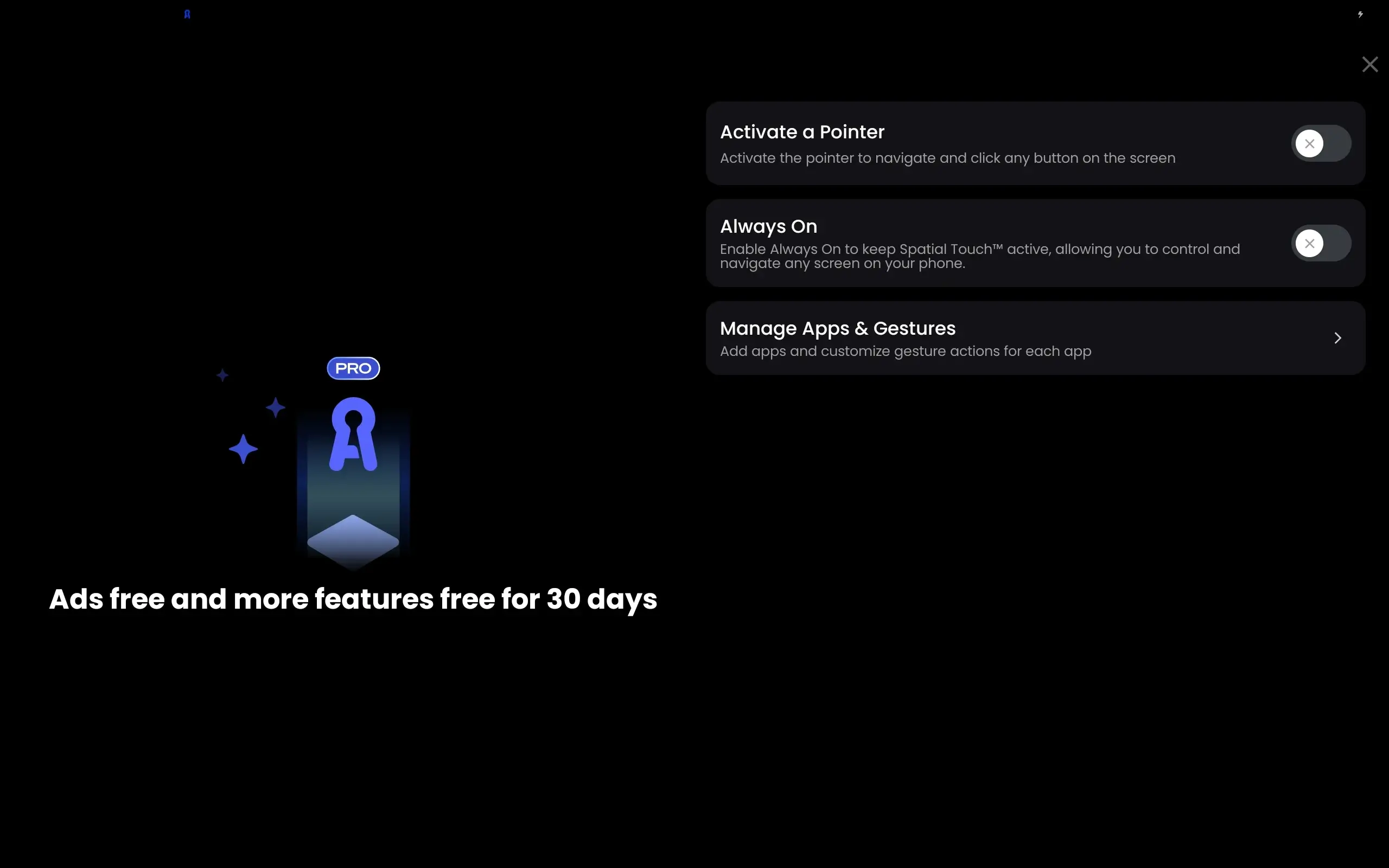
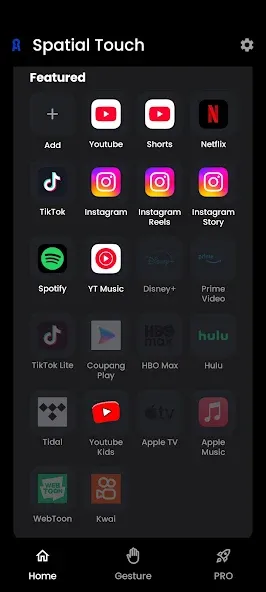
Background Auto-Start: After installing the app, there's no need to start it separately. When you launch supported apps such as YouTube or Netflix, Spatial Touch™ will automatically be activated and run in the background.
Strong Security: While Spatial Touch™ runs with a camera, it does not store or transmit any images or videos outside of the device. All processing is done on your device. The camera is only activated when supported apps are running and automatically disabled when the app is not in use.
Features:
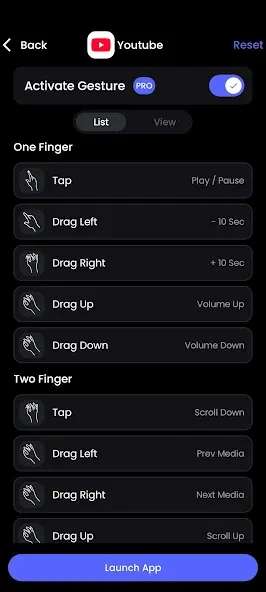
Tap, Play/pause video, skip ads (YouTube), skip opening (Netflix), next video (Shorts, Reels, Tiktok), etc.
Drag left/right: Video navigation (fast forward/rewind).
Drag up/down: Adjust the volume.
Two-finger tap: Enable/disable full-screen mode (YouTube), previous video (Shorts, Reels, Tiktok).
Two fingers left/right: Scroll left/right, go to previous/next video.
Two fingers up/down: Scroll down/up.
FAQS:
What is Spatial Touch?
Spatial Touch is a revolutionary touchless technology developed by VTouch that allows users to interact with digital interfaces using hand gestures and spatial movements.
How does Spatial Touch work?
Spatial Touch™ uses advanced sensors to detect hand gestures and spatial movements in front of the display screen. It converts these movements into actionable commands for interacting with digital content.
What are the main benefits of using Spatial Touch?
The main benefits of using Spatial Touch include touchless interaction, enhanced user experience, reduced physical contact with surfaces, and increased accessibility for users with limited mobility.
Can Spatial Touch be integrated into existing devices?
Yes, Spatial Touch technology can be integrated into existing devices such as interactive kiosks, digital signage displays, and interactive whiteboards with compatible hardware and software components.
Advantages and disadvantages:
Pros
Operates from up to two meters away
Adjustable sensitivity settings
Gesture filters reduce accidental triggers
Cons
Limited number of supported apps
Complex setup process

Conclusion:
Spatial Touchis changing how we control devices. Its AI understands hand gestures, making it cool, convenient and accessible. For Android users wanting touch-free control, Spatial Touchis a great choice. Say goodbye to fingerprints and hello to the future of interaction! Psychology









