
SnapSaver
Tools
2026-08-12
30.54MB
2.7.1
Android
465
Screenshots
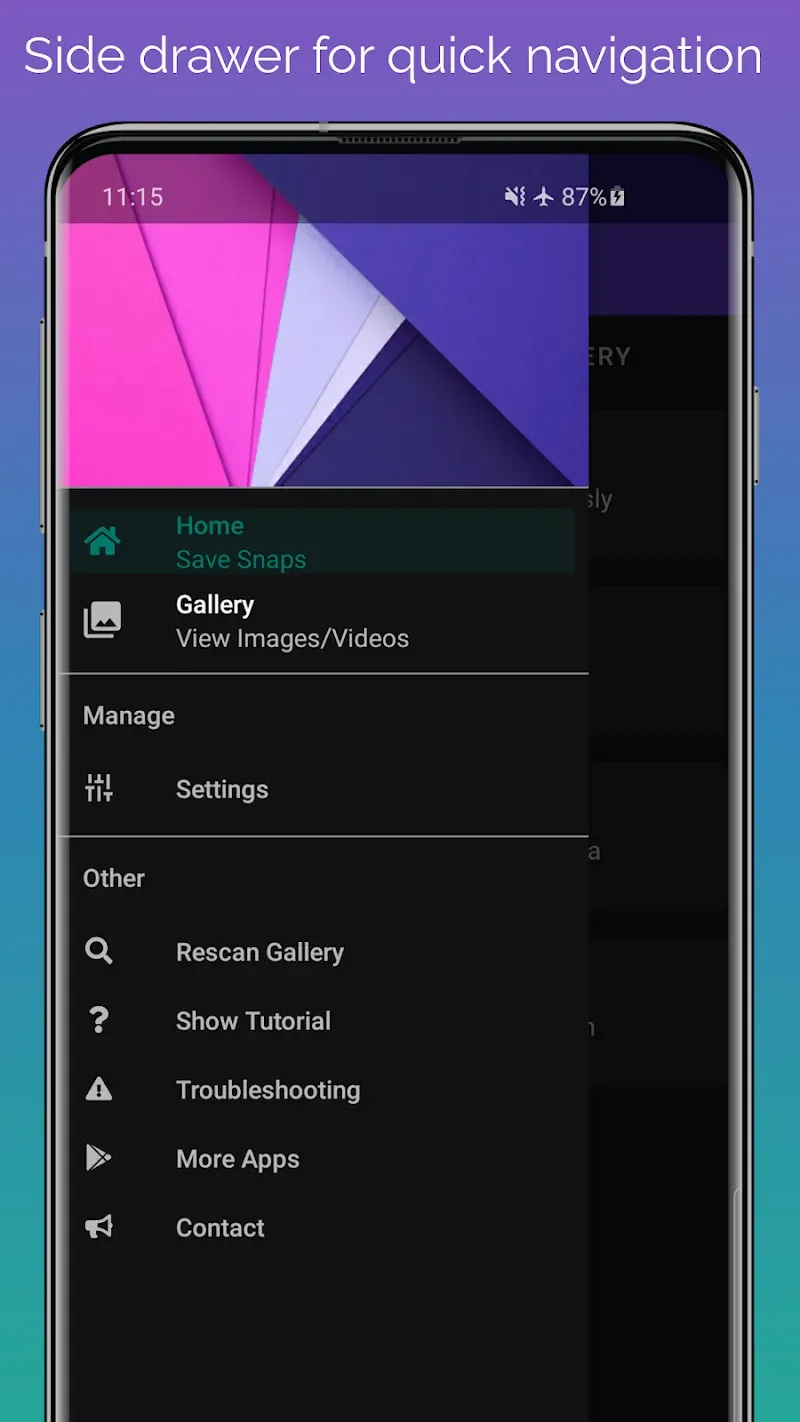
Introduction
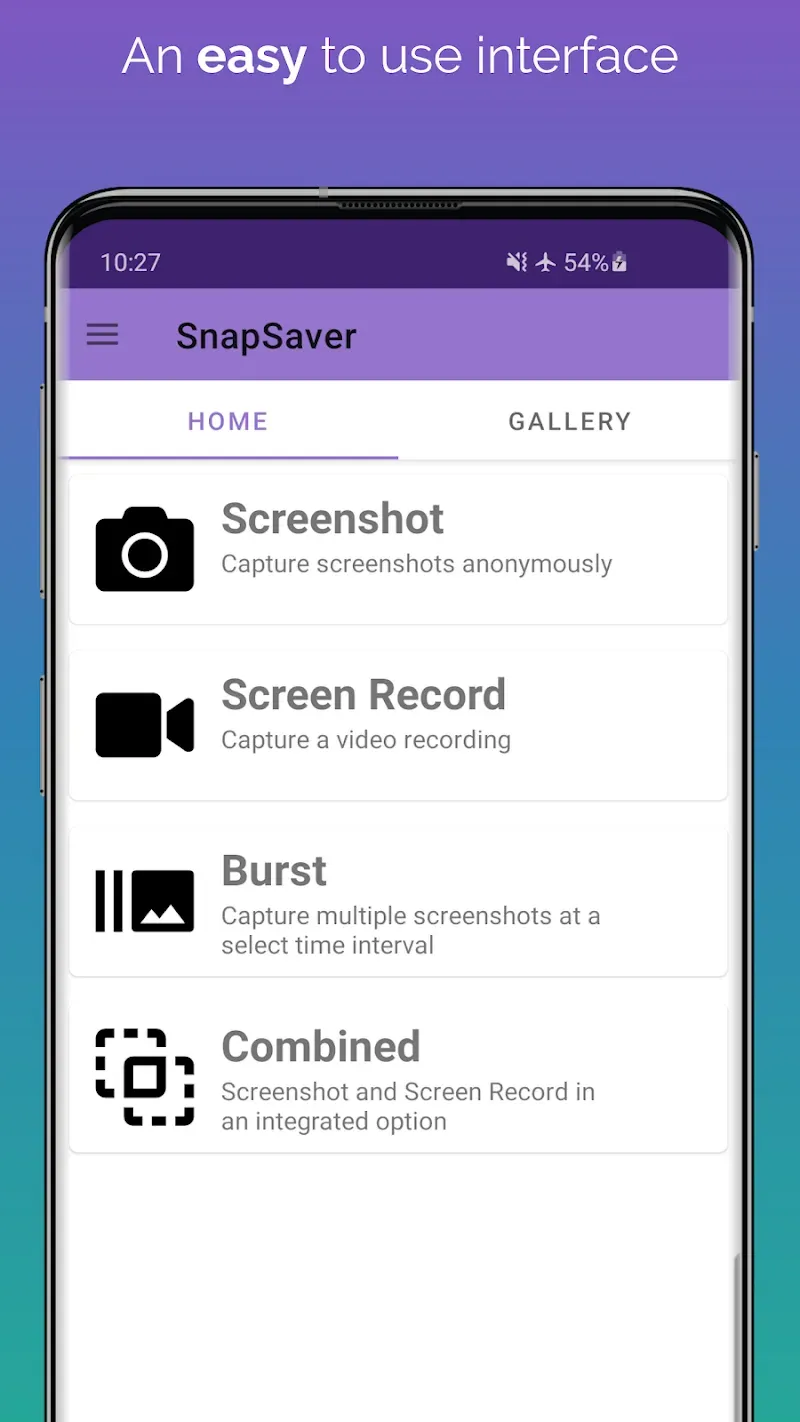
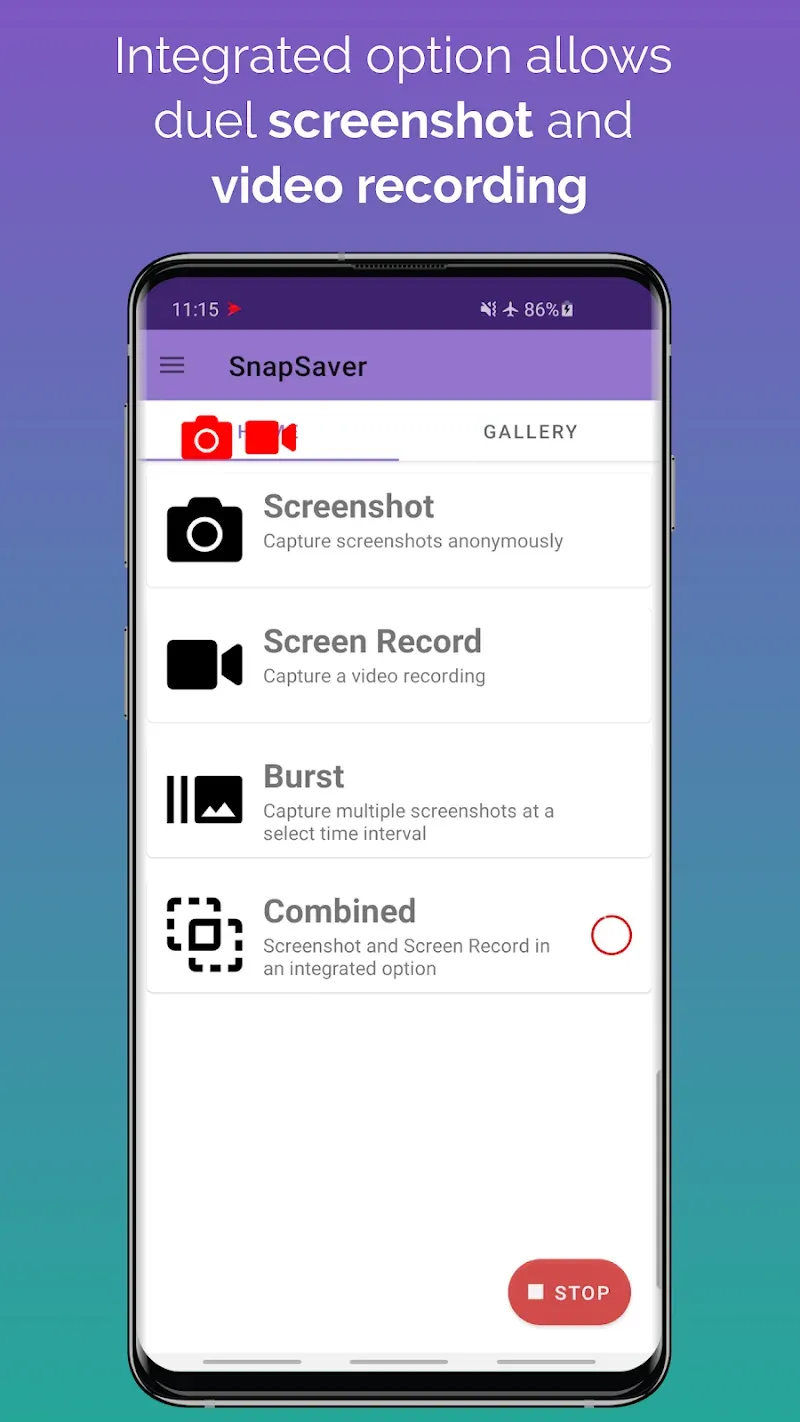
SnapSaver is a screen recording software. This application allows users to simultaneously take screenshots and record videos in the same session. Users can access all features without logging in. It also boasts a powerful anonymity feature, ensuring that no notifications are sent to the other party when taking screenshots. The application is very small in size, making it easy to download and requiring minimal storage space. It is extremely convenient for users.
Features:
Easy to use interface
Option with screenshot & video record in the same session!
No login/registration required
No account ban or locks
Internal audio recording
Works with chat
No notification when screenshot is captured
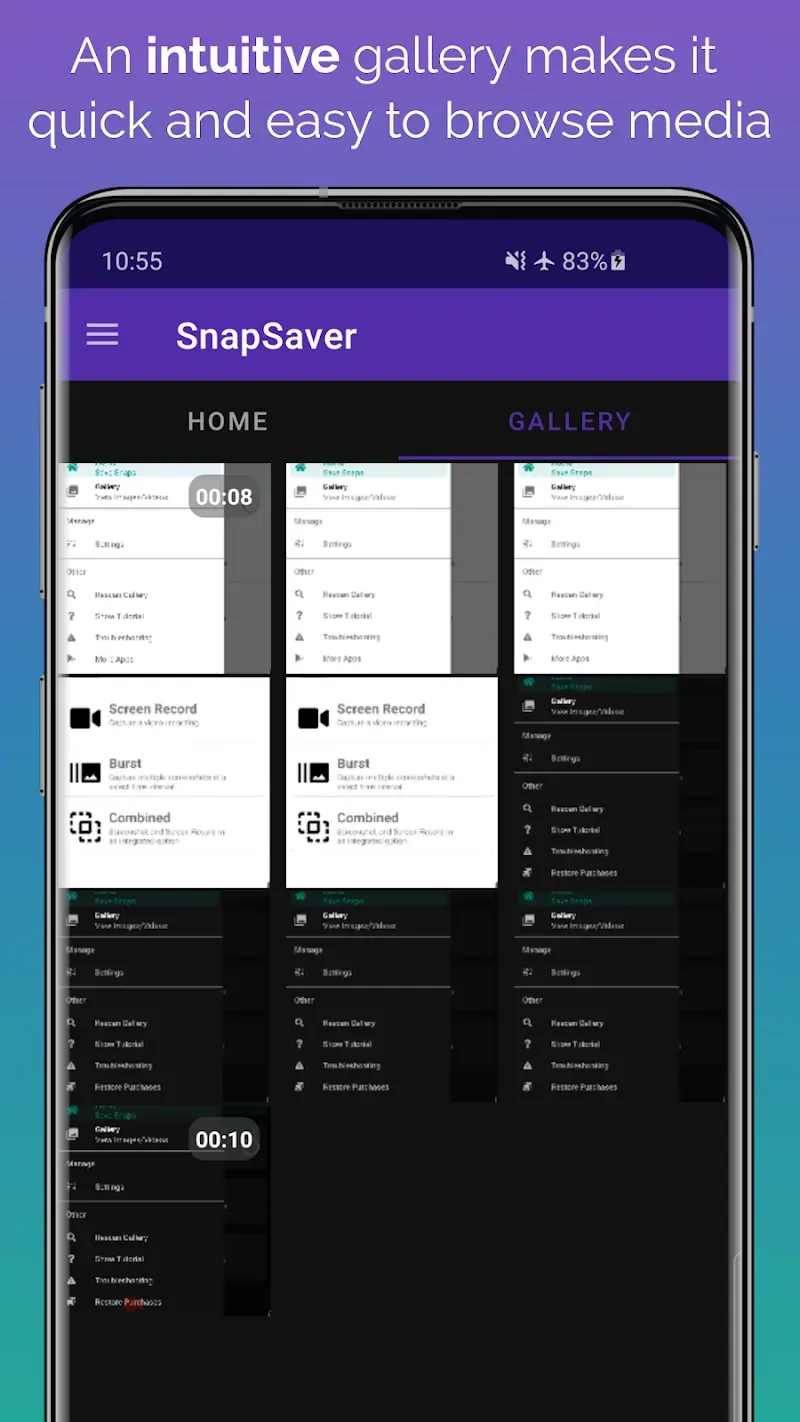
View captured images/video with built-in gallery
Records video with audio (if desired)
Simple and intuitive
Highlights:
No Login Required: Because this application will not require you to create an account to log in during the use of an application, users can also rest assured that their data is being secured.
No Account Risks: Because this application does not require you to log in with any account, users no longer have to worry about their account being banned because of using a third-party software.
Discreet Screen Capture: Normally, when you take a screenshot of a message, it will also notify the other person that you have just taken a screenshot of the conversation.
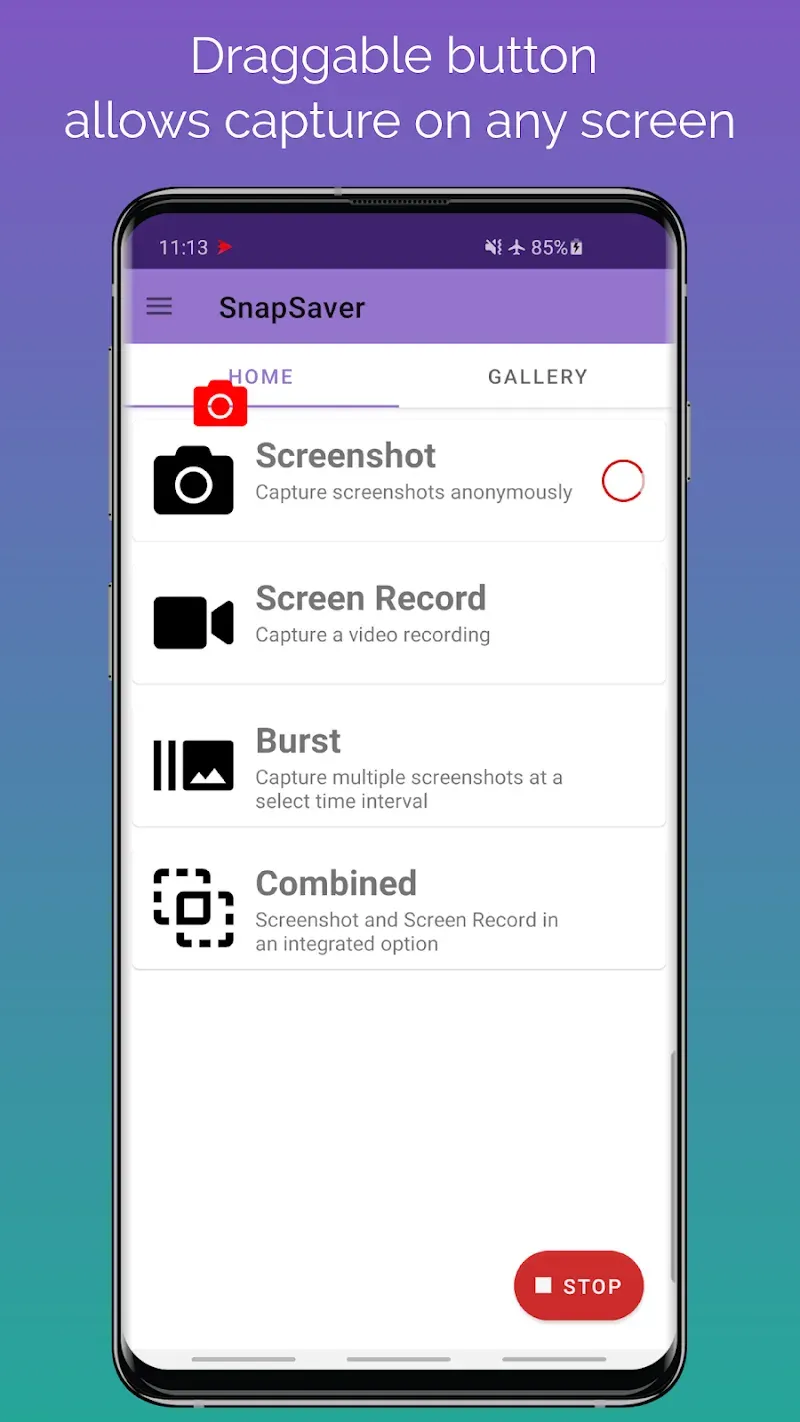
All-in-One Session: With this application, you can record everything that is happening on your phone screen. The operation is also very simple. With just one touch, you can start this feature.
Complete Audio Capture: While recording the screen, the application also captures sounds emitted directly from the user, not just the sounds on the phone.
Integrated Media Viewer: This application also has a separate space to store the data you have created so that users can find it more easily.
FAQs:
How much storage space do I need to install SnapSaver ?
The download APK file is 30.54 MB, and you'll need additional free space to install the app and store temporary files, updates, and cache data. If the installation fails, free up some storage and try again.
How long does SnapSaver take to download?
SnapSaver is 30.54 MB. On a stable 4G, 5G, or Wi-Fi connection, the download may take anywhere from a few seconds to several minutes, depending on your network speed.
Why do I fail to download or install?
Common causes include insufficient storage, an incompatible Android version, an unstable network connection, a corrupted download, or missing installation permissions.
What are the system requirements for SnapSaver?
The latest version of SnapSaver requires Android 6.0+ or later. If your device runs an earlier Android version, check whether a compatible older version of the app is available.
Conclusion:
The point that users love about this application is the ability to take and record in anonymous mode, which is like putting on a magic cloak to protect your privacy when you can freely capture sensitive information on the screen without fear of being discovered by others. Not only stopping at taking screenshots, users can also take their videos to the top with many recording options combined with the ability to customize the video quality as desired, from sharp resolution to smooth frame rate.









