Screen Mirroring App
Tools
2026-09-08
32.49MB
1.9.12
Android
185
Screenshots
Introduction
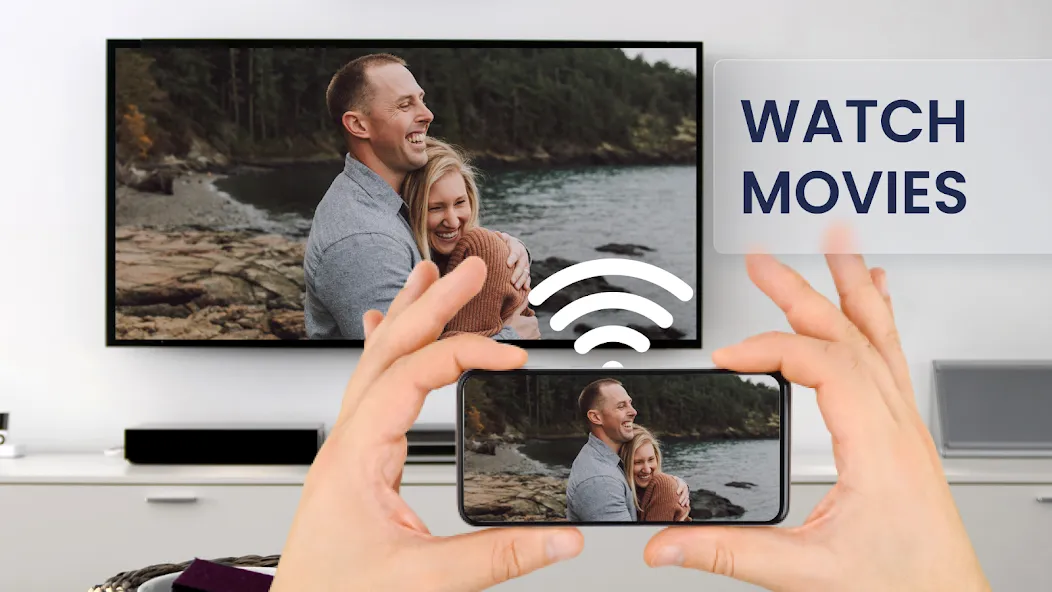
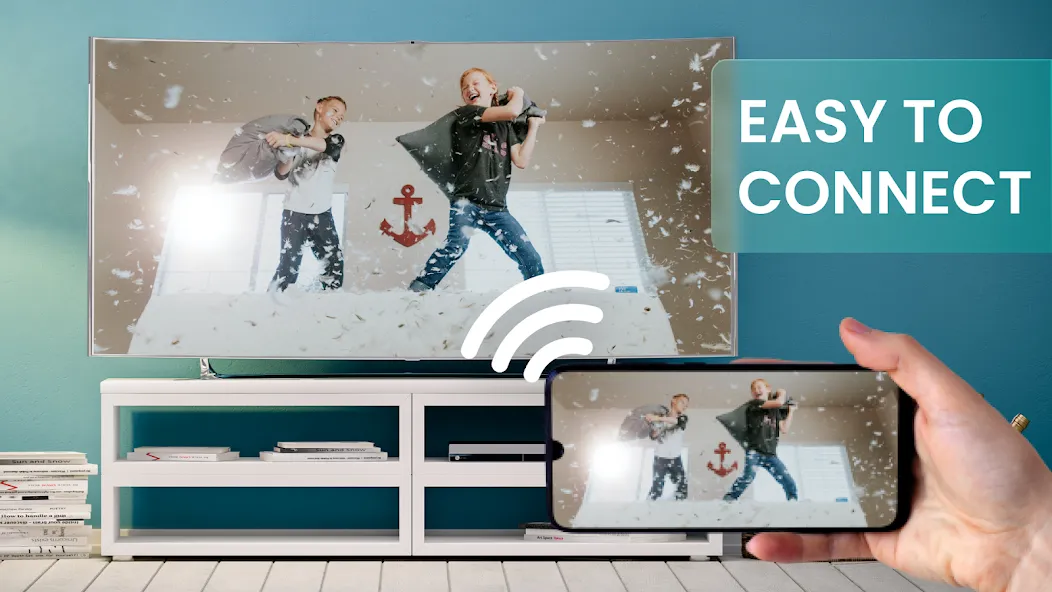
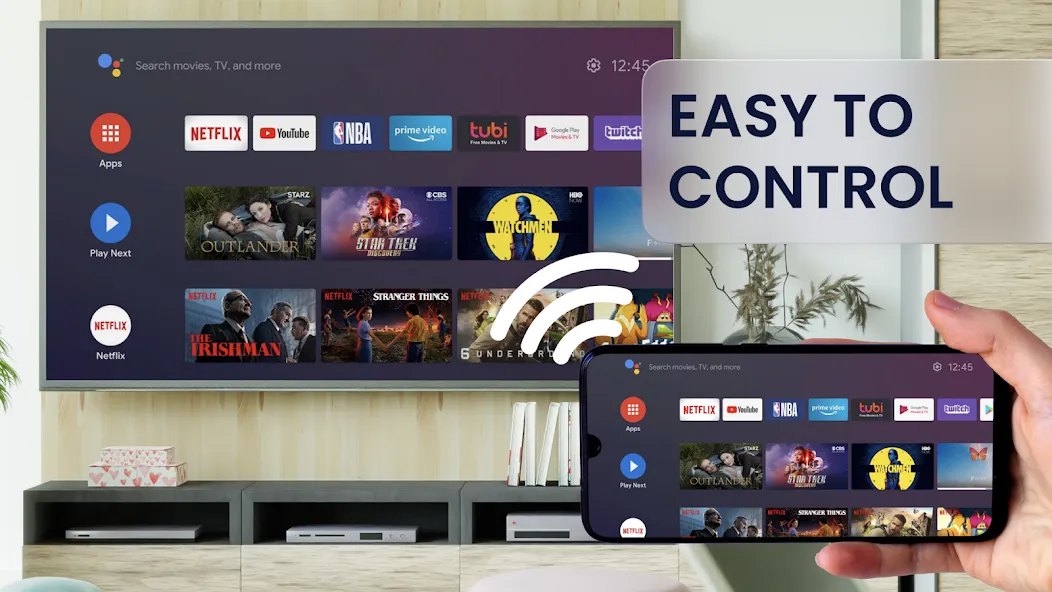
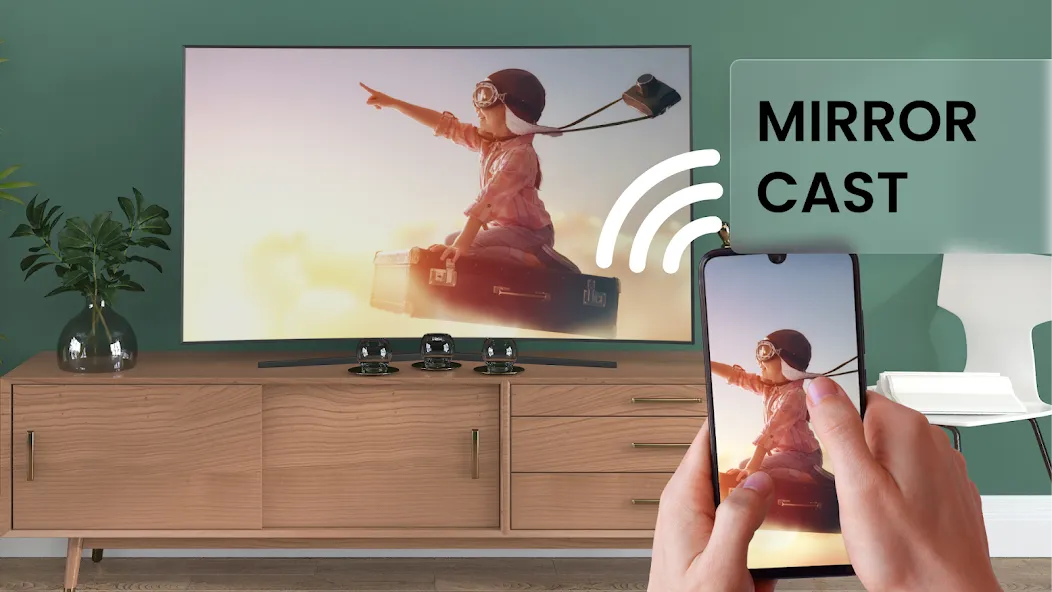
Screen Mirroring App is a screen projection tool. This powerful tool connects your phone's screen to external devices, sharing a single display. It supports various devices, offering excellent compatibility with Samsung, Xiaomi, Apple, and other operating systems. Users can easily operate and use the software. Whether working or relaxing at home, you can project onto a TV screen for a better visual experience. Enjoy a wider, more immersive viewing experience with large-screen projection. The software's interface is very simple, allowing users to easily operate it without any experience; you can easily start projection with just a few clicks. This software will surely make your life easier.
Features:
Optimal device support, Screen sharing works on any device with an integrated web browser, such as Samsung TVs, LG TVs, Panasonic TVs, Hisense TVs, Philips TVs, Hitachi TVs, Grundig TVs, and TCL TVs.
Unique feature:,Wireless screen mirroring via the internet. Share your screen content to smart devices such as refrigerators or consoles. Screen sharing via mobile hotspot enables ultra-fast Wi-Fi Direct.
Screen mirroring performance is excellent when you have a fast and stable Wi-Fi network. 5GHz Wi-Fi is recommended.
Sound playback is supported in Android 10 and above. Compatibility depends on the capabilities of the receiving device.
Universal screen sharing on smart TVs or other wireless display devices, no companion app required.
Highlights:
Cast content to your TV using the Screen Mirroring App with its quick and easy user interface.
Enjoy mobile games on a large-screen TV with the screen mirroring function, compatible with all Sony TVs.
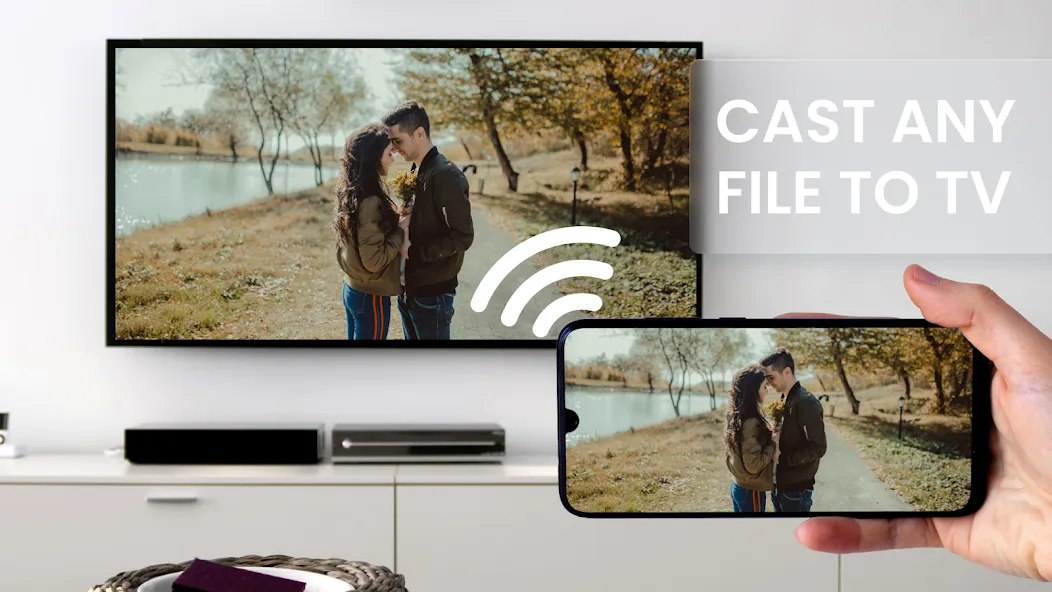
The LG TV screen mirroring app can cast all media files: videos, photos, audio, PDFs, etc.
Enjoy the best video and movie experience.
The Screen Mirroring App is a streaming and screen sharing app that casts your phone content to your TV.
One-click connection.
TV casting and sharing app.
Use the Screen Mirroring App to share your Android phone screen to a Xiaomi TV.
Switch between portrait and landscape modes on your TV screen.
FAQs:
Is screen mirroring possible on different network connections?
Premium account users can easily mirror their device screen to another device connected to the same local network. With the Screen Mirroring App's remote screen mirroring feature, screen mirroring is possible even when not on the same network.
How many devices can be logged in simultaneously?
With a free account, you can log in to 1 device simultaneously. With an annual membership, you can log in to your account on 3 devices simultaneously.
Can a free account use remote network screen sharing?
Free accounts cannot use remote network screen mirroring. Please upgrade your account to a premium account to use this feature.
User comments:
Fantastic app! The tech support team responded quickly. I'd been looking for an app to wirelessly project my laptop screen to my TV, and this one perfectly meets my needs. The projection function had a few issues initially, but I emailed support and they replied and fixed it within an hour. Thank you so much, and keep it up!
Awesome! Beautiful! Amazing! I'm so glad I stumbled upon this app. Since I'm not very familiar with Macs, I was even considering spending over $600 on a projector. Finding this amazing software was a wonderful surprise! Thank you developers! I love it!
Search complete! This app is exactly what I need for online meetings. It works flawlessly and is very easy to use.
Conclusion:
In short, if you're still struggling to find a projector, give the Screen Mirroring App a try. Its powerful features will definitely help you connect your device to multiple compatible screens, making it the perfect tool for enhancing your viewing and sharing experience. Download and try it now!
-
Latest Updates
-
Featured Apps