
Remote Gsmedge
Tools
2026-07-25
28.49MB
1.0
Android
89
Screenshots
Introduction
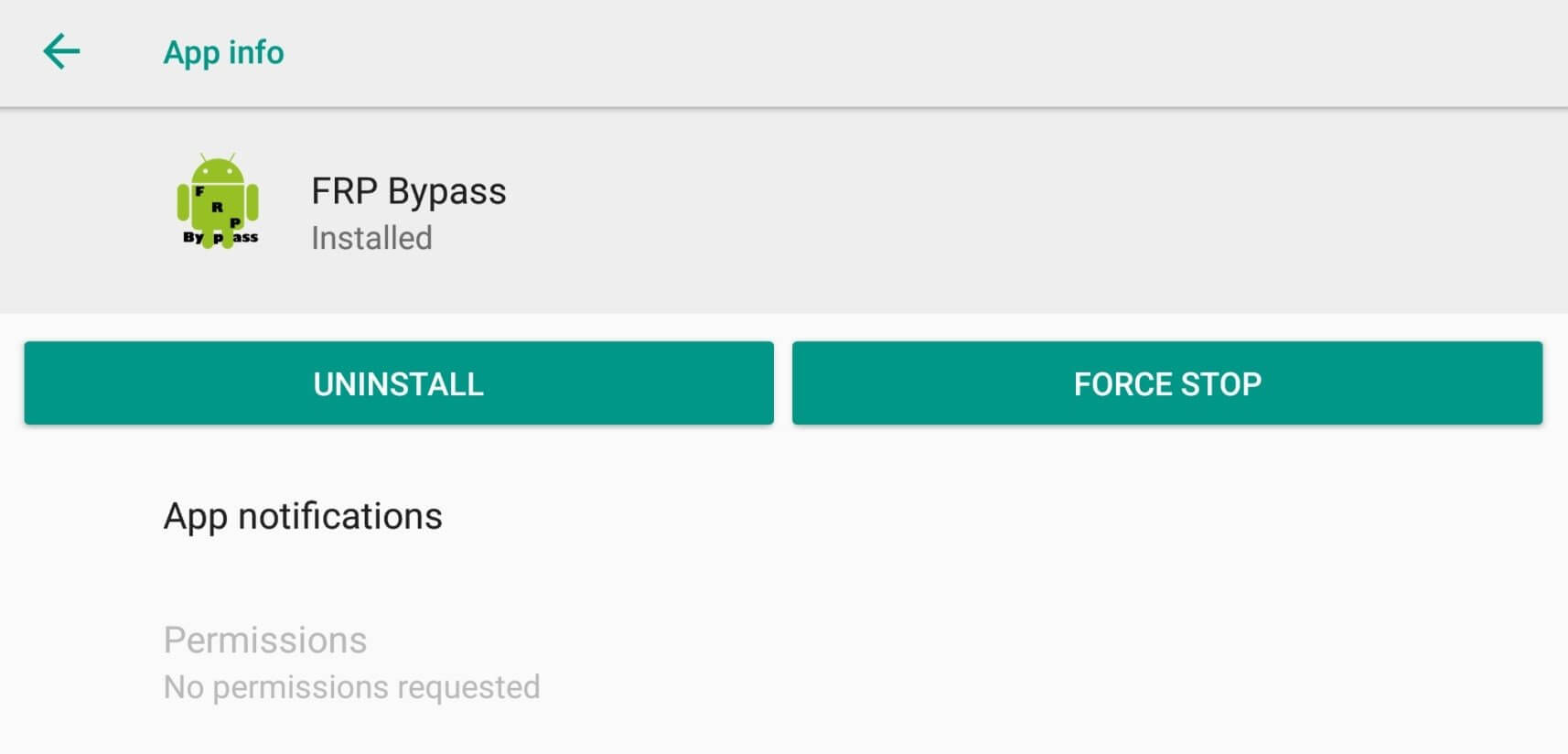
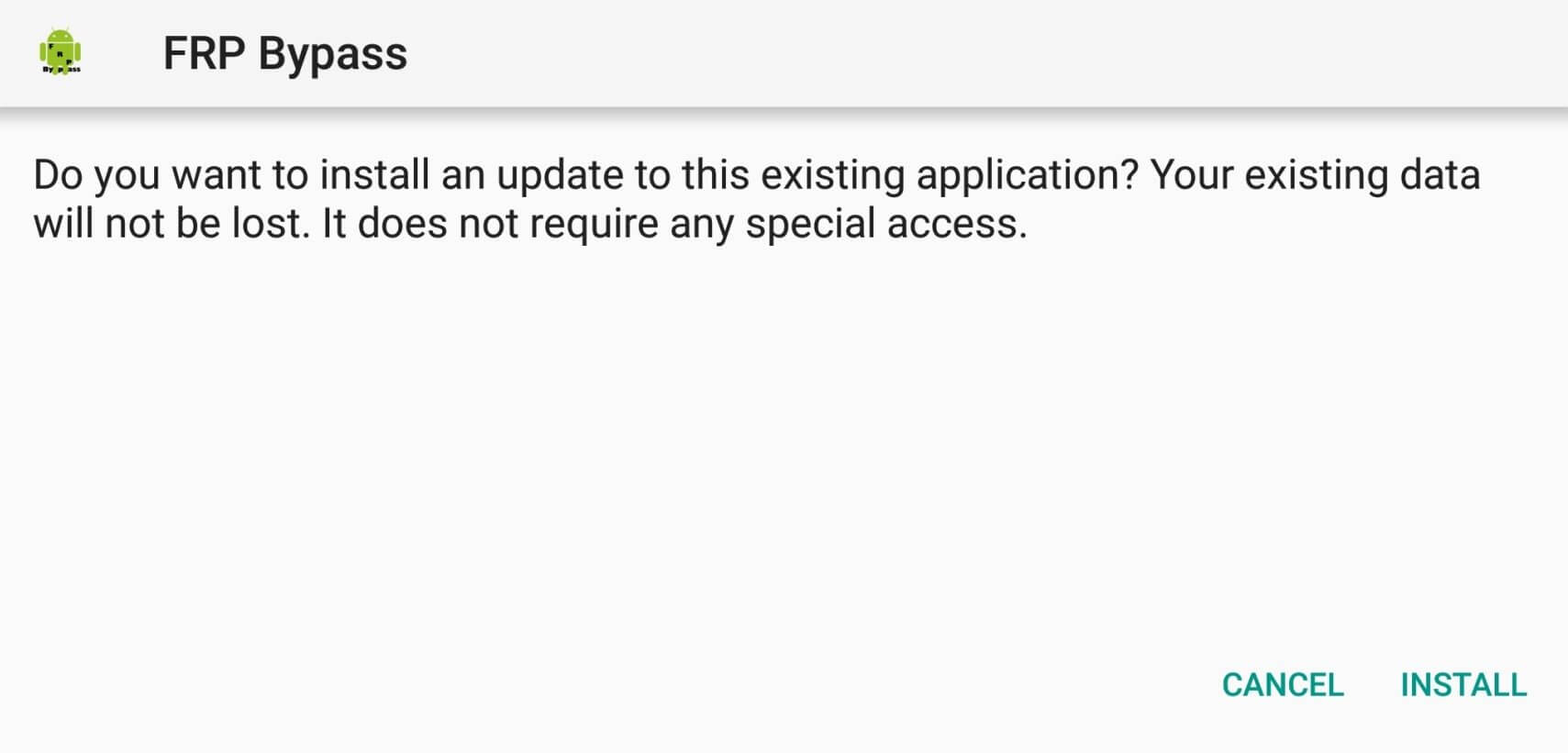
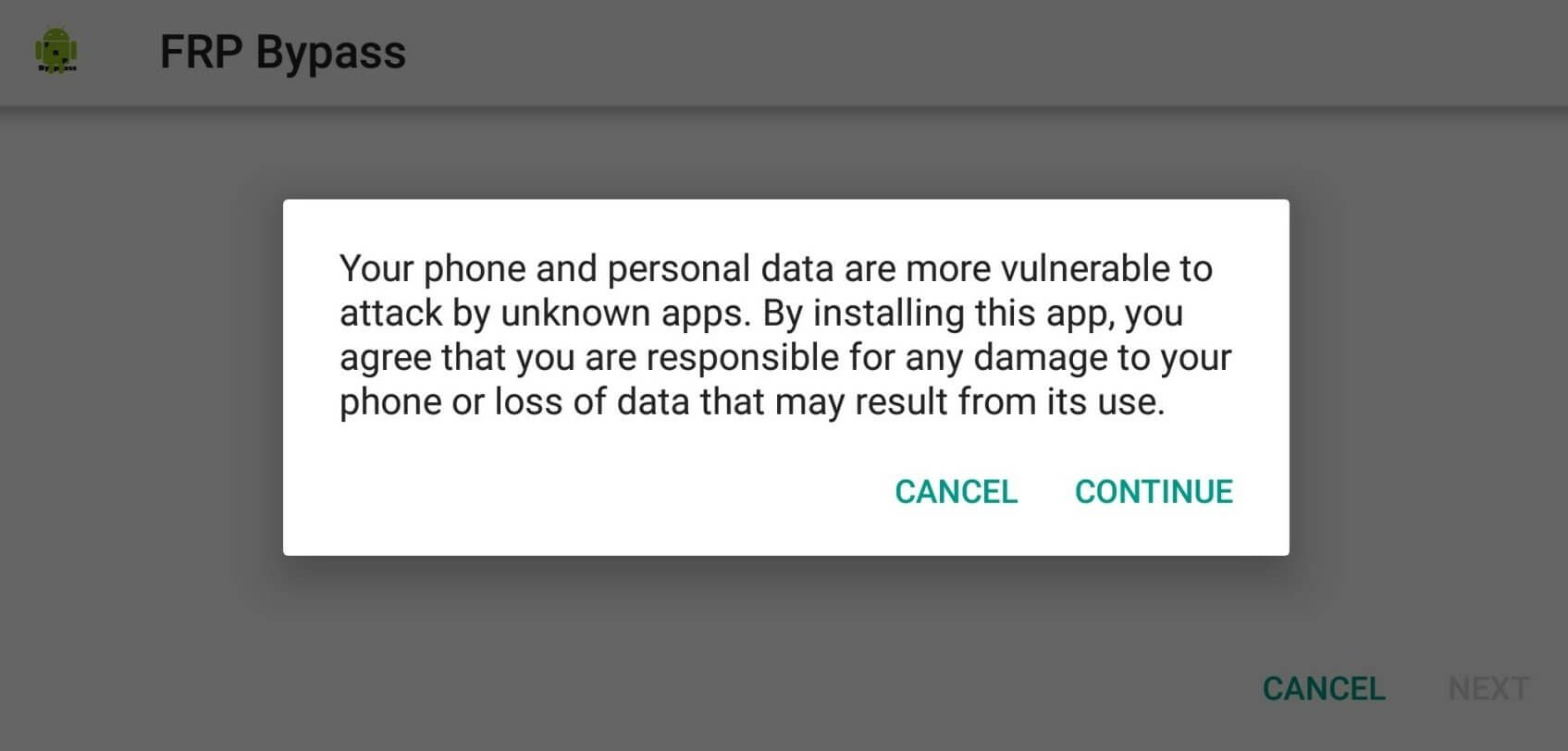
Remote Gsmedge is an unlocking tool designed for Samsung phones using FRP locks, allowing users to bypass the lock and unlock their phones. The app has a user-friendly interface, making it easy to operate. It supports all Samsung devices, even older models. Furthermore, this tool requires no root access or internet connection; simply download the app and you can use it offline on any device.
Features:
Easy-to-Use Settings
It has simple settings, and you'll find the operation keys on the app's homepage. Open the app and begin the process after scanning the device.
User-Friendly Interface
The interface of this app is too smooth, and all the buttons are easy to navigate. You can share your queries and chat with customer support executives.
Support All Models
It supports all Samsung devices and android versions, and even if you're using an old smartphone of Samsung, this tool will work like a charm.
No Root Required
There's no need to root your device, this app works fine on non-rooted devices, and you can enjoy all the benefits on any device you want.
No Internet Required
You can use this app without an internet connection, install the app and scan the device; after that, you can use this app without the internet.
Highlights:
Primarily for unlocking Samsung FRP locks.
Works best on older Android versions (6.0 Marshmallow to 10).
Sometimes can be installed directly on your device without a computer.
Very small file size.
Working principle:
Opening an Access Point: The app exploits a function (like accessibility settings or emergency call features) to open a web browser or a direct link to the phone’s Settings menu.
Modifying Accounts: Once inside Settings, you can access the “Accounts” section.
Removing the Lock: By removing the Google account linked to the device, you effectively disable the FRP lock, allowing you to complete the setup process.
FAQs:
What is FRP Lock in Smartphones?
FRP or Factory Reset Protection is the security mode in devices which prevents unauthorized resetting of the device. It's a common process in stolen phones and the FRP prevents the same.
How much time does the Remote GSMEdge app take to bypass the lock?
The app is pretty quick and it takes only a few seconds to complete the FRP bypass process.
Is this app safe to use?
Yes. The remote GSMEdge app is completely safe to use and will cause no issues regarding privacy.
Conclusion:
Remote Gsmedge APK allows you to seamlessly access and control your devices remotely, unlocking endless possibilities. Whether you're managing files, troubleshooting technical issues, or boosting productivity, this powerful application lets you easily accomplish everything from anywhere in the world.









