
Remote Control for Android TV
Tools
2026-09-15
59.92MB
1.8.2
Android
550
Screenshots
Introduction
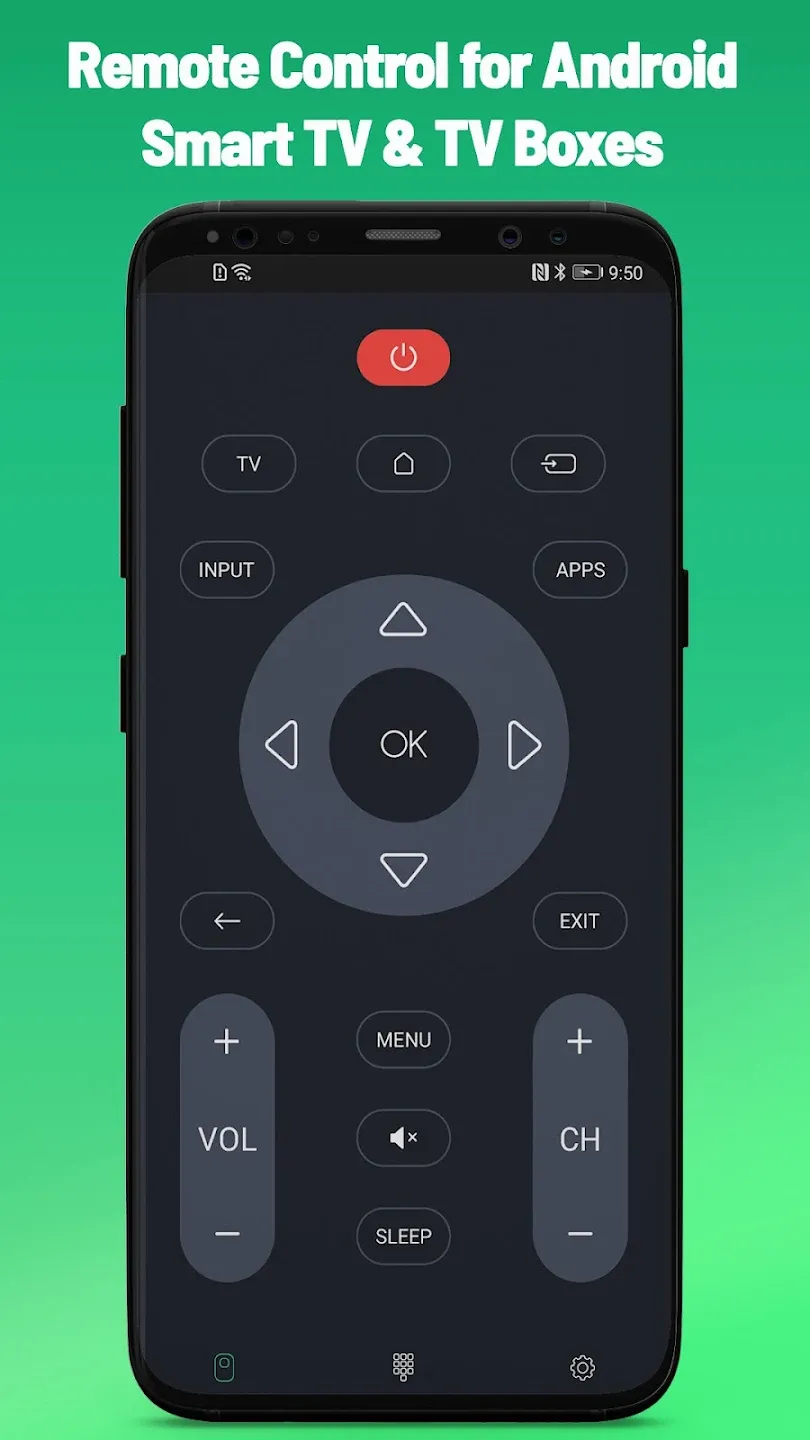
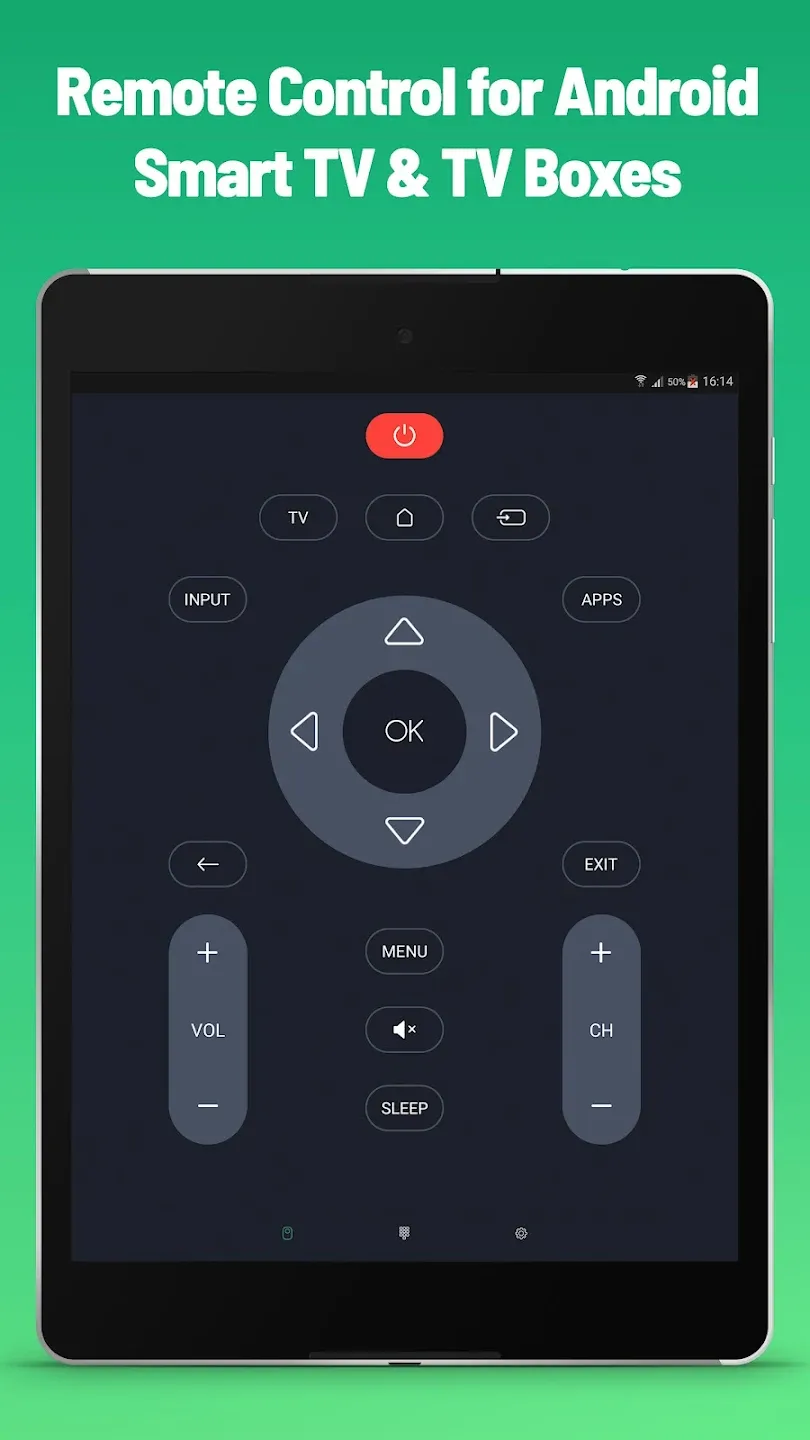
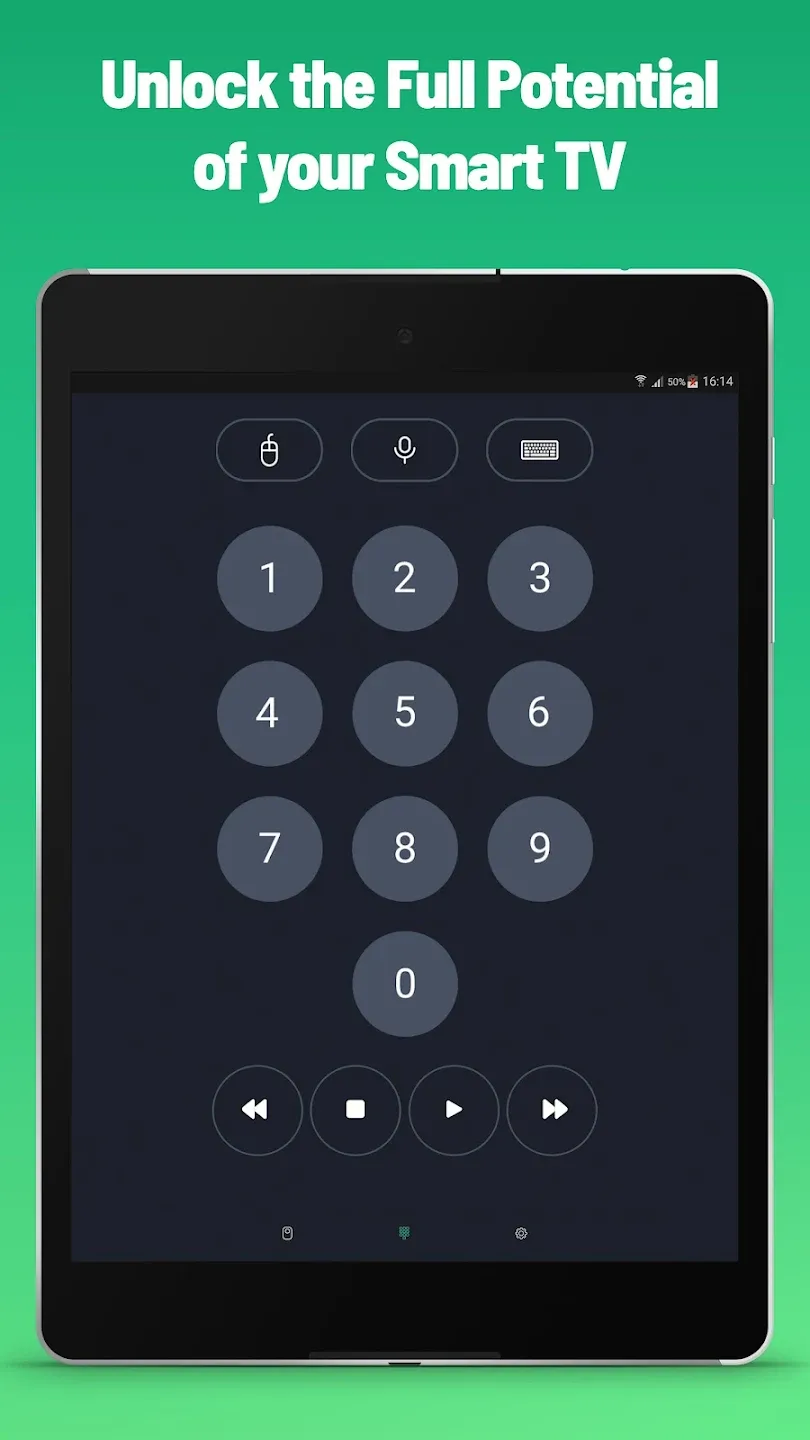
Remote Control for Android TV is a highly practical Android utility that allows you to control your Android TV using your smartphone. It supports multiple devices, enabling you to manage several TVs from a single phone. The app is incredibly easy to use; it automatically scans the local network to locate your TV, requiring only that you select the correct one. It features powerful voice control capabilities, allowing you to operate the TV simply by speaking your commands—no manual input required. Additionally, the app offers extensive customization options, letting you arrange the control buttons to suit your preferences for a more convenient user experience.
Features:
One Android TV Smart TV application can control different TVs with your smartphone
No setup is required. Android TV Remote automatically scans your network to find your TV
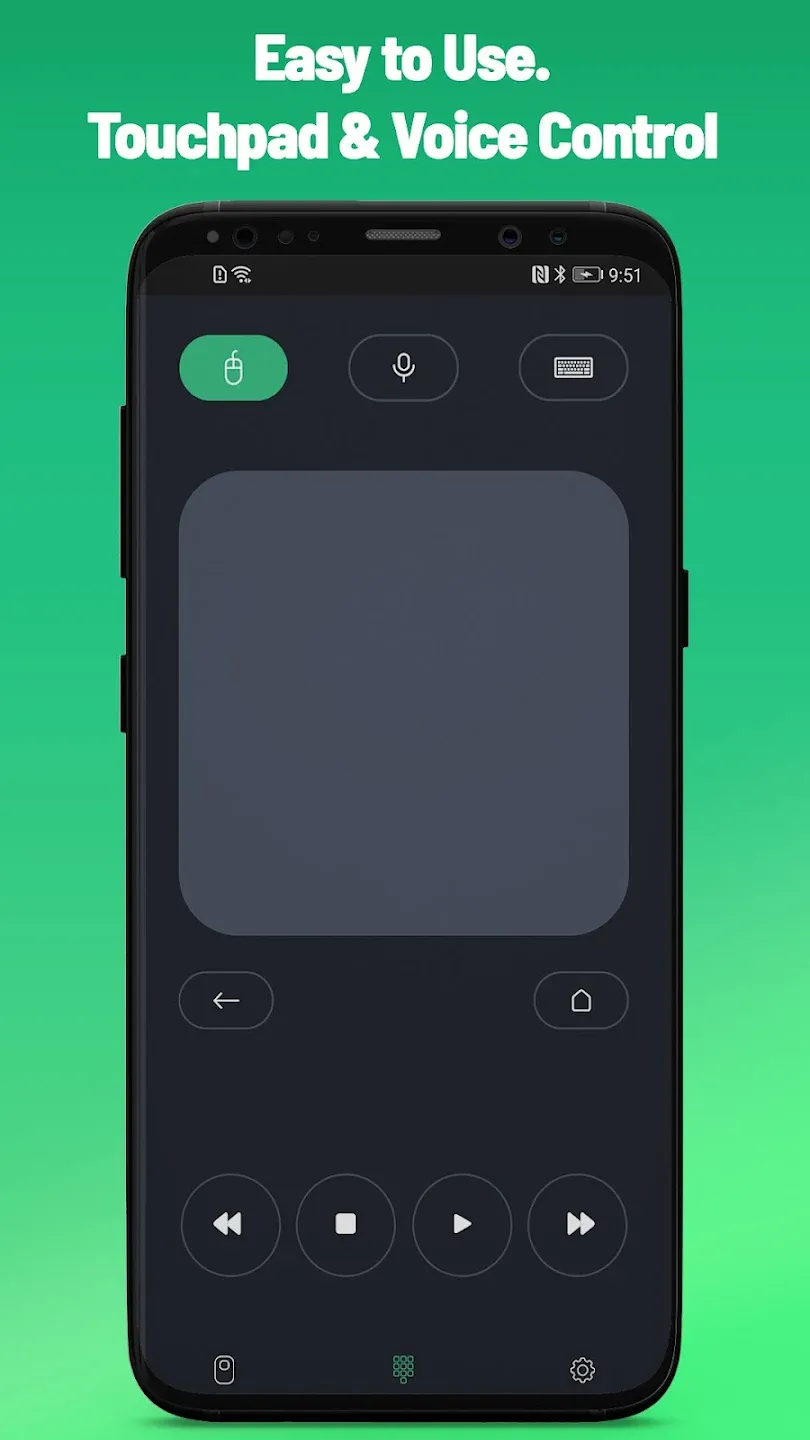
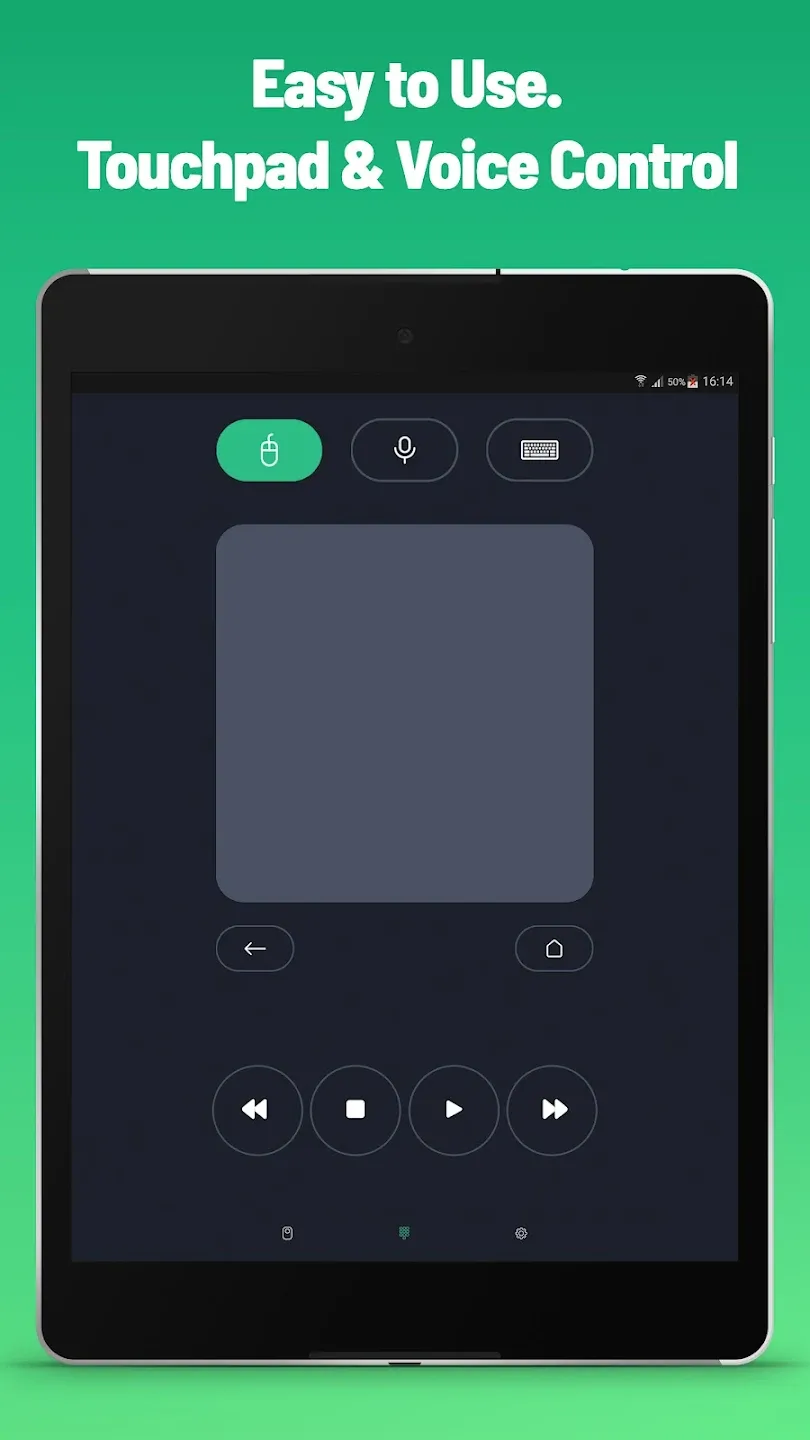
Powerful Voice Control with Voice Search
Mouse-like navigation using Touchpad
Text Input on TV using your phone keyboard
Control apps installed on your Smart TV
You don’t need to learn every button from scratch; they are all the same.
Always in your pocket
Forget about batteries
Highlights:
Manual control: You decide everything, but the speed will now be faster than before.
Suitable for voice use: Most Android devices recognize sound very easily and transmit it to the TV.
Easy navigation: You can completely use the cursor to move to the area you want easily.
Suitable for many people: Surfing on a screen is no longer a strange experience for users.
Perfect in many cases: A smartphone or tablet always has more optimizations than a normal remote.
Enter information quickly: Because using the keyboard on a smartphone is always easy, searching is more convenient.
Doesn’t take too much time: Instead of scrolling on the screen continuously, the application will speed up the process of filling in passwords.
Control TVs remotely: The application’s control settings can be compatible with different types of devices.
Don’t need too much equipment: Instead of buying a new one, you should try alternatives.
Easy to switch: Because the level of application compatibility is very high, switching from one TV type to another is completely quick.
Pros and Cons:
Pros
Free to download
Simple navigation options
Cons
Frequent network disconnection
Limited functionality
Conclusion:
Don’t be afraid of progress. It will come sooner or later. It’s not a bad thing. It just makes your life a little bit more comfortable. No more nervous because your old remote malfunctions or kids hide it from you. Just comfort and functionality. Wide variety of functions, controlling multiple devices with remote for Android TV. Install Remote Control for Android TV and enjoy your time!


-
Latest Updates
-
Featured Apps






