QuickShortcutMaker
Tools
2026-10-13
2.21MB
2.5.0
Android 1.6 and up
346
Screenshots
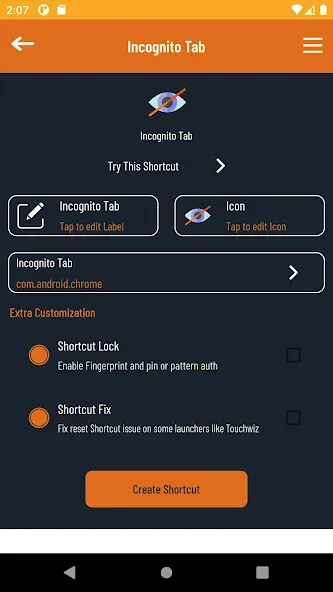
Introduction
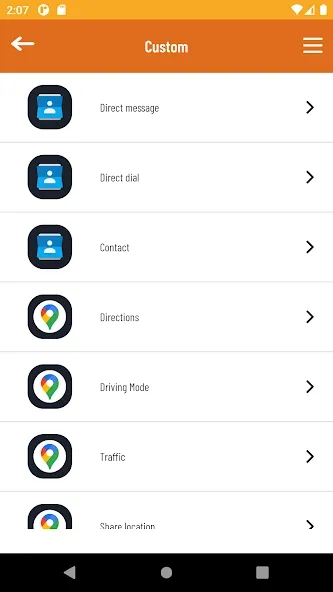
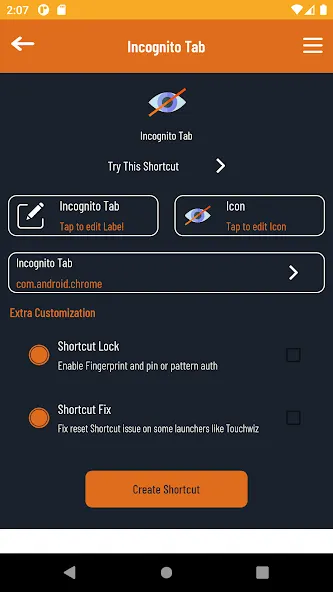
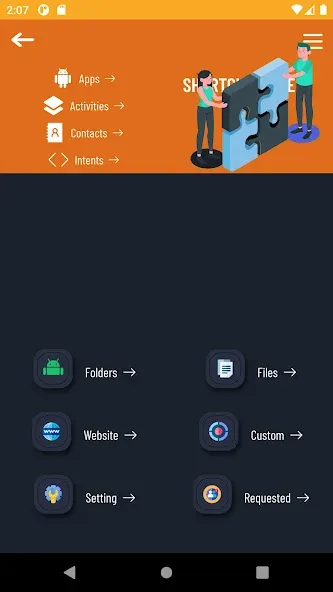
QuickShortcutMaker is a tool for Android that allows users to quickly create shortcuts for apps and various activities on their home screens. It features a user-friendly interface that is easy to master, and the app itself is lightweight, ensuring quick downloads and installation. Users can freely customize designs and shortcut methods, including selecting specific icons and names, which streamlines operations and boosts efficiency. It offers powerful customization options, such as assigning attractive icons to apps or hiding them from view so only the user can see them. With excellent compatibility, it runs smoothly across a wide range of Android devices, putting full control firmly in the user's hands.
Features:
Easily Create Shortcuts
This app allows you to effortlessly create shortcuts for any app or setting on your device, saving you time and effort.
Discover Hidden Settings
Users can browse and access settings that might not be easily found in the default settings menu.
Customize Icons and Names
QuickShortcutMaker lets users modify shortcut icons and names, helping them organize their home screens according to their preferences.
Supports Various Android Versions
The app is compatible with a wide range of Android versions, making it usable on most devices.
Quick App Search
A built-in search function enables users to quickly locate apps or settings, making the process of creating shortcuts even more convenient.
Highlights:
Create personalized shortcuts in seconds;
Search for hidden activities and device settings;
Add custom labels and icons to each shortcut;
Organize your home screen more efficiently;
Lightweight performance for smooth operation;
Broad compatibility with various device tools and functions;
Instant shortcut launching with no lag;
Enhanced usability for faster daily use.
FAQs:
What is the primary purpose of QuickShortcutMaker?
Its main purpose is to create direct home screen shortcuts for specific screens and functions within installed applications. This allows for faster access to features that are typically buried deep within an app's menu structure.
Does using this app require technical knowledge?
While it is popular among advanced users, its clean and straightforward interface makes it easy for anyone to use. You simply select an app from the list and choose the specific activity for which you want to create a shortcut—no complex configuration is required.
What happens if a shortcut stops working?
If an app undergoes a major update, its internal activity names may change, potentially causing the shortcut to stop working. In such cases, you can use QuickShortcutMaker again to locate the new activity and create a new shortcut.
Advantages and disadvantages:
Pros
Instant access to hidden system activities
Customizable icons and shortcut labels
Extremely lightweight and fast performance
Simplifies navigation for complex device settings
Cons
Interface design feels outdated and old
Conclusion:
QuickShortcutMaker helps us in various ways in our daily lives. Much like convenient highways or computer shortcuts, it simplifies our tasks and saves time. It goes beyond merely adding shortcuts to your screen; it puts control back in your hands.
-
Latest Updates
-
Featured Apps