Phone Master
Tools
2026-10-03
38.59MB
6.0.6.00011
Android
118
Screenshots
Introduction
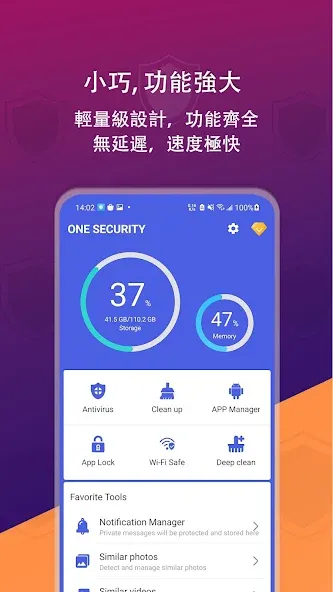
Phone Master is a junk file cleaning application for Android phones. This app helps users quickly clean up junk files, cache, residual files, and unnecessary data. It can also perform deep scans of the user's device, detecting malware, viruses, and other security threats. For users who need to manage files, the app can intelligently find them, keeping the phone tidy. The app also includes an app lock function to lock user-specified apps, providing privacy protection. Its clean and lightweight user interface and multi-language support offer a good user experience.
Features
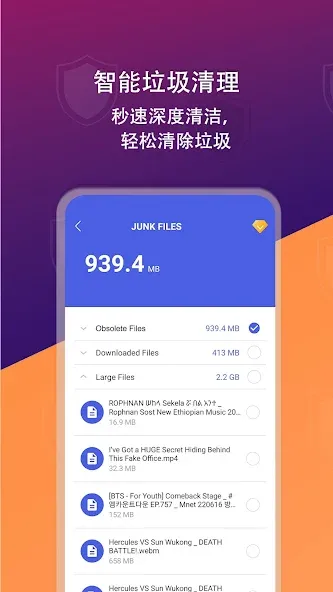
Junk File Cleanup
Quickly clean up junk files, cache, residual files, and unnecessary data, instantly freeing up storage space.
Virus Scan
Deeply scan your device for malware, viruses, and security threats, providing comprehensive protection for your phone.
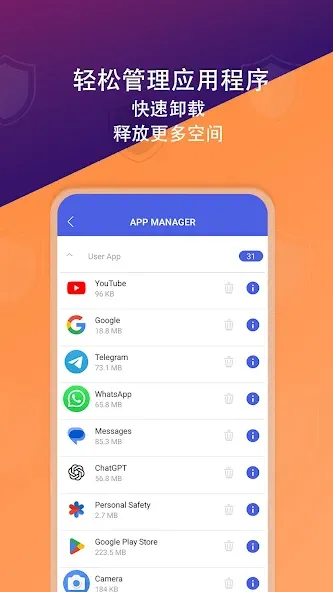
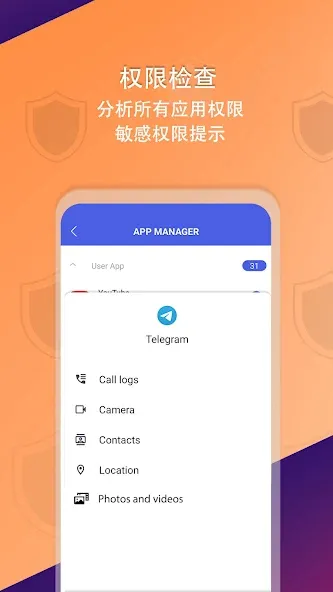
App Management
Easily manage installed apps, clean up idle APK files, and uninstall infrequently used apps to save space.
File Management
Intelligently find and delete duplicate photos, blurry images, large videos, and other redundant files, keeping your phone tidy.
App Lock
Lock your specified apps for enhanced privacy protection.
Highlights
Simple and Lightweight Interface
Multi-language Support
Intelligent Storage Management Tool
Privacy-Focused File Protection Mechanism
Efficient Cleanup and File Organization Experience
Pros and Cons
Pros
Removes junk files
Includes an app lock
Displays your current internet speed
Track traffic consumption and app usage data
Cons
Quickly drains your battery
Missing features such as a game booster and device cooler
Usage
Open the app, then follow the prompts to grant storage and usage access so scanning and data tracking work properly.
Tap Junk Clean to scan your phone, review the suggested items, and confirm to remove cache and residual files.
Go to File Management, sort by size, check duplicates or blurry photos, compress selected images if needed, then delete unwanted files.
Open App Management, sort by last used, uninstall rarely used apps in a batch, and remove any expired APKs you no longer need.
Set up App Lock by choosing the apps to protect and creating a passcode, then check Data Usage to view totals and set reminders.
Conclusion
Finally, Phone Master comes with a robust antivirus system designed to scan each document on your device for threats. Quickly eliminate all the elements that could put your device at risk and surf the internet in safely. Download this tool you'll quickly notice how seamlessly you get a tidier smartphone with increased speed and extra safety.
-
Latest Updates
-
Featured Apps