Micro Gesture
Tools
2026-10-03
317.96KB
5.7.7
Android
390
Screenshots
Introduction
Micro Gesture is a gesture navigation application for Android. Users can use it to adjust advanced device sensitivity and assign unique shortcuts to different actions using various gestures, creating a rich library of custom commands. Volume buttons can also be used to expand control. Specific incoming call notifications can be set as triggers to launch applications or activate system settings. Through gesture settings, users can quickly switch between devices and functions, launch selected applications, and enjoy a fantastic user experience.
Features
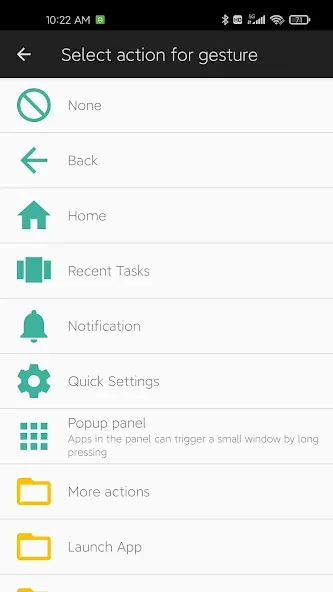
Launch a chosen application quickly
Capture the screen with a gesture-triggered screenshot
Switch or toggle device-level features like Wi‑Fi or Do Not Disturb
Show the list of recent apps
Go back to the previous screen
Highlights
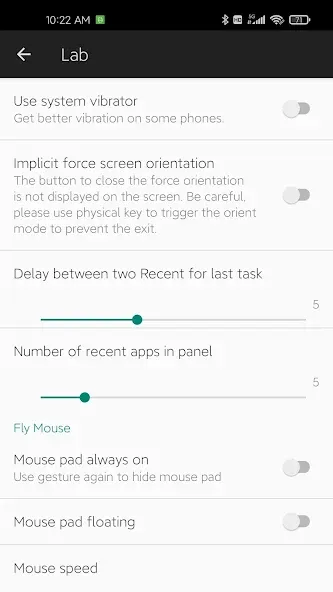
Advanced Sensitivity Tuning: Fine-tune the motion sensors to match your personal movement style, whether you prefer firm tilts or ultra-light rotations.
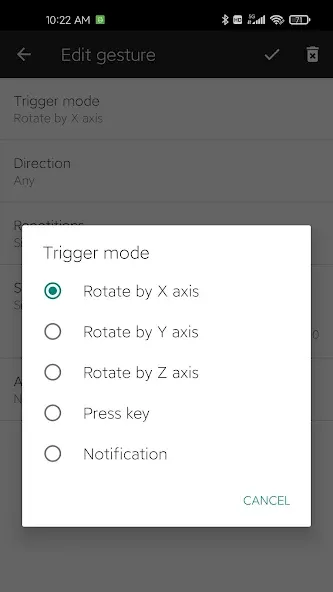
Multi-Axis Gestures: Assign unique shortcuts to different movement combinations, allowing for a vast library of custom commands.
Volume Key Triggers: Expand your control by assigning single, double, or long-press actions to your physical volume buttons.
Notification Automation: Set specific incoming notifications as triggers to launch apps or activate system settings automatically.
Pros and Cons
Pros
Customizable motion gestures mapped to system actions
Adjustable sensitivity and feedback for reliable control
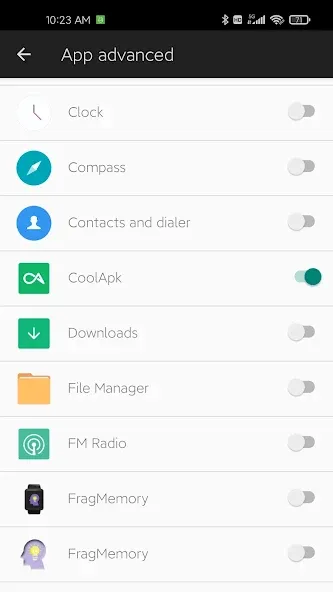
Per-app gesture management reduces accidental triggers
Cons
Limited to predefined actions rather than advanced automation
Effectiveness depends on device sensors and system permissions
Conclusion
Micro Gesture offers a practical approach to gesture-based navigation for users seeking alternatives to traditional touch controls. By concentrating on customizable motion gestures, per-app control, and adjustable sensitivity, Micro Gesture delivers focused functionality without unnecessary complexity. It does not attempt to replace advanced automation utilities, instead prioritizing consistent and efficient access to common actions. For users who value streamlined navigation and one-handed usability, Micro Gesture presents a clear and purpose-driven solution.
-
Latest Updates
-
Featured Apps