PDF Converter Pro
Productivity
2026-08-04
44.01MB
2.2.2
Android
504
Screenshots
Introduction
PDF Converter Pro is a document processing tool that allows users to convert documents between various formats. This powerful application has no size limit for file conversion, easily handling even the largest PDF files. It also supports multi-device use; users can simply upload documents to the cloud to view them on other devices. The application is very user-friendly, even for beginners.
Features:
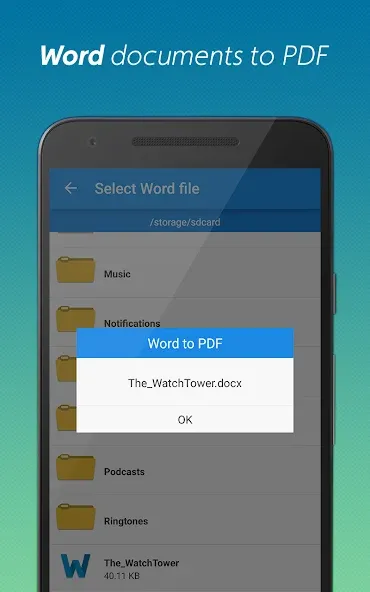
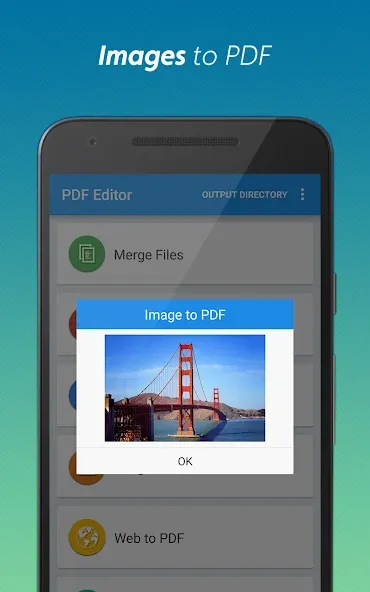
Convert between PDF and other types of documents (currently support Word/Excel/PPT/Image).
Convert PDF to word, excel, powerpoint and image.
Convert word, excel, powerpoint and image to PDF.
Support conversion of local documents and documents on the cloud.
No limit on the size of the converted documents.
Support batch document conversion.
After conversion, you can easily share documents through common social IM Apps.
Support local document management.
Highlights:
LARGE FILES ARE NO PROBLEM, WHICH IS DESIGNED TO MANAGE THEM
There may be issues with converting PDF files due to their size. Frustratingly, some conversion apps may crash when presented with exceptionally huge files. PDF Converter Pro, on the other hand, is designed to work with huge files. Since it does not restrict the size of input files, even the largest PDFs can be easily converted. Because of this, the app is a trustworthy resource for completing any converting tasks, regardless of the size of the files involved.
ALLOWS YOU TO CONVERT FILES FROM ANY DEVICE AT ANY TIME
You can convert files whenever and anywhere you like with this app. The app allows you to access and convert files regardless of where they are stored, on your device or in the cloud. This is a great option when you're on the run but need to convert a file. This app is simple to incorporate into your workflow because you can easily exchange completed documents with other apps.
THE PDF CONVERTING OPTIONS ARE EXTENSIVE
PDF to Word, Excel, PowerPoint, and Image, and Word, Excel, PowerPoint, and Image to PDF are only some conversion types supported by PDF Converter Pro. As a result, you won't have to download any other apps if you need to perform conversions; this app is your one-stop shop. This app can help you whether you need to convert a document into PDF format or extract text from a PDF file.
Workflow:
It really does not get easier than PDF Converter Pro APK. To use it, just upload the PDF, or bunch of PDFs, from wherever you want, be it your device or one of your cloud storages. After that, just select the output format, whether it's PDF to Word, Image to PDF, PDF to Excel, etc. When ready, press convert and wait a bit. Once it's done, you can save it to your device or send it immediately via email or any of your favorite messaging apps. It's made to be as easy as possible to accommodate all users, even the first timers.
Changelog:
All files converted at will with gently pressing
More concise interface, more convenient & easier use
Bug fixed, smoother user experience
Conclusion:
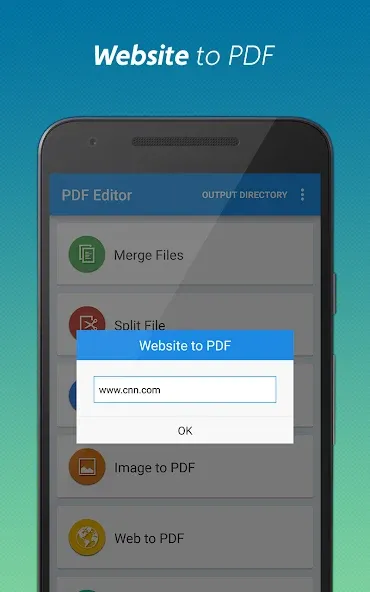
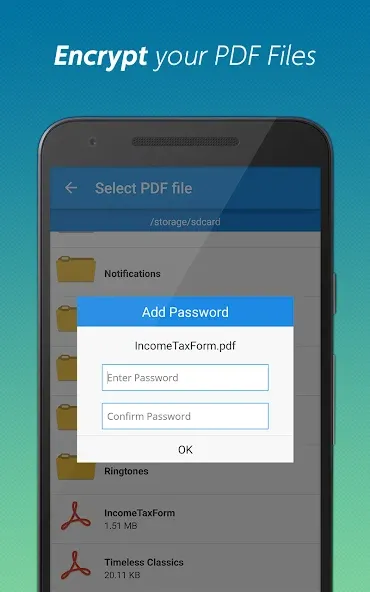
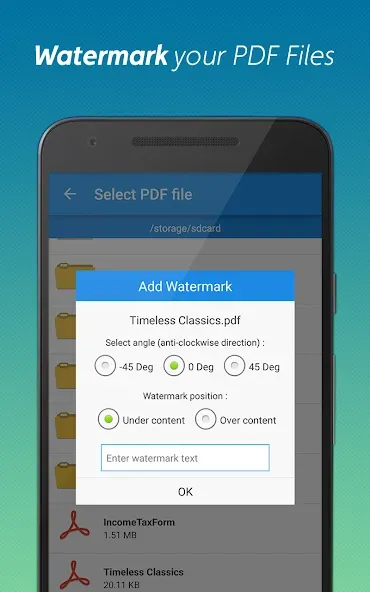
More than just a conversion tool, PDF Converter Pro also provides a set of advanced editing tools: delete or extract pages, add personal watermarks, rotate pages for optimal display, and compress files for quick sharing. The Website to PDF feature allows you to archive articles, reports or important web content for review at any time. With a friendly interface and powerful processing speed, PDF Converter Pro brings a smooth experience, helping you control the entire PDF document lifecycle – from creating, editing to securing and sharing. This is the perfect tool for studying, office work, as well as daily personal needs.
-
Latest Updates
-
Featured Apps