
O Launcher
Tools
2026-09-09
10.39MB
1.2.0
Android
229
Screenshots
Introduction
O Launcher is a minimalist, lightweight launcher featuring a modern, clean design that allows users to easily personalize their themes. Users can customize their home screens, choose from a wide variety of icon themes, and beautify their devices with numerous stunning online wallpapers. The app offers an extensive range of customization options, including built-in gesture controls and an app-hiding feature for quick, convenient access. It also displays notifications for text messages and incoming calls, keeping users updated at a glance. Additionally, the app includes a unique sidebar tool that is both practical and aesthetically pleasing.
Features
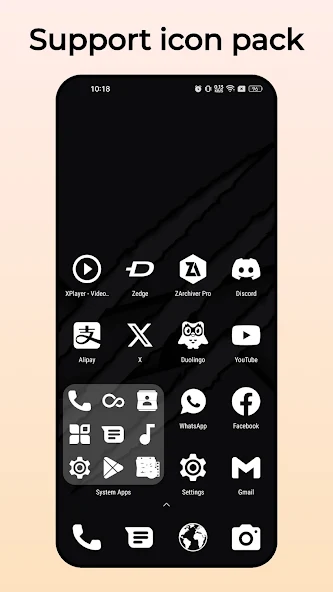
Themes and Icon Packs: Supports over 500 launcher themes and almost all third-party launcher icon packs.
Android Launcher Style Drawer: Vertical drawer with a favorite app bar.
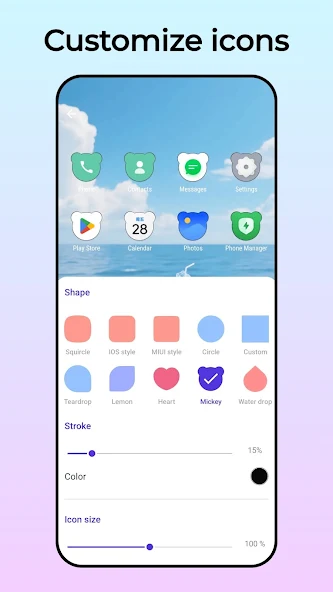
Icon Themes: Built-in round icon themes, square icon themes, and teardrop icon themes.
Wallpapers: Offers a large selection of beautiful online wallpapers for O Launcher.
Gestures: Supports 9 gestures.
Hidden Apps: Supports two-finger swipe up to reveal hidden apps.
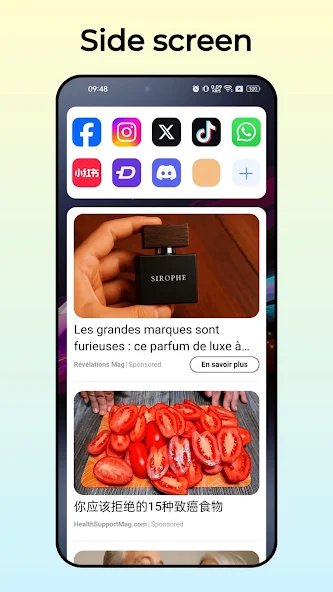
Sidebar:Features multiple functions.
Highlights
Minimalist homescreen: A clean homescreen experience with no icons, ads or any distraction. It helps you reduce your screen time and increase productivity.
Customizations: Resize text, rename apps, hide unused apps, show or hide the status bar, app text alignments, etc.
Gestures: Double tap to lock screen. Swipe left or right to open apps. Swipe down for notifications.
Usage
Swipe up to see all the apps and quick search
Swipe down for notification drawer
Long press home apps to change them
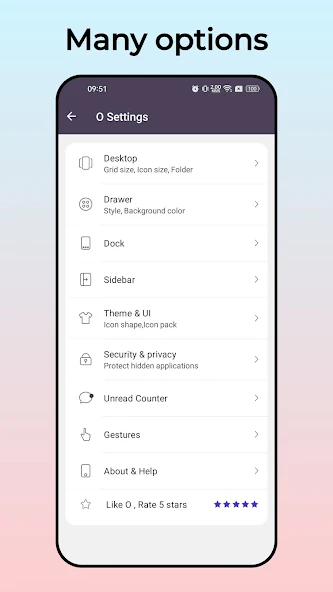
Important: Long press on empty space to open settings
Once you open the settings, you'll see all the available options.
So basically, swipe and long press anywhere and you'll be fine.
Conclusion
If a streamlined, sophisticated, and customizable interface is what users seek, the O Launcher could be the perfect fit. It's not an official Google product, but it does aim to bring users closer to the cutting-edge experience found on newer Android devices.






