
NetShare
Tools
2026-08-29
1.42MB
279
Android
153
Screenshots
Introduction
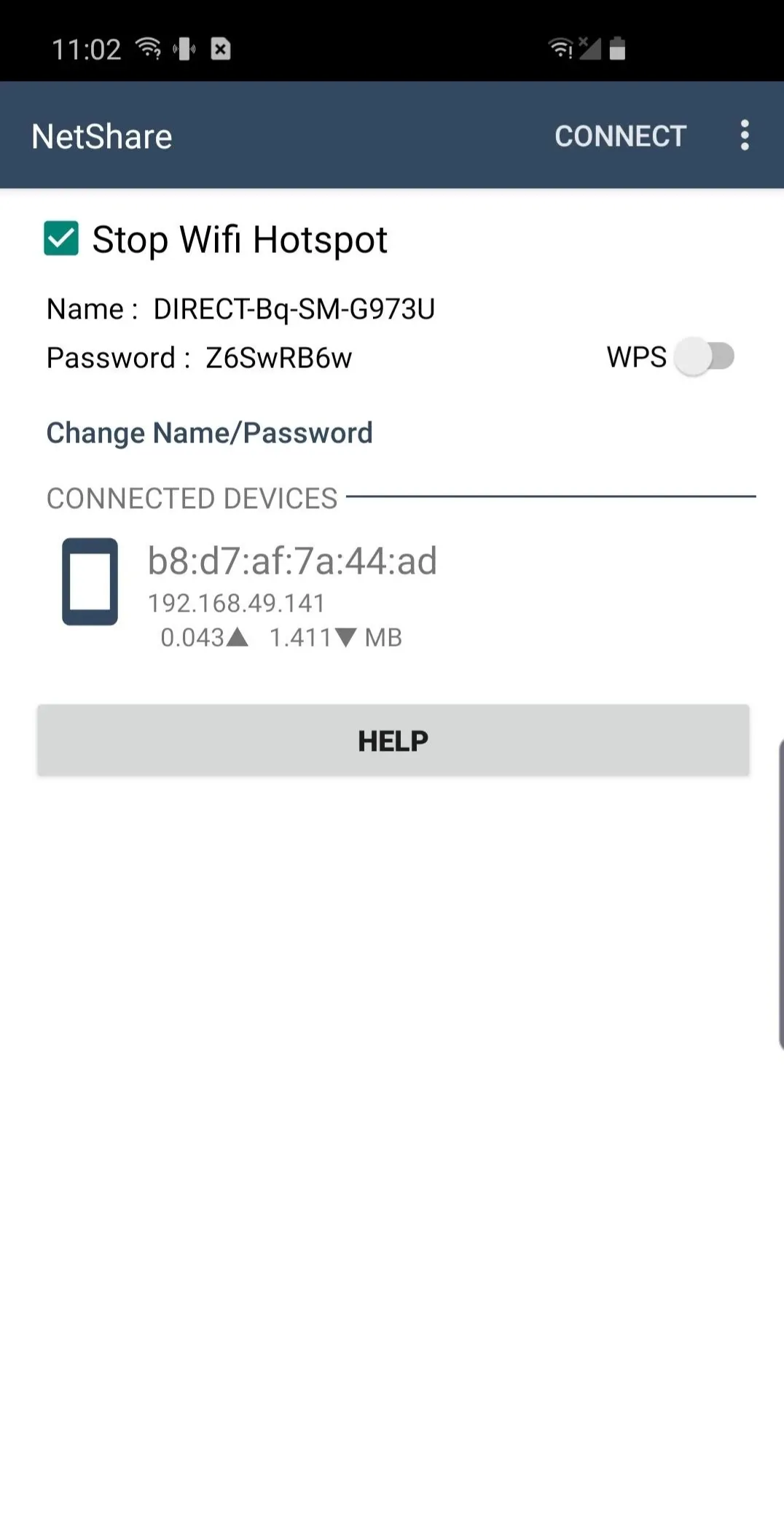
NetShare is a powerful network connection sharing tool that helps Android users share their network. This application can share without root access. When your Wi-Fi signal is weak, you can use repeater mode to use your phone as a relay to extend the signal range. Networks connected through this application will have higher speeds than before, allowing users to browse the web and download files more smoothly. Furthermore, this application allows users to view devices connected to the shared network and easily manage other users' usage.
Features:
No root sharing on Android 6 and above
NetShare lets you share cellular data or an existing Wi‑Fi connection without root access. It is designed to work even when the built‑in hotspot toggle is unavailable or restricted by the device or carrier. This approach helps you connect laptops, tablets, or another phone using your existing plan without extra hardware.
Wi‑Fi repeater mode for weak signals
You can keep your phone connected to a router and share that same connection to extend coverage. This helps in rooms with poor reception where the main router signal drops. NetShare turns your device into a portable repeater so nearby devices can attach to your phone and reach the internet through the original network.
Wi‑Fi Direct with VPN routing for full access
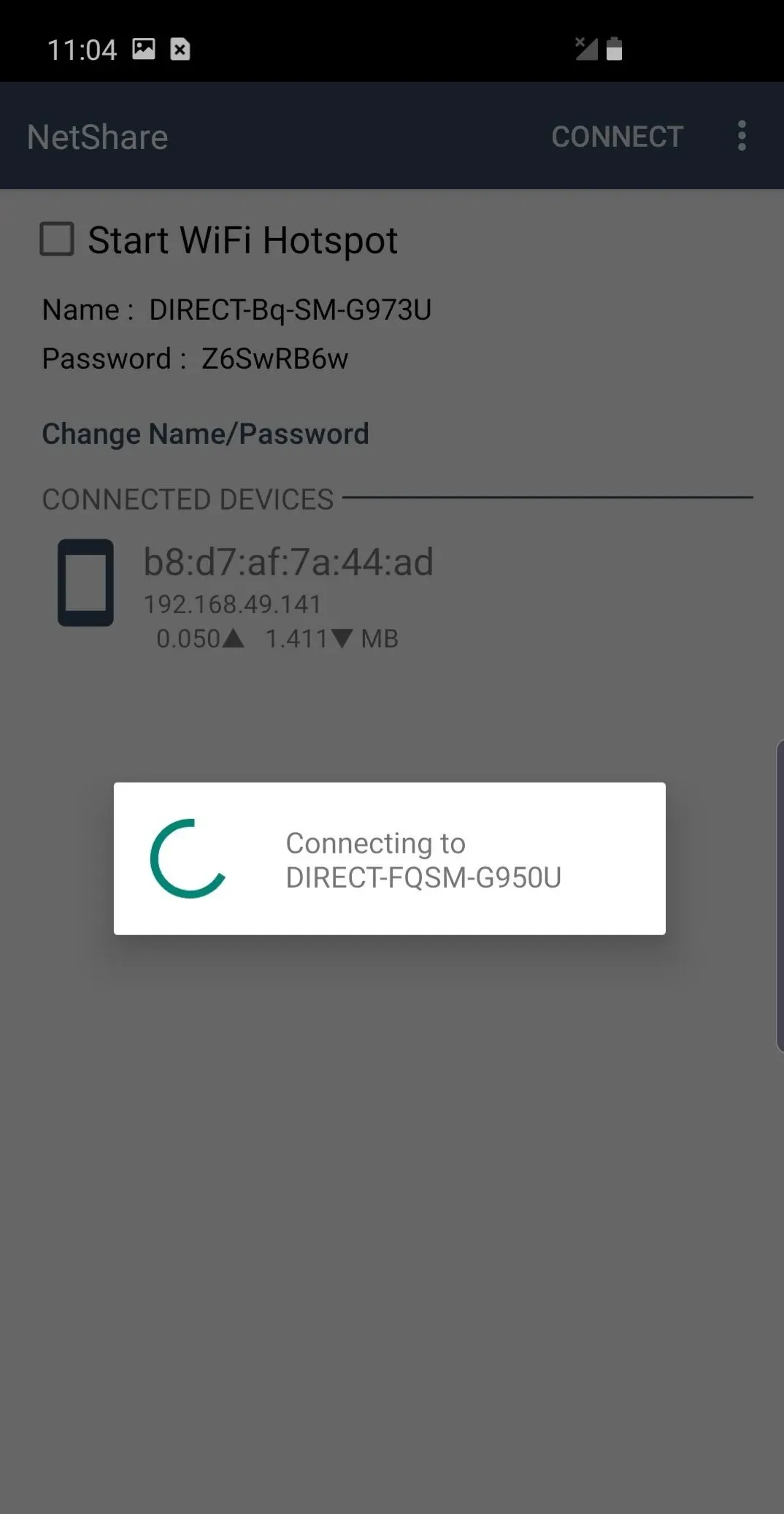
NetShare uses Wi‑Fi Direct to link devices and then routes traffic through a VPN tunnel on the connected device. This method provides full internet access rather than limiting you to local connectivity. It is particularly useful on devices where standard tethering is blocked, since traffic flows through a different path.
Speed focused, faster than Bluetooth tethering
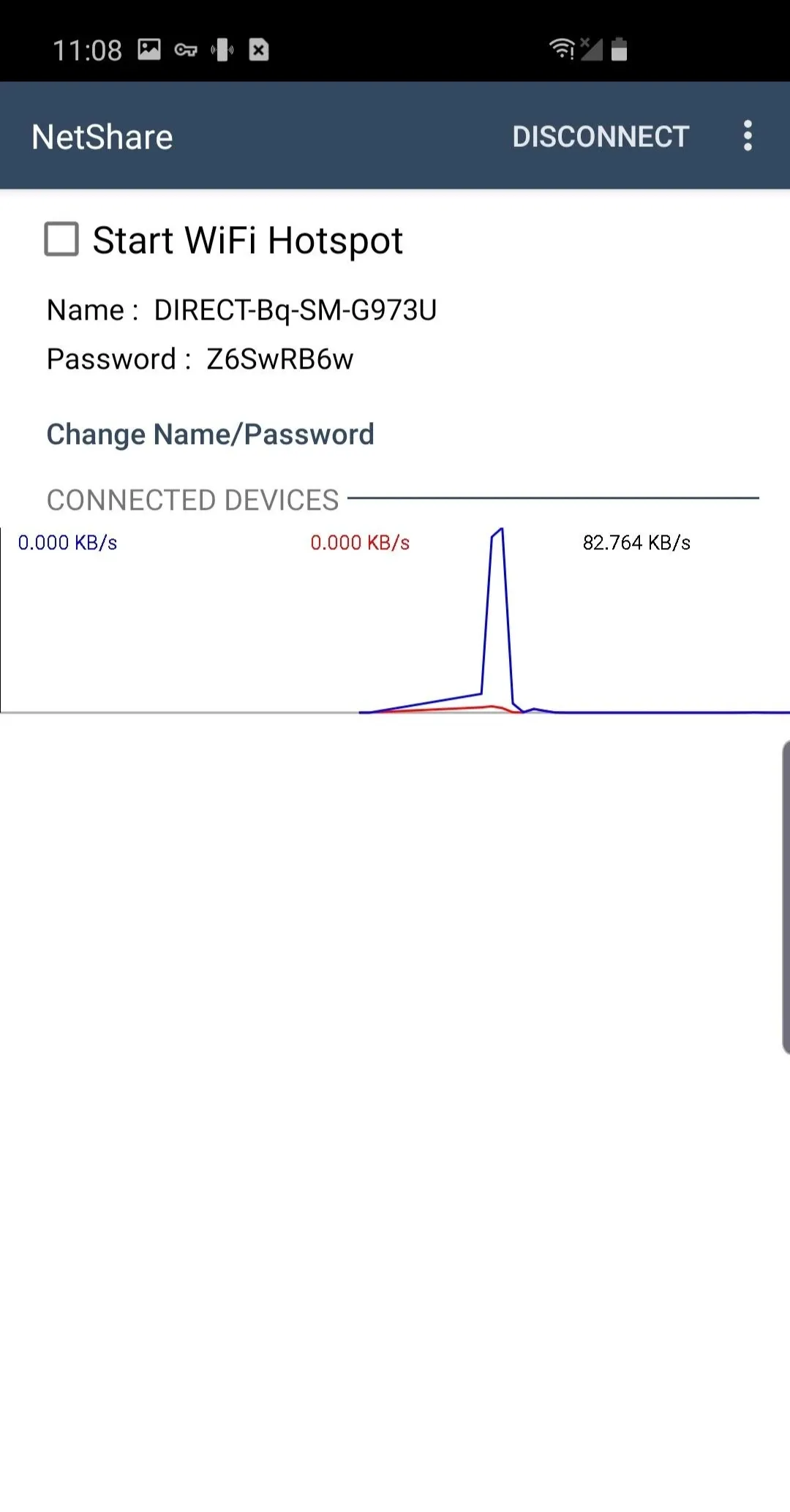
NetShare relies on native C libraries to handle data efficiently over Wi‑Fi. In practice, this delivers higher throughput compared with Bluetooth-based sharing. The result is more responsive browsing and downloads on connected devices during everyday tasks such as streaming or file sync.
Setup guidance and alternatives when Wi‑Fi is restricted
NetShare includes guidance for connecting different device types and offers alternatives when Wi‑Fi sharing is limited. You can use Android Proxy mode for networks that require a proxy on client devices, and there is an optional USB method called TethergUSB for computers. These options help when specific phones or networks block some tethering methods.
Highlights:
Wi-Fi signal booster
With NetShare, you can turn your device into a Wi-Fi repeater to amplify a weak signal. This way, you can create a portable hotspot while connected to a Wi-Fi network, allowing you to share that connection with other devices nearby.
Compatibility and requirements
This app works on Android 6 and higher devices, unlocking hotspots and tethering features usually locked on these versions. Thanks to such broad compatibility, NetShare works well on virtually any device.
Total control
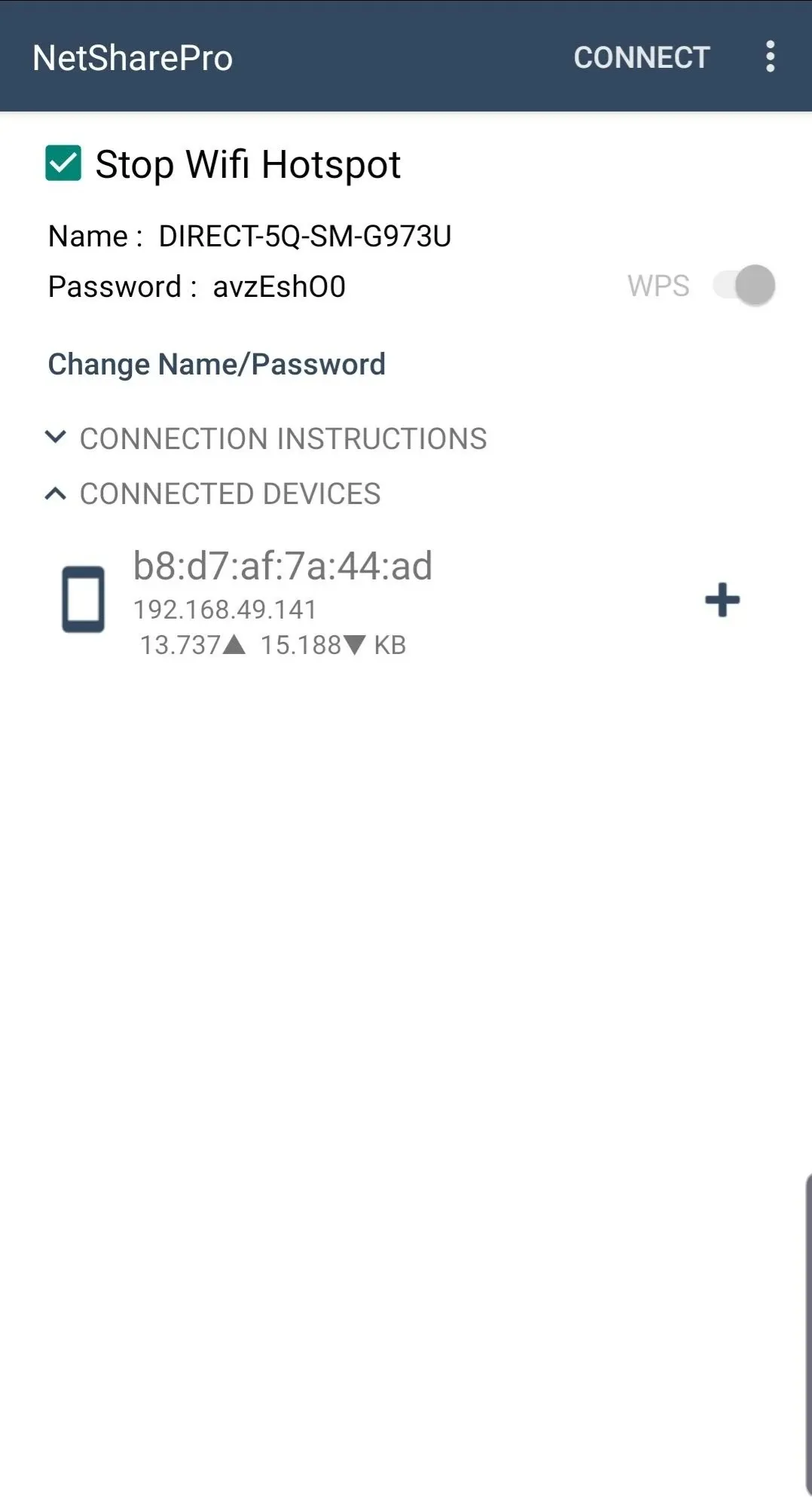
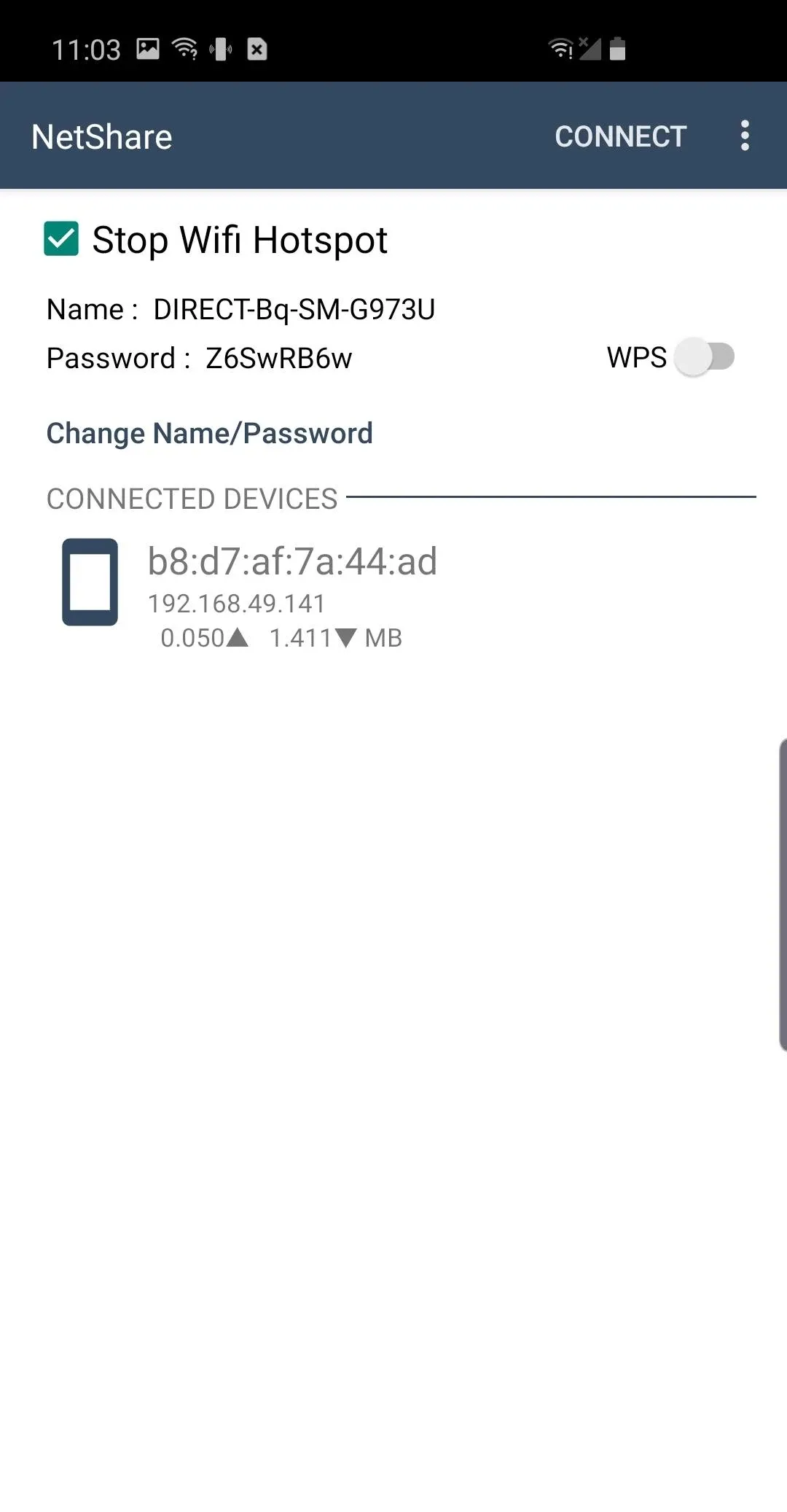
Another advantage of NetShare is that you can check the devices connected to your access point anytime and easily manage network usage.
Pros and Cons:
Pros
Shares connections through WiFi Direct instead of Android’s native hotspot
Also works as a Wi-Fi repeater
Supports Android and several non-Android device categories
Core tethering method does not require root
Cons
Receiver-side configuration can be finicky
Generated password entry may cause connection problems
Console compatibility and root requirements are not entirely clear
FAQs:
Is it safe to use?
It is designed to be safe and secure. It ensures that your tethering activity remains hidden and undetectable.
Can I use it without a tethering plan or fees?
Yes, it allows you to create a WiFi hotspot without needing a tethering plan or fees. It offers a cost-effective solution for sharing your connection.
Conclusion:
NetShare stands out as a practical solution for anyone needing to share their internet connection easily. The application combines functionality with user-friendly design, ensuring that users can connect multiple devices without the hassle often associated with tethering. Through its innovative features, NetShare addresses the needs of modern internet users, making it a valuable addition to any Android device.









