
NES.emu
Tools
2026-09-16
2.75MB
1.5.73
Android
93
Screenshots
Introduction
NES.emu is a powerful NES emulator that allows users to play NES-format games on their mobile phones. The app supports a wide range of file formats; beyond the standard NES format, it can directly read compressed archives—such as Zip, Rar, and 7Z—without requiring prior extraction, enabling more efficient game library management. Highly capable and stable, the app delivers a low-latency gaming experience and ensures smooth gameplay for the vast majority of titles. It also features customizable on-screen controls, allowing users to tailor the setup to their personal preferences.
Features:
NES and Famicom file support
NES.emu supports common NES ROM formats such as .nes and .unf, so users with existing game files can load them directly in the app. It also opens compressed ZIP, RAR, and 7Z files, which helps keep a game library organized without extracting every file first. As a result, you can manage more files from one folder and spend less time moving data around.
Famicom Disk System support
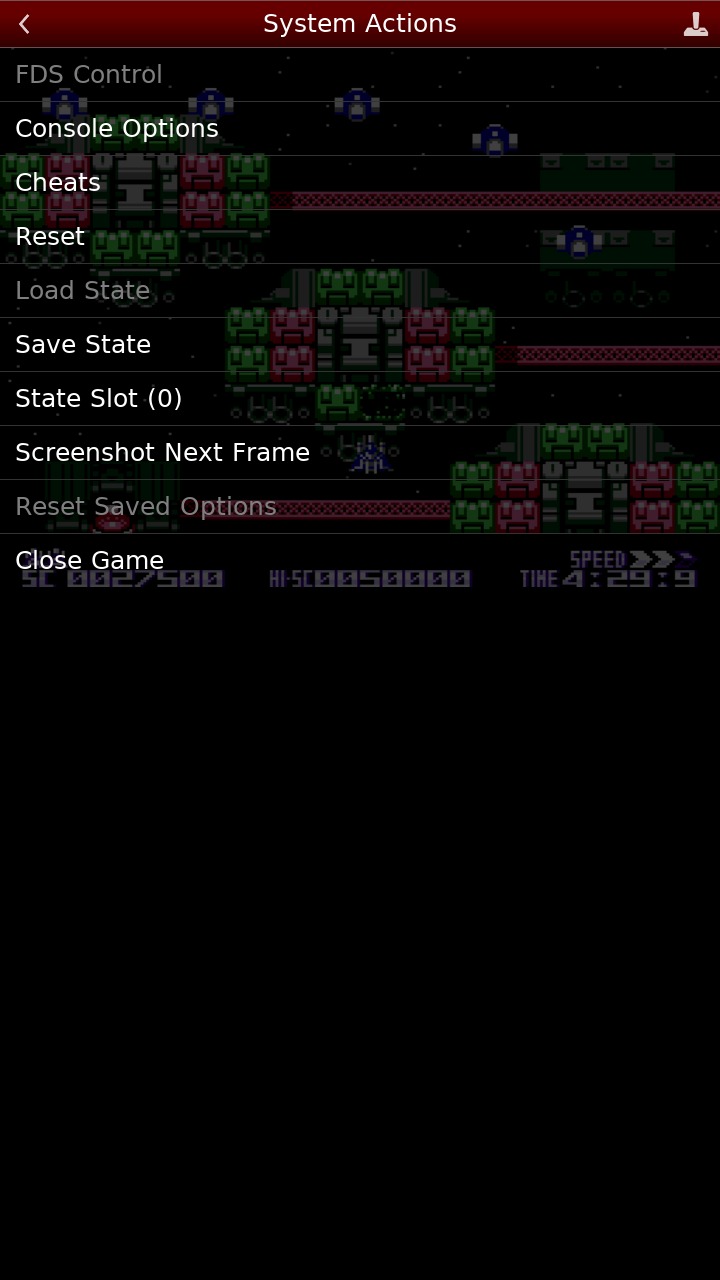
NES.emu includes Famicom Disk System emulation through .fds files. If a game needs a BIOS file, you can select it from the app options before running the disk file. This makes the app useful for users who keep Famicom Disk System titles as part of a preservation focused collection.
Low audio and video delay
NES.emu focuses on low audio and video latency for classic NES gameplay on many Android devices. This matters because older action games often depend on fast button response and stable timing. While performance can vary by device and settings, the app is designed to keep input and screen response close enough for normal play.
Touch controls and Zapper input
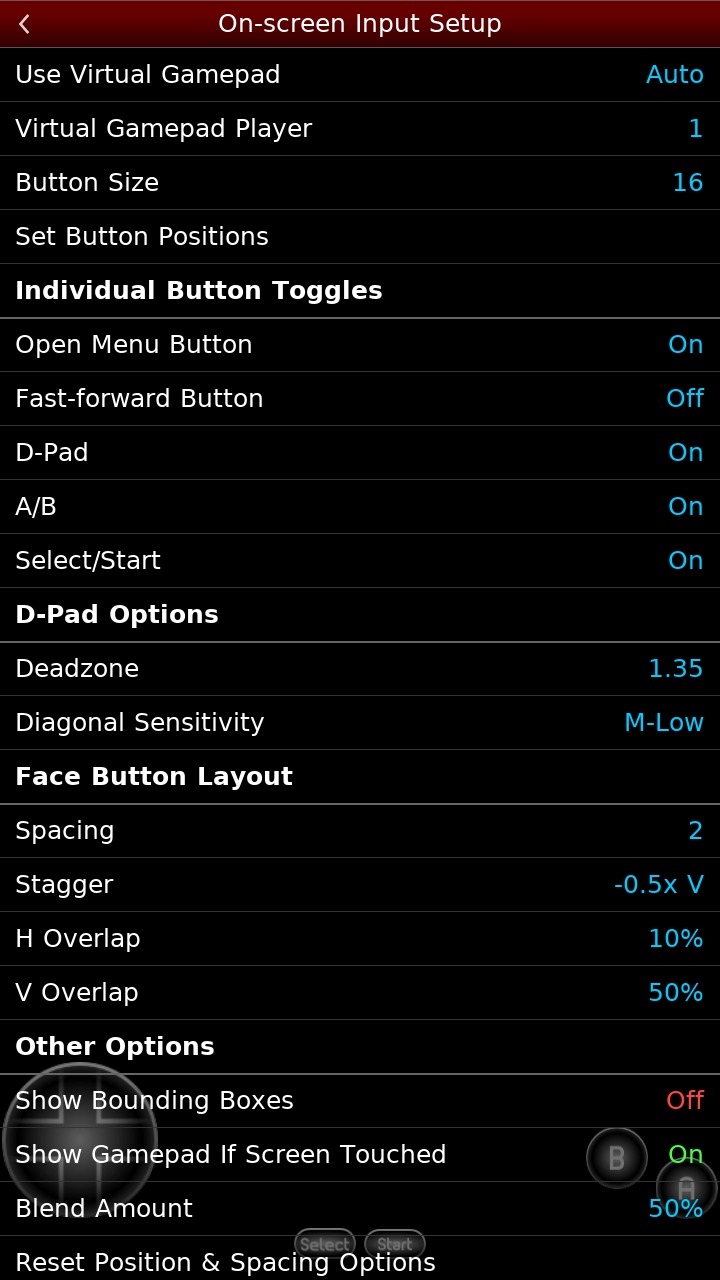
You can use configurable on screen controls when playing without a separate controller. The layout can be adjusted for mobile play, which helps when different games need different button positions. For supported games, touch based Zapper and Gun input is also available, so you can interact with those titles directly on the screen.
Controller and cheat file options
NES.emu supports Bluetooth and USB gamepads, keyboards, and HID controllers, including Xbox and PS4 controllers. This gives users a more console like control setup when touch buttons are not comfortable. In addition, the app can use FCEU compatible .cht cheat files and includes editing options for users who want to adjust cheat entries for their own gameplay.
Highlights:
Smooth Gameplay Experience: Coming to this game, you will come to extremely smooth gameplay, giving you extremely attractive and fun moments of relaxation that you cannot find in any other game.
Device Optimization Support: The game will support all your devices so that you can play the game perfectly without any problems or difficulties. You will never encounter lag or be kicked out halfway through the game, giving you the most perfect and wonderful moments of entertainment.
Broad Format Compatibility: The game’s format system is extremely large; it can format all devices and be compatible quickly and easily. And you will have the smoothest and most attractive gameplay when using this game.
Full Input Support: You will also be fully supported for input without having to perform too many complicated and cumbersome operations, giving you an extremely perfect, convenient, and easy experience every time you play, without having to download any applications or use any other supporting devices.
Tips and Tricks:
Open NES.emu and use the file browser to find the folder where your NES or Famicom files are stored.
Select a supported file, such as .nes, .unf, .fds, ZIP, RAR, or 7Z, then let the emulator load the game.
If you use Famicom Disk System files, go to the options and choose the required BIOS file before starting the related game.
Adjust the on screen controls if you play by touch, or connect a Bluetooth or USB controller and map the buttons as needed.
If you use cheat files, place FCEU compatible .cht files with your game files, then open the cheat options to review or edit entries.
Conclusion:
In conclusion, NES.emu represents a perfect blend of nostalgia and modern convenience for playing beloved NES titles. It provides robust support for an expansive gaming library, ensuring that new generations can appreciate the gems of the past without any barriers. The emulator's dedication to authenticity and accessibility make it a standout choice for enthusiasts and casual gamers alike.





-
Latest Updates
-
Featured Apps






