
Multi Parallel
Tools
2026-08-16
10.06MB
4.1.00.0723
Android
139
Screenshots
Introduction
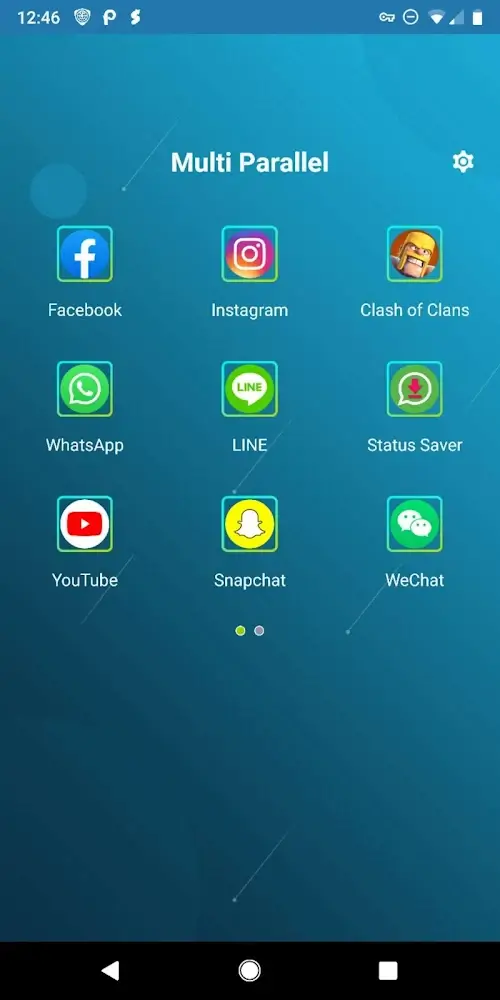
Multi Parallel is an app cloning tool for Android devices that allows users to run multiple social media or gaming accounts simultaneously. It ensures complete data isolation between different accounts and applies unique visual markers to cloned apps, making them easy to distinguish. The app also features robust privacy protection, allowing users to set a passcode lock to secure their applications. Despite enabling the use of multiple app instances, Multi Parallel does not consume excessive storage space, significantly minimizing resource usage.
Features:
Multiple accounts, separate data
Multi Parallel lets you run several accounts simultaneously for social apps and games. Cloned data stays apart from the originals, which helps prevent mix-ups. Common game services inside clones are supported, and regular apps work as expected. Cloned apps run inside Multi Parallel APK, so their information remains isolated. This structure fits users who need clear boundaries between work and personal use.
Quick switching and clear labeling
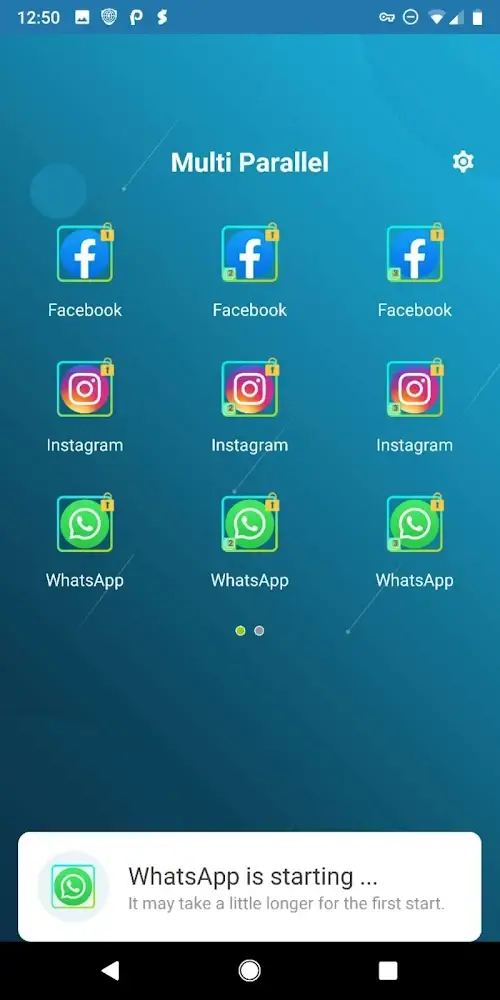
To stay organized, the app creates distinct icons with clone tags. You can move between accounts with one tap. Clear labels and icons make it easy to find the right account when you are busy.
Privacy Locker control
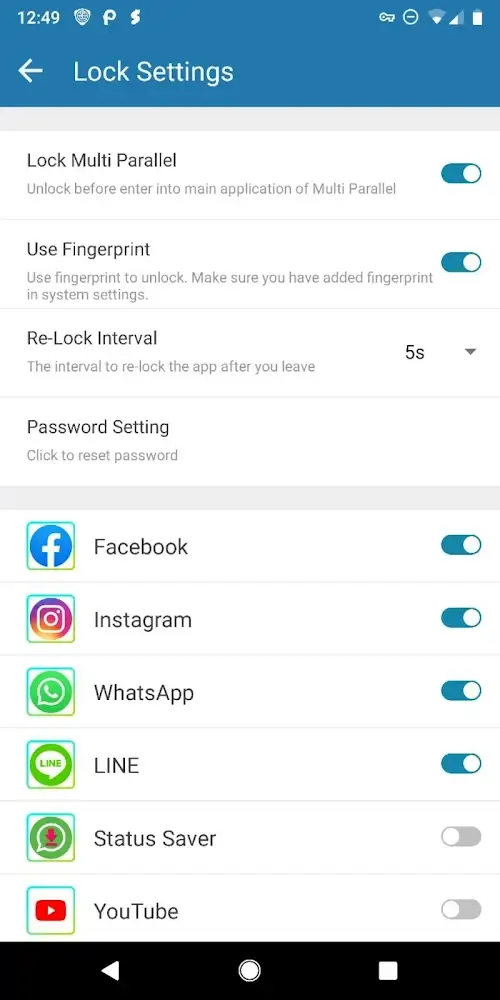
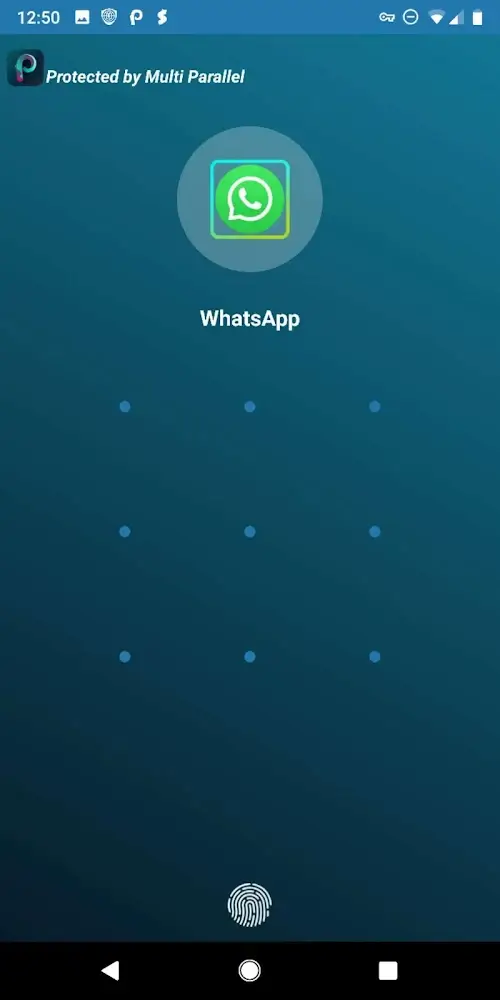
When security matters, set a lock for the main app or lock specific clones. This keeps selected accounts protected if someone else uses your phone. You choose which areas require a passcode before opening.
Lite Mode and resource use
For efficiency, Lite Mode focuses on lower memory and power usage. Multi Parallel stays light and smooth in daily tasks. Add it to your device notification whitelist for reliable alerts, and grant requested permissions so clones run correctly. The app does not collect personal information, and only general usage and device model data are used to improve stability.
Highlights:
MANAGE MULTIPLE DEVICES
The application is known for its advanced management capabilities, managing multiple access devices, and managing all supports. The application always wins the hearts of users and especially knows how to harmonize between those many devices. Not to mention the management capabilities of the application will be greatly appreciated and can thrive.
SUPPORT MULTIPLE SETUPS
For the first time, we come across an application that can support multiple installations simultaneously. This serves for the access of multiple accounts at the same time on a mobile device. This feature can both create appeal and clearly see the remarkable ability of the application to support. Multiple accounts will have access to the same device, and from there, you can see the effect of this featured application.
EASY CONVERTER
If you want to access this account and switch to another easily, the application will meet your requirements. More specifically, the application will help you convert easily and without taking too much of your time. The ability to convert will not affect the surrounding traffic.
SAFETY SECURITY
What we are concerned about with support for multiple installations is security. But the special feature of the application is its ability to be completely protected and secure. Users can specify arbitrary password requirements or use an application-specific password to install. More specifically, all information in the accounts will never be leaked out.
CHANGE THE ICONS
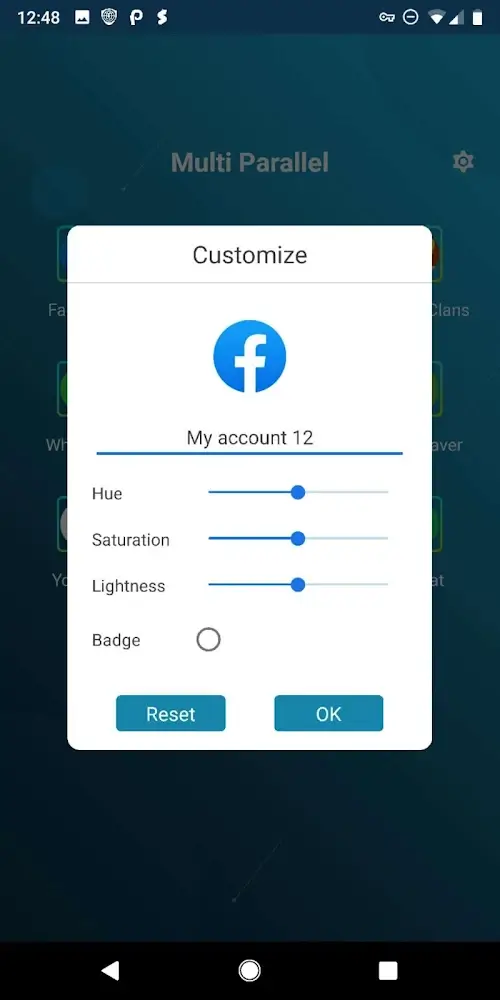
Another attractive point to mention in the application is that users can change the icons of the settings. Changing these icons is to avoid confusion between one account and another. Users can also use the images provided by the application to apply to their settings.
SAVING CAPACITY
Supporting so many simultaneous installations at the same time would normally be difficult because it takes up a lot of space. But the special of this application is that it consumes very little space of the device. The ability to save space is also included in the application to limit unnecessary consumption.
Pros and Cons:
Pros
Supports various popular apps and games
Allow for unlimited app cloning
Keeps data separate for each clone
Cons
Slow loading times
Random crashes
Changelog:
Support Android 14 !!!
Fix issues that VIP user need to manually remove ads
Support run unlimited parallel accounts for WhatsApp, social and game.
Fast switch
Customize app icons and name
Conclusion:
Multi Parallel is an incredibly interesting app. Thanks to this handy tool, you can conveniently manage multiple accounts of any app you have installed on your device. This is especially useful when it comes to using social networks or games, or for anyone who uses their own phone for both home and work.









