ShareMe
Tools
2026-10-19
27.66MB
3.48.05
Android 5.0 and up
504
Screenshots
Introduction
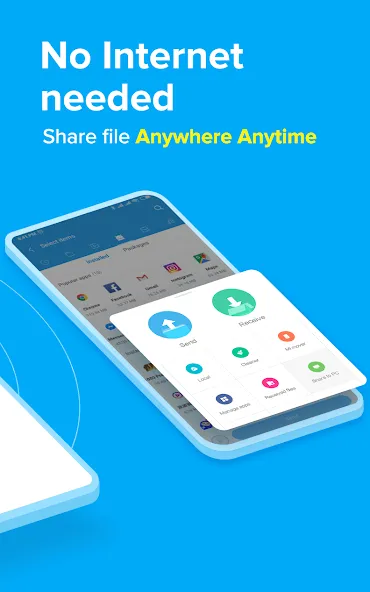
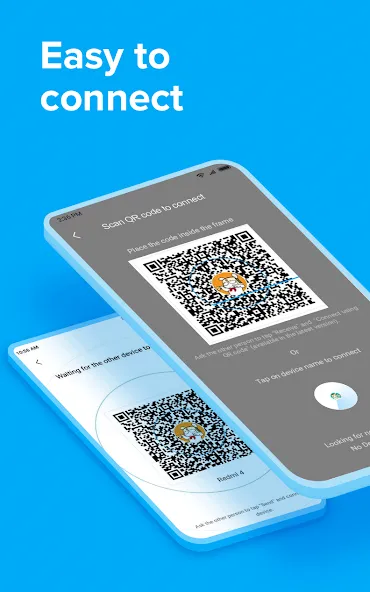
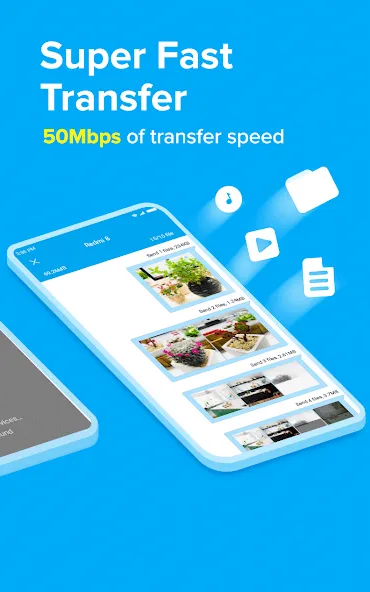
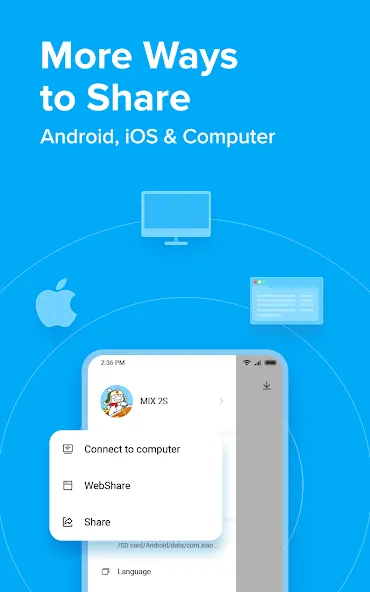
ShareMe is a file-sharing application designed for the Android operating system. It features a user-friendly interface, allowing users to get started quickly and easily. The app enables fast and convenient file transfers, and it does not require an internet connection to share files; transfers can also be performed via Bluetooth. With excellent compatibility, it works seamlessly across a wide range of devices, software, and platforms, helping to boost productivity and save time. It supports the batch transfer of multiple files at once and accommodates various file formats. Furthermore, it supports multiple languages, catering to the needs of users in different countries. The application also offers robust security, ensuring the safety of both users and their data.
Features:
Transfer and Share Files
Designed for Android devices. Quickly share images, videos, music, apps, and files between Android mobile devices.
Share Files Without an Internet Connection
Transfer files without needing to connect to a network.
Intuitive, User-Friendly Interface
A user-friendly interface makes file transfers simple. Files are organized into categories—such as music, apps, and images—making them easy to find and share.
Resume Interrupted Transfers
Don’t worry if a transfer gets interrupted; you can resume it with a simple tap—no need to start over.
Send Large Files
Share photos, music, videos, apps, documents, and more.
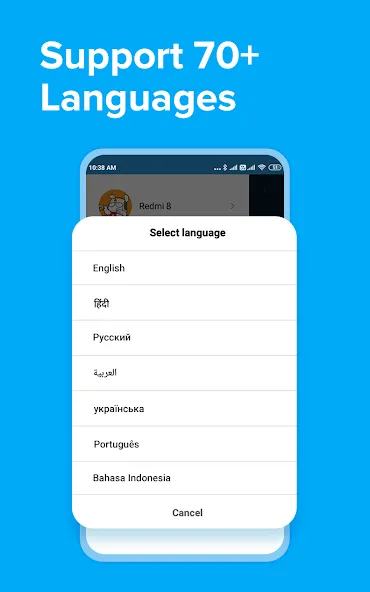
Supports Multiple Languages
English, Spanish, Chinese, Portuguese, and more.
Highlights:
Transfer Files
You can transfer any format of files to your friend, including images, videos, audio, and other files.
Offline Shares
You don’t need an active internet connection, and this app works fine without the Internet. It has options to share data offline.
User-friendly Interface
The interface of this app is too simple to understand, all the operations are available on your screen, and you can command accordingly.
Send Large Files
There is no maximum size limit for the transfer, and you can send a file size of up to 10GB without any issue.
Multiple Language Support
Please change the language to your native tongue, and it has over 20+ languages available in the settings.
FAQs:
What types of files can I share using ShareMe?
A wide range of file types is supported, including photos, videos, music, documents, and APK files.
Is ShareMe free to use?
Yes, ShareMe is completely free, with no hidden costs or subscription fees.
Is an internet connection required?
No, ShareMe uses Wi-Fi Direct for transfers, so an internet connection is not needed for file sharing.
Advantages and disadvantages:
Pros
High transfer speed
Offline functionality
User-friendly interface
Versatile file support
Cross-platform
Cons
Intrusive ads
Conclusion:
With its user-friendly interface, powerful features, and reliable security measures, ShareMe is the ideal choice for users who want to transfer files with ease. In short, if you are looking for a fast, secure, and convenient file-sharing app, download the ShareMe APK for free.
-
Latest Updates
-
Featured Apps