Microsoft PowerPoint
Productivity
2026-08-18
127.65MB
16.0.20131.20080
Android
203
Screenshots
Introduction
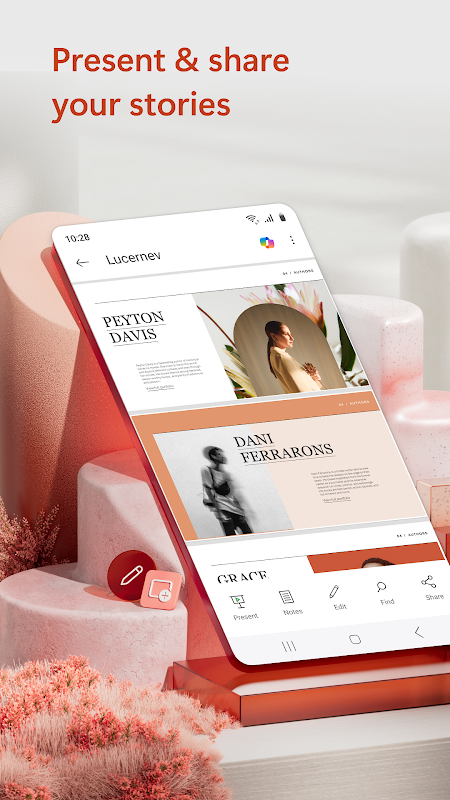
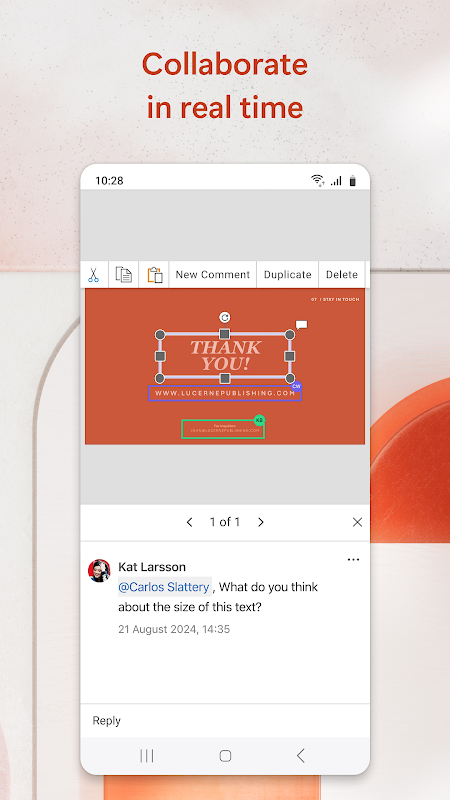
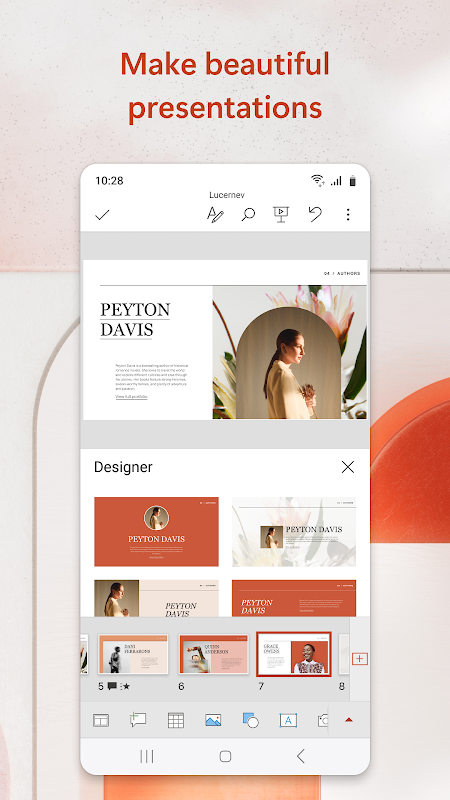
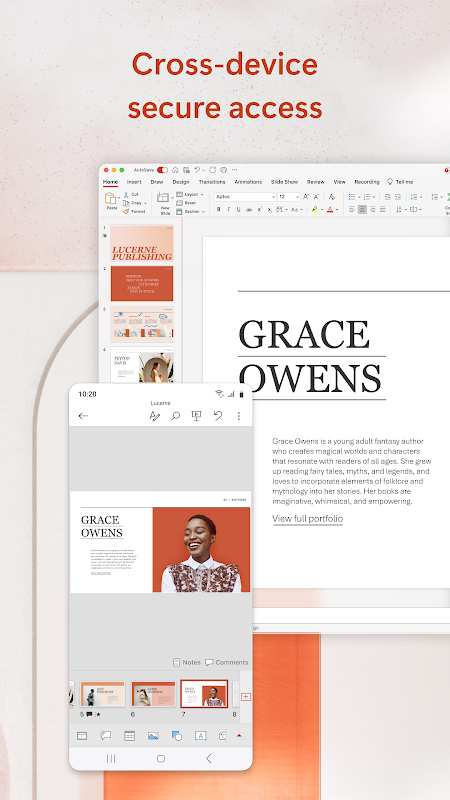
Microsoft PowerPoint is a widely used presentation tool for Android. The app offers extensive customization options, including various color schemes, font styles, and layouts. Users can create new presentations or edit existing ones anytime, anywhere. Synchronization via OneDrive ensures consistency across devices, while sharing features allow you to invite others to edit or review, see who is currently editing your presentation, and track comments and revisions.
Features
Get Q&A suggestions for meeting preparation
Use Copilot Chat to search for topics
Create new presentations or edit existing ones on the go
Ensure work consistency across devices via OneDrive synchronization
Practice with Presenter Coach and receive personalized feedback
Start from a template or create slides from scratch
Create impressive presentations using powerful editing tools
Share with one click and invite others to edit or review
See who is editing your presentation and track comments and revisions
Compare changes made at different times
Highlights
Customization is a key strength of Microsoft PowerPoint. The app offers a wide range of customization options, including various color schemes, font styles, and layouts. This flexibility allows users to tailor presentations to specific themes or audiences. Beyond text editing, users can enrich their content by adding images, videos, and charts. The ability to incorporate multimedia elements enhances the overall impact of the presentation, making it more engaging.
Pros and Cons
Pros
Maintains order and structure in large presentations.
Supports a controlled and repeatable presentation style.
Capable of handling complex content while ensuring reliable playback.
Cons
Requires more time to standardize workflows.
Large media files increase file size and slow down sharing speeds.
Excessive slide content can compromise clarity if not managed properly.
FAQs
Are you having trouble installing Microsoft PowerPoint?
Installation may fail due to insufficient device storage, unstable network connections, or compatibility issues with your Android device. To avoid this, ensure your phone meets the minimum system requirements before starting the installation.
What is the total size of the Microsoft PowerPoint app?
Microsoft PowerPoint requires approximately 128 MB of storage space (base file size); this may vary slightly depending on the device or additional data downloaded during use. How can you tell if downloading Microsoft PowerPoint is safe?
Downloading Microsoft PowerPoint from our website is safe because we host only original files that carry trusted, verified digital signatures from the developer, ensuring their authenticity and security.
Conclusion
Microsoft PowerPoint remains a reliable choice for creating slide presentations that require a clear sequence, a repeatable structure, and a controlled delivery style. Its planning-oriented workflow supports detailed briefings, training materials, and status reports without forcing users into a single style. Collaboration and export options ensure smooth handoffs when presentations are shared among teams. It is recommended for users who value predictable playback and fine-grained control over how information is presented. It is less suitable for quickly creating one-off presentations or demos.
-
Latest Updates
-
Featured Apps