
Limbo PC Emulator
Tools
2026-07-16
31.4MB
6.0.1-arm
Android
191
Screenshots
Introduction
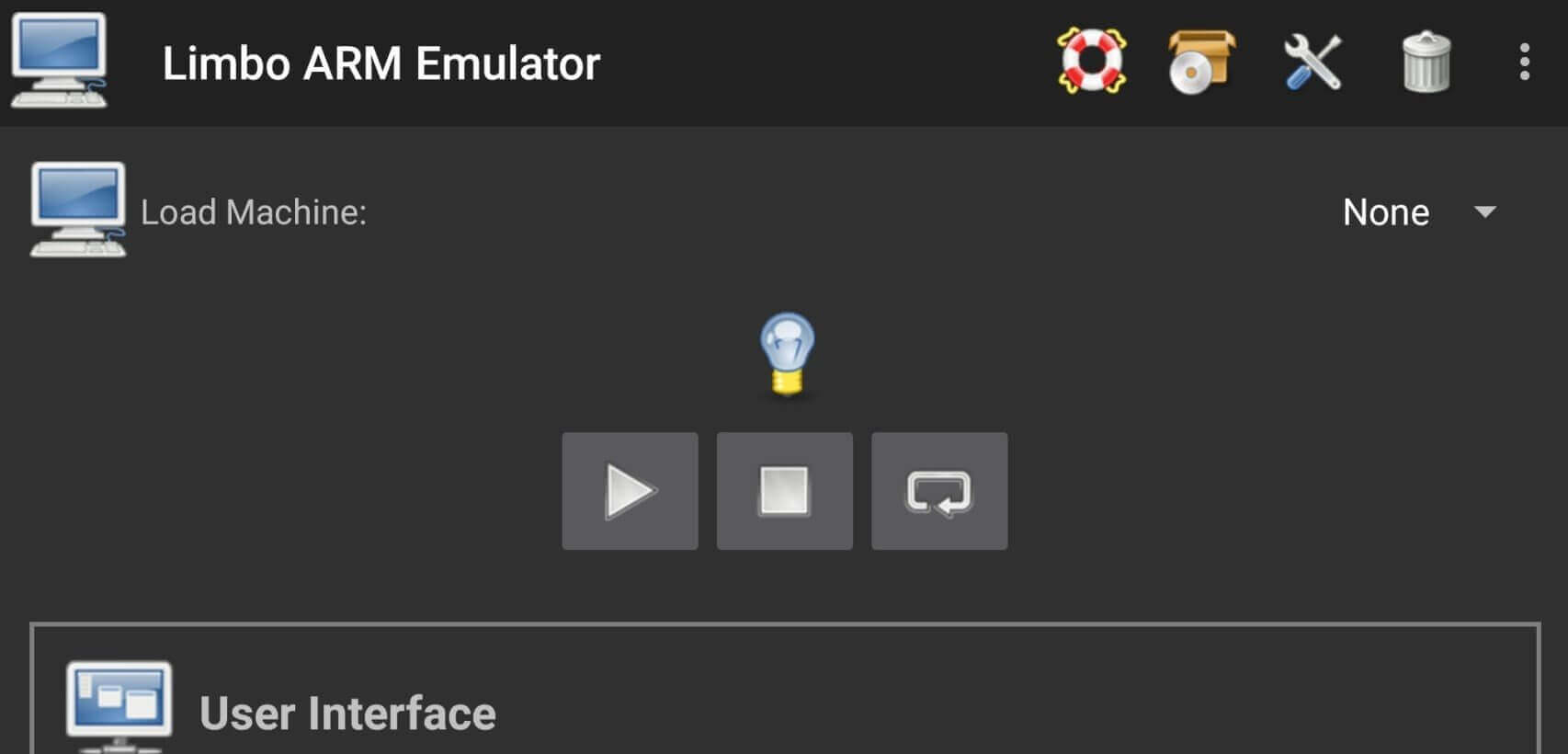
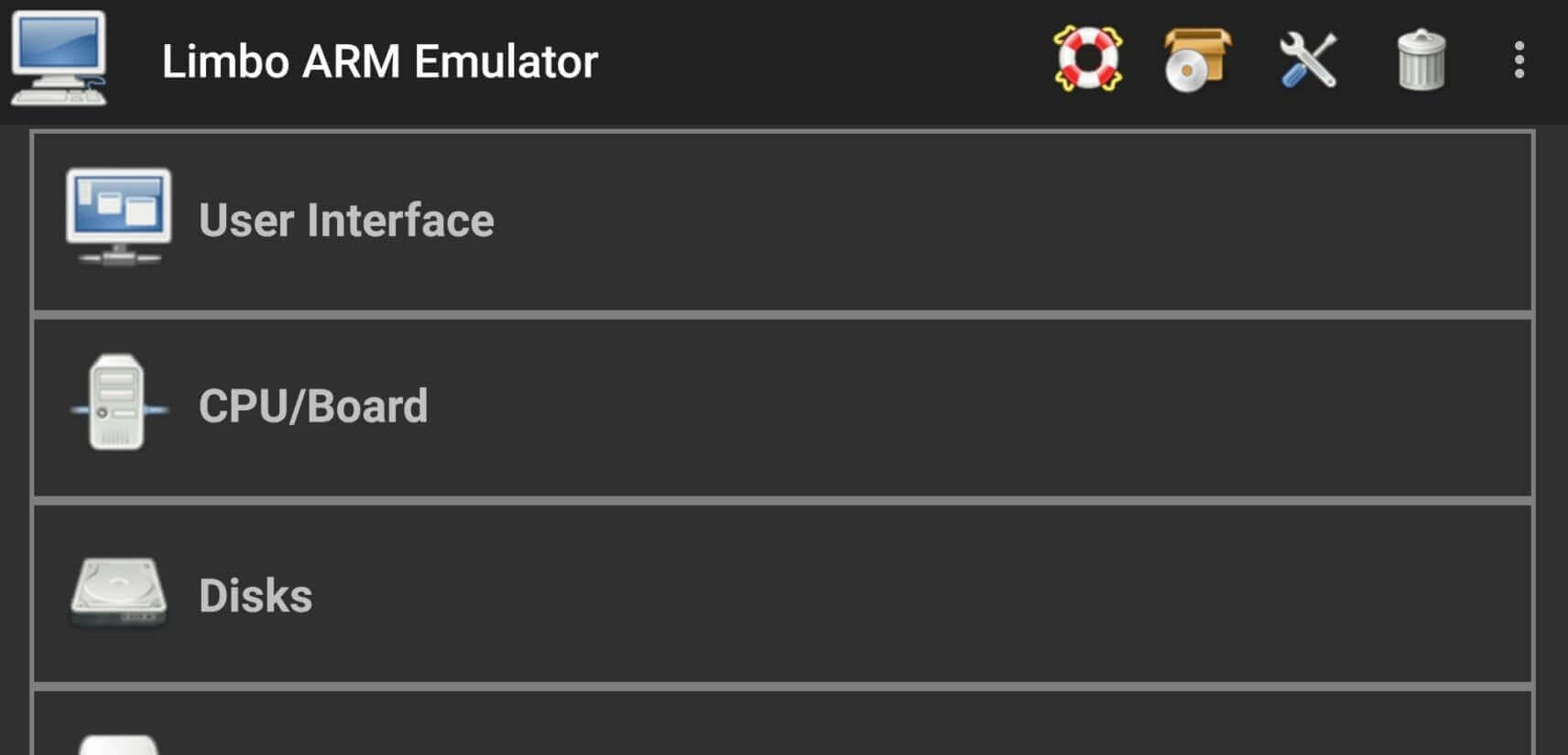
Limbo PC Emulator is a QEMU-based emulator application that allows users to run a lightweight PC-like client system on their Android devices. Limbo PC Emulator supports multiple architectures and can emulate different computer kernels, such as x86, ARM, PowerPC, and Sparc. It allows users to run a complete desktop operating system, just like having a computer installed on their phone. We have also provided a very user-friendly interface, making it easy for users to understand Limbo PC Emulator's functions and get started quickly.
Features:
Multiple Architectures: Limbo can copy the brains of different computers, like x86, ARM, PowerPC, and Sparc.
Run Full Operating Systems: You can run full desktop versions of operating systems. It's like having a computer on your phone.
Portable: Take your emulated systems wherever you go, right in your pocket.
Free and Open Source: Limbo is free to use and its code is open for anyone to see and improve.
Experimentation: If you love trying out different operating systems, Limbo is perfect for you.
Education: It's a great tool for learning how computers and operating systems work.
Legacy Software: Run older software that might not work on modern devices.
Development: Test your programs on different systems without needing multiple computers.
Usage:
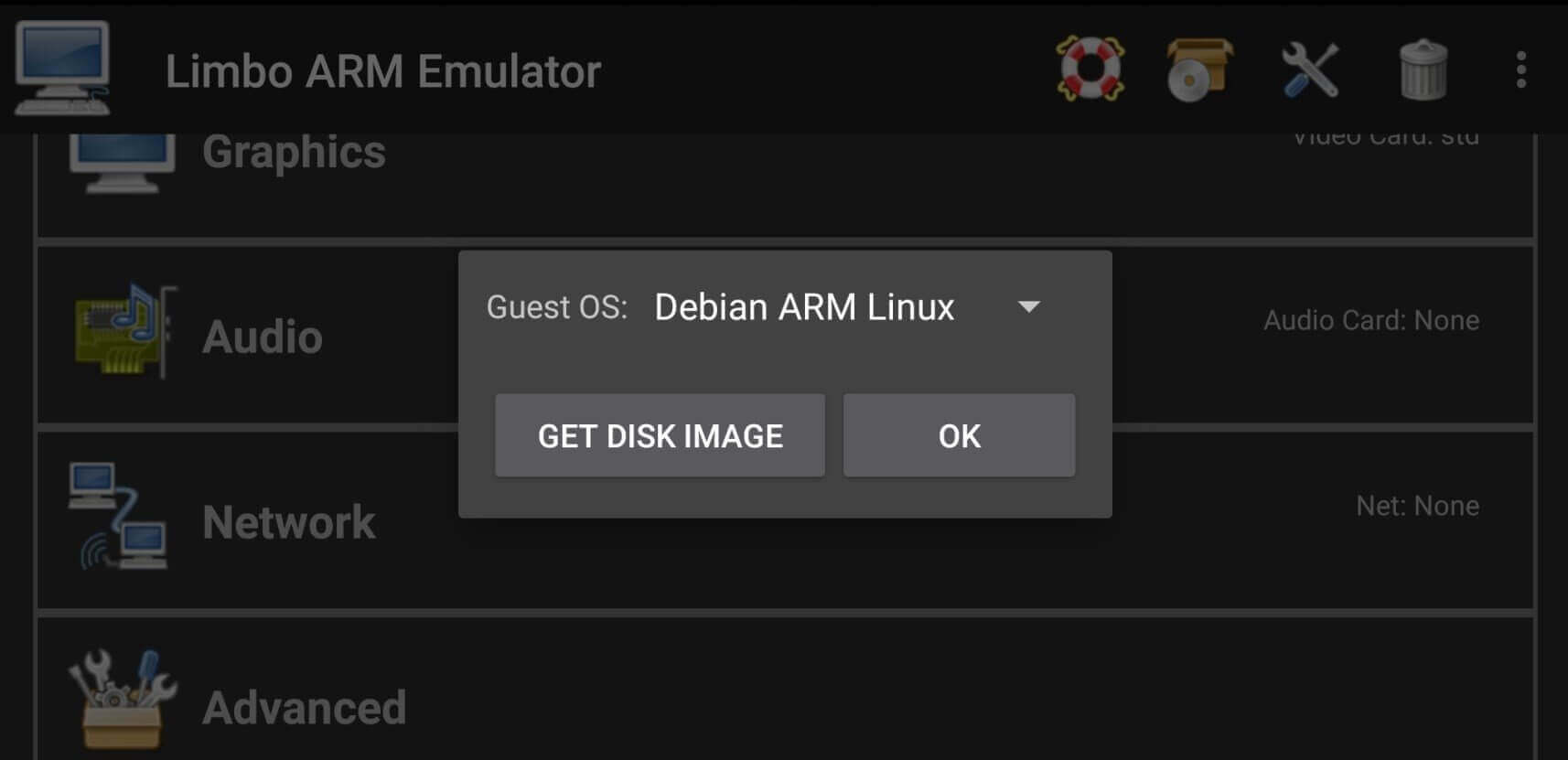
Choose the guest architecture
Pick the x86 APK for x86-compatible guests, or the ARM APK for ARM guest systems.
Prepare a disk image
Create or convert disk images with QEMU tools on a PC when you need more control.
Boot a lightweight OS first
FreeDOS, KolibriOS, small Linux distributions, and similar guests are excellent starting points.
Tune resources carefully
Adjust RAM, CPU cores, disk, display, network, and audio options only as needed.
Pros and Cons:
Pros
Install PC Games
Easy-to-Use Operations
Multiple Operating System
Limbo PC Emulator Apk 4
Cons
Consume Maximum RAM
Heat Issues
FAQs:
What is Limbo PC Emulator?
Limbo PC Emulator is an Android app that emulates full PC operating systems like Windows or Linux on a mobile device.
How does Limbo PC Emulator work?
It uses the QEMU engine to create a virtual environment where users can load ISO or IMG files and boot desktop systems on Android.
Can Limbo PC Emulator run Windows 10?
It can technically boot Windows 10, but performance depends heavily on your device's CPU and available RAM.
Is Limbo PC Emulator safe to use?
Yes, it's open-source and safe when downloaded from trusted sources, though users should only load verified system images.
Who should use Limbo PC Emulator?
It's ideal for developers, students, and tech hobbyists who want to test, learn, or experiment with PC systems on their phones.
Conclusion:
With Limbo PC Emulator APK, your Android device transforms into a versatile computing tool, unlocking possibilities you might never have imagined. Whether you’re exploring old operating systems, running legacy software, or just satisfying your curiosity, Limbo brings the power of emulation right to your fingertips. Give it a try, and see how your device can do more than you ever thought possible. Keep visiting Techylist to get safe Apps and Games for your mobile device.









