IPTV Smart Stream Player
Entertainment
2026-09-18
68.54MB
1.8.5
Android
369
Screenshots
Introduction
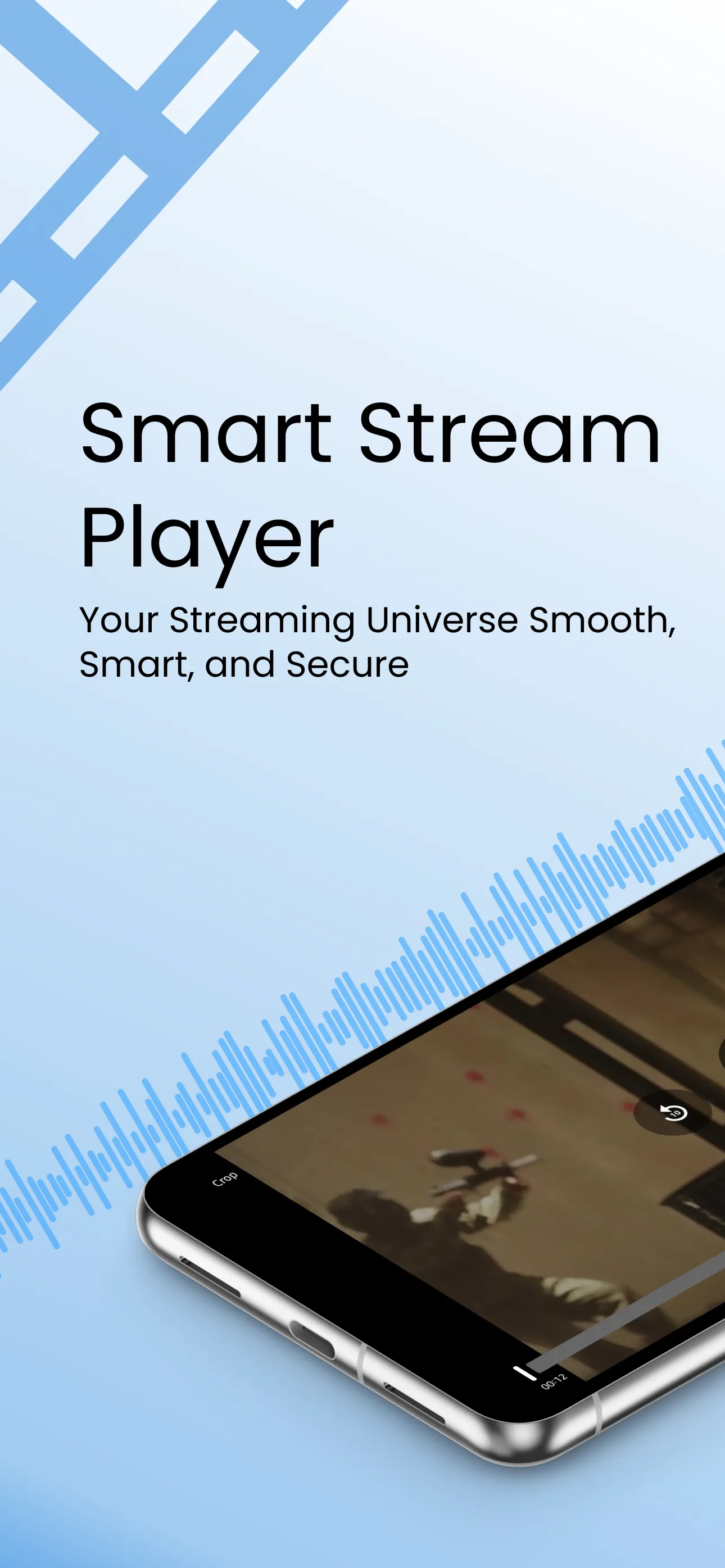
IPTV Smart Stream Player is a highly powerful video player. The app does not provide any video content itself; instead, users import their own video files for playback. It boasts robust functionality and supports a wide range of video formats. Specifically optimized for Android devices, it offers users a superior interface and a more comfortable viewing experience. The app includes playlist and category management features, allowing users to easily organize all their video files. It plays only the videos added by the user, ensuring that all content remains entirely under the user's control.
Features:
Optimized for Android TV Enjoy a true lean-back experience with a UI designed specifically for Android TV and TV remotes.
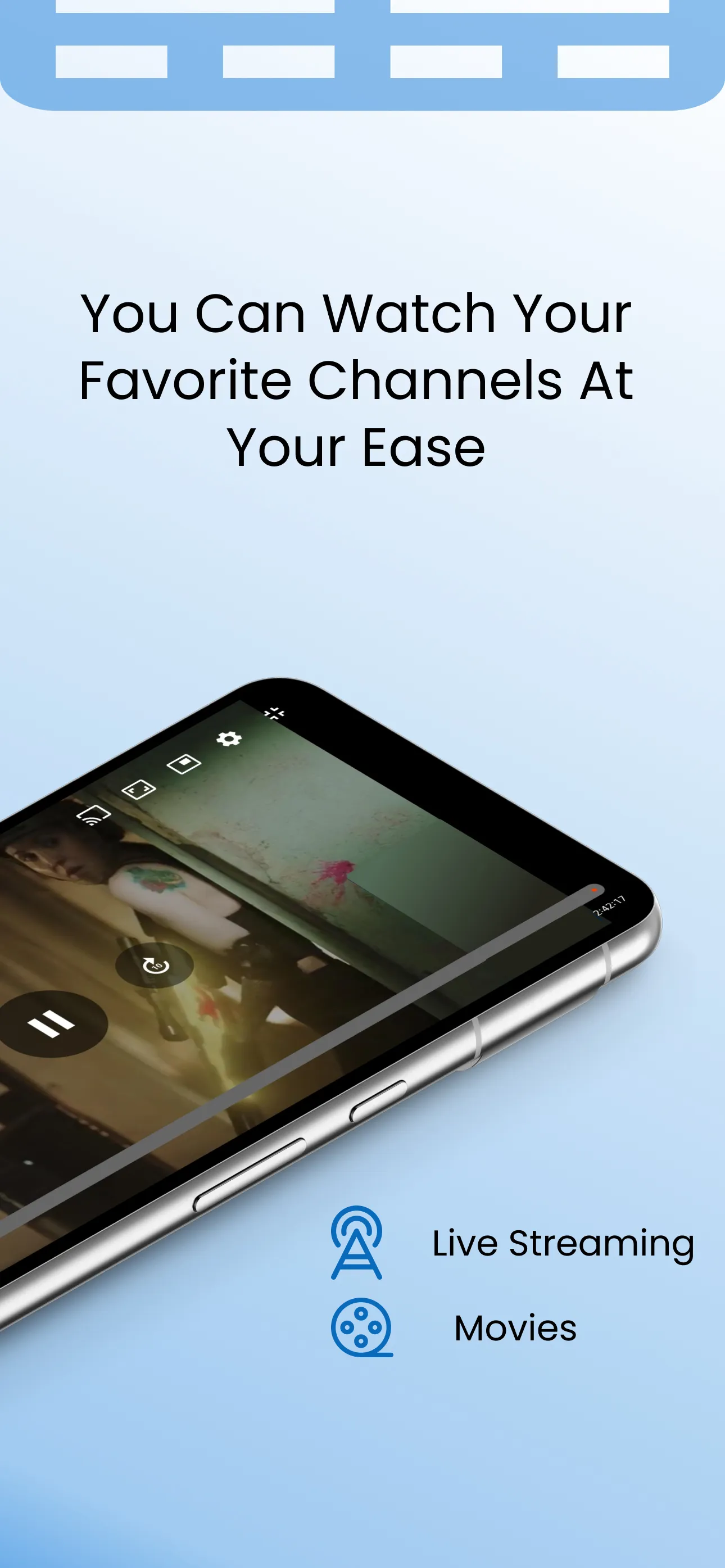
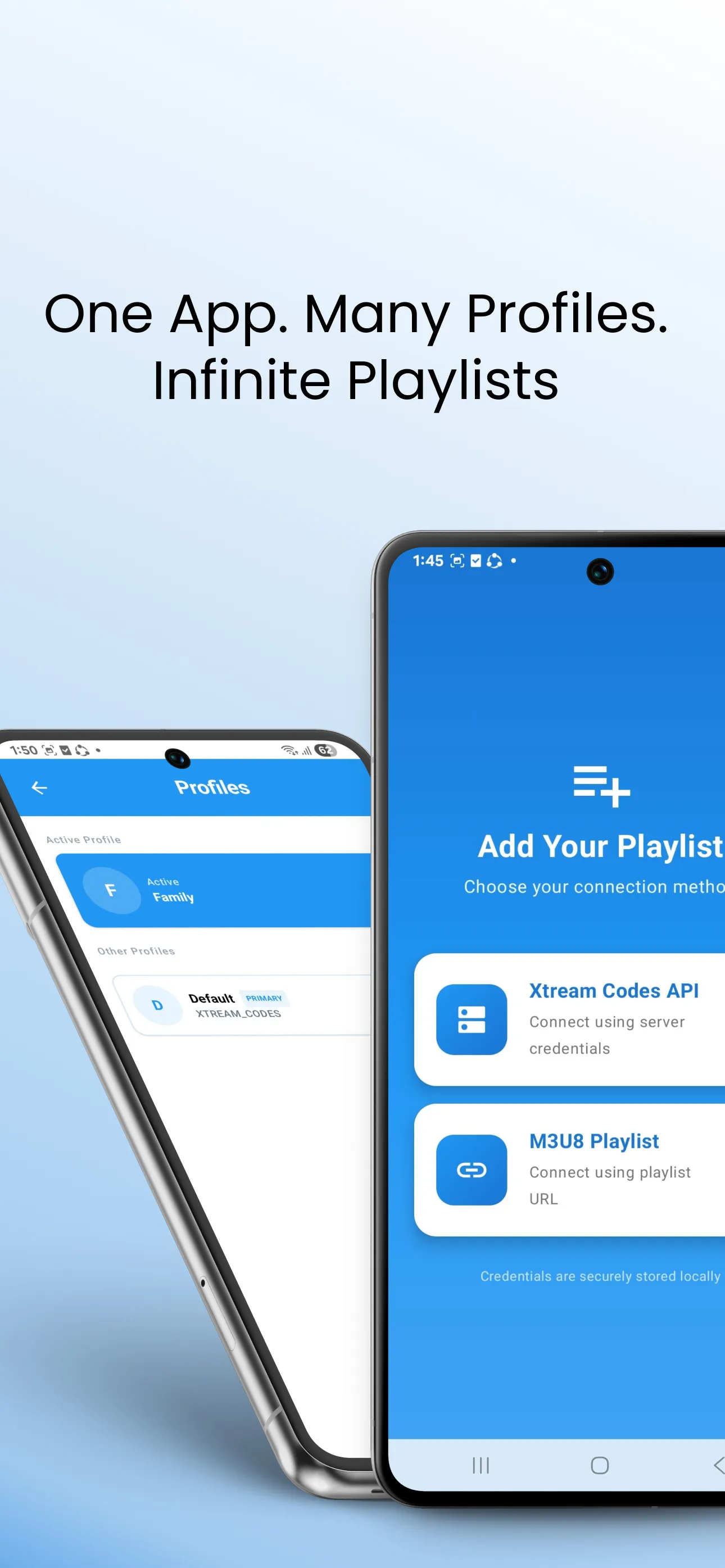
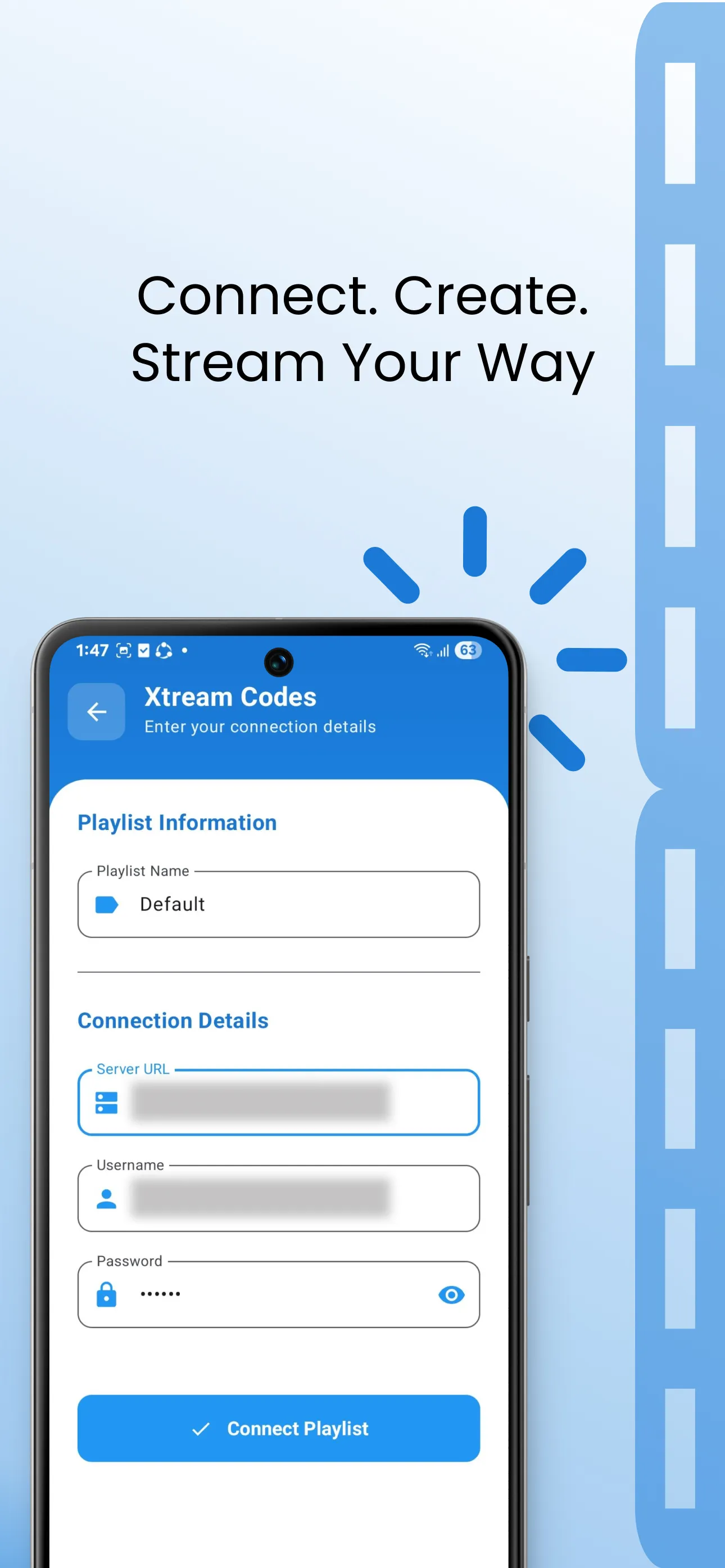
Supports Xtream & M3U Playlists Easily stream content using your own Xtream Codes API or M3U/M3U8 playlists.
High-Performance Video Player Smooth playback with a built-in advanced IPTV player.
Ad-Free Premium Experience Enjoy uninterrupted streaming with no ads (Premium).
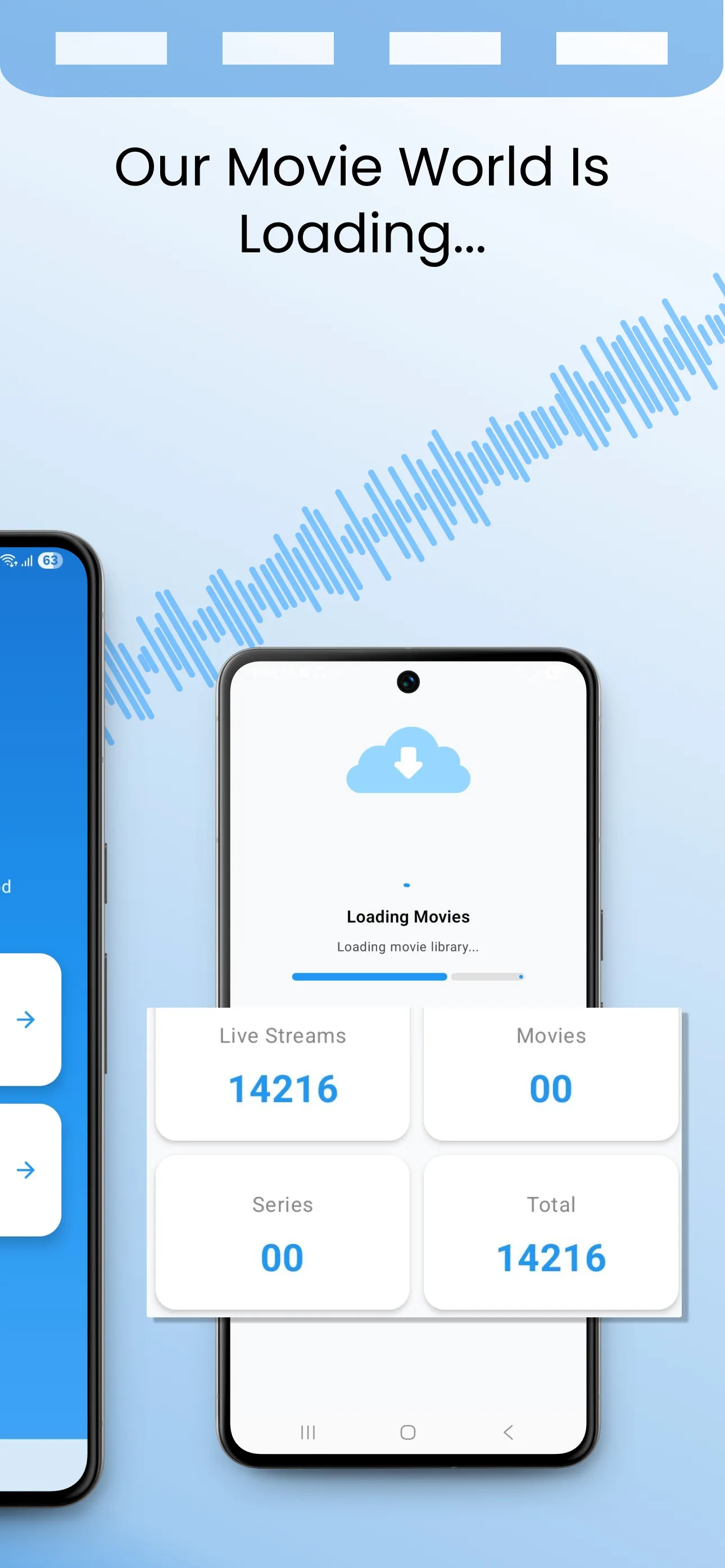
Playlist & Category Management Organize live TV, movies, and series with personalized categories.
Responsive & Modern Design Clean, fast, and intuitive interface across all screen sizes.
Works on Multiple Devices Fully compatible with Android TV, Android phones, and tablets.
Highlights:
Versatile Video Player: Supports a wide range of video formats, ensuring you can enjoy your favorite content without compatibility issues.
Quality Matters: Committed to delivering an optimum viewing experience, the app supports all video qualities, including SD, HD, and 4K. Every detail is crisp and clear, whether a high-action sequence or a subtle drama.
Format Compatibility: It is a powerhouse of compatibility, supporting an extensive list of formats, including mqv, aifc, m4r, and many more. It even supports live stream IPTV, ensuring you never miss out on the latest broadcasts.
User-Curated Content: The app shows and runs only the content users add, giving you control over what you watch and ensuring a personalized streaming experience.
Flexible Resolutions: Whether you prefer the sharpness of 1080p or the efficiency of 720p, it lets you choose the resolution that suits your preferences and device capabilities.
Intuitive Interface: Find your favorite content easily and customize your viewing experience effortlessly.
Pros and Cons:
Pros
Imports remote M3U and M3U8 playlists or local M3U files
Plays direct stream URLs and numerous local media formats
Sorts playlist channels into categories
Supports portrait, landscape, and floating-window playback
Cons
Includes no channels or playlists
Free version has ads and limits playlist creation
Payment prompts may make free access unclear
FAQs:
Q: Can I download content for offline viewing?
A: Yes, it allows users to download content for offline viewing, providing flexibility for users with limited internet access.
Q: How often does the app receive updates?
A: It is committed to providing the best experience. Regular updates are rolled out to introduce new features, enhance performance, and address security concerns.
Conclusion:
IPTV Smart Stream Player doesn't offer any content or channel. It is simply a neutral player where users can play their content, either stored locally or with a URL. The app also has a premium version that removes ads, allows you to add unlimited lists and password-protect these lists so that no one else can access them. Download the IPTV Smart Stream Player APK and enjoy your IPTV content on Android.





-
Latest Updates
-
Featured Apps