
Hibernator
Tools
2026-08-25
10.70MB
2.57.0
Android
365
Screenshots
Introduction
Hibernator is a resource management application for Android devices. It helps users close background apps, thereby freeing up memory to improve phone performance and save battery power, extending battery life. This application allows users to set a widget on the home screen; simply tap it to quickly clear background apps—very convenient and fast. It also reduces CPU and background service load, decreasing device overheating and optimizing performance. The application is extremely simple to use; users simply tap to clear, and background apps are automatically closed. It's easy for users to use.
Features:
Close all running apps
Automatically close apps when the screen is turned off
Supports user apps and system apps
Widget
Shortcuts
Speed Booster
RAM cleaner
Battery Saver
CPU cooler
Highlights:
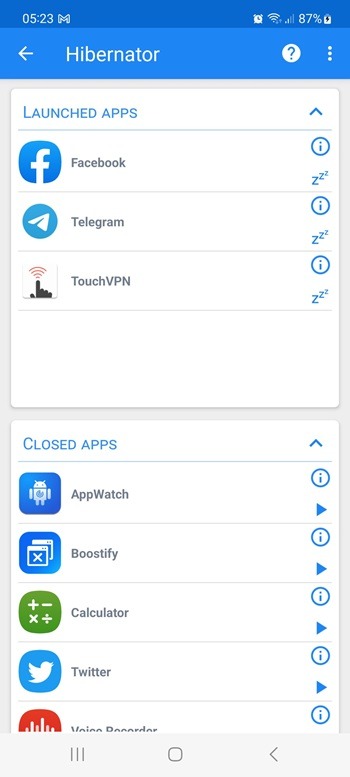
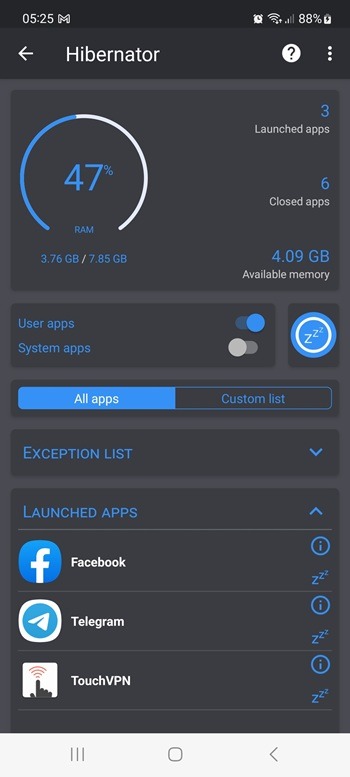
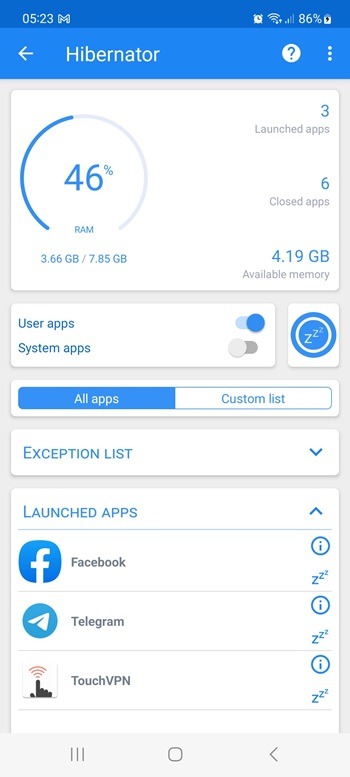
Close background running applications: Hibernator can close all or multiple applications that the user selects that are running in the background with just one touch, helping to clean up RAM and reduce battery consumption. This is especially useful when the device starts to show signs of slowing down after a long time of use.
Auto-close apps: Users can set up the mode to automatically close apps every time the screen turns off/locks to help extend battery life and reduce unnecessary background activity.
Application system management: The application supports the ability to control processes from both user applications and system applications to optimize performance and battery consumption.
Quick operations: Hibernator allows displaying icons right on the device’s Home screen and allows closing apps in batches with just one touch without having to directly access the app.
No personal data collection: The application only works with processes on your phone to close apps and does not transmit information to the outside and commits that the application does not collect any of your personal data.
Save battery and RAM: The application will limit or completely stop unnecessary background processes to help the device run smoother and the battery can last longer during the day.
Optimize device performance: Reduce the workload on the CPU and background services to help the device heat up less and respond to display results faster when opening the application.
Smoother experience: By closing all unnecessary background applications, users can have a faster and more stable application opening experience.
Permissions:
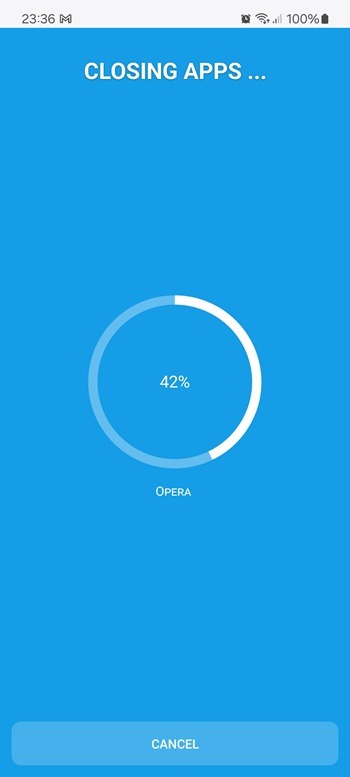
This app requires the permission to draw above the other apps in order to be able to show the wait screen while closing apps.
This app requires the permission to modify system settings in order to be able to turn off the screen after the hibernation operation is completed
FAQs:
What is Hibernator?
Hibernator is an Android app that automatically closes background applications to save battery, free memory, and improve phone performance.
How does Hibernator save battery?
It stops unused apps from running in the background, lowering CPU usage and preventing unnecessary power consumption.
Does Hibernator work on all Android devices?
Yes, it is designed for most Android phones and tablets, but its effectiveness may vary depending on the device model and version.
What permissions does Hibernator need?
It requires permissions to draw over apps, simulate touches, and modify system settings to automatically close running applications.
Who should use Hibernator?
It’s useful for anyone who wants better phone speed and battery life, especially users who multitask heavily or often forget to close apps.
Conclusion:
This application caters to users who want to manage their device's resources without delving into complex settings. It is particularly useful for those experiencing sluggish performance due to numerous background processes. Hibernator also offers options for customizing which apps to hibernate, allowing for a tailored approach to battery management. Overall, it serves as a practical tool for Android users aiming to extend their device's battery life and enhance performance.









