Headunit Reloaded
Maps & Navigation
2026-10-23
8.15MB
HeadunitReloaded
Android 4.1 and up
455
Screenshots
Introduction
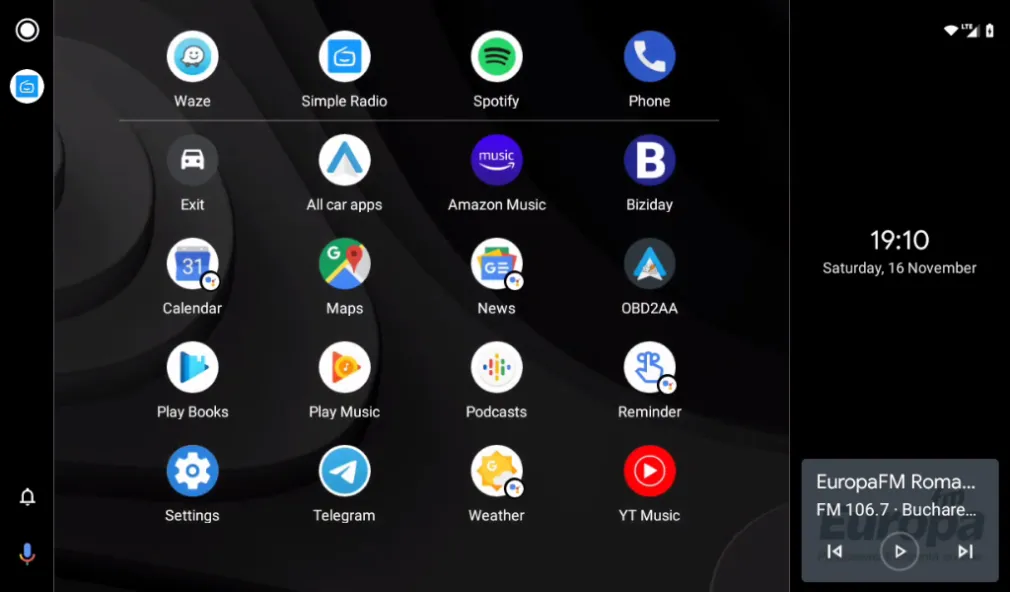
Headunit Reloaded is an in-car emulator designed for the Android operating system. It features a clean, intuitive interface that allows users to get up and running quickly. The software breathes new life into older hardware, offering a comprehensive suite of in-car system features. Regular updates ensure that the experience remains fresh and the functionality stays cutting-edge. With excellent compatibility, it supports a wide range of Android devices and various connection interfaces, making it a great tool for vehicle modifications. The application has a small footprint, installs rapidly, and delivers stable performance—it even runs smoothly on devices with older versions of Android.
Features:
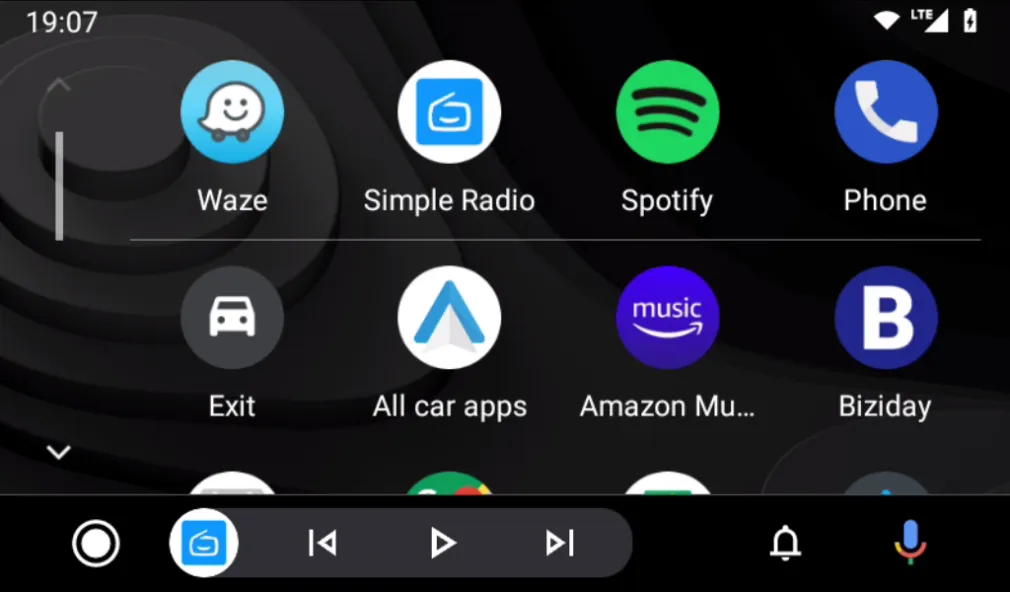
Emulating Android Auto on Android Devices
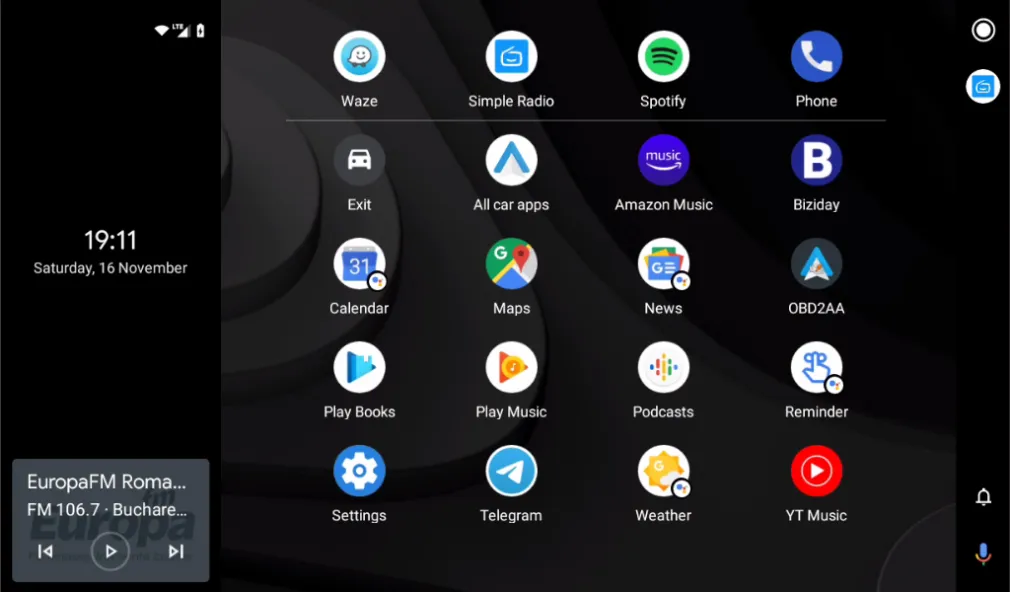
Run Android Auto on compatible tablets and Android-based car head units. It offers a familiar, driver-focused layout while preserving your existing Android system. You can switch between the emulator and native apps whenever you like.
Flexible Connectivity Options
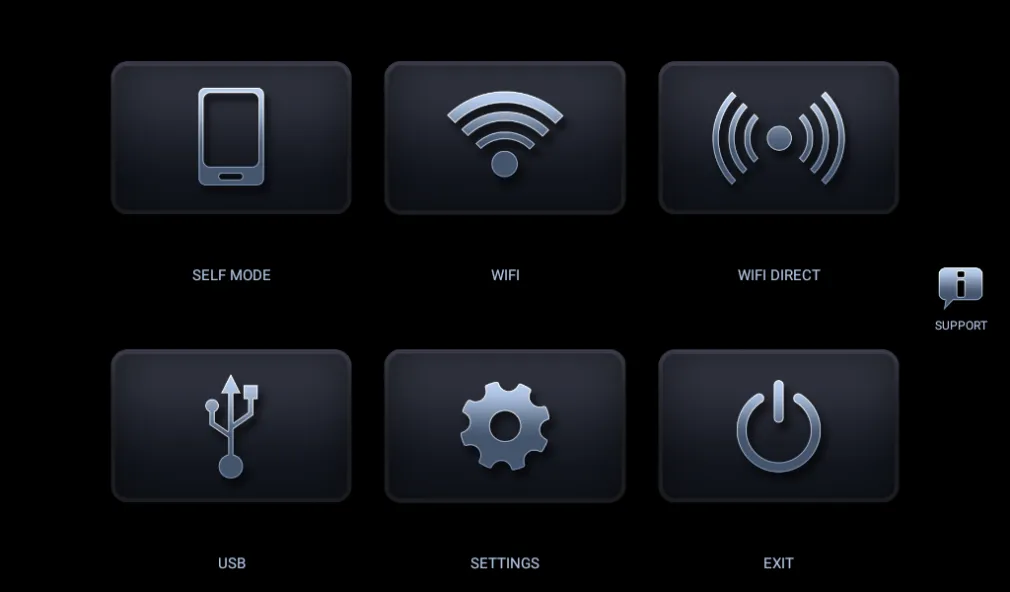
Supports USB, Wi-Fi hotspot, Wi-Fi Direct, and self-mode. Choose a wired connection for stability, or go wireless for added convenience. Self-mode allows both Android Auto and the emulator (HUR) to run on the same device—perfect for quick testing or single-device setups.
Wireless Setup via Wi-Fi Launcher
The latest version features an enhanced Wi-Fi protocol stack that works exclusively with the companion Wi-Fi Launcher app. This streamlines the pairing and reconnection process for wireless sessions, reducing the need for manual intervention during daily use.
Broad Head Unit Compatibility
Compatible with a wide range of Android car head units, including brands like Joying, Xtrons, and Eonon. As hardware models and firmware versions vary, we recommend testing with the trial version first to ensure that touch input, audio, and display functions work correctly before committing to a full installation.
Intelligent Display Handling
The software automatically detects screen resolution, ensuring the interface displays correctly across various screens. It adapts seamlessly to both tablets and in-car displays, requiring minimal manual adjustment to maintain a clear, fluid visual experience.
Built-in Troubleshooting Tools
Includes options for software-based decoding and workarounds for media playback issues. It also provides solutions for black screen scenarios and allows for video playback while driving—a feature that may be required on certain devices.
Highlights:
Stable USB connection: Take advantage cable OTG to transform tablet or screen car into receiver Android Auto with latency almost like zero.
Wireless WiFi mode: Synchronize easily through application WiFi Launcher, allowing connect automatically right when you step into cabin car.
Convenient Self-mode: Capability operate independent allows running both Android Auto and HUR on same device without needing hardware additional.
Broad device support: Compatible perfect with the lines chip popular like PX5, PX3 or the brands screen large like Joying, Eonon and Xtrons.
Flexible software decoding: Provide option decoding software flexible to handle thoroughly error screen black on some lines head unit specific.
Driving safety bypass: Integrate capability fine-tune settings video, helping pass through the barriers playback content when car is moving.
Advantages and disadvantages:
Pros
Virtual environment simulation
Can be used for testing and development without the need for physical hardware
Supports various screen sizes and resolutions
Cons
May contain vulnerabilities
Conclusion:
Compatible with a wide range of devices, easy to set up, and packed with features—download the Headunit Reloaded APK. It allows your Android device to take control of your car, turning your dashboard into a smart system that makes driving easier. Download it today!
-
Latest Updates
-
Featured Apps