
XRecorder
Entertainment
2026-09-29
36.94MB
2.5.5.1
Android
599
Related Apps

Screenshots
Introduction
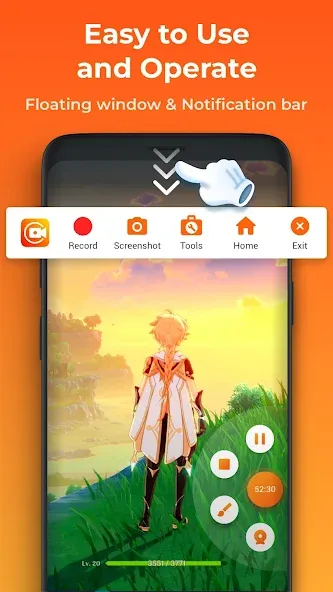
XRecorder is a video recording app for Android that delivers high-definition footage, enabling users to record gameplay, tutorials, video calls, and more. Thanks to its user-friendly interface, the app is easy to pick up without prior experience, and the system provides helpful prompts to guide the user. Recording can be done directly without requiring root access, ensuring high resolution and smooth, clear video quality. Users can also edit their recordings by adding music, text, and various filters to achieve their desired results. It is a highly intelligent screen recording tool for mobile devices.
Features:
HD Video Recording
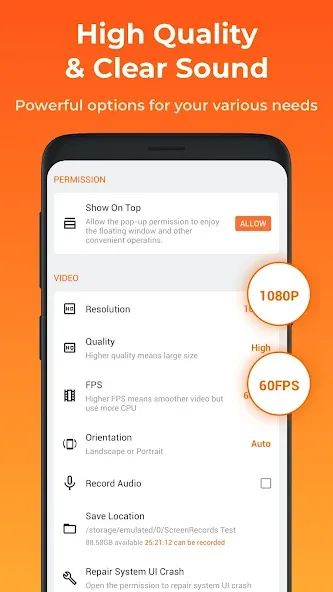
XRecorder supports video recording at up to 1080p resolution and 60fps, ensuring crisp and smooth footage.
No Time Limits
A key highlight of XRecorder is that there are no limits on recording duration.
Built-in Editing Tools
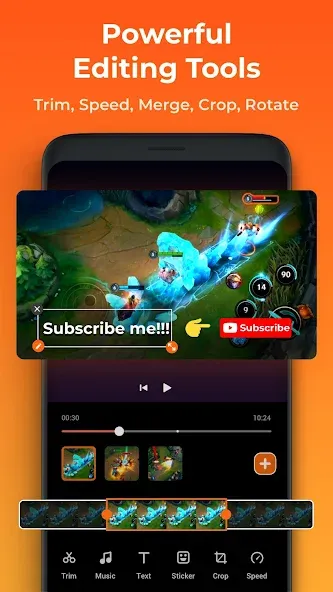
XRecorder comes equipped with editing features such as video trimming, cutting, and merging.
Live Streaming Integration
XRecorder supports live streaming to YouTube and Twitch—a feature sure to appeal to gamers and content creators.
Intuitive Interface
XRecorder is designed to be intuitive and easy to use.
Cross-Device Compatibility
XRecorder runs smoothly on smartphones, tablets, and PC emulators.
Highlights:
Capture screen to take a clear Screenshot
Record Gameplay on your phone
Internal audio recording without noise (ONLY Android 10 or above)
YouTube & RTMP Live stream: be a gaming streamer to gain fun and popularity
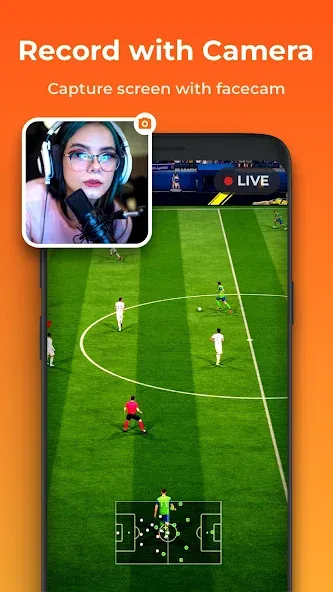
Facecam: express reactions freely with multiple camera switch
Brush Tools: draw on the screen to make your screen capture extra special
Video Editor: trim, remove the middle part, add music and speed control
Maximum 120 FPS recording support to enjoy the ultimate visual experience
Export Full HD video with custom settings: 240p to 1080p, 60FPS, 12Mbps
Advantages and disadvantages:
Pros
High-quality screen recording and editing tools
No watermarks ensure professional output
Optimized battery consumption
Free version includes basic features
Cons
Advanced editing features require payment
Conclusion:
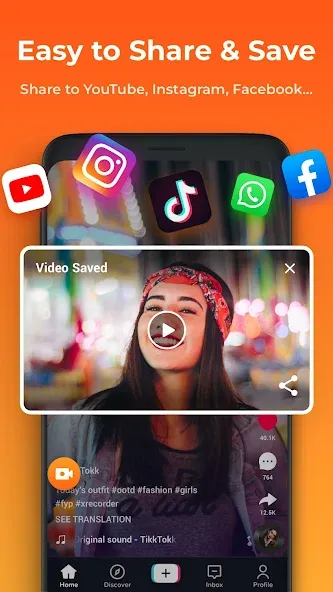
Are you still struggling to find a screen recording app that meets your needs? XRecorder—a screen and video recording tool—solves this problem effortlessly. With its high-quality recording and editing capabilities, this app stands out in the mobile ecosystem. Whether you are a content creator or simply someone who needs to capture and share on-screen activity, the XRecorder APK offers a powerful solution.
-
Latest Updates
-
Featured Apps









