
GuitarTuna
Tools
2026-09-01
92.10MB
7.11.0
Android 5.1+
343
Screenshots

Introduction
GuitarTuna is a powerful guitar teaching tool for Android. This app can be used as an instrument tuner for daily practice. Simply hold the strings close to your phone's microphone and play; it will help you fine-tune the tuning. The app supports over 100 tuning options to meet different style needs. In addition, the app has a vast built-in song library. Users can use this library to practice songs while checking their fingering and rhythm. This is a very practical practice method for beginners. The app also provides video tutorials and personalized feedback, helping users understand and practice in a more guided way.
Features
Instrument tuner for daily practice
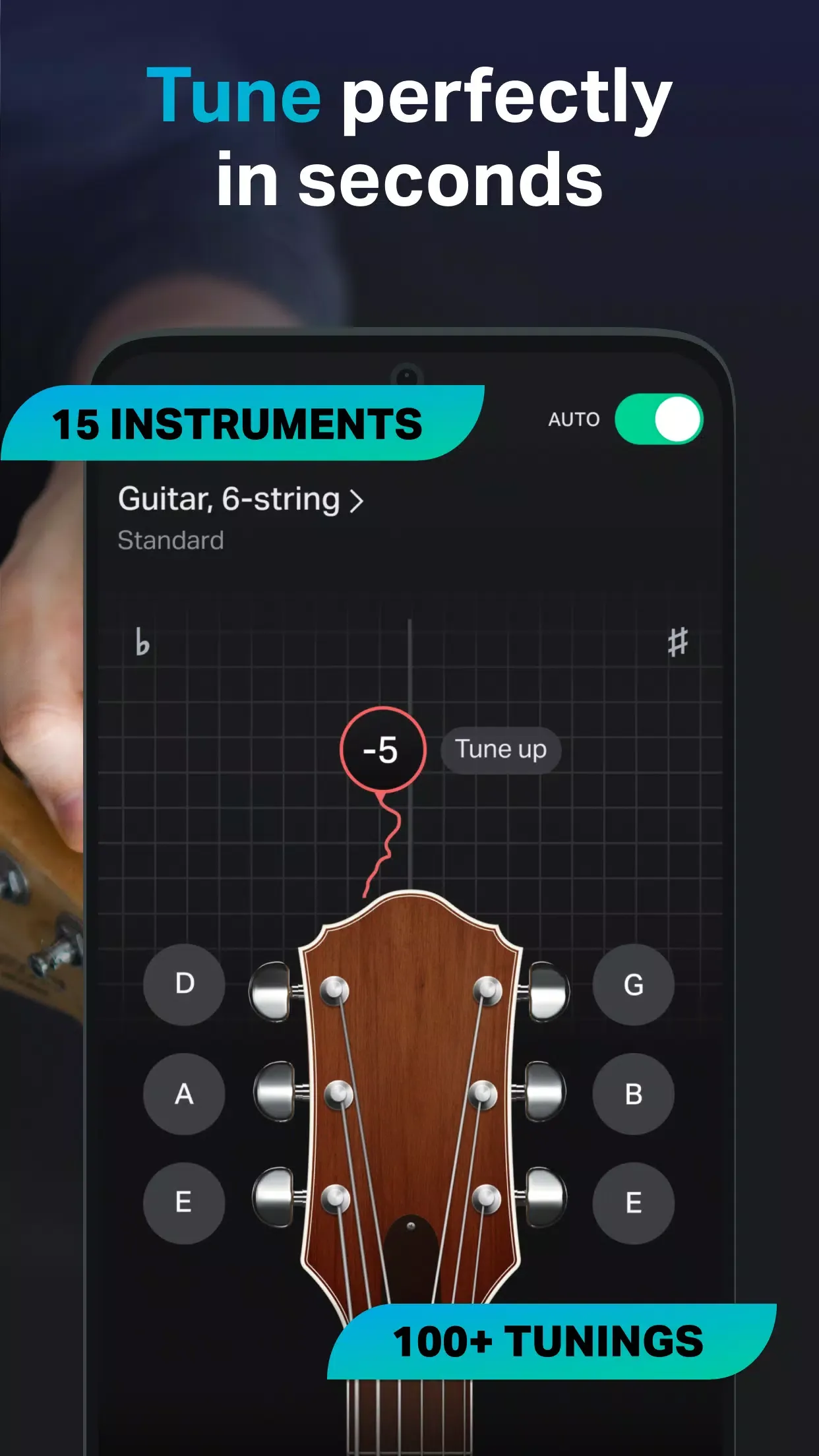
GuitarTuna lets you tune guitar, ukulele, bass, violin, mandolin, banjo, and more than 15 other instruments. You play a string near the phone microphone, and the app shows whether the note is too low, too high, or close to the target. This helps you make small adjustments without needing a separate tuner.
Many tuning options for different styles
GuitarTuna supports more than 100 tunings, including standard, drop, open, alternate, custom, and chromatic tuning. This matters when you want to play songs that use a setup outside standard guitar tuning. As a result, you can prepare the instrument for different genres and song arrangements before you start playing.
Songs with chords, tabs, and lyrics
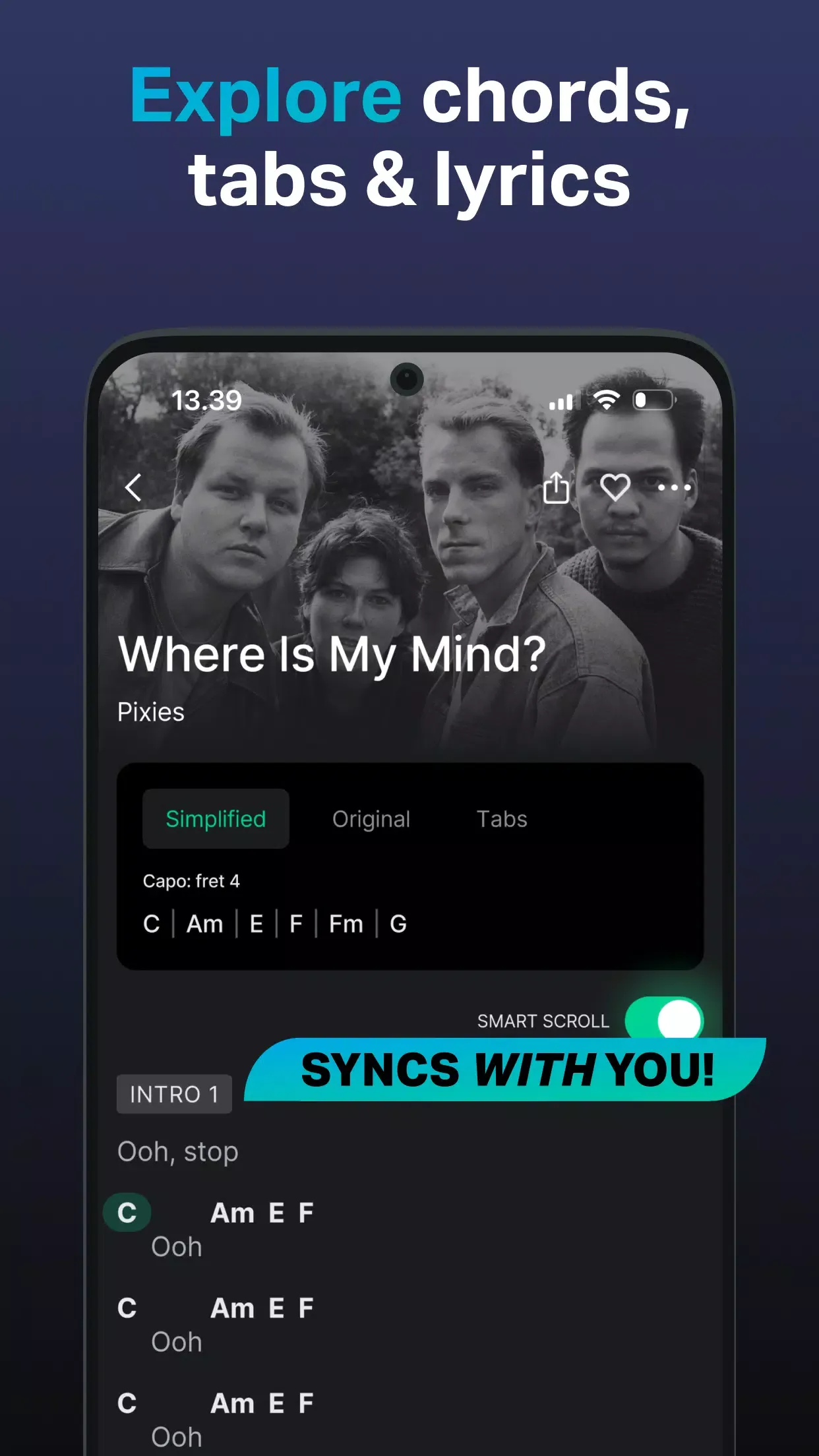
GuitarTuna includes a large song library with chords, tabs, and lyrics for popular songs by global artists. You can use these materials to follow a song while checking finger positions and timing. For learners, this gives a practical way to connect tuning with real song practice instead of practicing notes alone.
Learning tools for new guitar players
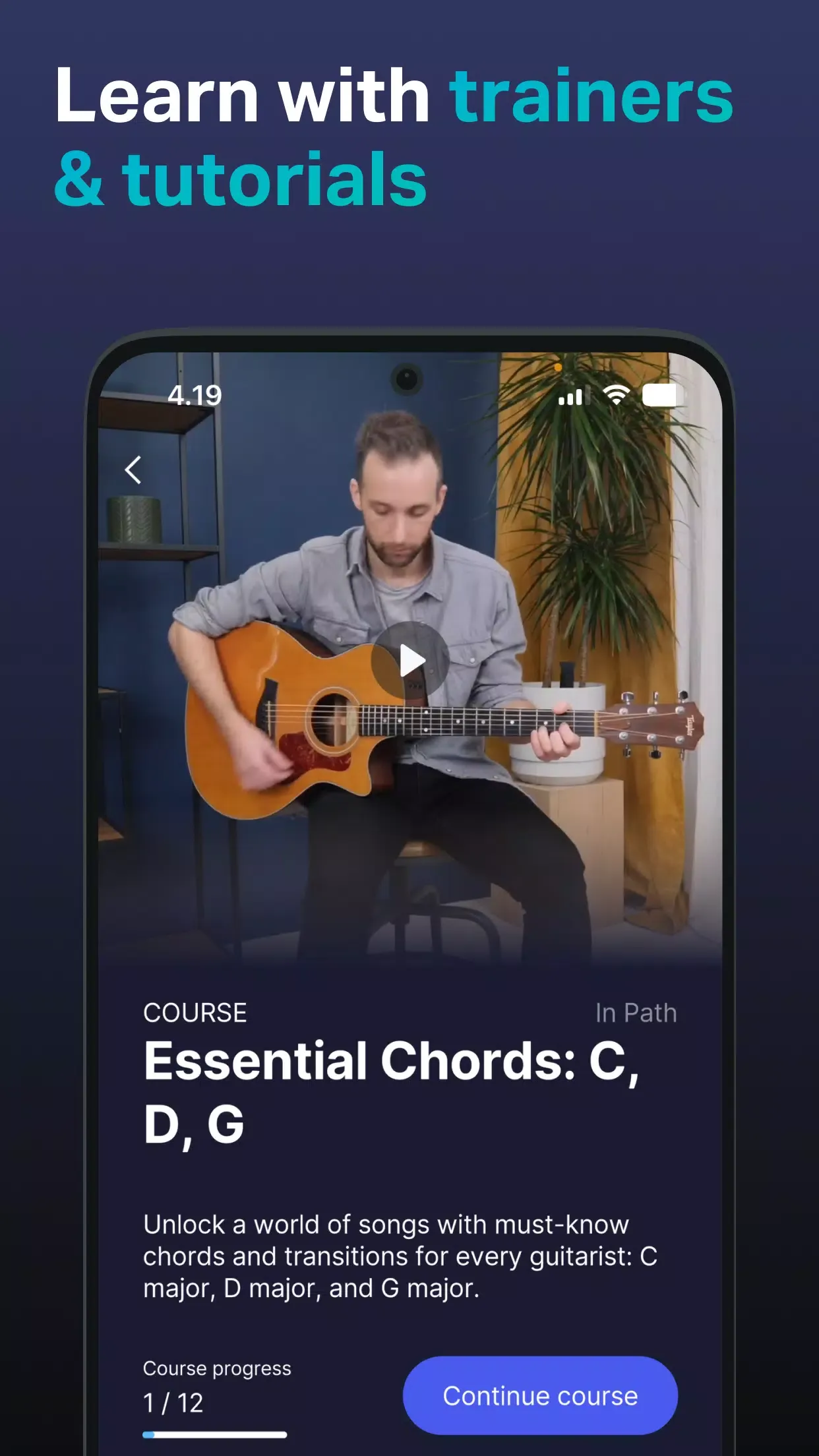
GuitarTuna offers video tutorials, interactive trainers, and personalized feedback for users who are still learning basic skills. These tools can help you understand chords, rhythm, and listening practice in a more guided way. If you do not know how to play guitar yet, the app still gives a clear starting point for simple practice sessions.
Practice tools beyond tuning
You can also use GuitarTuna for metronome practice, chord games, ear training, a chord library, and left hand mode. These tools support short practice routines when you want to work on timing, chord changes, or note recognition. Because they sit inside the same app, you can tune first and then move directly into practice.
Highlights
It integrates a wealth of practical tools, such as tuning forks, timpani, and twelve-tone equal temperament tuning, providing musicians with comprehensive tuning assistance to meet various needs.
It supports tuning for multiple instruments, including acoustic guitars, electric guitars, basses, ukuleles, violins, and cellos, satisfying the tuning needs of multi-instrumentalists.
Employing advanced noise reduction algorithms, it can automatically eliminate background noise, accurately identifying instrument sounds even in noisy environments to ensure optimal tuning results.
Usage
Open GuitarTuna and choose the instrument you want to tune, such as guitar, ukulele, bass, or violin.
Select the tuning you need, such as standard tuning, drop tuning, open tuning, or chromatic tuning.
Place the phone near the instrument, play one string clearly, and watch the note indicator on the screen.
Turn the tuning peg slowly until GuitarTuna shows that the string has reached the target note.
After all strings are tuned, move to songs, chord practice, metronome work, or ear training based on your current practice goal.
Pros and Cons
Pros
Reliable tuning app.
Integrated metronome helps players keep time.
Library teaches players how to play new chords.
Cons
Removing ads and accessing features such as a larger song repertoire and chord-and-lyric syncing requires a monthly or yearly Premium subscription after a seven-day free trial.
Conclusion
GuitarTuna offers a wealth of features and convenient tuning options, making it easy for Android users to tune guitars and other stringed instruments. Experiment with different tuning methods and explore various personalized instrument setups. The app's simple and easy-to-use features make it easy to get started. Additionally, you can visit our website at any time to get the free full version of the app.






