
Google Drive
Tools
2026-10-21
53.72MB
2.21.161.04.30
Android 6.0 and up
538
Screenshots
Introduction
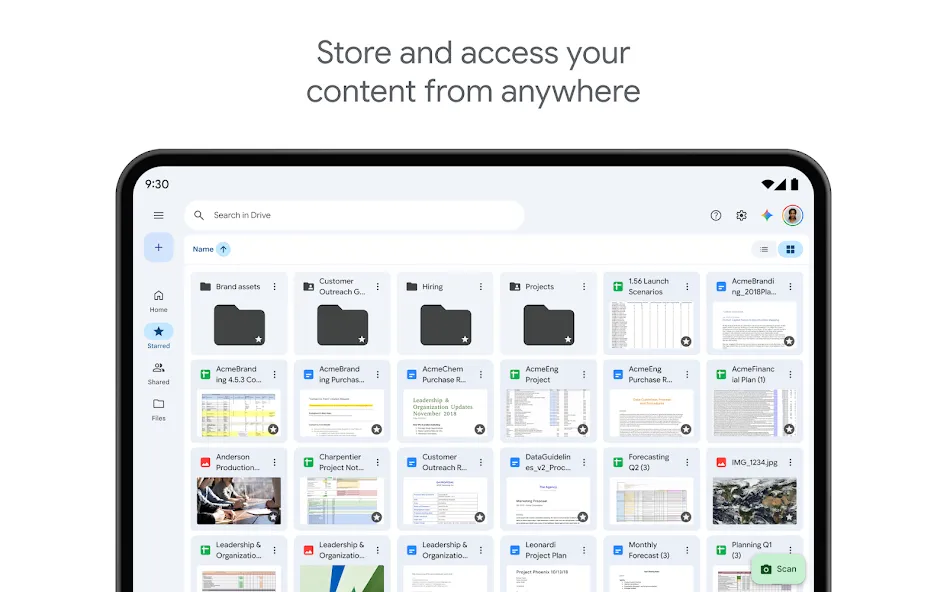
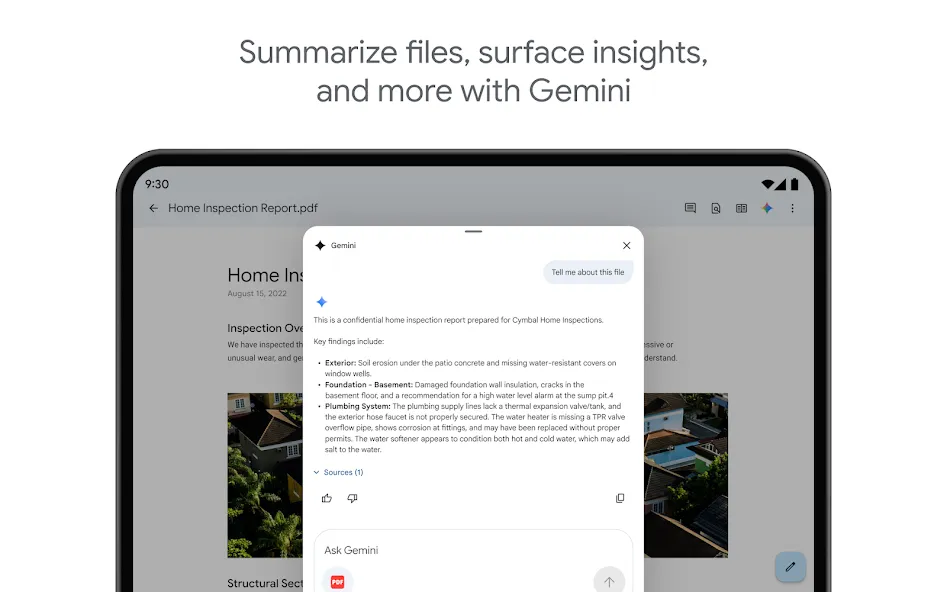
Google Drive is a cloud storage tool for Android devices that allows users to securely store their mobile files anytime, anywhere. It supports a wide range of document and media formats and enables users to upload physical documents by scanning them with their device's camera. Files can be organized based on type or date of modification. Users can access media files even while offline and edit PDF documents directly within the app. The service provides 15GB of free storage space and includes features to convert images and scanned documents into editable text.
Features
Safely store and access your files anywhere
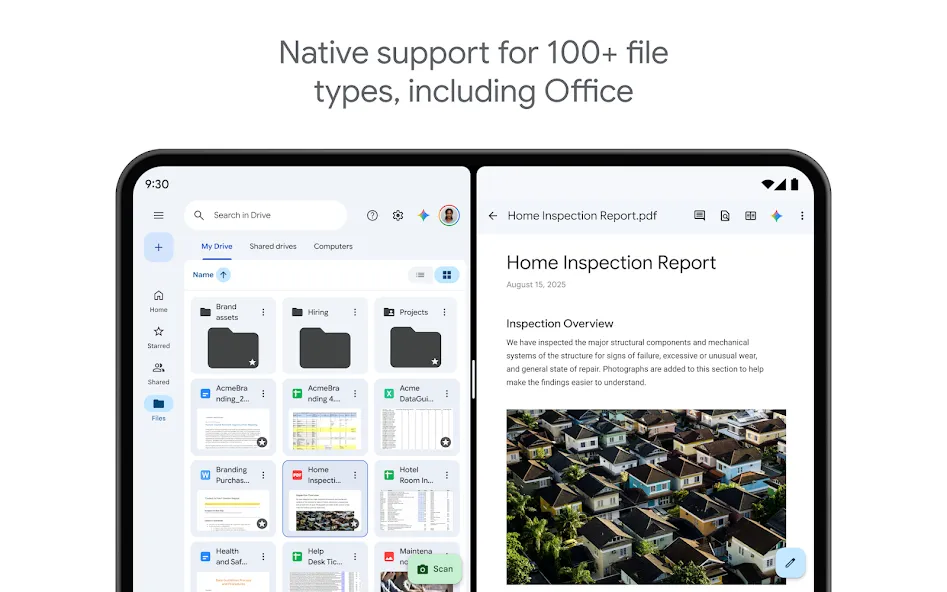
Edit and store 100+ file types, including PDFs, Office files, videos and more
Scan and upload paper documents using your device’s camera
Quickly access recent and important files
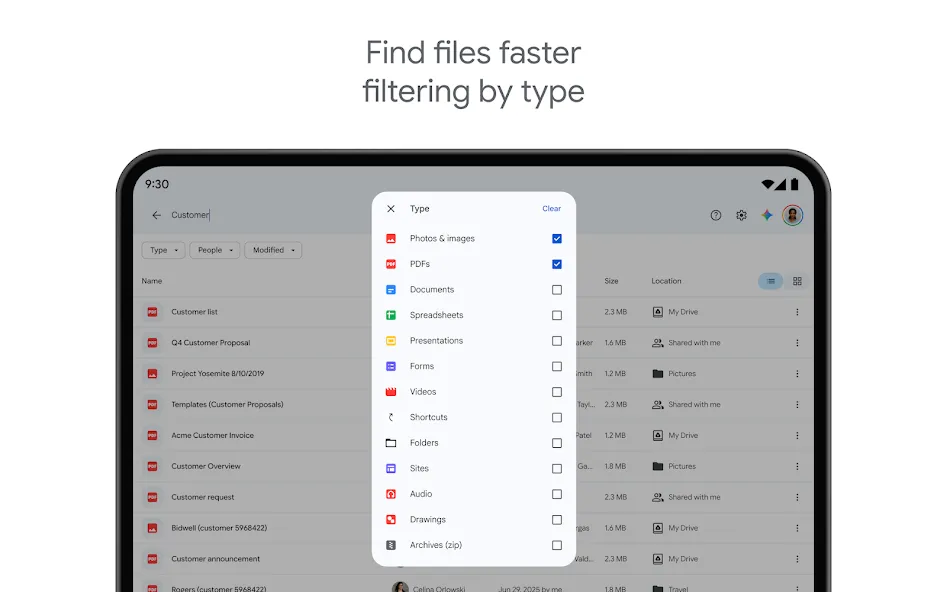
Search for files by name and content
Filter files by type, last modified date and more
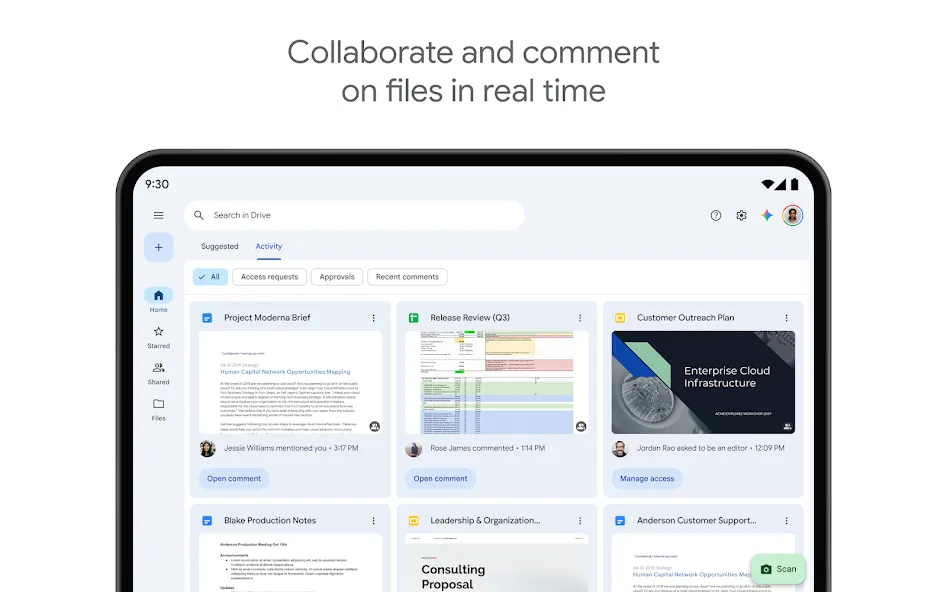
Share and set permissions for files and folders
View your content on the go while offline
Receive notifications about important activity on your files
View files more easily on Android tablets with side by side view, drag and drop functionality and more
Tips
Color-code important folders: Right-click or tap folder settings to assign custom colors. This visual system helps you identify urgent project files instantly.
Star critical files for fast access: Mark frequently used documents with a star icon. You can access all starred items immediately from the side navigation menu inside Google Drive.
Convert images and scans into editable text: Upload image files or scanned documents into your account. Then, open them with the internal text reader to extract text instantly.
Restore older file versions: Access the version history menu on any stored document. You can revert changes or recover previous text blocks within seconds.
Enable automatic camera uploads: Turn on media backup settings inside the application options. The system backs up your new photos automatically whenever you connect to Wi-Fi.
Use shortcut links inside folders: Create file shortcuts instead of duplicating heavy files across multiple folders. This trick saves your cloud storage space effectively.
FAQS
Is my data safe on Google Drive?
Yes, your files are stored securely in Google’s data centers and are protected by robust security measures. You also maintain control over your sharing settings, deciding exactly who can access your content.
How does the offline mode work?
You can select specific files and folders to be available offline. The app downloads them to your device, allowing you to view and edit them without an internet connection. All changes are synchronized once you are back online.
Can I edit Microsoft Office files in the app?
Yes, you can view and edit Microsoft Word, Excel, and PowerPoint files directly within Google Drive. The app seamlessly converts them to Google’s compatible format for editing and allows you to save them back to their original format.
What happens if I run out of free storage?
The app provides 15 GB of free storage shared across Google Drive, Gmail, and Google Photos. If you need more space, you can subscribe to a Google One plan for additional storage and enhanced features.
User comments
Google Drive is very useful, but the backup feature isn't fully automated—it requires a manual trigger to start. I really hope Google adds an automatic backup option. Also, it would be even better if the backup system used incremental storage.
It works great! I previously had issues where I couldn't download files or downloads were extremely slow; it turned out I had added Google Drive to the "bypass" list in my VPN settings. Once I removed it from that list, the download speeds became lightning-fast.
If you’re getting a prompt to upgrade even though you’re already on the latest version—and you happen to be using MIUI 11—try updating to MIUI 12. After I updated my system, "Google Basic Services" (Google Services Framework) automatically appeared under "Accounts & Sync," and Google Drive started working perfectly.
Summarize
Google Drive is the official Google cloud storage app, which allows you to store and organize all your files and folders from anywhere, using any device. This app is part of the well-known Google Workspace (formerly G Suite), a group of tools and utilities to help you work in the cloud, which also includes Gmail, Google Meet and Google Docs.






