
GLTools
Tools
2026-10-20
434.05MB
0
Android 4.1 and up
475
Other versions

Screenshots
Introduction
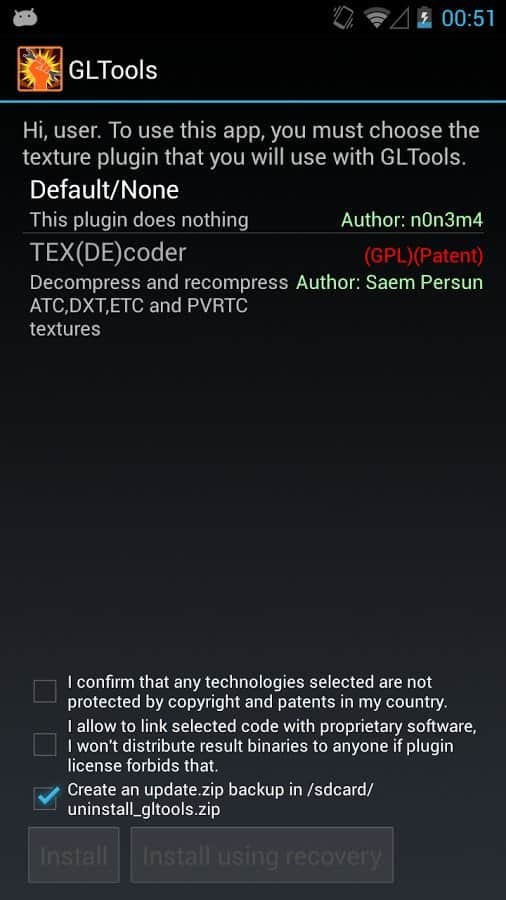
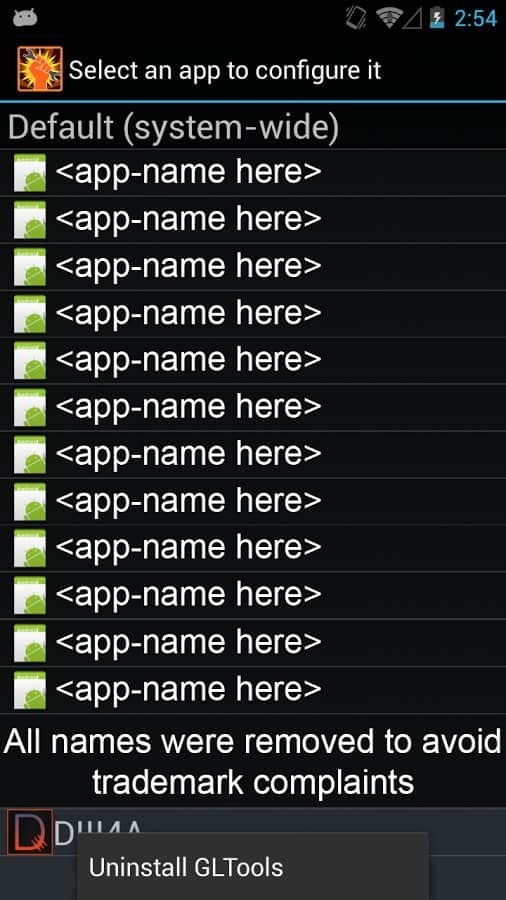
GLTools is a game optimization tool designed for the Android platform. It features a highly user-friendly interface, allowing users to get started with ease. The software enables a wide range of performance tuning—optimizing overall performance, reducing in-game latency, and testing network speed parameters. With its robust customization capabilities, users can personally configure game settings to boost execution speed and tailor the gaming experience to their specific preferences. Furthermore, the application offers excellent security, ensuring the protection of user privacy. It also enhances resolution and visual fidelity, improves rendering, and optimizes graphics for a sharper, clearer, and more refined display.
Features:
Rendering Controls
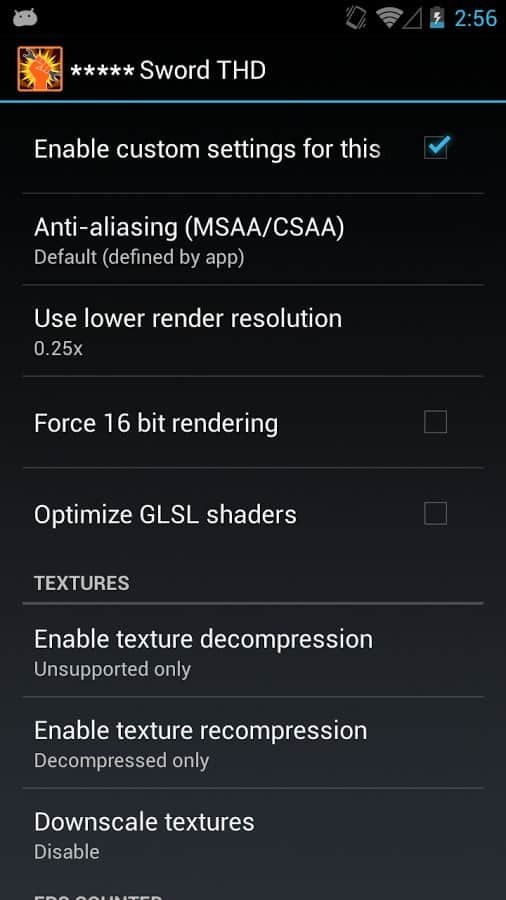
These allow you to adjust resolution, color depth, and anti-aliasing settings on a per-application basis. You can also emulate device specifications—such as CPU, GPU, and RAM—to unlock more advanced graphics rendering paths in certain games. These options help tailor visual effects to suit your screen size and hardware limitations.
Frame Rate Tools
Use the frame rate limiter to manage heat and power consumption, or—in supported games—remove the cap to achieve higher frame rates. An on-screen frame rate counter provides real-time performance data, allowing you to monitor the impact of your changes while playing.
Texture and Shader Handling
Texture compression and decompression are supported, even if your GPU does not natively support the texture formats used by a game. A GLSL shader optimizer can help reduce shader overhead and improve stability on certain devices.
Modes and Compatibility
The compatibility assistant enables older games to run on modern hardware.
Highlights:
Optimize graphics even on low-end handsets.
Modify the name of your GPU and your RAM and CPU data.
Gain full control over textures. You can compress, decompress, and resize even if your GPU doesn't support these actions.
Not compatible with games that use Vulkan.
Optimization of shaders.
Modify the resolution and graphics of any app.
Improve graphics by means of antialiasing.
Measure the graphics improvements by means of an on-screen FPS counter.
Enjoy playing games with graphical options for experts.
FAQS:
Does the GLTools app require root access?
Yes. While GLTools works best with root access, it can also be used on non-rooted devices, though its functionality will be limited.
Can we use GLTools to improve the frame rate in PUBG?
Yes. When playing PUBG or any other online multiplayer game on your phone, you can improve the frame rate by adjusting graphics and CPU settings.
Is this app safe to use?
Yes. As long as it is used correctly, this app is completely safe.
Advantages and disadvantages:
Pros
Optimized shaders
Clean, minimalist interface
Simple to use
Cons
Performance varies by version
Conclusion:
With its intuitive design and powerful features, GLTools is an essential utility for gamers. It not only boosts system performance but also provides tools to enhance connection stability and easily adjust system configurations. Download the GLTools APK today and take full control of your device's performance potential.



-
Latest Updates
-
Featured Apps






