
Gboard
Tools
2026-09-04
76.21MB
18.1.3.962075747
Android 6.0 and up
410
Screenshots
Introduction
Gboard is a powerful keyboard app for Android. It supports voice and swipe input, allowing for faster and more accurate expression. Users can directly search on Google within the app and share with friends on social media platforms. The app also supports multiple languages, allowing users to quickly switch between different language keyboards without installing additional software. For users who enjoy using emojis, the app provides emoji suggestions based on your input, resulting in a superior user experience.
Features
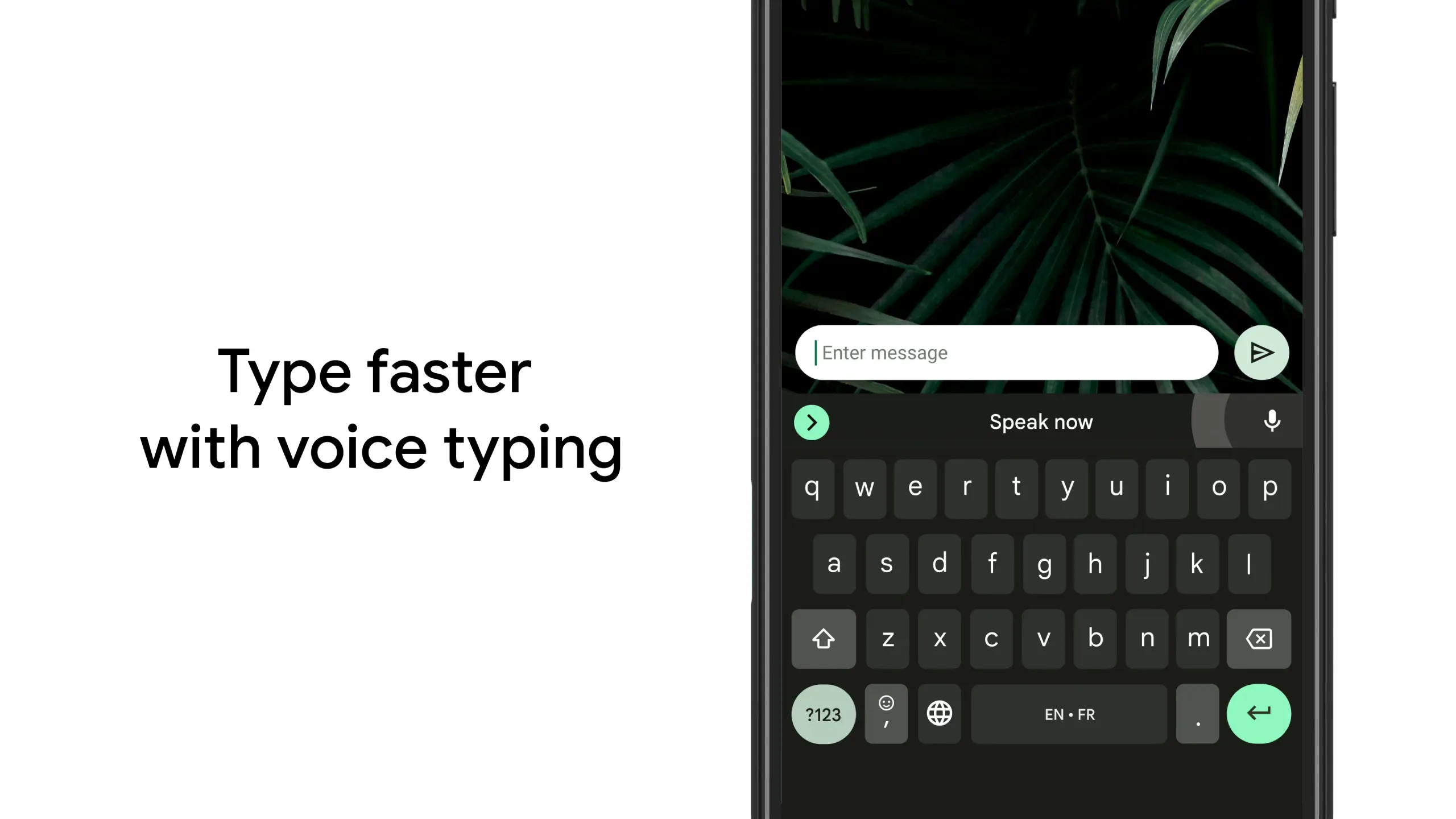
Voice Typing: Gboard allows users to type using their voice, which is faster and more accurate than traditional typing.
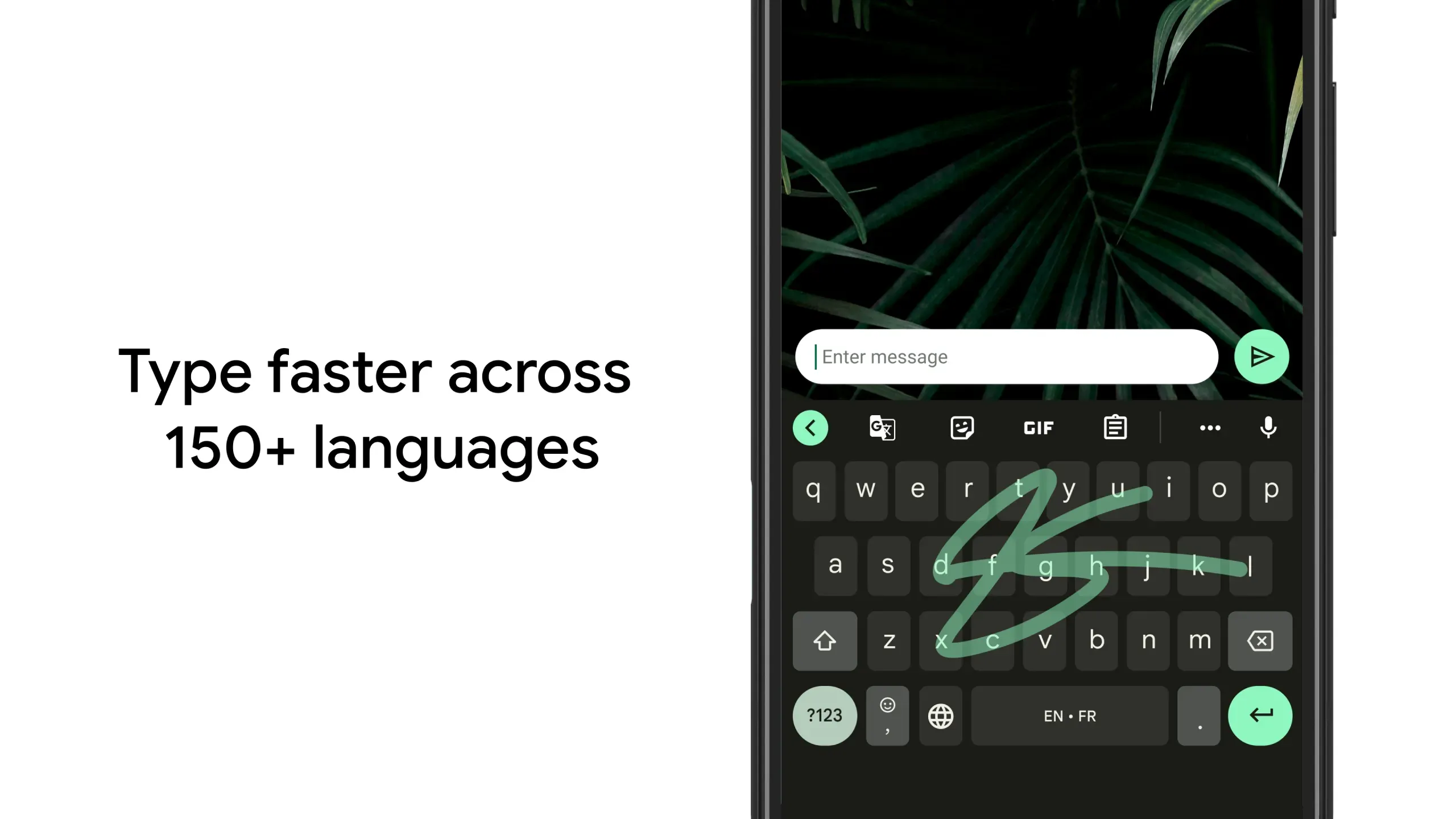
Glide Typing: This feature enables the user to glide over letters on a keyboard instead of tapping them individually for quicker input.
Search & Share Functionality: Users can search Google directly from the app and share content with friends easily through various sharing options like text messaging or social media platforms such as Facebook, Twitter etc.
Multilingual Support: Gboard supports multiple languages, including English, Spanish, French German and many others, so that you can switch between different language keyboards quickly without having to install any additional software or apps.
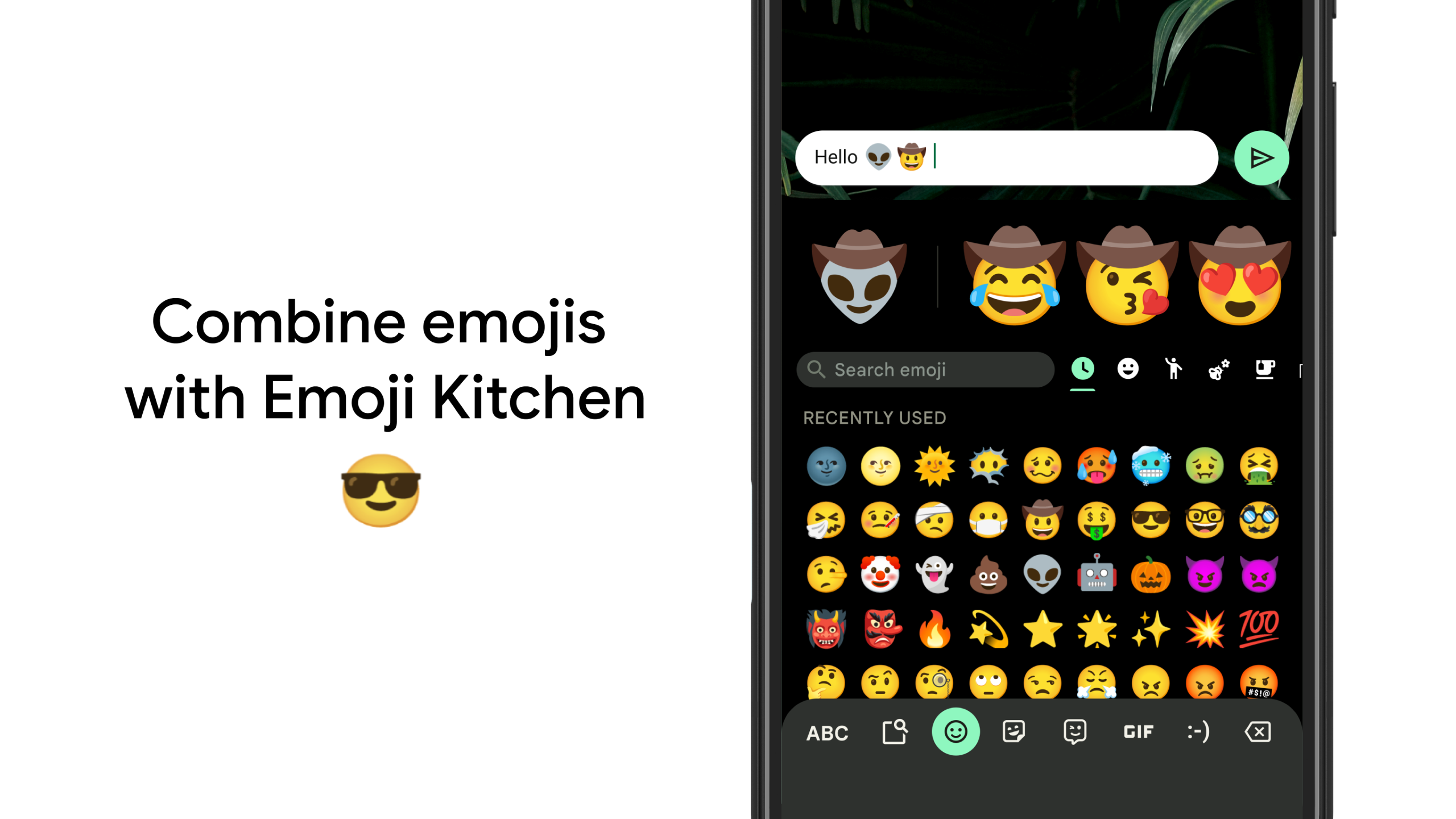
Emoji Suggestions: The app provides emoji suggestions based on your writing, making it easier for people who don’t know how to use emojis properly in conversations.
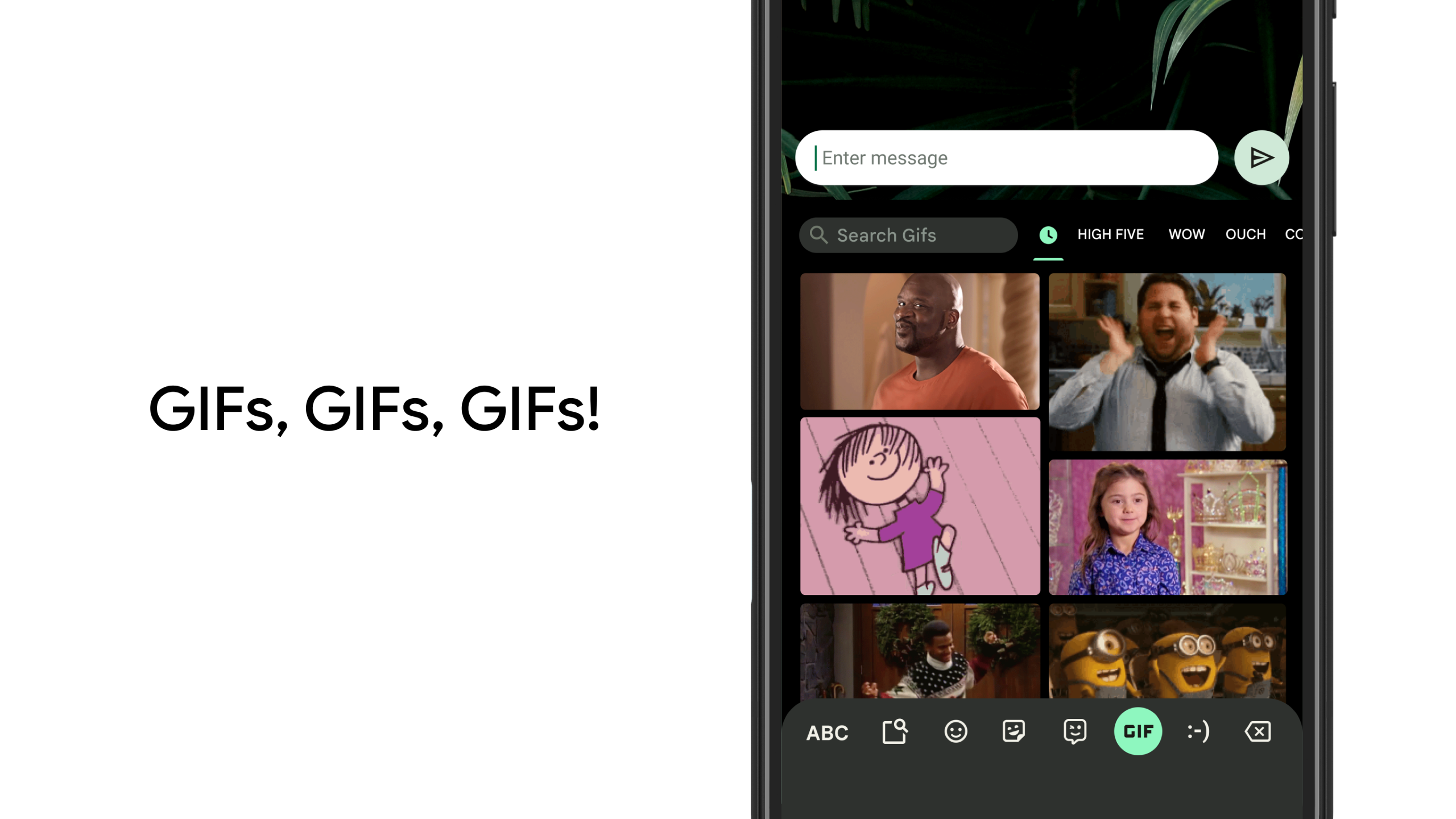
GIFs & Stickers: You will have access to millions of animated gifs, stickers, and memes right at your fingertips when texting someone adding some fun to your conversation!
Usage
Open Gboard and set it as your default keyboard from the in-app guide or your device settings. Confirm the selection in the on-screen prompt.
After that, open Gboard Settings and add the languages you use. Turn on multilingual typing so suggestions work across your chosen languages.
Try Glide Typing by sliding your finger across letters to form words. Use the microphone icon to start voice typing when speaking is faster.
Then, tap the emoji icon to search emoji and GIFs by keyword. Open Translate from the Gboard toolbar to type in one language and send text in another.
Pros and Cons
Pros
Easy to use – Gboard has an intuitive and user-friendly interface, making it easy for anyone to learn how the app works quickly.
Fast typing speed – Its predictive text feature helps you type faster by suggesting words as you type them out. This makes texting a lot easier and quicker than ever before!
Voice Typing Feature – You can easily dictate your messages using voice commands with this convenient feature.
Multilingual Support – Gboard supports multiple languages so users from different countries or regions can communicate in their language without difficulty.
Customizable Themes & Emojis– With its customizable themes, emojis, GIFs etc., one can make conversations more fun and engage on social media platforms like WhatsApp.
Cons
Not available on all Android devices.
Cannot be used with some third-party keyboards and apps.
Some features, such as voice typing, are not supported in specific languages or regions.
FAQs
Is the Gboard app safe?
Gboard is developed by Google and is widely used as a default keyboard on many devices. It processes typing features on the device and may connect to the internet for services like voice typing and emoji or GIF search.
Why are web results missing from Gboard's Search button on Android?
Web results were removed from the keyboard search in Gboard on Android, so the Search button now focuses on emoji, stickers, GIFs, and other keyboard tools. This change keeps the experience centered on composing messages without switching contexts.
Does Gboard support my language?
Gboard supports hundreds of languages and many regional layouts, and you can enable multiple languages at once. Open Gboard Settings to add your languages and choose preferred layouts. For a full list and setup tips, visit the official Gboard Help Center. Note that emoji and GIF search is not available on Android Go devices.
Conclusion
Gboard apk is a great keyboard app that offers users an efficient and convenient way to communicate with their friends, family, colleagues or anyone else. Its easy-to-use interface makes it user-friendly for all types of people. Its features, such as glide typing, voice input and emoji search, make the experience even more enjoyable.






