
Game Mode
Tools
2026-08-24
17.74MB
0.1.0-rc333
Android
548
Screenshots
Introduction
Game Mode is a game launcher for Android devices. It allows users to quickly launch frequently played games and even speeds up the gaming experience for a smoother feel. The app features a game library where users can add their favorite games for easy access later. It also includes a game mode that prevents interruptions from notifications, allowing for greater focus on the game. Users can also directly take screenshots or record their screen, providing significant convenience.
Features:
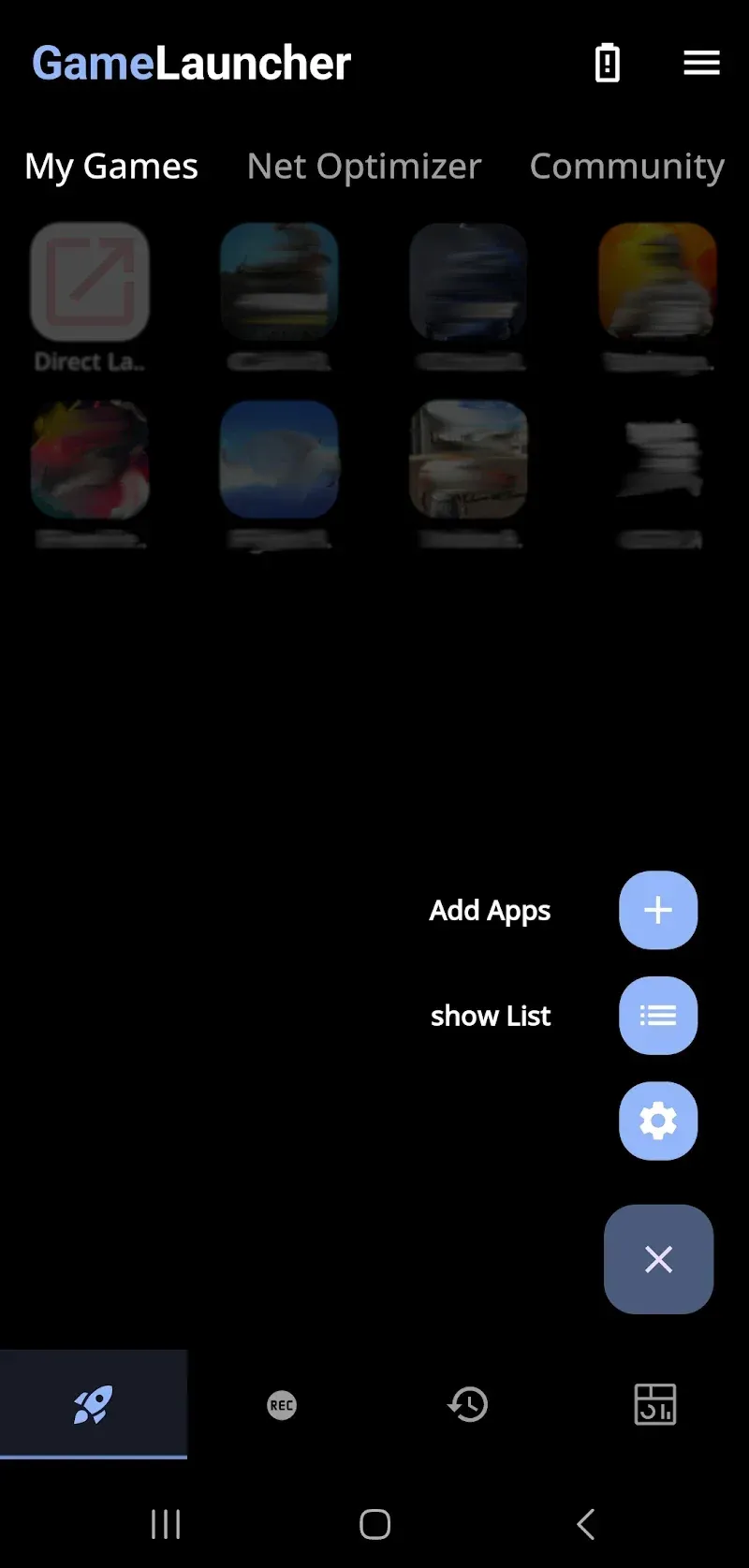
My Games launcher
Game Mode lets you build a My Games hub so your titles sit in one simple screen. When you launch a game from this hub, Game Mode switches on automatically and applies your selected tools. This saves time and keeps setup consistent across different games. It also helps you return to the same routine every session.
Precision overlays for focus
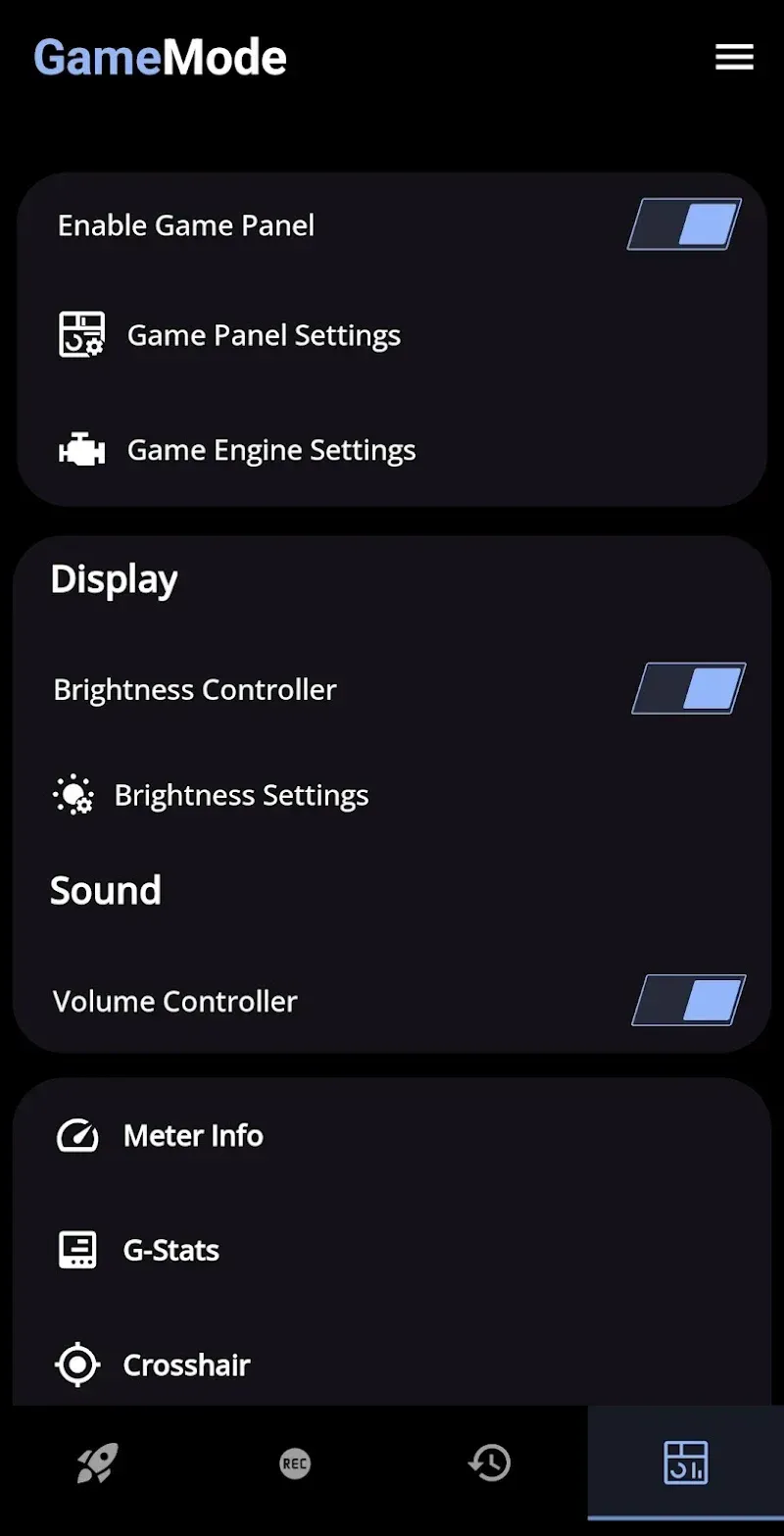
Game Mode includes optional overlays such as Crosshair, Sound Viz, Meter Info, and G Stats. These add visual aids and real time info on screen while you play. You can enable only the overlays you need for a given title. This keeps the view clear while still giving quick reference points.
Controls and locks to reduce mistakes
Game Mode provides a brightness controller with lock, a volume controller, a rotation lock, and a touch lock. These tools help prevent accidental taps and unwanted screen rotations during intense moments. Optional haptic feedback can add a subtle response to inputs if you prefer that feel. Use brightness lock conservatively to balance visibility with power use.
Local screencast recording
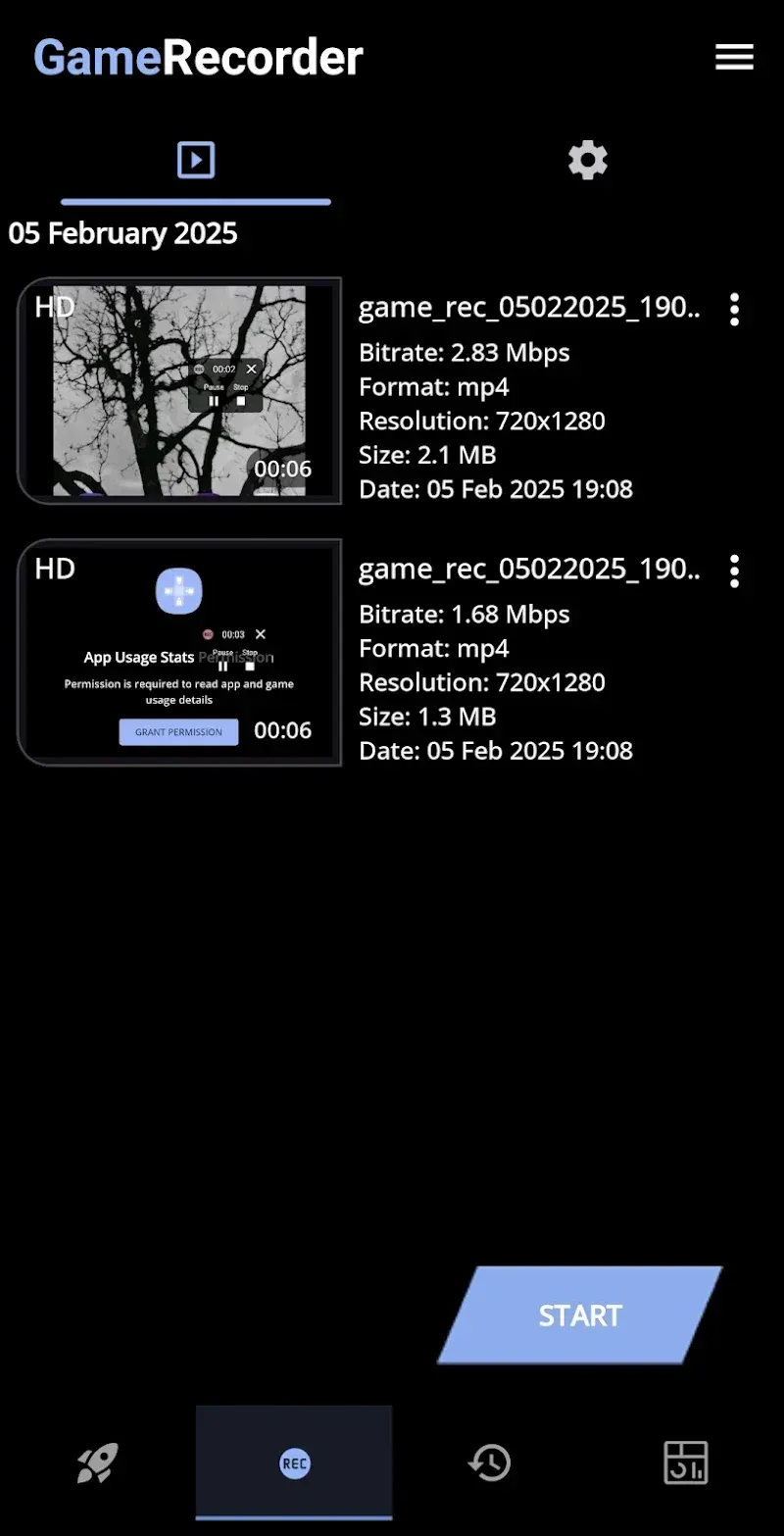
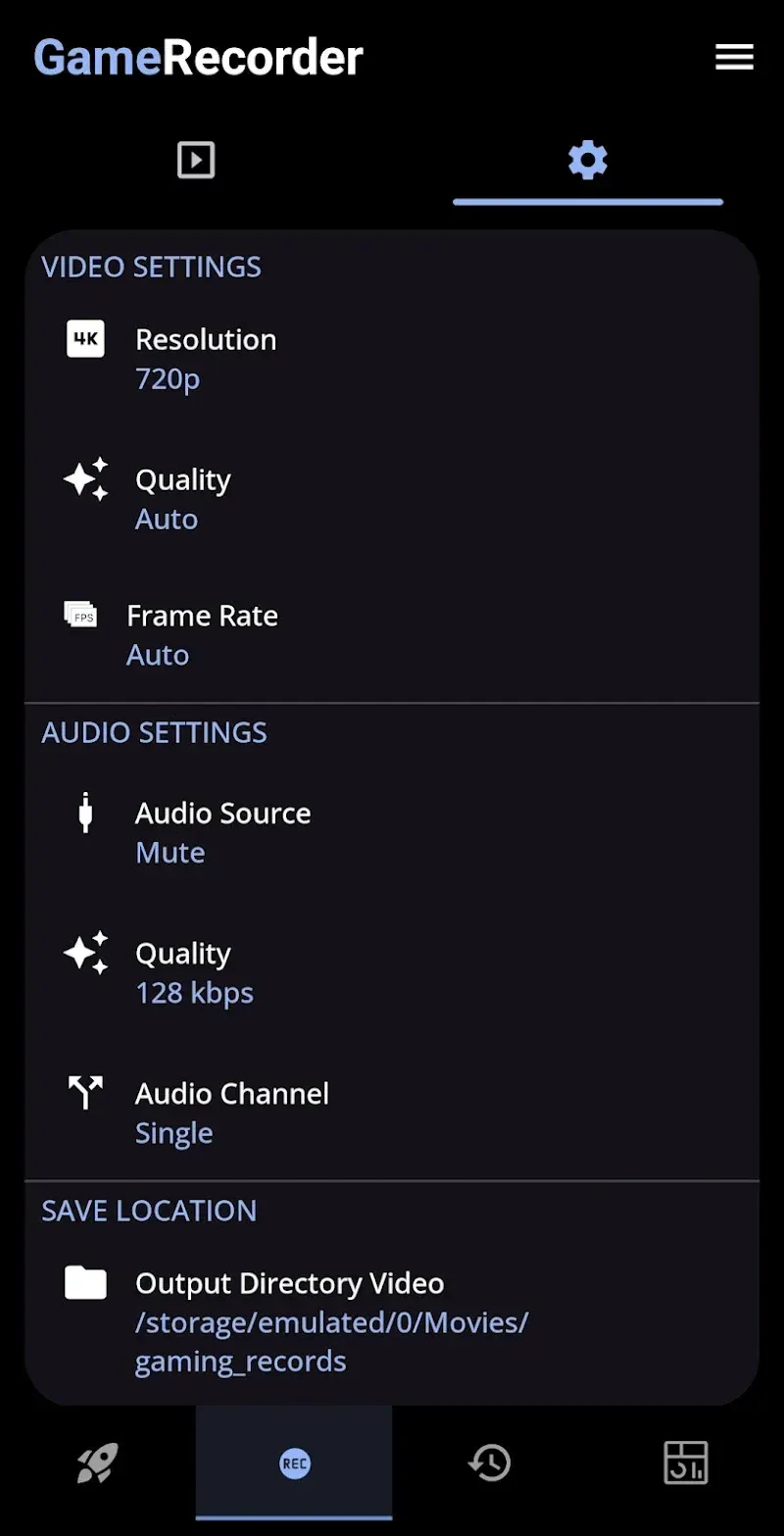
You can record gameplay videos or capture screenshots directly from Game Mode. Files save locally on your device for easy review or sharing later. Controls sit on screen so you can start or stop without leaving the action. This reduces setup steps before each session.
Net Optimizer with local DNS change
Game Mode can set up a local VPN interface only to change DNS on your device. It does not route your traffic to remote VPN servers, and it works solely to adjust DNS, which may help stabilize ping in some networks. This approach keeps device traffic local while still applying DNS tweaks. You can turn this on or off based on your connection needs.
Highlights:
Create a custom space: Your personal library allows you to quickly add games you frequently play. You won’t need to search for them whenever needed.
Fast Launch: Any game you play regularly will launch quickly, eliminating the need to search for it elsewhere.
Enhanced Gaming Tools: Players can significantly increase the volume to hear any distracting sounds during gameplay.
Optimized Network Speed: Furthermore, network speeds for gaming are significantly improved, ensuring a lag-free gaming experience.
FAQs:
Does Game Mode work on all Android devices?
This utility is primarily pre-installed on specific smartphone brands as a system-level optimization tool. While some versions can be sideloaded, the full range of hardware acceleration features is usually tied to the manufacturer’s specific firmware integration.
How do I add new games to the hub?
Most titles are detected automatically upon installation and added to the library interface for quick access. If a specific title is missing, you can manually include it through the settings menu within Game Mode to ensure it benefits from the performance profiles.
Will using this tool drain my battery faster?
The impact on battery life depends on the selected performance mode, as high-performance settings naturally consume more energy. However, the software also includes power-saving options that optimize resource usage to extend your playtime during long travel sessions.
Conclusion:
This gaming-focused tool is ideal for gamers seeking smoother performance, better controls, and an organized playing experience. Whether you want to optimize network settings, enhance visuals, or simplify access to your favorite titles, Game Mode delivers a comprehensive solution. Download the Game Mode APK today and elevate your gaming to new heights.









